 FlashBoards Learn
Editing · Film language
Fade
Also called: fade in, fade out, fade to black, fade to white
A fade is a transition where the picture gradually rises out of black (fade in) or sinks into black, white or another flat color (fade out). Unlike a cut, it puts a pause between two moments, so the viewer feels a scene, a chapter or a stretch of time close before the next begins.
- What it does
- Opens or closes a scene with a gradual change to or from a solid color, usually black.
- Use it when
- A scene, act or whole film needs to end with weight, or a large jump in time follows.
- Watch out
- Fades between ordinary scenes make a film feel slow and hesitant; save them for real breaks.
- Try this prompt
final shot of a scene, lone figure in a small pool of warm lamplight, most of the frame falling into deep black, static wide, low-key
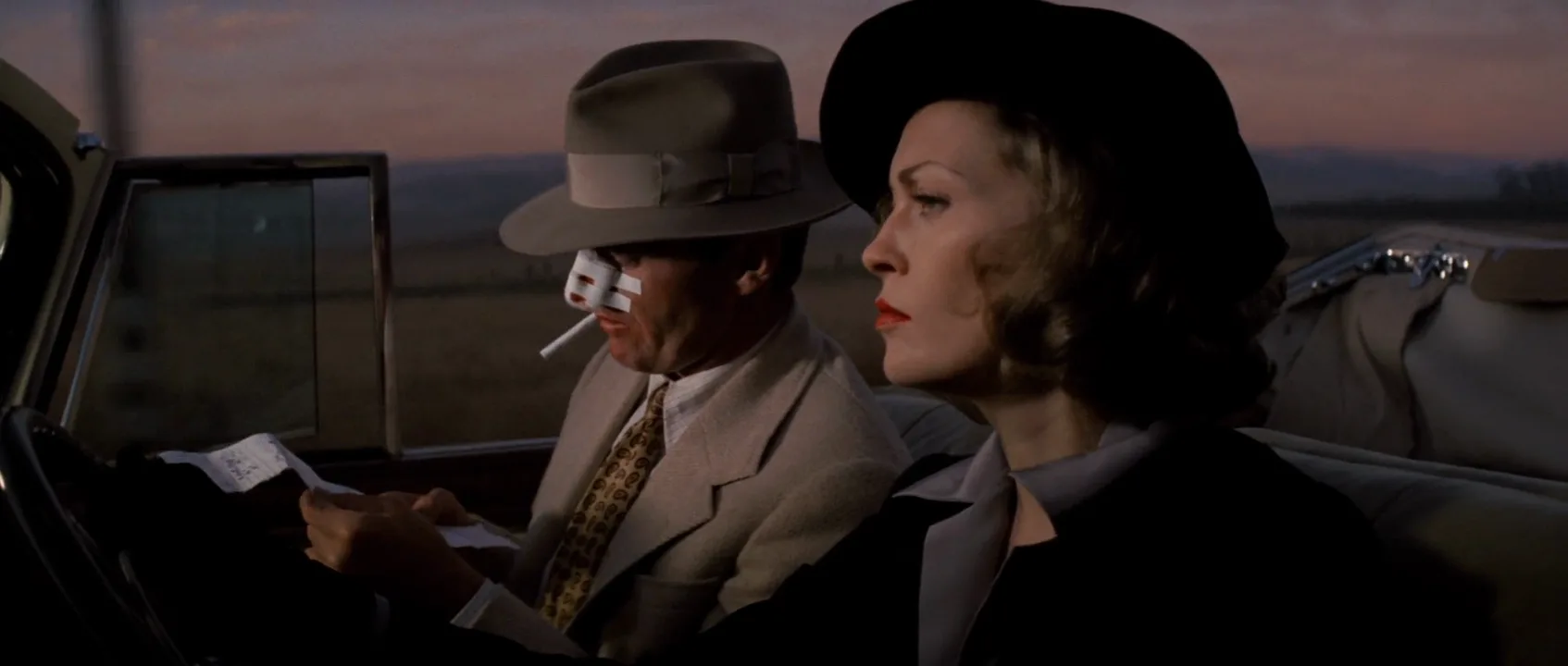
What is a fade in film?
A fade changes the brightness of a single shot toward or away from a solid color. It is one of the oldest film transitions:
- Fade in — the image rises out of black, opening a film, sequence or flashback.
- Fade out — the image sinks into black, closing a scene, an act or the film.
- Dip to black — a fade out straight into a fade in: two shots joined by a beat of darkness.
- Fade to white or to a color — the same move toward a flat bright field.
In a script the cues are FADE IN: on page one and FADE OUT. at the end; see screenplay transitions.
Why do filmmakers fade to black?
A cut says and then. A fade says that's over. The dark frames give the audience a beat to absorb what happened, so fades sit where a story takes a breath:
- Endings. A final image sinking to black lets an ending settle before the credits. The finale of The Sopranos (2007) shows the opposite: it cut abruptly to black, and the missing fade is what made it jarring.
- Chapters and acts. Classic studio films faded out and in between major sequences like chapter breaks; television kept the habit for act breaks.
- Time jumps. Black between scenes reads as a gap, one of the simplest ways to show the passage of time.
- Blackouts. A slow fade on a character's point of view means they lost consciousness.
How to shoot and edit a fade
On set. Hold three to five seconds after the action ends so the editor has a settled image to take down. Compose endings with dark areas already in frame: a figure in one pool of light fades better than an evenly lit room. For an in-camera fade, put the key on a dimmer and bring it to zero on a slow count, or close the iris during the take.
In the edit. At 24 fps: 8–16 frames for a dip to black, 1–2 seconds for a scene ending, 3–6 seconds for the end of a film. Use an eased curve that slows near black; a linear fade seems to drop off suddenly at the end. Fade after the grade so shadows don't clip early.
Sound. Fade audio with the picture or let it trail past the black. Starting the next scene's sound in the dark pulls the audience forward.
Fade to white and color fades
Fading to white reads as memory, death, revelation or overwhelming light: the frame burns out instead of going dark. It works best from high-key shots such as a sunlit window, sky or snow; from a dark shot it looks like a flash. Fades to red or other colors are rarer, stylized statements.
Fade vs. dissolve: what's the difference?
In a dissolve the outgoing and incoming shots overlap, so two scenes feel connected. A fade never overlaps: the first shot reaches black before anything else appears, so the scenes feel separated. Choose a dissolve for continuity, a fade for a full stop. A smash cut is the opposite: no pause at all. The wipe and other tools of editing each carry their own flavor.
Fade in motion
1 clipsA fade only exists in motion, so a still can't show it. Watch the last seconds: the picture doesn't cut away, it loses brightness steadily until nothing is left, and that slow draining is what tells you the story is over.
Fade stills
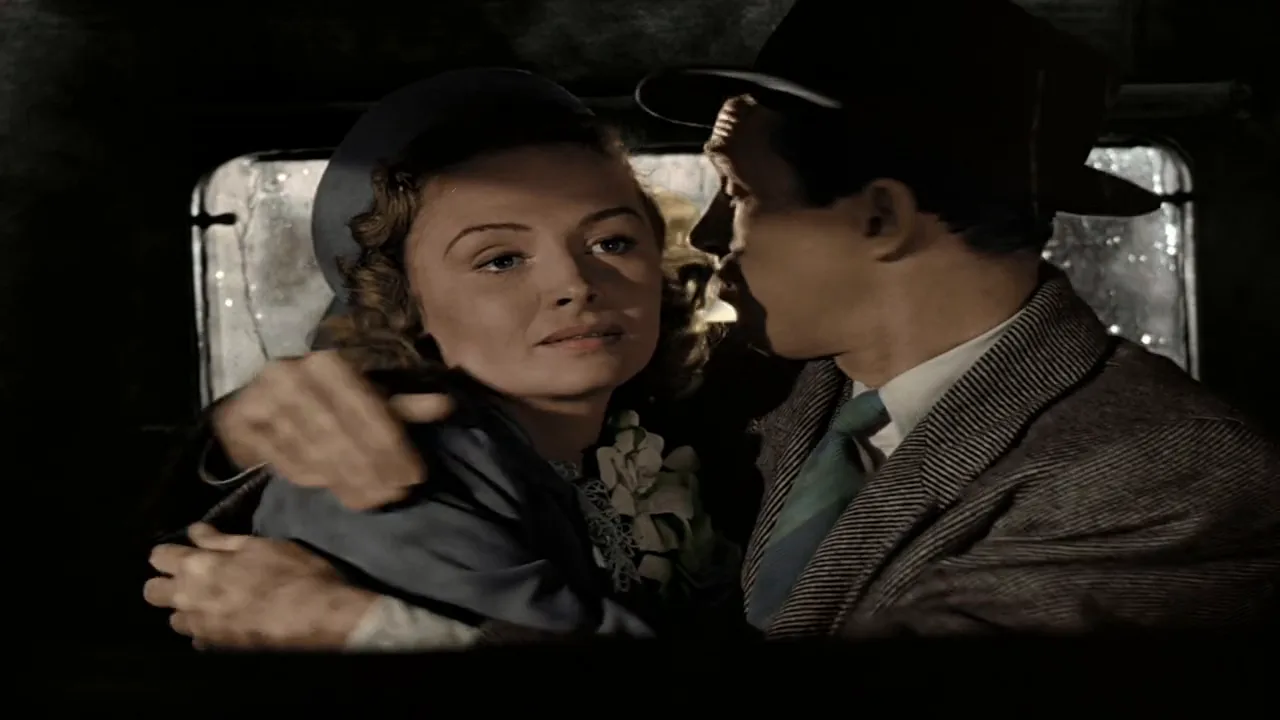
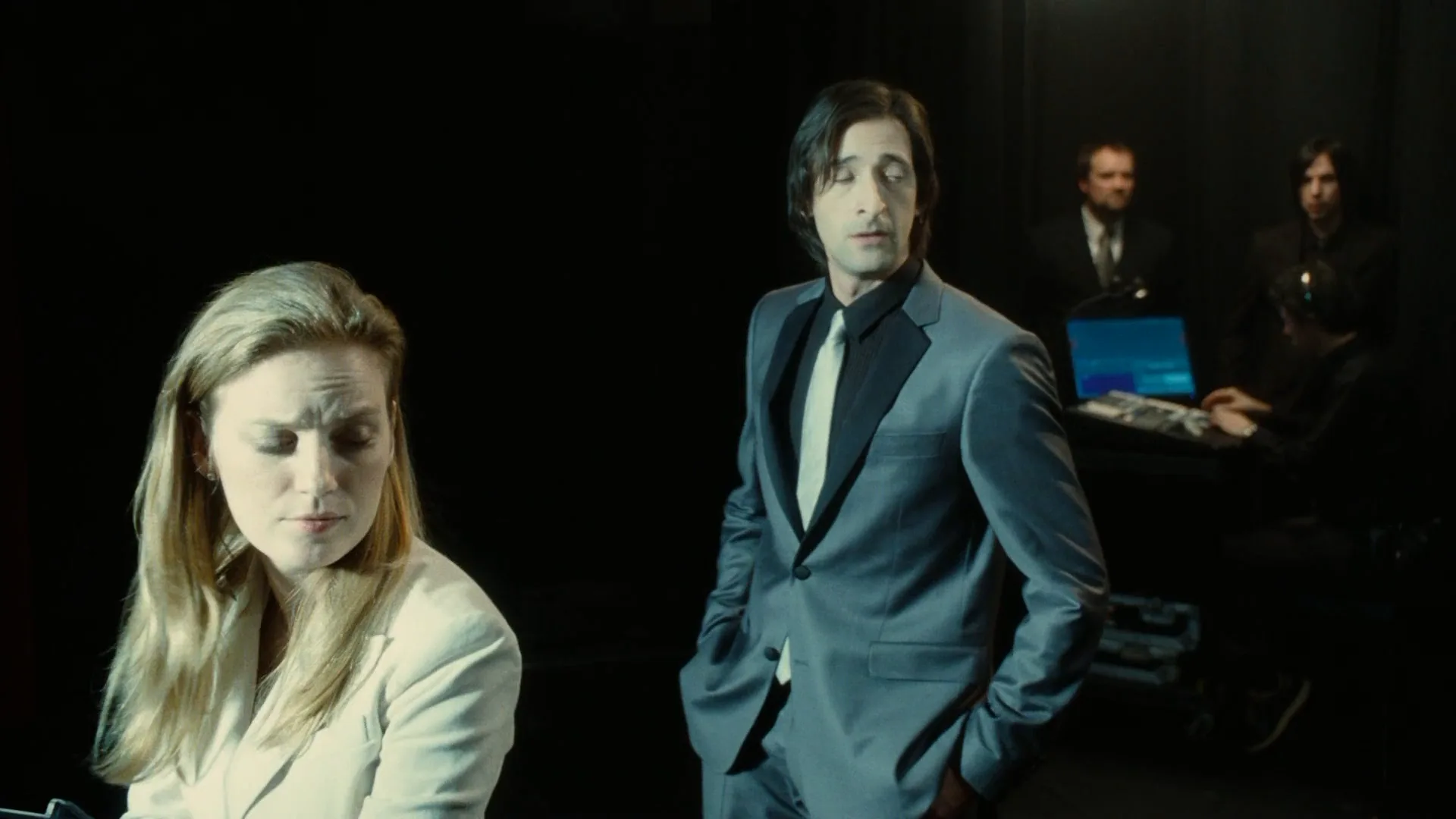
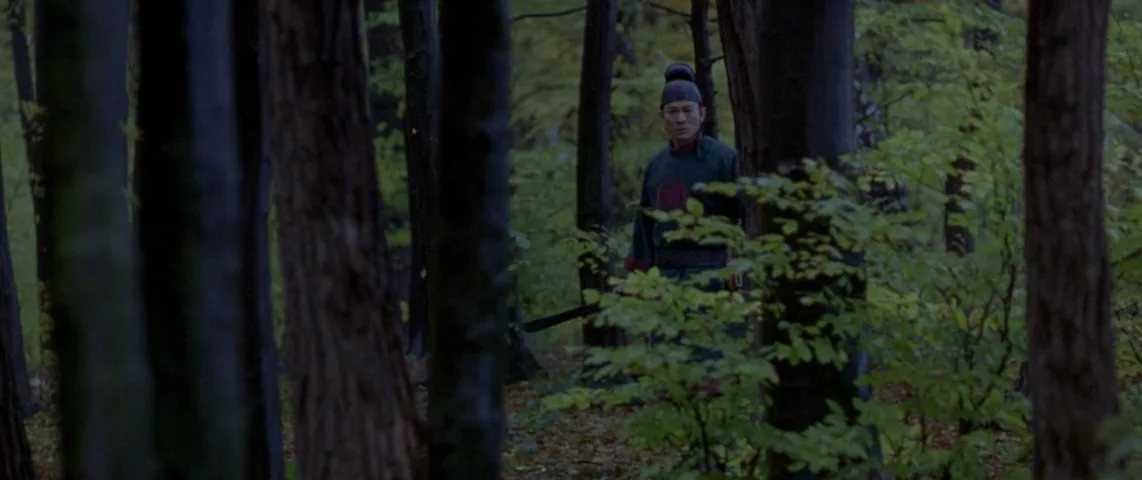
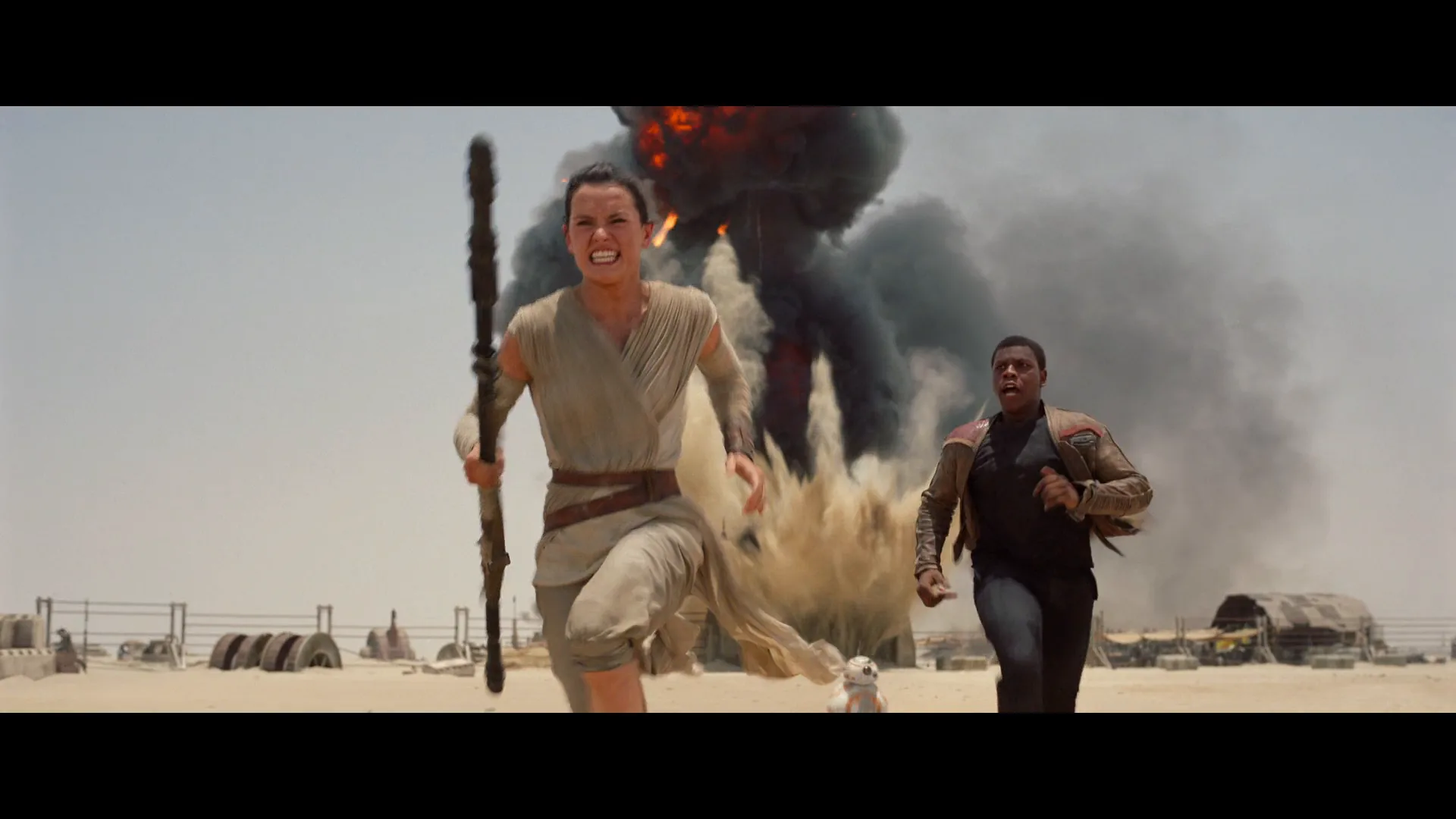
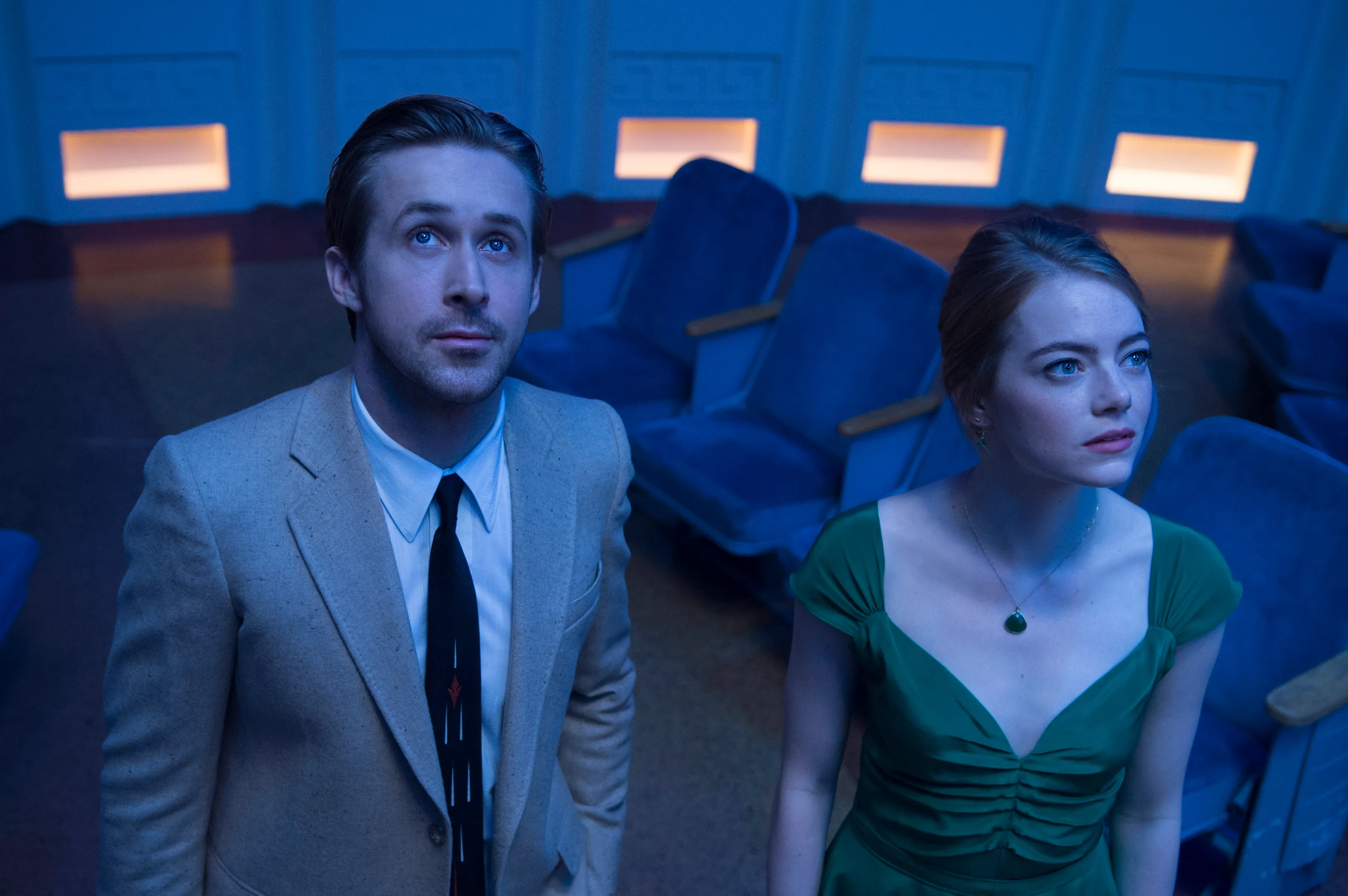
6 framesA fade happens over time, so a still shows its raw material: the frame an editor takes down to black or brings up from it. Watch where the dark and bright areas already sit.
How to create a fade with AI
3 promptsModels don't fade — you do that in the edit. AI gives you the shot built to be faded: a dark-edged final frame, a high-key frame for fading to white, and a take where the light itself drains away. Keep frames, takes and timing notes on one FlashBoards board.
Final shot of a scene, small kitchen late at night. A woman in her fifties with cropped silver hair, a thin scar through her left eyebrow and a faded green cardigan sits alone at a wooden table, hands around a white mug. One bare bulb above her makes a tight pool of warm light; the walls and doorway behind fall into deep shadow, most of the frame near black. Static wide, seated eye height, 35mm lens, low-key, soft film grain.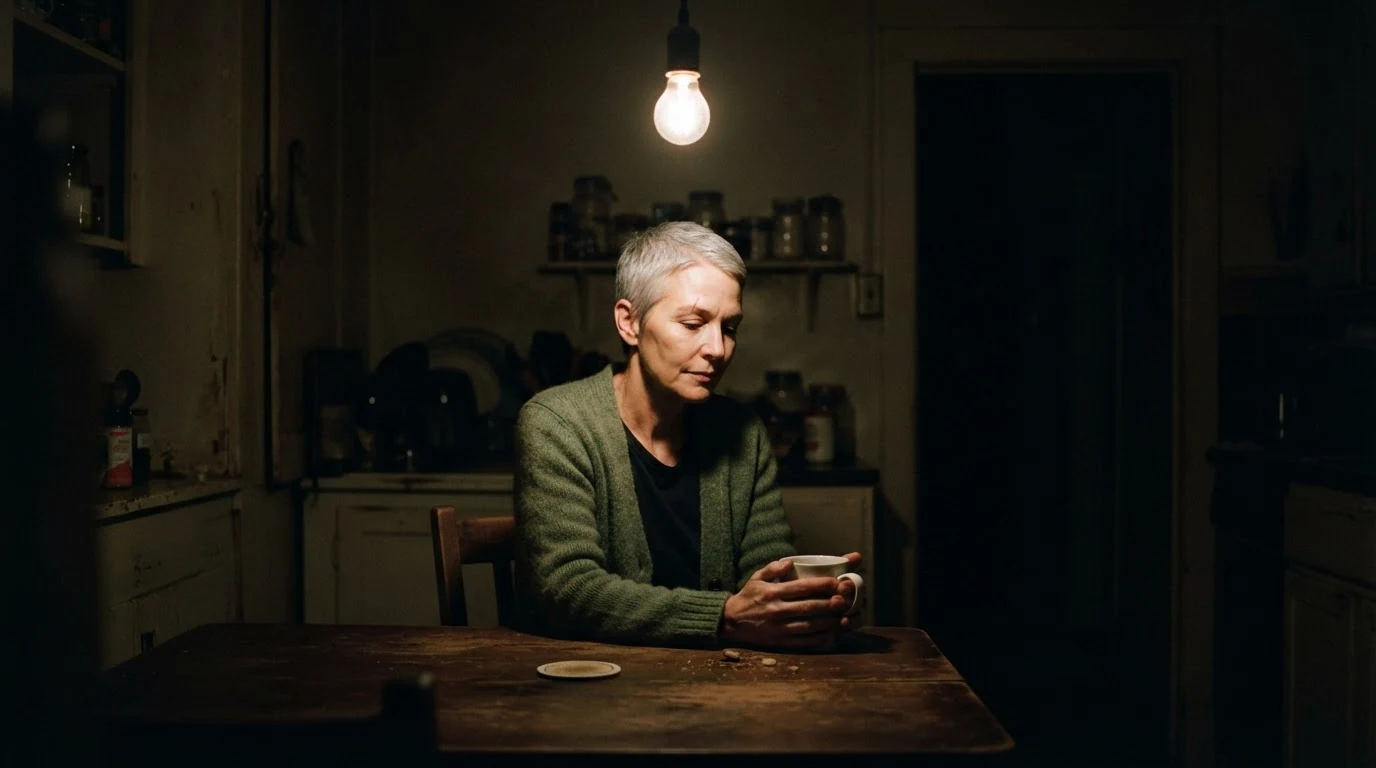
"Tight pool of warm light" and "most of the frame near black" build a frame already halfway to a fade out; "final shot of a scene" keeps it quiet and still.
Open FlashBoardsAnamorphic widescreen frame. A young man with a shaved head, heavy freckles and a chipped front tooth, in a pale grey hospital gown, stands at a tall window in an empty white ward. Low morning sun floods in, the window blown out to pure white, light wrapping his silhouette, highlights clipping. Medium wide, eye level, 50mm, still and weightless.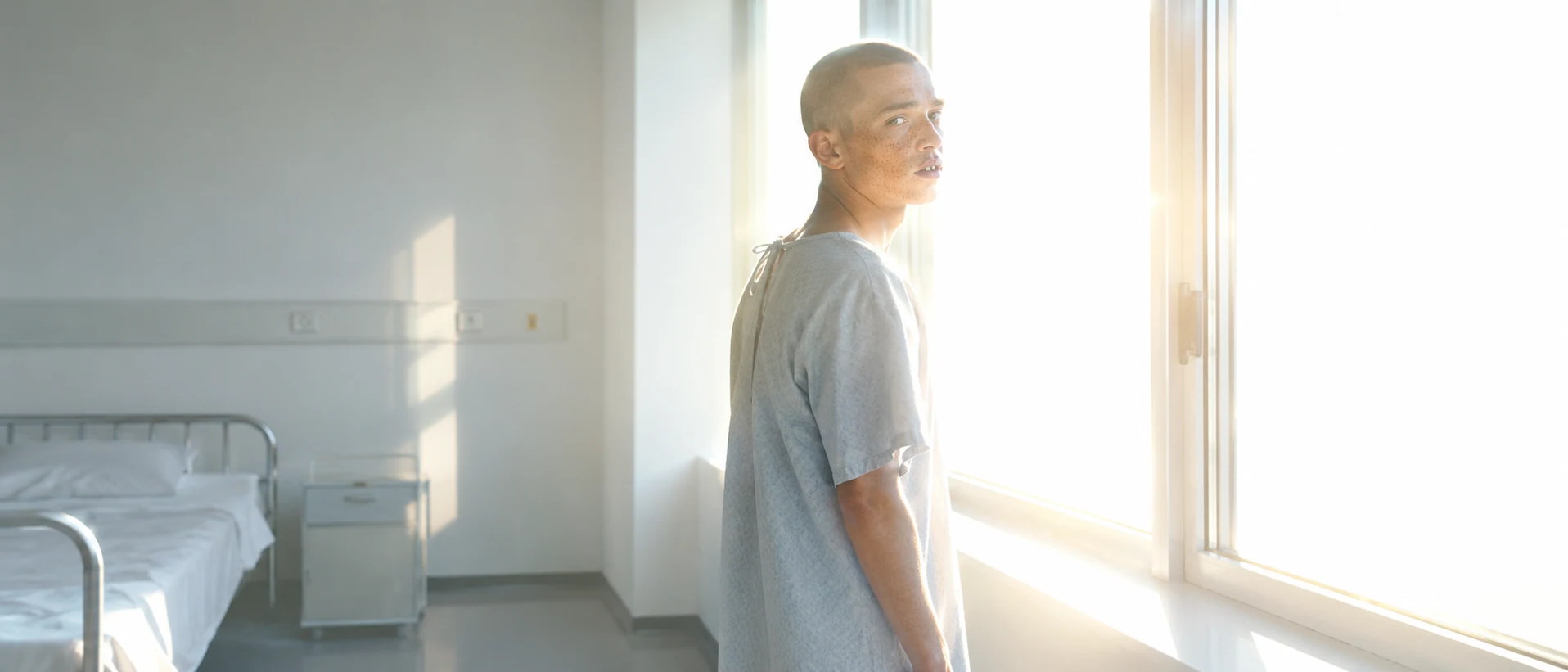
The second take is for a fade to white: "blown out to pure white" and "highlights clipping" start the frame near white, so the fade reads as light taking over.
Open FlashBoardsCamera: locked-off static wide shot, the framing stays the same from start to end. Action: The woman is already lifting the mug to her lips and the bulb flickers once. She sets the mug down and rests her forehead on her hand. The bulb dims steadily, the pool of light shrinking across the table and her face, until the whole kitchen is dark."The bulb dims steadily … until the whole kitchen is dark" is an in-camera fade out, the dimmer trick from set. Starting mid-gesture keeps the shot alive; "locked-off" stops drift.
Open FlashBoardsCommon mistakes
- "A fade to black" in an image prompt gives a random dark picture. Describe the frame before the fade: where the light is and how much is already black.
- Video models may brighten a dimming shot halfway. State the end state plainly and keep the light source in frame.
- Ask for the action to finish early so the clip has a still tail to fade on the timeline.
Keep the reference frames, prompts and every generated take side by side — images and video in one canvas.
FAQ
4 questionsWhat does fade to black mean in a movie?
Fade to black means the image gradually darkens until the screen is fully black. It marks a strong break: the end of a scene, act or film, a jump in time, or a character losing consciousness. The slower the fade, the heavier the ending feels; a quick dip to black works more like a pause between scenes.
What is the difference between fade in and fade out?
A fade in starts on black and brings the picture up, so it opens a film, scene or flashback. A fade out does the reverse, sinking the picture into black to close something. Put together with a moment of black between them, they form a dip to black, which separates two scenes more strongly than a cut.
How long should a fade transition be?
At 24 frames per second, a dip to black usually runs 8 to 16 frames, a scene ending one to two seconds, and the end of a film three to six seconds. Use an eased curve so the last part of the darkening doesn't look like a sudden drop.
Is a fade the same as a dissolve?
No. A dissolve overlaps two shots, so both images are briefly visible and the scenes feel linked. A fade shows one shot at a time and passes through a solid color, usually black, so the scenes feel separated. Editors dissolve to connect ideas and fade to close one chapter before the next begins.
Related terms
5- DissolveEditing
A dissolve blends one shot into the next: the first fades out while the second fades in over the same frames, briefly overlapping — often to mark passing time or link two ideas.
- Screenplay TransitionScreenwriting
A screenplay transition is a right-aligned cue such as CUT TO:, DISSOLVE TO: or SMASH CUT TO: that tells how one scene hands over to the next; modern specs use them only when the cut itself carries meaning.
- Passage of TimeStorytelling
Showing the passage of time means telling the audience that hours, seasons or years have gone by — through montage, dissolves, time-lapse, title cards, changing light or aging characters.
- WipeEditing
A wipe replaces one shot with the next by a moving edge or shape travelling across the frame — a line, a clock hand, a closing iris — a stylised transition famous from Star Wars.
- Film TransitionsEditing
Transitions are the ways one shot or scene gives way to the next — the plain cut, dissolve, fade, wipe, match cut and hidden or stylised moves like whip and mask transitions.
Further reading
Walter Murch, In the Blink of an Eye (Silman-James Press, 2001). Ken Dancyger, The Technique of Film and Video Editing (Routledge).