 FlashBoards Learn
- Learn
- Camera Shots
- B-Roll
Camera Shots · Film language
B-Roll
Also called: B-roll footage, supplemental footage, cover footage
B-roll is the secondary footage cut over or between the main material: details, places, hands at work, streets, weather. The A-roll carries the words, an interview or a dialogue scene; B-roll shows what those words are about, hides the edits in them and gives the story room to breathe.
- What it does
- Illustrates what is being said and covers the cuts in interviews and dialogue.
- Use it when
- A speaker talks about a place, a process or a memory, or you need to shorten a take invisibly.
- Watch out
- Generic pretty shots that match no line of the story; every B-roll shot should answer a sentence in the A-roll.
- Try this prompt
documentary B-roll close-up, flour-dusted hands folding bread dough on a wooden bench, early window light, 85mm, shallow depth of field
What is B-roll?
B-roll is supplemental footage: everything you shoot to lay over or between the main track. The main track, the A-roll, is usually someone speaking: the talking head interview in a documentary, the reporter in a news piece. B-roll is the bakery at dawn, the hands kneading dough, the van in the rain.
The name comes from 16mm editing, when material was cut into two rolls, A and B, and printed alternately so shots could overlap and dissolve without visible splices. The label stuck to cover footage long after the physical rolls disappeared.
Like an establishing shot, B-roll is defined by its job in the edit, not by its size or angle. It is one of the camera shots you plan by asking what the edit needs.
Why do filmmakers shoot B-roll?
To show instead of tell. When the interviewee says "I opened the shop with one oven," the audience wants to see that oven.
To hide the cuts. Interviews are edited hard, a sentence from minute 4 joined to a thought from minute 19. On the face, the head jumps; with B-roll over the join, the audience hears one smooth answer.
To control pace and tone. Fast B-roll under music speeds a sequence up; a long, still shot of an empty room lets a line land. Scorsese's Taxi Driver (1976) opens on this kind of material: a yellow cab gliding through steam, neon streets smeared on a wet windshield.
To give the edit options. In documentary filmmaking the story is found in the cutting room, and the editor can only build what was shot.
Types of B-roll, with examples
- Location and atmosphere. Exteriors, streets, landscapes, weather.
- Process. Hands doing the work the subject describes: a mechanic, a chef, a potter.
- Details. Objects that matter, shot like an insert shot: a trophy, a letter, a worn tool.
- Observational. The subject walking, driving, working, not talking to the lens.
- Archival. Photos, home movies, headlines.
- Travel and transitions. Cars, trains, roads that carry the viewer to the next place or chapter.
How to shoot B-roll
Shoot to the interview. A B-roll shot list is a list of sentences that need pictures.
Shoot sequences, not single shots. For each action get a wide, a medium, a tight and one unusual angle: the baker from across the room, hands at 50mm, flour falling at 100mm macro, her face in profile.
Hold every take 10 seconds or more, and give moves a still start and end so the editor has handles.
Keep moves small and slow. A slider, a gimbal drift or a short handheld push makes B-roll feel alive. Vary the direction so the editor can match screen direction.
Go long for details. An 85–135mm lens at f/2–2.8 isolates hands and keeps you out of the subject's space, so behavior stays natural.
Match the A-roll in light, time of day and grade, and record natural sound with every shot.
B-roll vs. cutaway vs. stock footage
| | B-roll | Cutaway | Stock footage | |---|---|---|---| | What it is | All cover footage for a project | One brief shot away from the action | Licensed footage | | Shot by | Your crew | Your crew | A library or archive |
A cutaway shot leaves the main action for a moment, to a bystander or a clock, then returns. Most cutaways come from your B-roll, but B-roll is the whole reservoir, including shots that run long under music.
Stock footage is B-roll you did not shoot. Stock is fast and cheap but rarely matches your light, lens and grade.
B-Roll examples in film
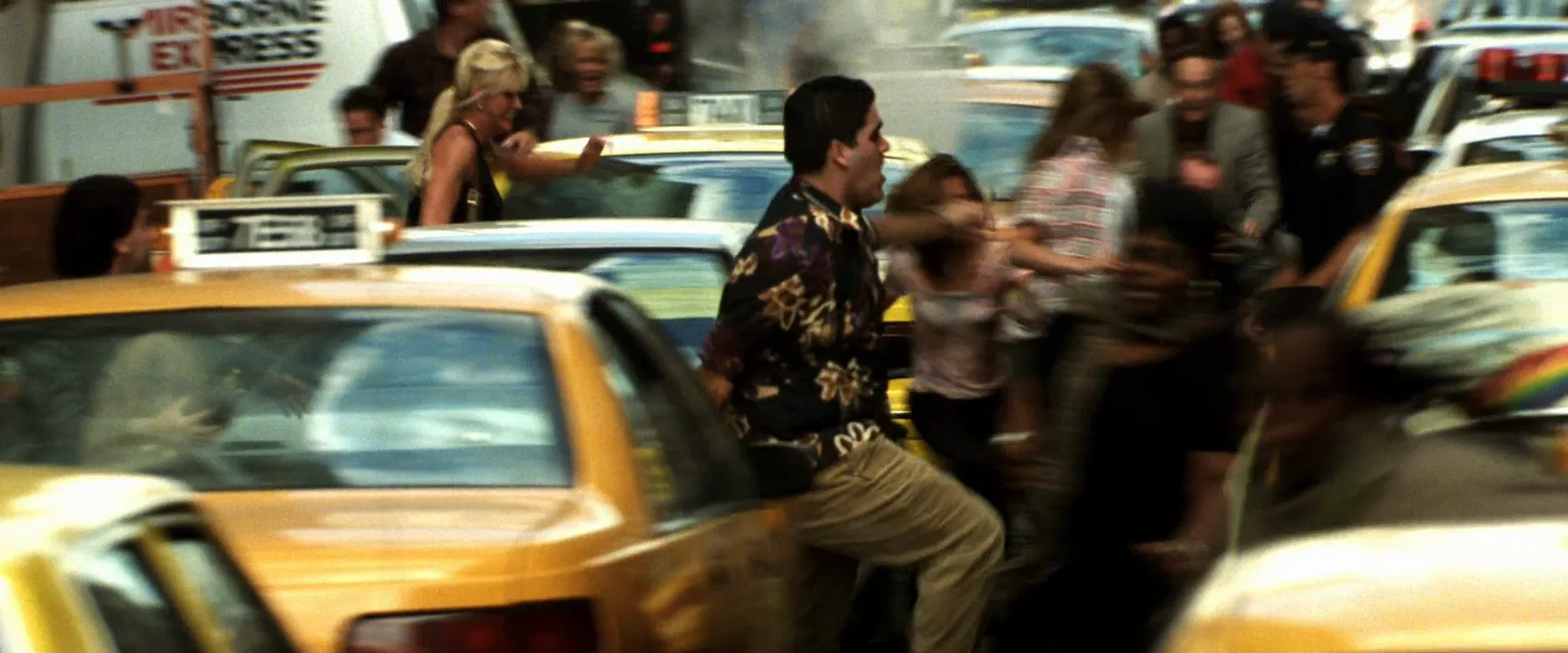
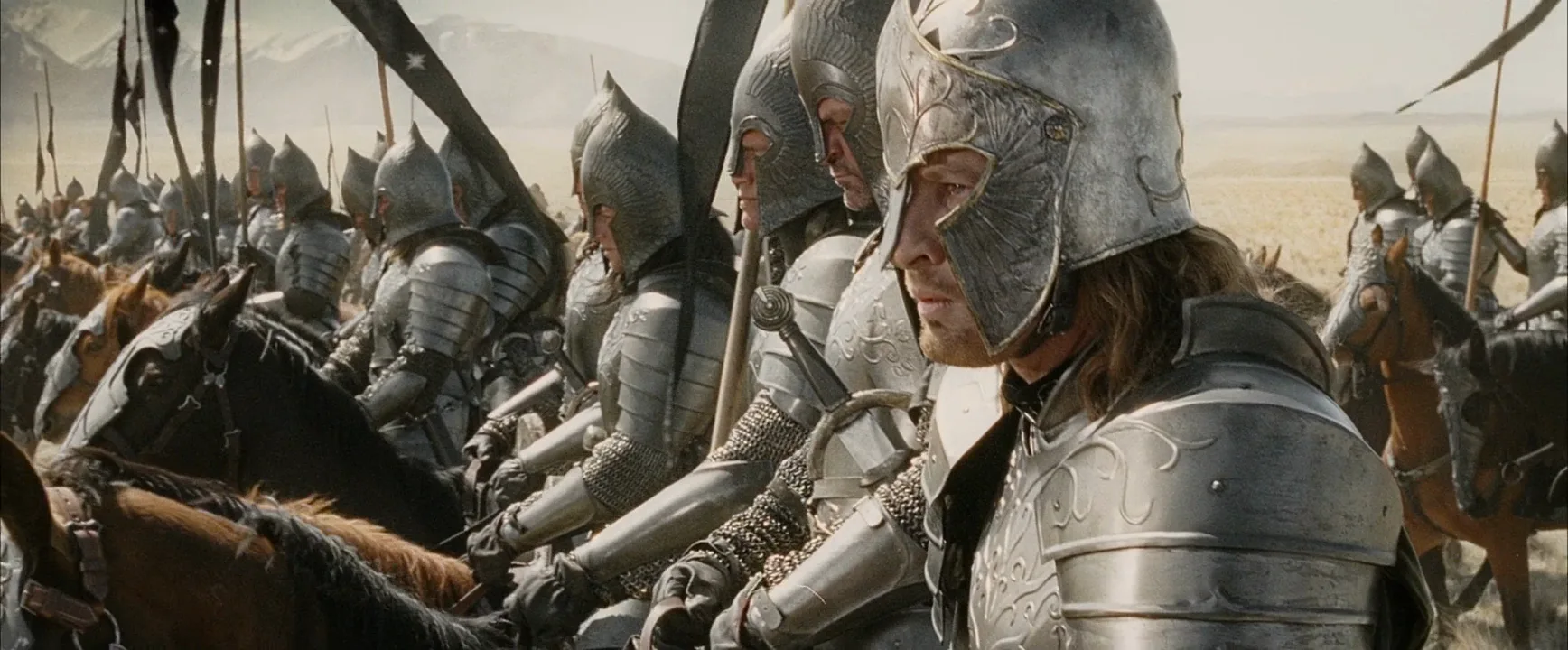
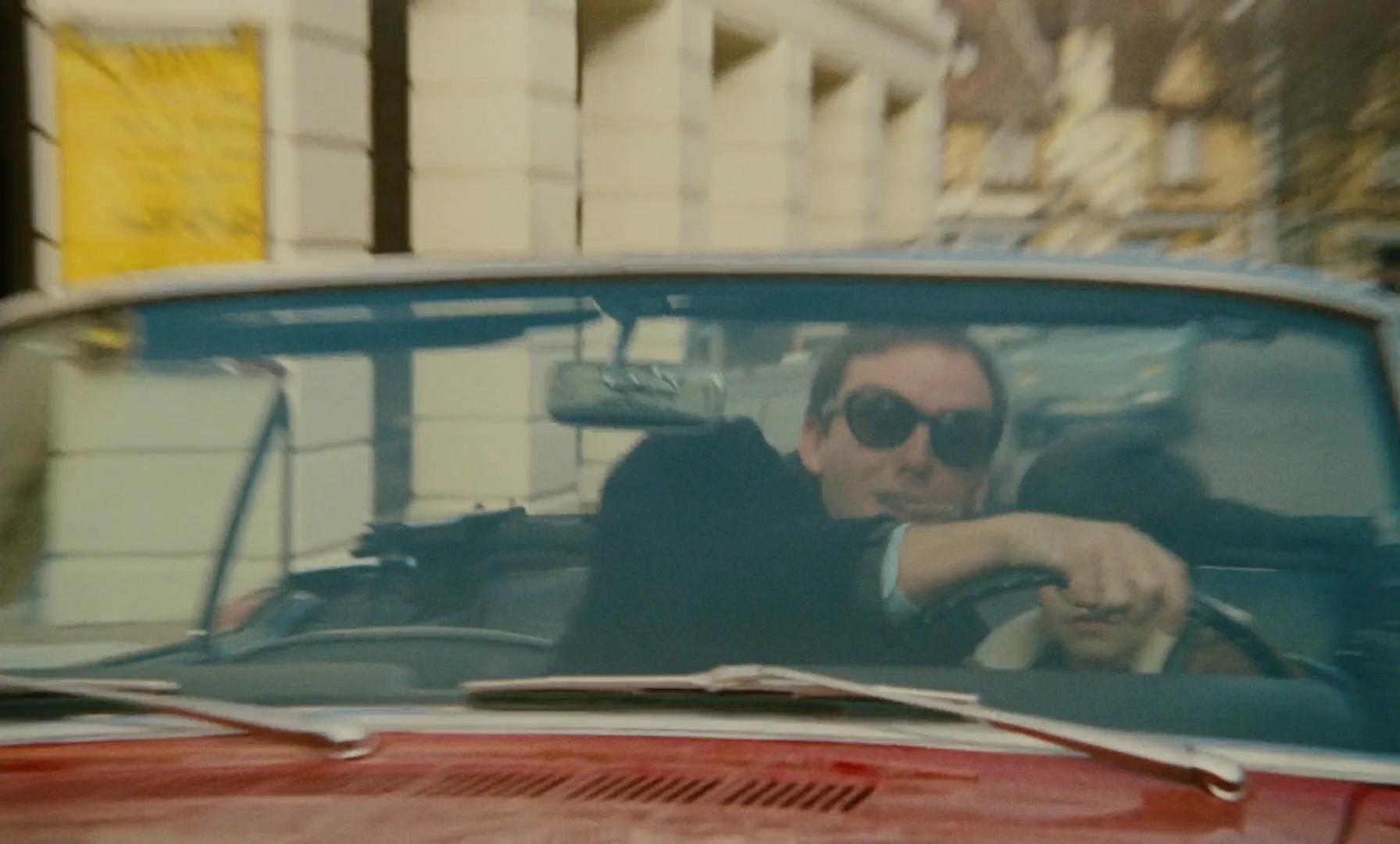
8 framesFiction films are full of shots that do B-roll's work: street texture, crowds, travel, rooms. Picture each under a line of voice-over.
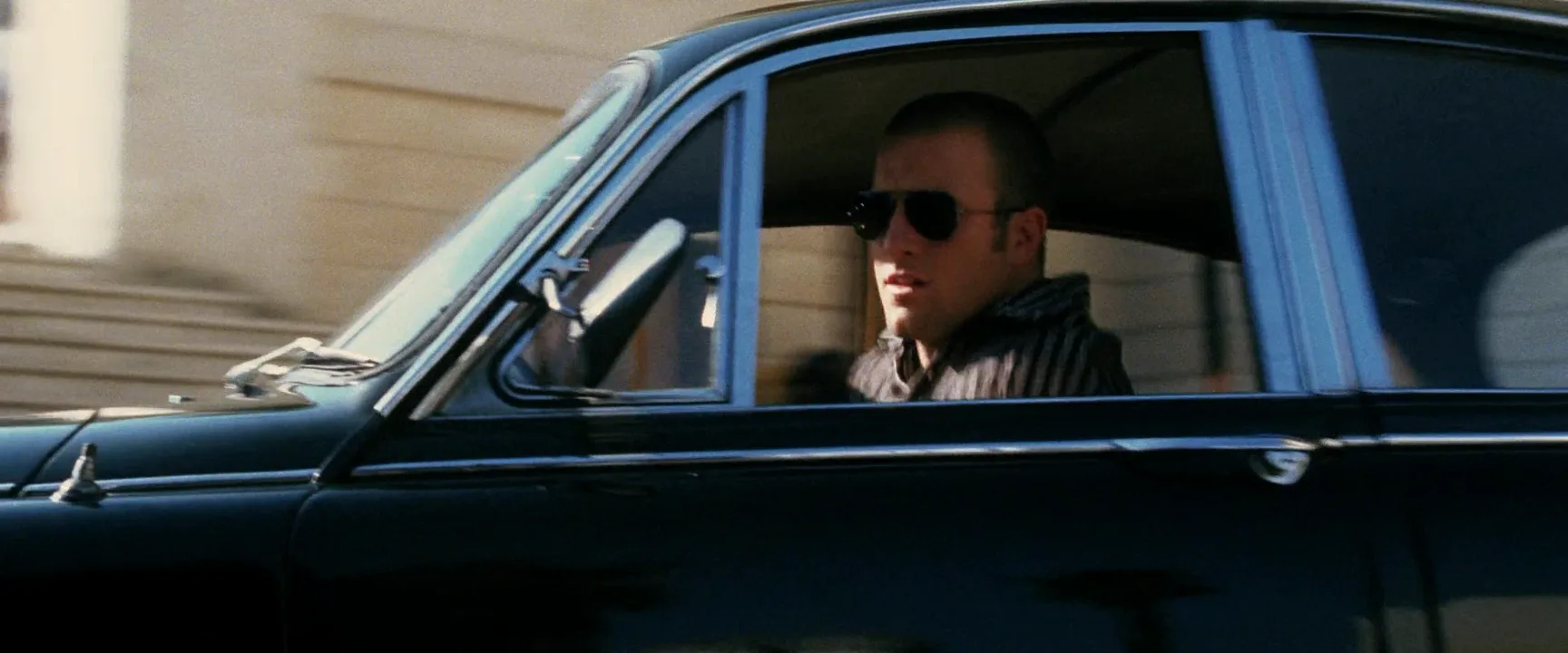
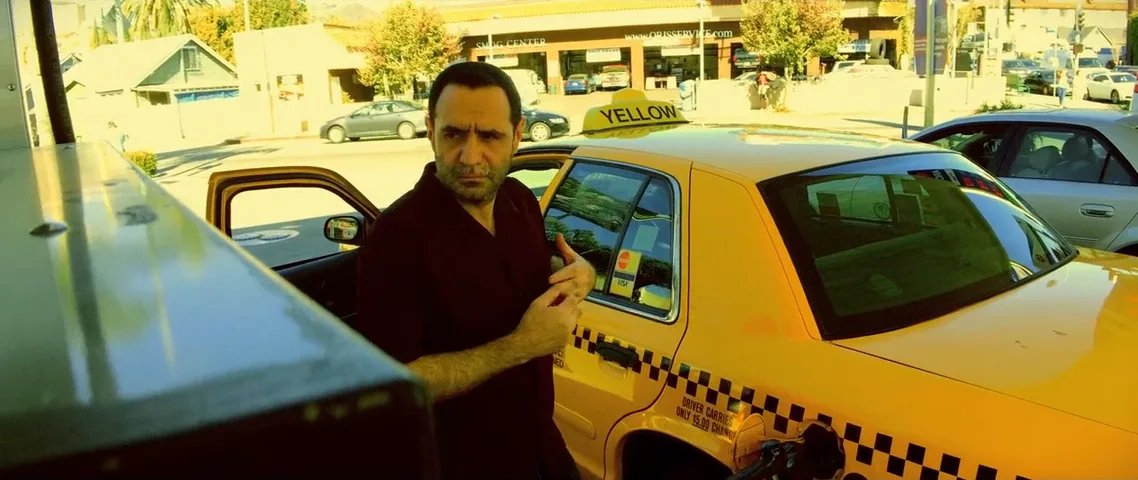
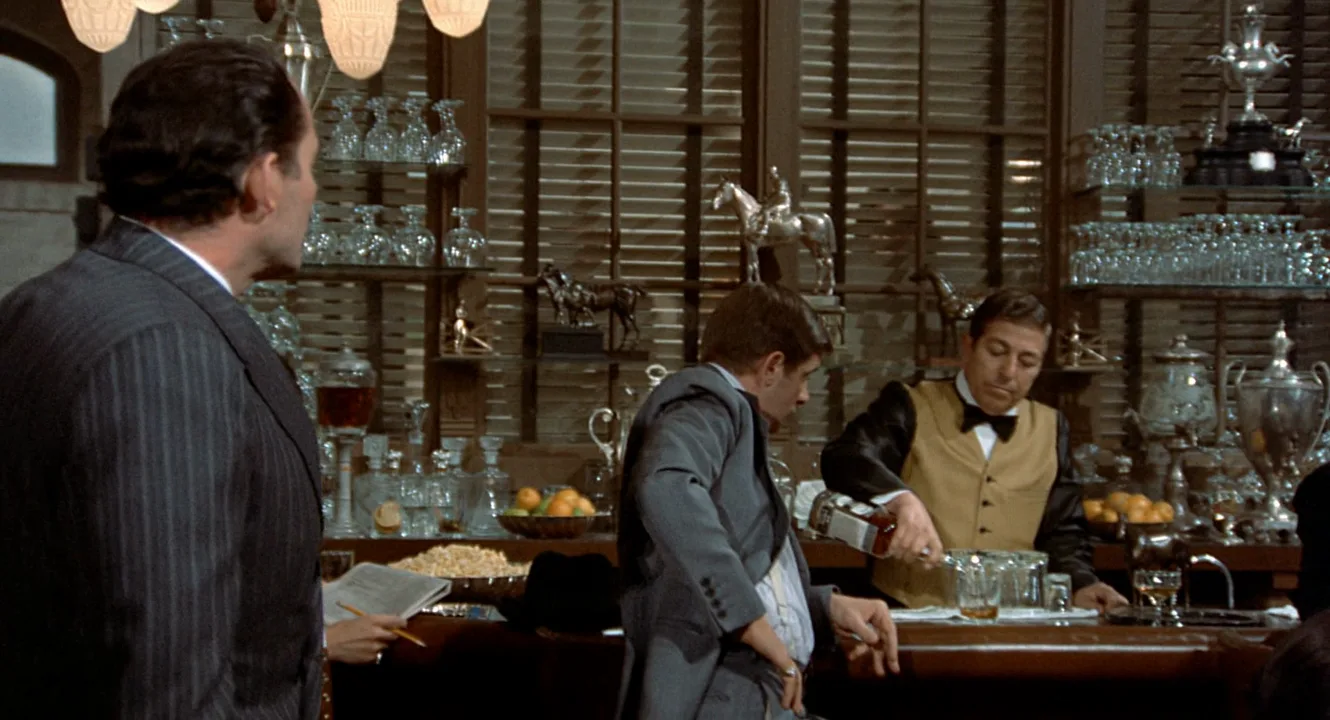
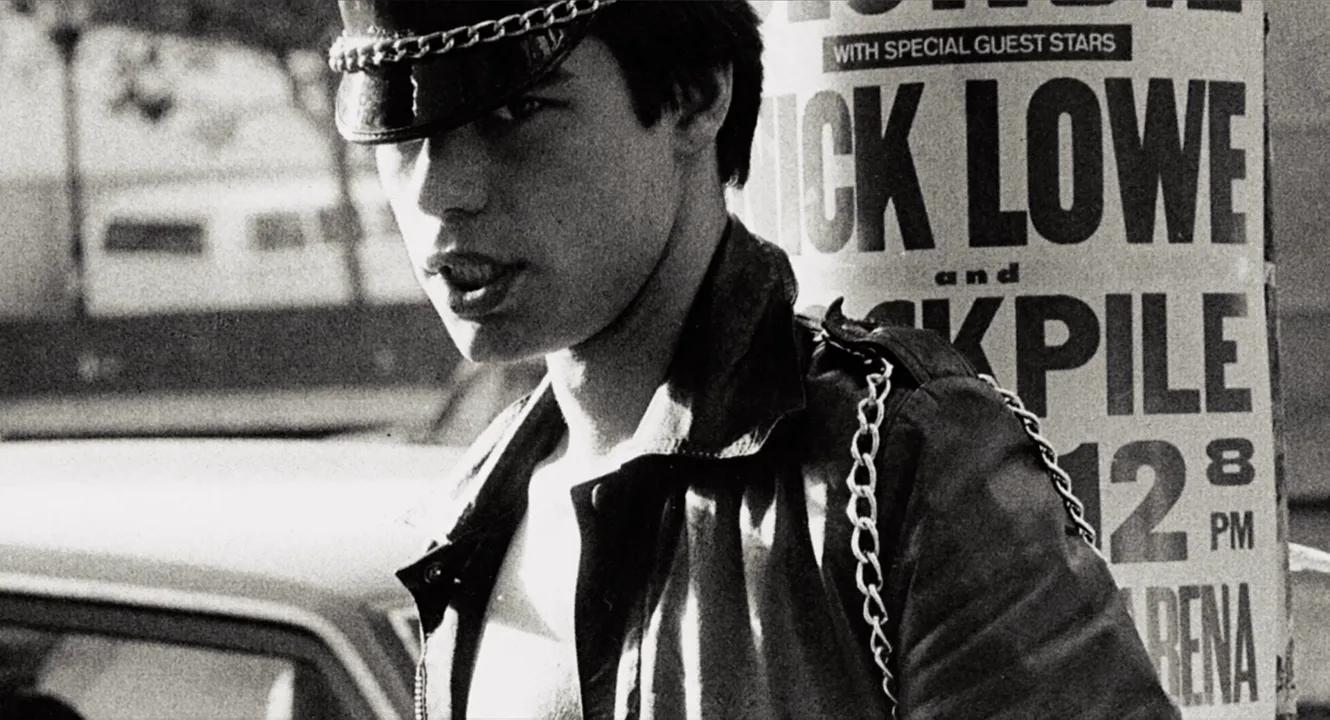
How to create a b-roll with AI
4 promptsUse AI to previsualize cover shots before the shoot, or to fill a detail nobody filmed. Keep interview stills, the shot list and every take on one FlashBoards board to check the sequence side by side. The fourth prompt re-shoots a real film shot from a text description alone, and the original plays next to the result so you can compare.
Documentary B-roll close-up of a baker's hands folding bread dough on a worn wooden bench, flour on the knuckles, a small burn scar on the left thumb, thin silver ring, early morning window light from the left, 85mm lens at f/2, shallow depth of field, natural color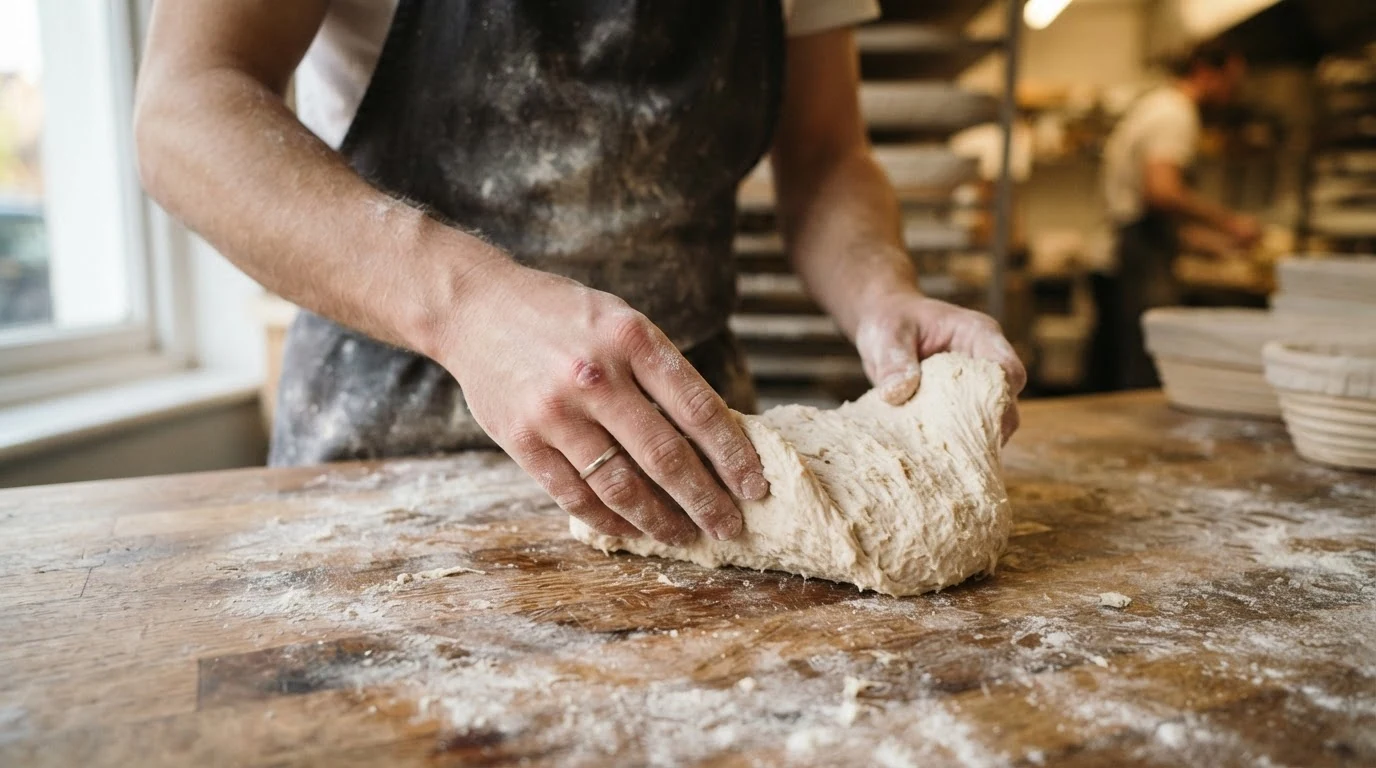
"Documentary B-roll close-up" sets function and size; the scar and ring give the hands a specific fictional owner. "85mm at f/2" and one window source produce the soft, isolated detail that cuts under an interview.
Open FlashBoardsWide observational B-roll of a small bakery before dawn, seen from across the room: a woman in her sixties with short silver hair, round tortoiseshell glasses and a navy apron slides loaves into a deck oven, warm light from the oven, cool blue window, 28mm at chest height, unposed, not looking at camera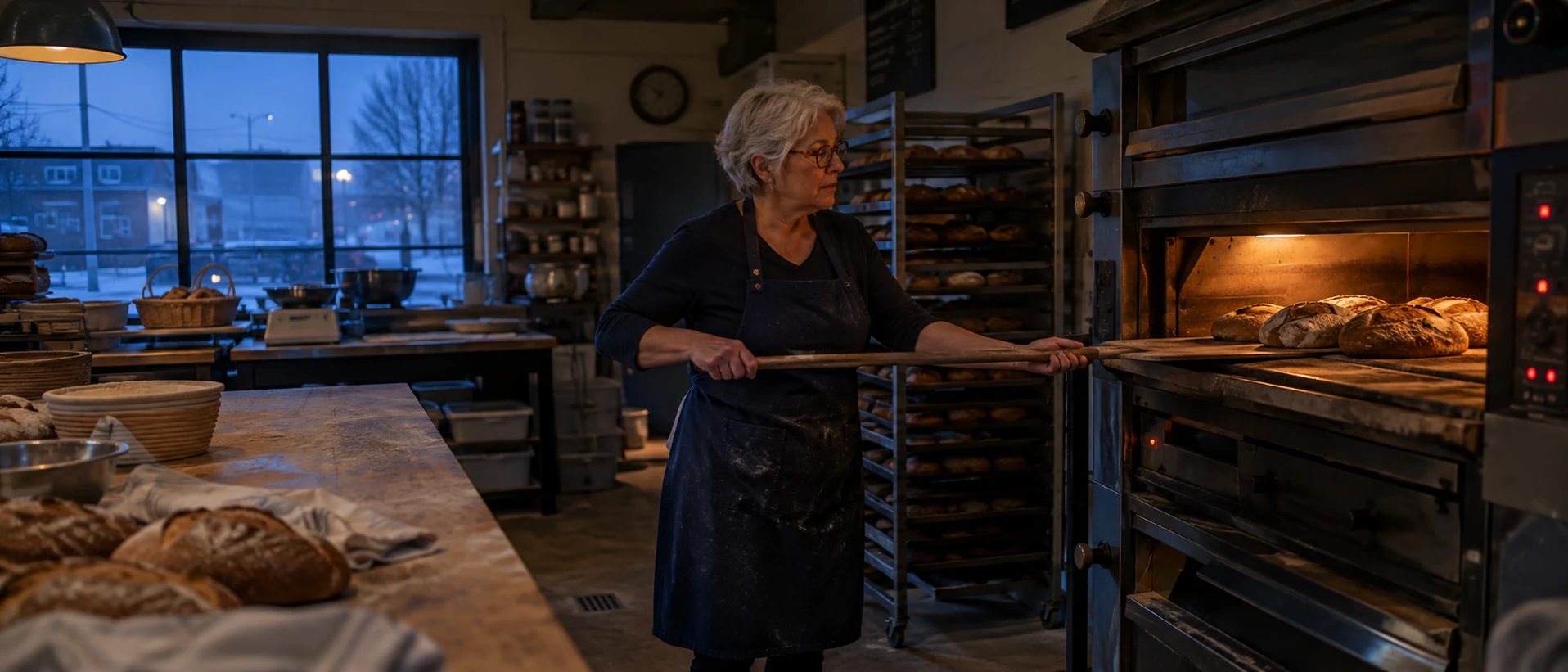
The wide of the same sequence: same light logic, different size. "Observational" and "not looking at camera" keep it from becoming a portrait.
Open FlashBoardsCamera: slow handheld drift to the left along the bench, staying close on the hands. Action: The hands are already pressing into the dough, then fold the far edge toward the body and press it down. Flour puffs up and catches the window light. At the end the hands turn the dough a quarter turn.The action starts in the first sentence, so the clip is alive from frame one, and the small one-way drift is what editors want from B-roll.
Open FlashBoards{
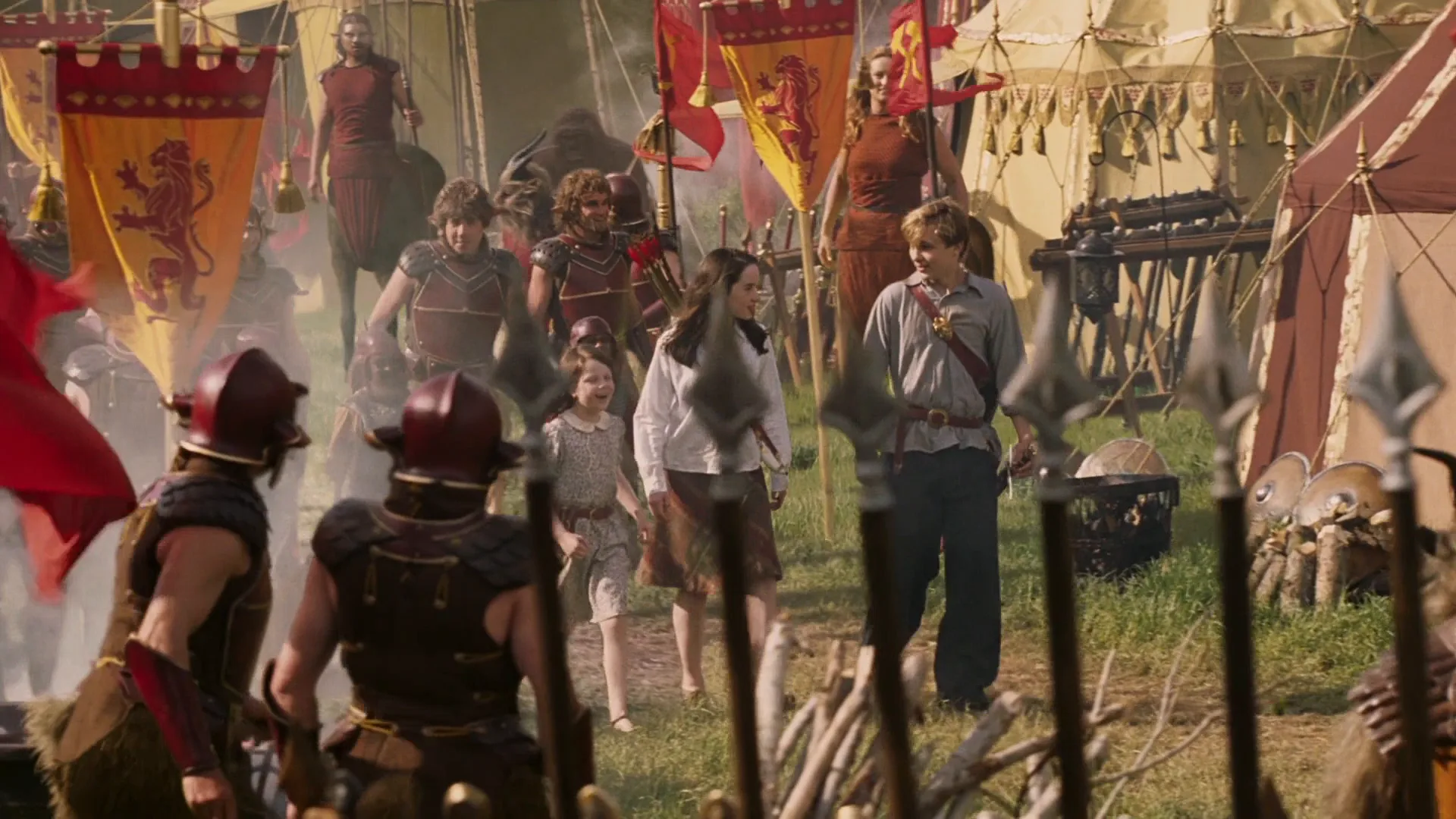
"output": "Full-screen live-action shot from The Chronicles of Narnia: The Lion, the Witch and the Wardrobe (2005), alive from its very first frame: one continuous shot, no cuts. 35mm film look, warm golden late-afternoon sun from the right, campfire smoke drifting in soft white haze, saturated crimson, orange and ochre against green grass: a great army camp of cream canvas pavilions and heraldic lion banners in a meadow.",
"characters": {
"S1": {
"name": "Peter Pevensie, played by William Moseley",
"look": "tall blond teenage boy, loose grey-blue shirt, dark trousers, a brown leather strap across his chest from his right shoulder",
"voice": "silent in this shot"
},
"S2": {
"name": "Susan Pevensie, played by Anna Popplewell",
"look": "teenage girl with long straight dark hair, white long-sleeved blouse, brown knee-length skirt, a leather strap across her chest",
"voice": "silent in this shot"
},
"S3": {
"name": "Lucy Pevensie, played by Georgie Henley",
"look": "small girl of about eight, brown bob, pale cream dress",
"voice": "silent in this shot"
},
"S4": {
"name": "a Narnian soldier",
"look": "broad bare-armed man seen only from behind, dark red round helmet, dark leather armour",
"voice": "silent in this shot"
}
},
"shots": [
{
"shot": 1,
"camera": "wide shot at standing eye level, deep focus, slow steady truck to the right, the camera glides sideways parallel to the camp while the three children walk toward it; a row of upright iron spear tips fills the bottom foreground and slides right to left across the lower frame as the camera moves",
"action": [
"BEGINNING: alive from the first frame, a huge crimson flag billows in the left foreground; S4 stands just right of it in the lower left, back to camera, head turned slightly to screen right; S1 walks toward camera in the right-centre middle ground, arms loose at his sides, eyes on the camp ahead; behind him horsemen in red and centaurs move past a tall orange lion banner.",
"THEN: S2 steps out of the smoke on screen left of S1 and walks level with him, her dark hair swinging, head turning left to take in the tents; S1 glances toward the lower right, his left arm swinging.",
"THEN: a second red-helmeted soldier edges in beside S4 at the left; S3 appears on the far left of the group, a step behind S2, looking up and around with wide eyes; the crimson flag slides out of frame left.",
"THEN: a red-and-cream striped pavilion slides in from the right edge and fills the right third; the spear tips keep sweeping through the foreground; an armoured beast's shoulder enters the bottom right corner.",
"END: smoke rolls across the whole group, the three children are now in the near middle ground still walking toward camera, S1 on the right looking down and ahead, S2 in the centre, S3 on the left; S4 stays with his back to camera in the lower left; the camera eases out of its move."
],
"dialogue": [],
"voice": "silence: nobody speaks in this shot, no voice at all"
}
],
"sound": {
"ambience": "a busy army camp: crackling fires, horses snorting and hooves on grass, distant hammering on metal, flags flapping in the breeze, a far-off murmur of many people",
"speech": "no words in this video; the only human sounds are breaths and movement",
"never_spoken": "no narration and no voice-over: the descriptions, performance notes and step words of this prompt are never spoken aloud",
"music": "a film score under the scene, always below the voices: warm swelling strings with soft French horns, a stately hopeful theme",
"subtitles": "none"
}
}Remakes the army-camp truck from The Chronicles of Narnia: The Lion, the Witch and the Wardrobe (2005): the prompt kept the rightward move, the flag and spear tips in the foreground, the smoke and the three Pevensie children walking into the camp.
The camera block carries the corpus label "Truck right" and the foreground spear tips that sell the sideways move; the action steps bring Peter, Susan and Lucy into frame in the order the original does. Nobody speaks, so only ambience and score play under the shot: pure atmosphere a voice-over could sit on.
Open FlashBoardsCommon mistakes
- Models pose people toward the lens. Write "unposed, not looking at camera" and name the task they are busy with.
- Spotless details look like product shots; ask for wear: flour, chips, scratches.
- Repeat light direction and time of day in every prompt of a sequence so takes match.
Keep the reference frames, prompts and every generated take side by side — images and video in one canvas.
FAQ
4 questionsWhat is B-roll footage?
B-roll footage is the secondary material in a film or video: places, objects, actions and people cut over or between the main footage, usually an interview or dialogue. It illustrates what is being said, hides edits in the main track and sets the mood. The main footage is called the A-roll.
What is the difference between A-roll and B-roll?
A-roll is the primary footage that carries the story, usually people speaking. B-roll is everything cut over or around it to show what they are talking about. In the finished edit you often hear the A-roll while watching the B-roll, then return to the speaker's face for key moments.
What are good B-roll examples?
Hands at work while someone describes their craft, a street or building the speaker mentions, the subject walking or driving, close details of important objects, archival photos, and transitions such as roads and trains. Good B-roll matches a specific line: if the speaker talks about the first shop, show that shop.
How much B-roll do I need?
More than you think. A common documentary rule of thumb is three to five B-roll shots for every minute of finished interview, each held at least ten seconds. Shoot each action as a sequence, wide, medium, tight and one unusual angle, so the editor can build a small scene.
Related terms
6- Cutaway ShotEditing
A cutaway briefly leaves the main action for something else — a detail, a bystander, an object elsewhere — then returns, adding information, a joke or a way to hide a cut.
- Stock FootagePost-Production & VFX
Stock footage is pre-shot material licensed from a library — skylines, crowds, nature, historical newsreel — cut into a film instead of shooting it again.
- Talking HeadCamera Shots
A talking head is a head-and-shoulders shot of a person speaking — an interviewee, expert or presenter — the basic framing of documentaries, news and online video.
- Insert ShotCamera Shots
An insert is a close shot of an object or small action inside the scene — a note, a phone screen, a hand turning a key — cut into the coverage so the audience notices exactly the detail the story needs.
- Establishing ShotCamera Shots
An establishing shot opens a scene or sequence by showing where — and often when — it takes place, typically a wide view of a building, street, city or landscape before the film cuts closer to the characters.
- Documentary FilmmakingFilmmaking Process & Crew
Documentary filmmaking records real people and events rather than staged fiction, built from observation, interviews, archival footage and narration, and shaped into a story in the edit.
Further reading
Michael Rabiger, Directing the Documentary (Focal Press).