 FlashBoards Learn
- Learn
- Camera Shots
- Establishing Shot
Camera Shots · Film language
Establishing Shot
Also called: establisher, opening wide shot
An establishing shot is the shot that opens a scene or sequence by showing where, and often when, it takes place: a city skyline, a house at dusk, a diner sign, a valley at dawn. It orients the audience before the film cuts closer to the characters.
- What it does
- Answers where and when in one image, so the next shots can focus on people.
- Use it when
- A scene moves to a new location, a new time of day, or after a time jump.
- Watch out
- Generic skyline B-roll tells nothing; show the specific place, light and mood of this scene.
- Try this prompt
establishing shot, exterior of a small roadside motel at blue hour, neon sign lit, snowy mountains behind, one window glowing, static wide frame
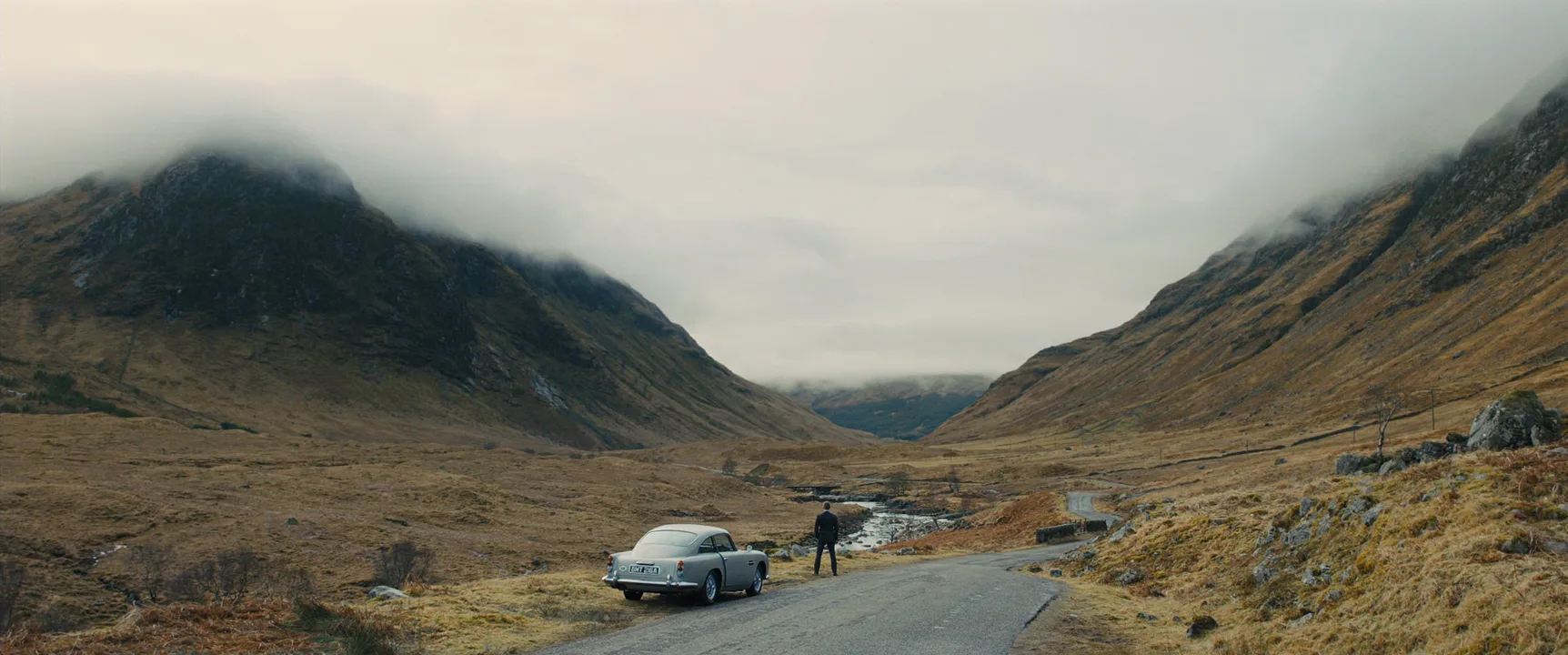
What is an establishing shot?
An establishing shot is defined by its job, not its size. It is the image that tells the audience where the next scene happens, and often when: day or night, which season, which year. In the script it is the visual answer to the scene heading: EXT. MOTEL - NIGHT becomes a motel sign glowing against dark mountains.
Most establishing shots are wide, because a wide frame shows the most geography. Many are an extreme long shot of a city or landscape, many are an aerial shot drifting over rooftops. But it can also be a building exterior at street level, a sign, or a close detail that tells us unmistakably where we are.
Shot size describes how big the subject is; establishing describes the shot's purpose in the edit. It is one of the few camera shots that you identify by what it does in a sequence rather than by how it looks.
A related move is the re-establishing shot: a return to the wide view in the middle or at the end of a scene, to remind the audience of the geography or mark passing time.
Why filmmakers use establishing shots
Orientation. The simplest job: without it, a cut from a car interior to an office leaves the viewer guessing. One exterior of the office tower and nobody wonders.
Time. Light carries time better than dialogue. The same house at noon, at dusk with lamps on, and in the grey of dawn tells three different parts of the story.
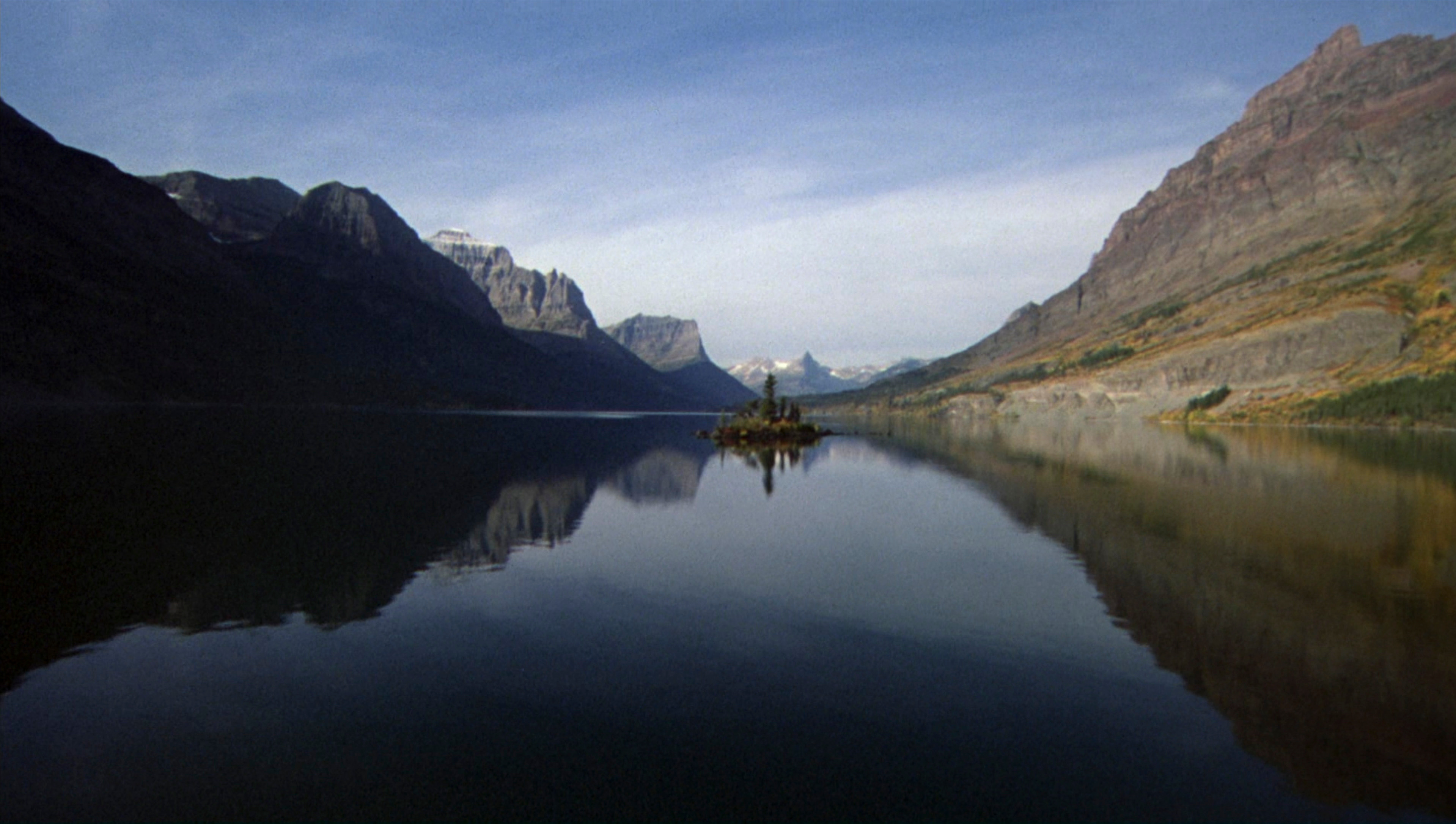
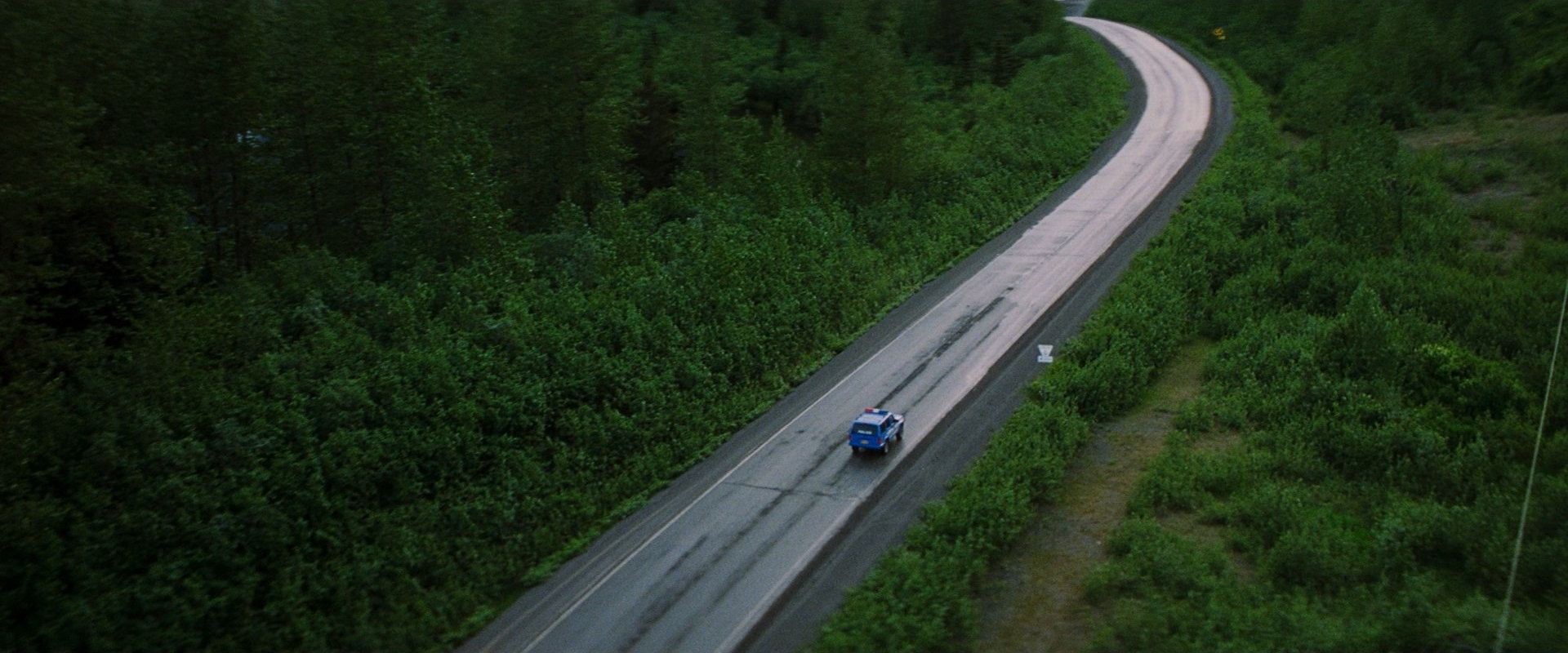
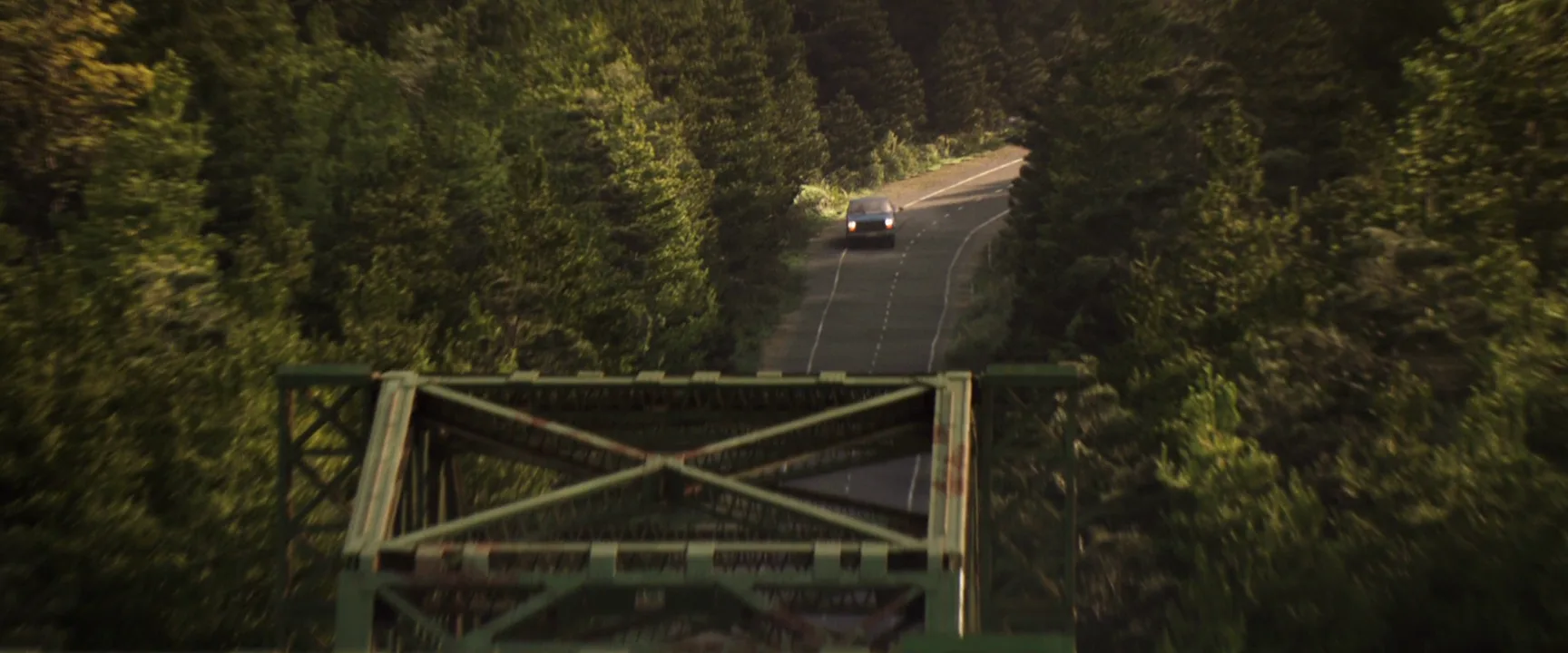
Tone. The establishing shot sets the key before anyone speaks. The Shining (1980) opens with a long aerial flight over mountain lakes and a lone road, following a small car toward the Overlook Hotel; before we meet the family, the landscape has made them small and alone. Wes Anderson's The Grand Budapest Hotel (2014) shows its hotel as a pink miniature on a mountainside, announcing a storybook world with one frame.
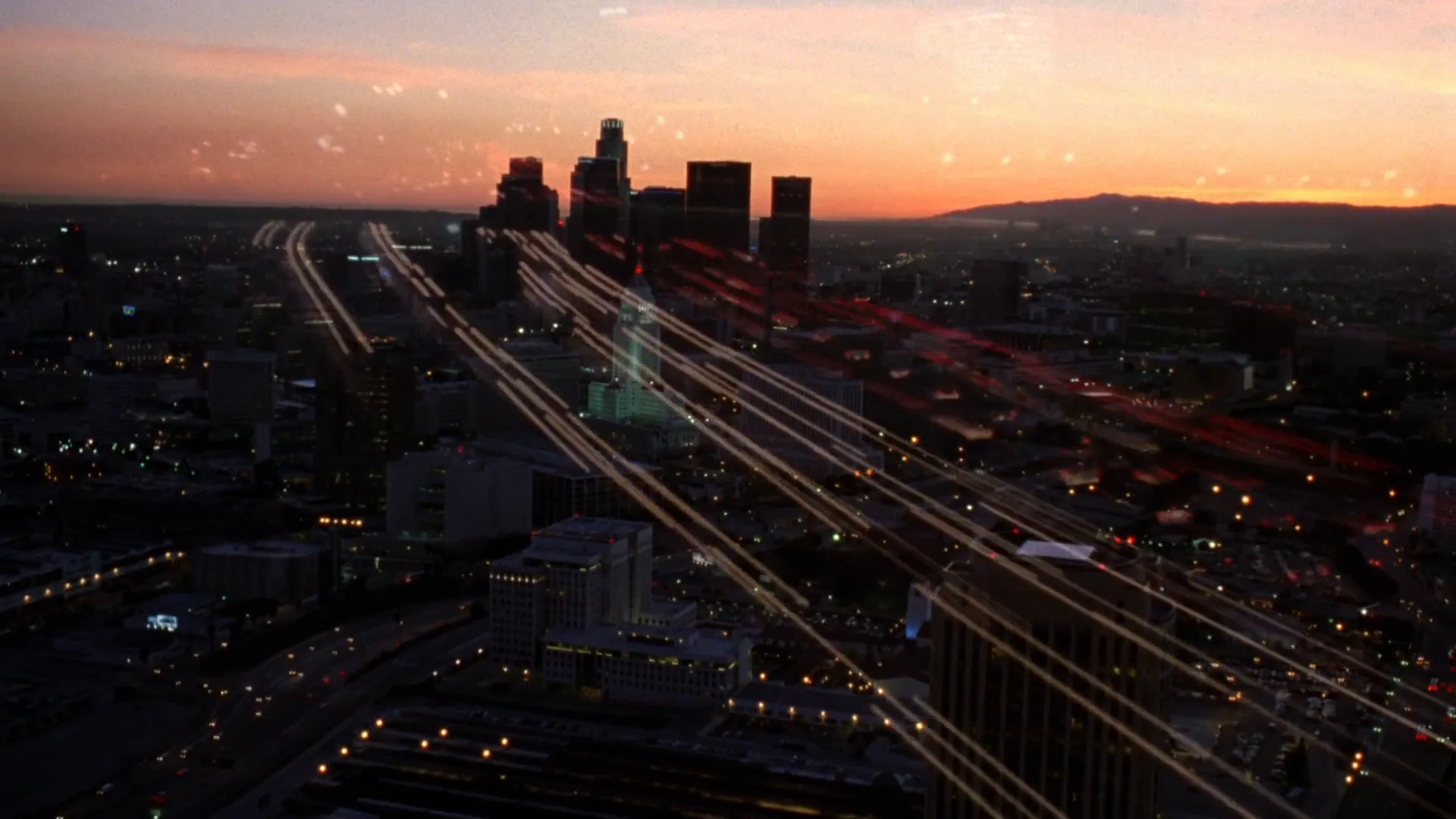
Story information. Alfred Hitchcock's Psycho (1960) opens by panning across a city skyline with on-screen text naming the city, the day and the exact minute, then moves toward a single window and enters it. Place and time first, then the characters.
Rhythm. In the edit, establishing shots are breathing points between scenes. Series and sitcoms use the same exterior of the apartment building or hospital over and over as a transition beat.
Scale and spectacle. Christopher Nolan's The Dark Knight (2008) opens on an IMAX aerial approach to a glass tower, making the city a character.
Types of establishing shots
- Landscape or city wide. The classic opener: a valley, a coastline, a skyline.
- Building exterior. The house, the diner, the station, framed so we know that the next interior scene happens inside it.
- Aerial approach. A drone or helicopter move that starts on the region and closes in on the location.
- Sign or detail. A shop sign, a street name, a license plate, a newspaper date. This is really an insert shot doing establishing work, and it is often cheaper than a big wide.
- Time-lapse. A time-lapse of traffic or clouds over a city establishes place and the passage of a day at once.
- Interior establisher. A wide of the room before the scene begins, so the audience knows where the doors and the people are.
- Late or withheld establisher. The scene starts on a close-up and only reveals the location later, often as a surprise.
How to shoot an establishing shot
Decide what the shot must say. Write it down: where, when, and what mood. Wide versus close, static versus moving, all follow from that sentence.
Pick the lens by the geography. For a building exterior, a 24–35mm lens at 5–6 feet usually shows the facade and some surroundings without distortion. To press a small building against a big mountain, go long, 85–200mm from farther back. For a city, a high vantage point, a rooftop or a drone, beats any focal length.
Shoot at the hour that tells time. Blue hour, the 20–30 minutes after sunset, is the favorite: the sky still has color, and practical lights in windows, signs and street lamps are already on. Golden hour gives warmth and long shadows.
Turn the practicals on. Lit windows are the bridge to the interior scene. Match them: if the interior is warm tungsten, the windows in the establishing shot should glow warm, and the weather outside should match what we will see through the glass.
Choose static or moving. A locked-off frame lets the audience read the place calmly. A slow move adds drama and leads the eye: a crane shot descending from a rooftop sign to the entrance, a drone push toward one window, a truck along a street. End the move on the doorway or window the next scene will use.
Time it. Three to six seconds is typical for a plain exterior; an opening title sequence can run far longer. Leave handles at both ends so the editor can lay sound under it: the audio of the next scene often starts over the establishing shot and pulls the audience inside.
Get it cheaply if you must. Establishing shots are often filmed by a second unit or licensed as stock. Fine, if weather, season and light match the scene.
Where the establishing shot goes in the edit
The classical pattern builds a scene from the outside in: establishing shot, then a wide or master shot inside, then closer coverage as the drama sharpens. The long shot of the characters entering often bridges the exterior and the interior.
Modern editing bends this freely. Many films skip the establisher when the location is already known, or cut straight into a close-up and let the sound tell us where we are. Thrillers withhold the wide to keep the viewer as disoriented as the character. Comedies smash-cut to a new establisher as a punchline.
The trap is autopilot: an establishing shot before every scene, all from the same height and angle, all a few seconds long. Treat each one as a line of story and ask what it adds.
Establishing shot vs. extreme long shot vs. master shot
| | Establishing shot | Extreme long shot | Master shot | |---|---|---|---| | Defined by | Function in the edit | Shot size | Coverage method | | Main job | Show where and when | Show scale and space | Record the whole scene | | Typical length | A few seconds | Any | The entire scene | | Characters | Often absent or tiny | Tiny or absent | All present and readable |
An extreme long shot is a size: people small, space huge. It often establishes, but it can also sit in the middle of a scene as commentary, a character suddenly tiny on a hillside. An establishing shot is a role: it can be an extreme long shot, but also a medium frame of a door or a sign.
The master shot is different again: a wide take of the entire scene, with all the actors, run from start to finish so the editor always has a safe angle to cut back to. The establishing shot comes before the scene; the master is the scene.
Establishing Shot examples in film
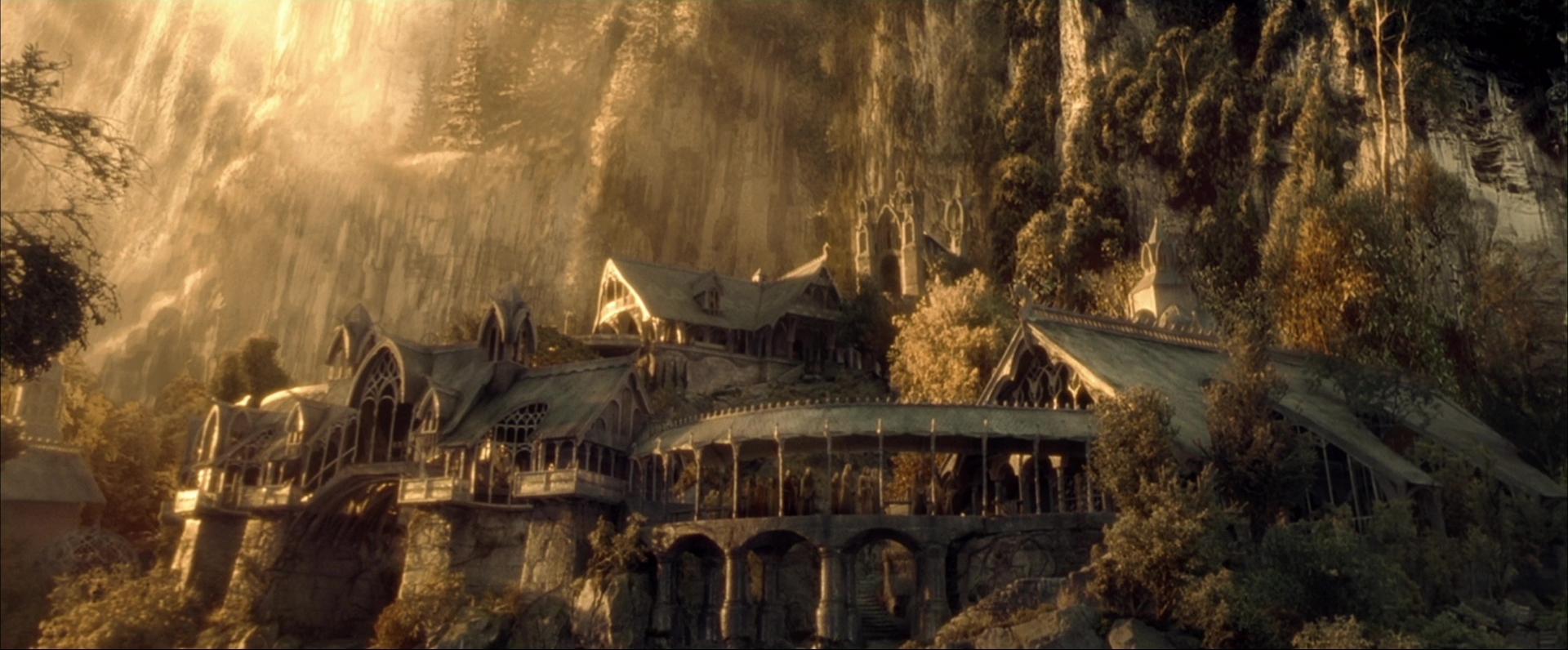
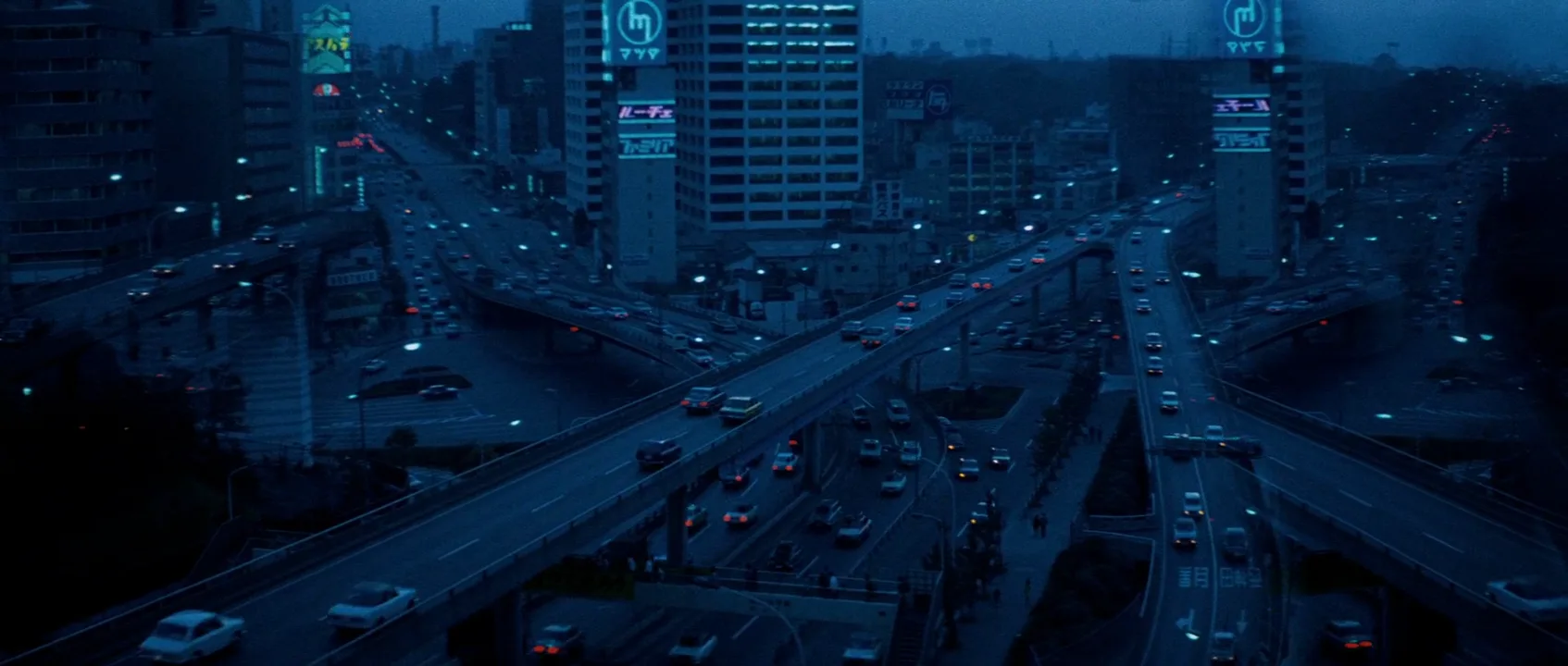
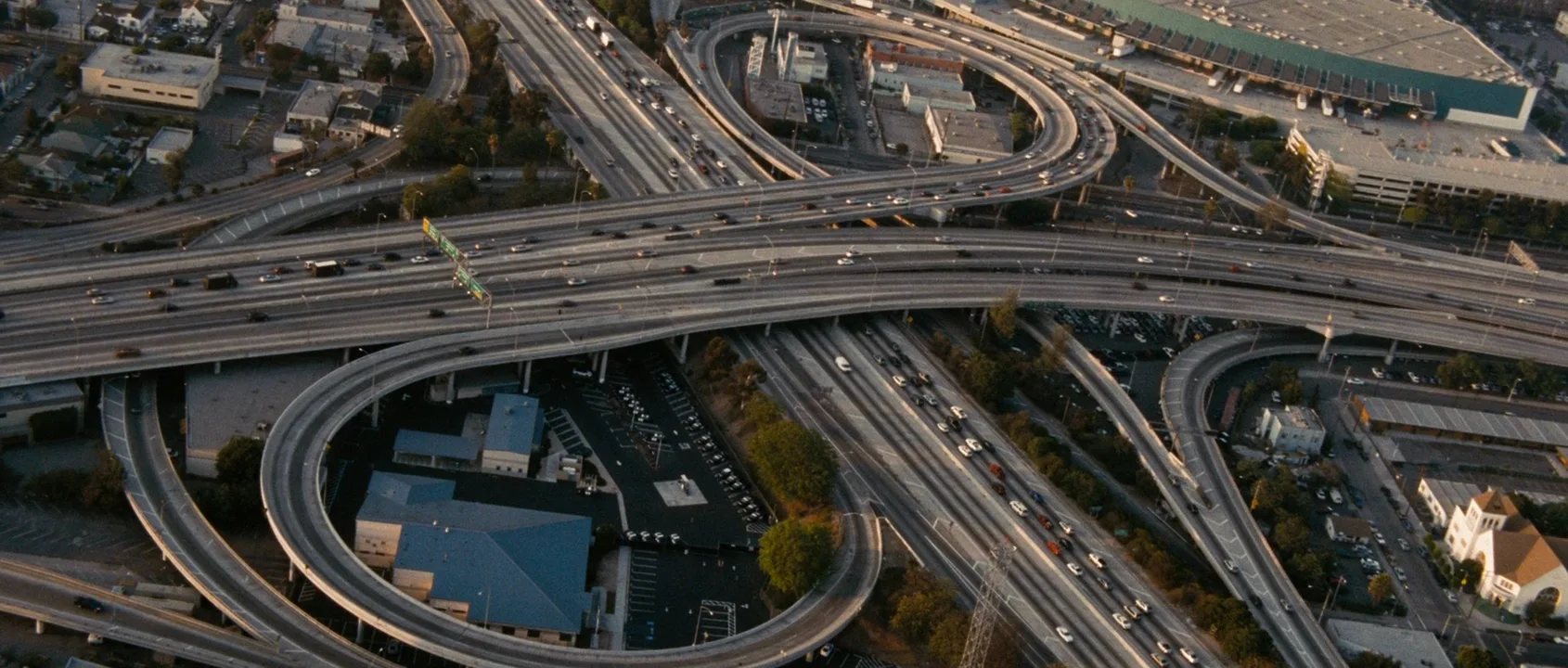
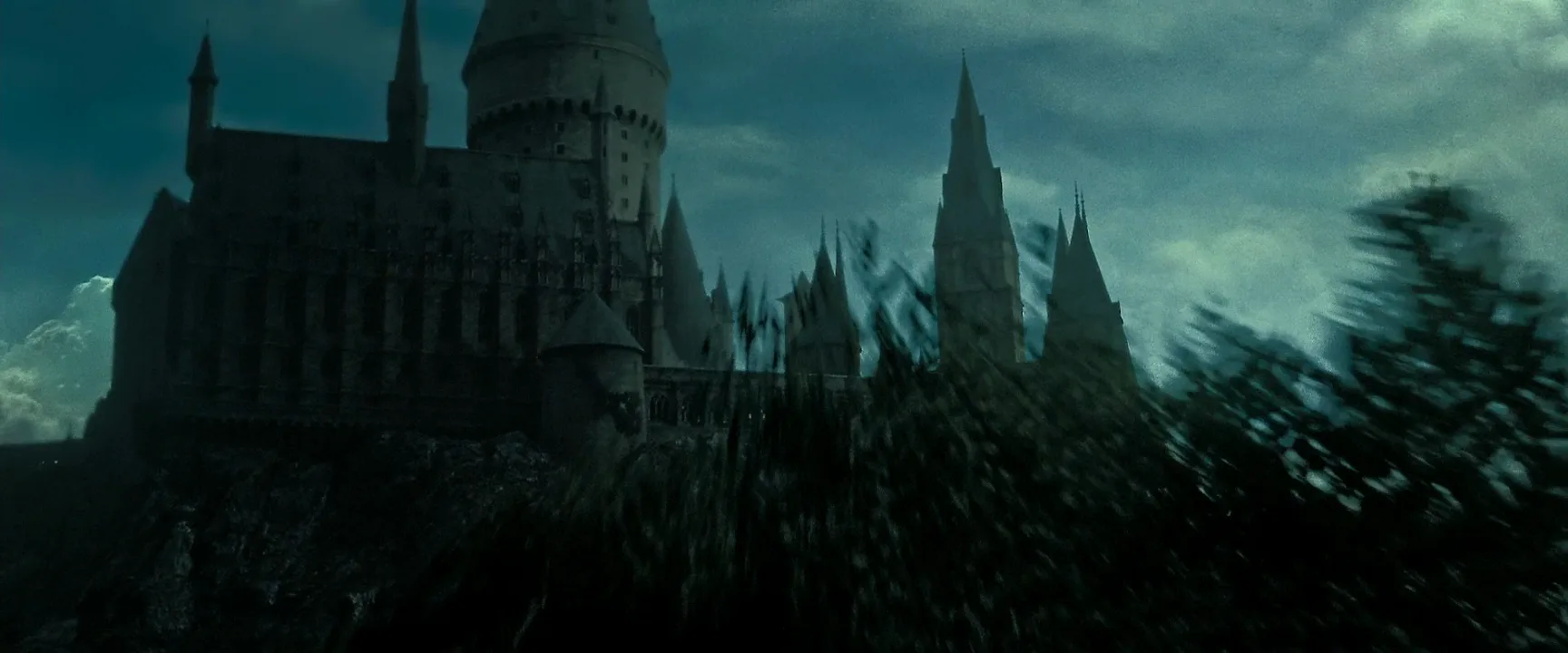
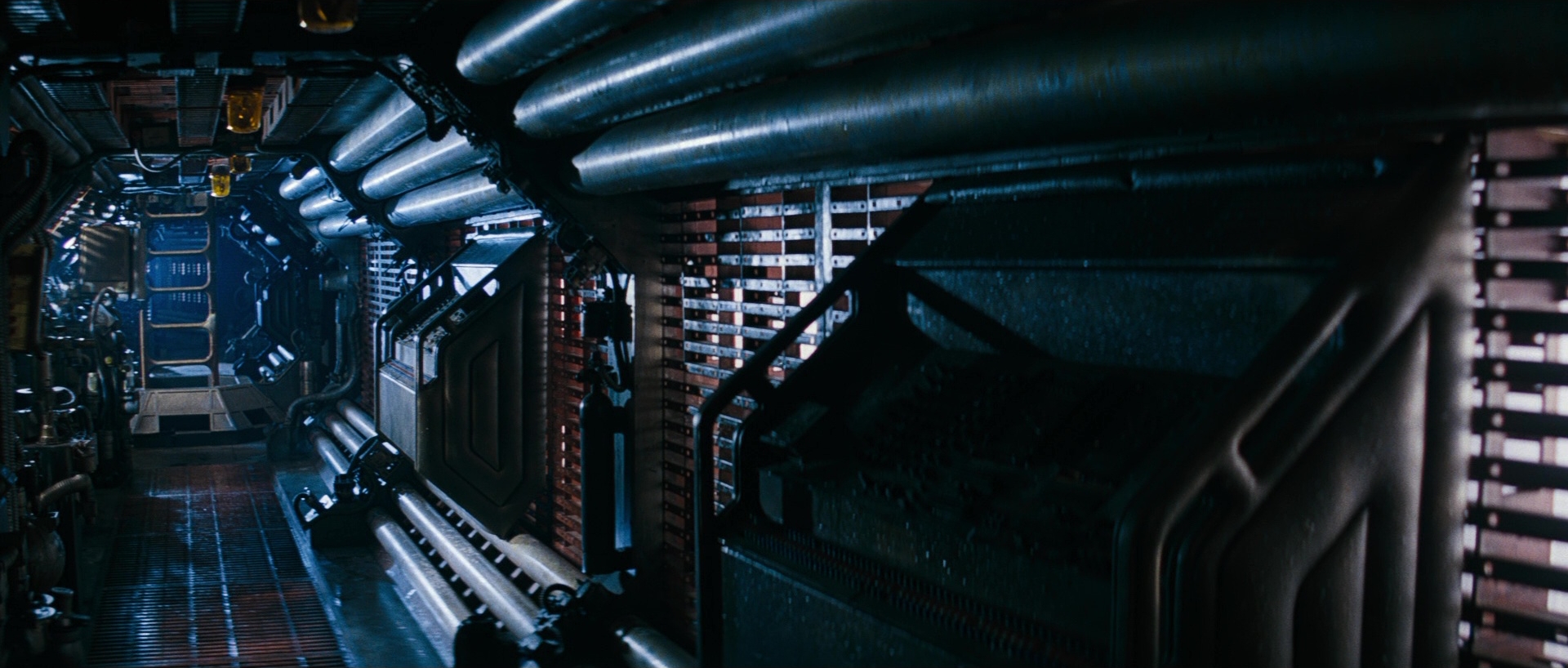
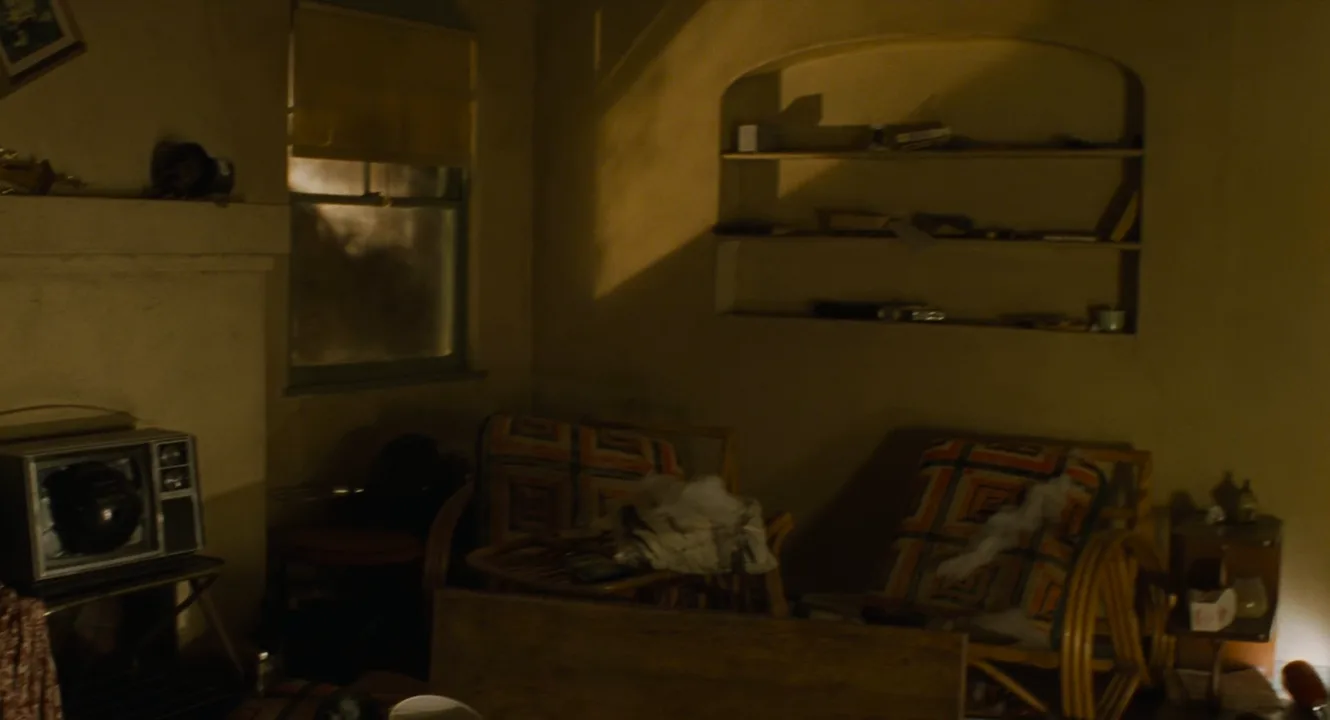
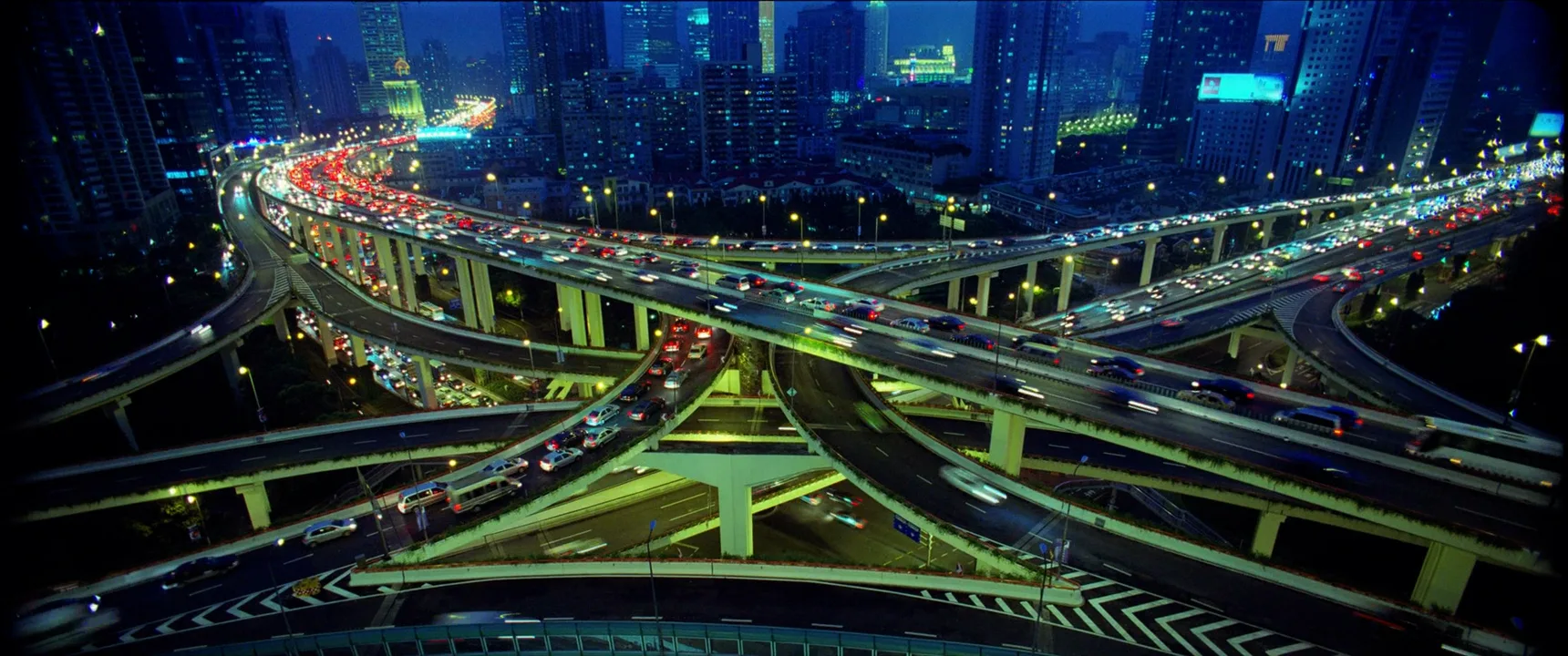
13 framesThirteen establishing shots, from sweeping aerials to an empty ship corridor and a lived-in room. In each, ask what you learn about place, time of day and mood before any character appears.
How to create a establishing shot with AI
4 promptsAn establishing shot is where AI generation saves the most time: exteriors, skylines and aerials that would need a drone permit or a second unit. The key is matching them to the scenes that follow. In FlashBoards, build the establisher with Nano Banana 2 Lite, try a second take with GPT Image 2.5 and animate it with MiniMax H3 Max Turbo — with the interior frames and your reference stills on the same board, so the windows, weather and time of day agree. The fourth prompt re-shoots a real film shot from a text description alone, and the original plays next to the result so you can compare.
Establishing shot, static wide frame at eye level, 28mm lens. Exterior of a small roadside motel at blue hour, snow on the ground and light snow falling, a steep snowy mountain rising behind it. Red neon MOTEL sign lit, three windows glowing warm tungsten, one pickup truck in the lot. Deep blue sky with the last light on the peaks. Quiet, cold, isolated, cinematic film still.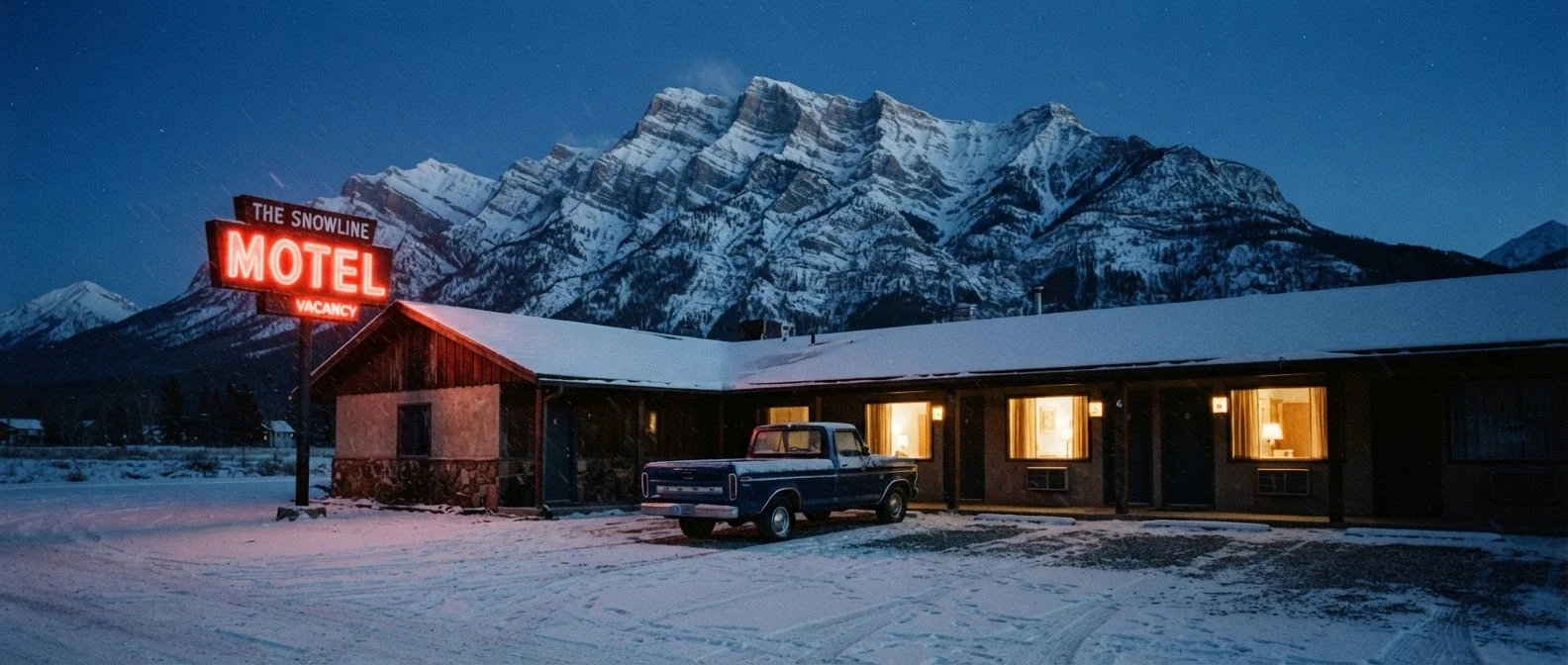
Blue hour with windows glowing warm tungsten tells time and gives the interior scene its color. Mountain rising behind it sets the isolation. A short, simple sign word gives the model the best chance of rendering the text cleanly, and light snow falling gives the video recipe something already in motion.
Open FlashBoardsEstablishing shot from a second-floor window across the street: a small corner diner at night in the rain, red neon DINER sign over the door, neon reflecting on wet asphalt, steamed-up windows glowing warm with a waitress visible inside, one car passing with its headlights on. 35mm lens, blue-black sky, cinematic film still.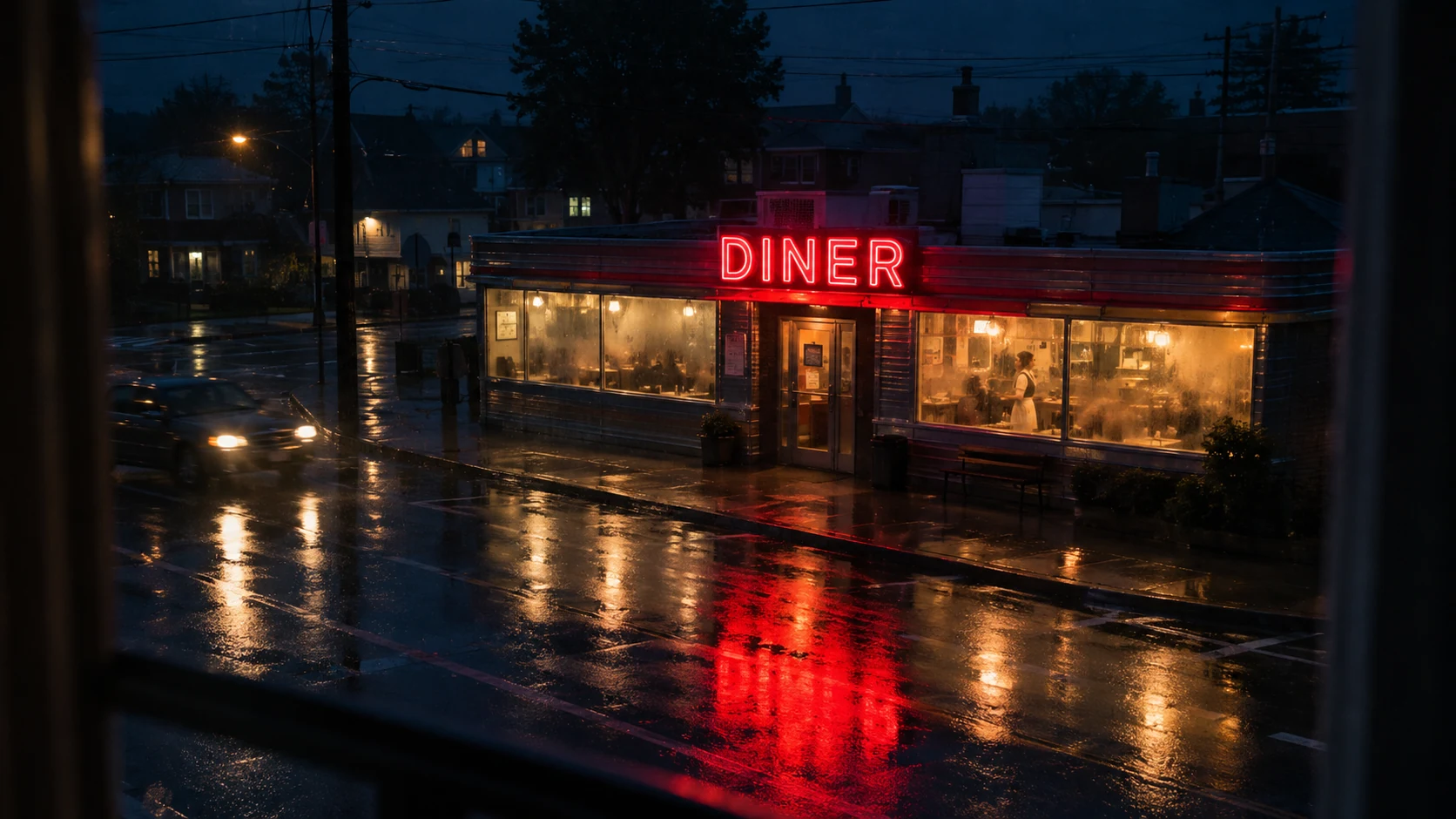
A second take on the job with a closer, street-level place. From a second-floor window across the street gives a slightly high, observational angle that shows the whole corner. Visible through the steamed-up windows sets up the interior without cutting, and neon on wet asphalt carries the mood.
Open FlashBoardsCamera: slow, steady push-in at eye level from this wide frame toward the motel, constant speed, ending with the lit door and the red MOTEL sign in the middle of the frame. Action: from the first frame light snow is already falling across the frame and the neon sign flickers once. In the middle the pickup's headlights switch on and exhaust drifts from behind it. At the end the camera settles on the door between the glowing windows, the snow still falling.Recipe 1's frame already holds the place and the light, so the prompt describes only what changes. Already falling makes the shot alive from the first frame. Push-in… ending with the lit door writes the outside-in grammar into one move and gives the editor a clean cut point into the interior, and constant speed keeps the move from accelerating. The sign, the pickup and the windows are all in the frame, so nothing new gets invented.
Open FlashBoards{
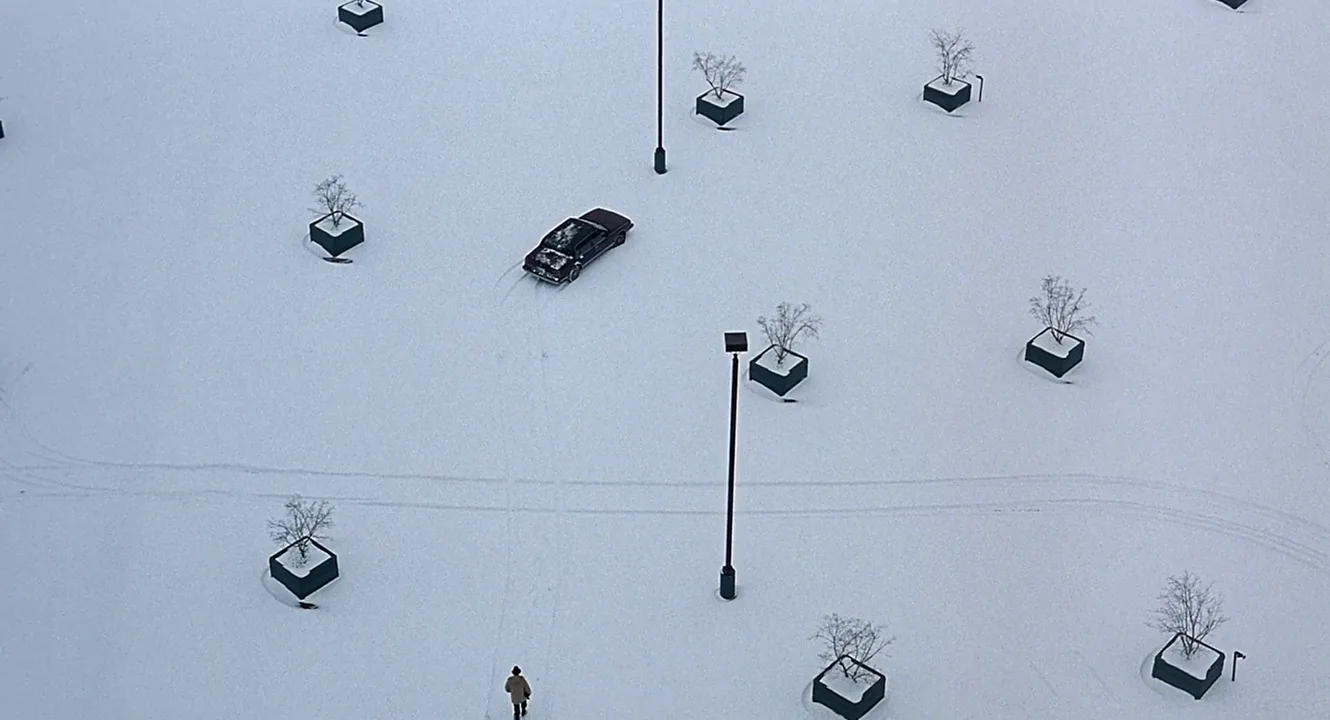
"output": "Full-screen live-action establishing shot from Fargo (1996) from its very first frame: one continuous locked-off shot. Grainy 1990s 35mm, overcast Minnesota winter afternoon, flat shadowless white light, near-monochrome palette of white snow, pale blue-gray, black and one dark maroon car.",
"characters": {
"S1": {
"name": "Jerry Lundegaard, played by William H. Macy",
"look": "tiny from this height: tan knee-length winter overcoat, small dark brimmed hat, dark trousers and shoes, seen from above and behind",
"voice": "silence: he never speaks"
}
},
"shots": [
{
"shot": 1,
"camera": "static, locked-off, very high angle from a tall building, looking steeply down at a snow-covered parking lot, wide lens; the lot fills the frame edge to edge and the framing, height and focus never change for the whole shot",
"action": [
"BEGINNING: alive from the first frame, a vast smooth field of fresh snow: one dark maroon sedan parked alone and angled diagonally in the upper-left third, left of centre; a thin black lamp post rising at top centre and a second lamp post standing just right of frame centre; square dark concrete planters, each holding a small bare snow-dusted tree, spaced in a loose grid (upper left, upper right, centre right, lower left, bottom centre, bottom right); two faint parallel tire tracks curving across the lower half from the left edge to the right edge; a faint line of old footprints running straight up from the bottom edge, left of centre, toward the car.",
"THEN: for a long beat the lot stays completely empty and still: nothing moves, only the film grain and a light drift of snow dust over the white.",
"THEN: S1 appears at the bottom edge of the frame, left of centre, head first, walking into frame away from camera with his back to us, between the lower-left planter and the lamp post.",
"THEN: S1 walks slowly and steadily straight up the frame along the faint old footprints, arms hanging close to his sides, head slightly bowed, a small tan-and-black figure against the white; the car, lamp posts and planters stay exactly where they are.",
"END: S1 is still tiny, about a third of the way up the frame, left of the centre lamp post, still far below the lone car and still walking toward it; the camera has not moved at all."
],
"voice": "silence: nobody speaks in this shot, no voice at all",
"dialogue": []
}
],
"sound": {
"ambience": "cold, hushed winter air over an empty lot, low wind, faint city traffic heard from far away",
"effects": "faint soft crunch of footsteps in snow once S1 appears",
"speech": "no words in this video; the only human sounds are breaths and movement",
"never_spoken": "no narration and no voice-over: the descriptions, performance notes and step words of this prompt are never spoken aloud",
"music": "a film score under the scene, always below the voices: a slow, lonely solo fiddle over soft low strings in a minor key, sparse and cold",
"subtitles": "none"
}
}Remakes the high-angle parking-lot shot from Fargo (1996), dir. Joel Coen and Ethan Coen, DP Roger Deakins: the prompt carries over the locked camera, the lone dark car among snowy planters and lamp posts, the empty beat before anyone moves, and Jerry Lundegaard walking in from the bottom of the frame.
The JSON keeps what makes this an establishing shot in separate fields. Camera locks a steep high angle and says the framing never changes, so the lot reads as a map. BEGINNING lays out the empty lot object by object, and the first THEN holds it empty and still for a long beat, so the place registers before anyone arrives. Only then does Jerry, named with his actor in characters, walk in from the bottom edge toward the lone car. The sound block keeps the shot wordless, with footsteps, wind and a quiet fiddle score underneath.
Open FlashBoardsCommon mistakes
- A character in the foreground. Models tend to put a person up front. Describe the empty place — an empty street, a lit doorway — or keep people small and distant.
- Gibberish signage. Long sign text breaks. Use one short word, or leave signs unreadable and establish with architecture instead.
- Mismatched time of day. An establisher at golden hour followed by an interior at night breaks continuity. State the exact light in both prompts and reuse the exterior as a reference.
- Postcard emptiness. Perfect but generic skylines establish nothing. Add specific details: era, weather, one lit window, one vehicle.
- Frozen or rushed video. Given a still, the video model either creeps in on a frame where nothing moves or races through the move. Start
Action:with motion that is already happening (snow, traffic, a flickering sign), ask for a slow, constant speed and name the final frame. - Negatives that backfire. “No people on the street” tends to add people. Say what is there: “an empty wet street, one parked car.”
- Wrong scale. Aerials can turn a small town into a megacity. Give a count or size cue: a dozen houses, a two-story motel.
Keep the reference frames, prompts and every generated take side by side — images and video in one canvas.
FAQ
6 questionsWhat is an establishing shot in film?
It is the shot, usually placed at the start of a scene, that shows the audience where and often when the action is happening: a city, a building exterior, a landscape or a sign. It gives viewers their bearings so the following closer shots of characters make sense. It is defined by that orienting function, not by any fixed size or lens.
Does an establishing shot have to be a wide shot?
No. Most establishing shots are wide because a wide frame shows the most geography, but a close shot of a street sign, a hospital entrance or a dated newspaper can establish a location just as well. What matters is that the audience knows where they are after seeing it. Closer establishers are also cheaper and useful when you cannot film the full exterior.
How long should an establishing shot be?
Typically three to six seconds for a simple exterior, enough for the viewer to read the place without stalling the scene. Complex aerials or opening title sequences can run much longer. The more detail and movement in the frame, the more time the audience needs. Always shoot extra at both ends so the editor has room.
What is the difference between an establishing shot and a master shot?
An establishing shot shows the location, usually briefly and before the scene starts, often without the actors. A master shot records the entire scene in one wide take with all actors present, from first line to last, and serves as the base the closer coverage is cut into. The establisher introduces the place; the master covers the action inside it.
Can you use stock footage or AI images for establishing shots?
Yes, and productions do it constantly, since exteriors and aerials are expensive to shoot. The risk is mismatch: wrong season, weather, time of day or era compared with your own footage. Choose or generate establishers that match the scene's light and color, and check that the windows, sky and street details agree with what the interior shows.
Do you write establishing shots in a screenplay?
Usually not in detail. The scene heading, such as EXT. MOTEL - NIGHT, already tells the director that the scene needs to be placed, and the shot is chosen in the shot list or storyboard. Some writers add a brief line like ESTABLISHING when a specific view matters to the story, but most leave camera choices to the director.
Related terms
5- Extreme Long ShotCamera Shots
An extreme long shot shows a vast space in which people are tiny or absent — landscapes, cityscapes, battlefields — so environment, scale and isolation matter more than any character.
- Master ShotDirecting & Staging
A master shot records an entire scene in one continuous take, usually wide enough to hold every actor, and serves as the backbone the rest of the coverage is cut into.
- Aerial ShotCamera Shots
An aerial shot is filmed from a camera in the air — a helicopter, drone or plane — high above the scene, revealing geography, scale and movement across a landscape or city that no ground position could show.
- Long ShotCamera Shots
A long shot (wide shot) shows the full figure with plenty of surroundings around it, so the audience reads both a character's body language and their relationship to the place.
- Scene HeadingScreenwriting
A scene heading, or slugline, opens every scene in capitals: INT. or EXT., the location and the time of day — the line that production breaks down and a storyboard starts from.
Further reading
Joseph V. Mascelli, The Five C's of Cinematography (1965). Daniel Arijon, Grammar of the Film Language (1976). Walter Murch, In the Blink of an Eye (1995).