 FlashBoards Learn
- Learn
- Cameras & Capture
- iPhone Cinematography
Cameras & Capture · Film language
iPhone Cinematography
Also called: shot on iPhone, smartphone filmmaking, mobile filmmaking
iPhone cinematography is shooting films on a smartphone camera, usually rigged with add-on lenses, a stabilizer and a pro camera app. Sean Baker's Tangerine and Steven Soderbergh's Unsane proved it can carry a theatrical feature. The look is deep focus, a wide perspective and a camera small enough to disappear.
- What it does
- Puts a cinema-grade image in a pocket-sized camera that crowds, locations and actors barely notice.
- Use it when
- You need to shoot fast, cheap, close to people, or in places a full camera crew cannot go.
- Watch out
- Auto exposure, auto focus and auto white balance will shift mid-take; lock everything in a pro app.
- Try this prompt
handheld wide shot, 24mm-equivalent lens at chest height, deep focus, oversaturated late-afternoon street, horizontal blue anamorphic flare, 2.39:1
What is iPhone cinematography?
It is digital cinematography with the smallest sensor in the business. The craft stays the same; the tool changes. A phone has a fingernail-sized sensor, fixed apertures, a few fixed focal lengths (ultra-wide, a main lens around 24 to 26mm full-frame equivalent, a telephoto) and heavy processing between sensor and file.
Filmmakers bypass that processing: they record in a pro app with manual ISO, shutter, focus and white balance, often to ProRes or Apple Log on recent Pro models, and put real glass in front, such as anamorphic adapters and ND filters.
Why do filmmakers shoot movies on an iPhone?
Directors chose it for access and behavior, not only budget.
- ***Tangerine* (2015).** Sean Baker and Radium Cheung shot on iPhone 5s phones with an anamorphic adapter. On Los Angeles streets the crew looked like tourists, so the neighborhood's energy stayed in frame, and the pushed, saturated color became the film's signature.
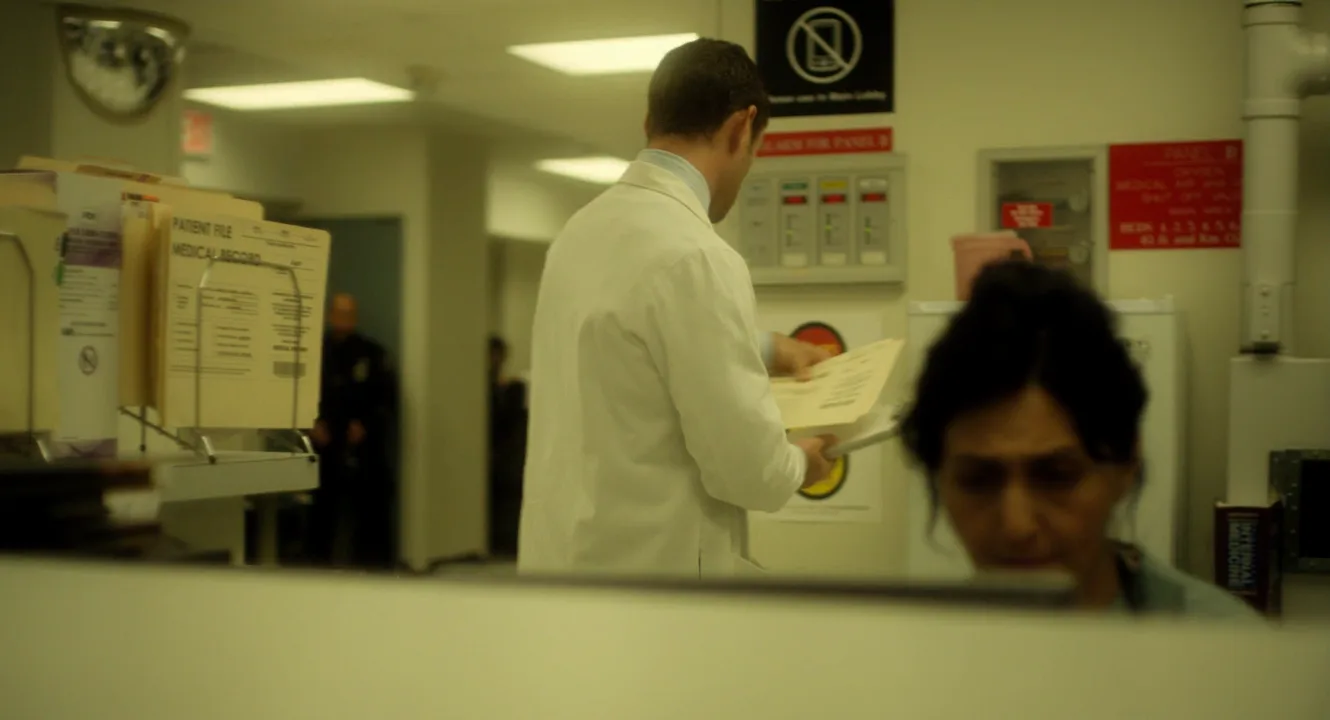
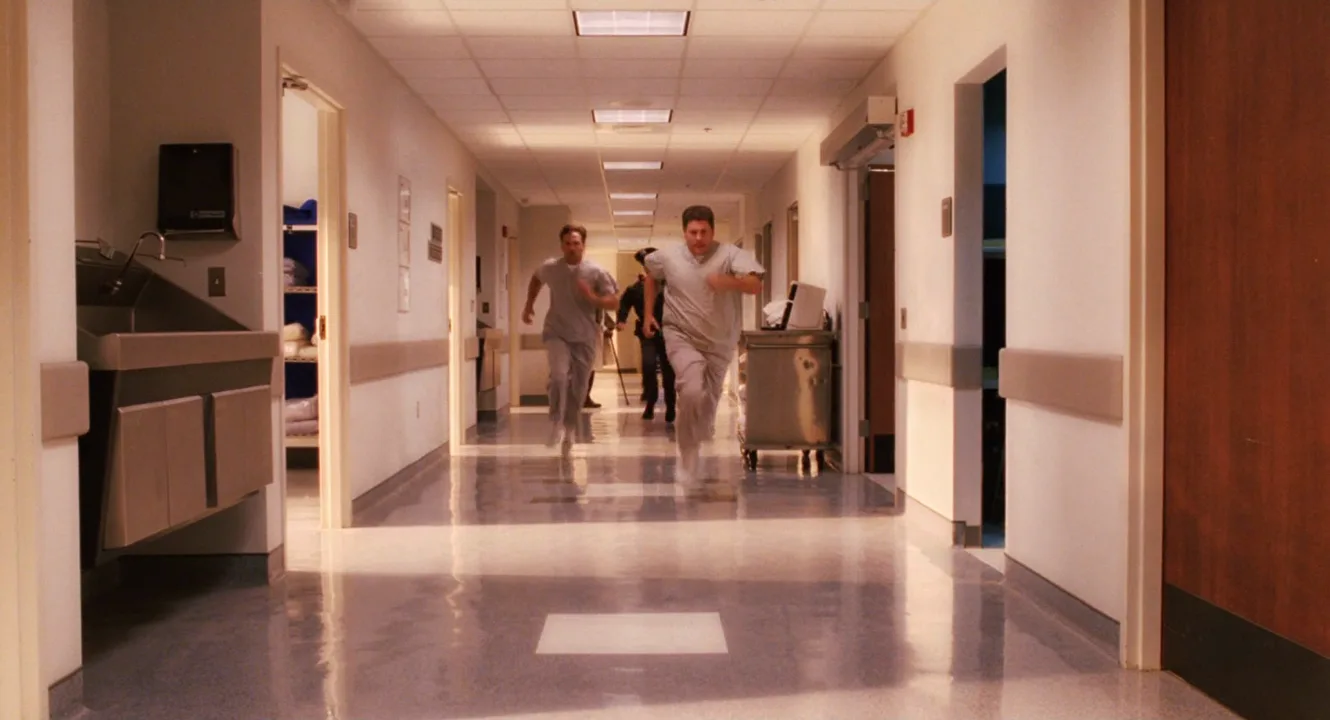
- ***Unsane* (2018).** Soderbergh shot a psychiatric-ward thriller on an iPhone 7 Plus and operated it himself, wedging the camera into corners. The wide, deep, clinical image feeds the heroine's paranoia.
- ***High Flying Bird* (2019).** Soderbergh again, on an iPhone 8 with an anamorphic adapter.
- ***28 Years Later* (2025).** Danny Boyle and DP Anthony Dod Mantle used iPhone 15 Pro Max rigs, including multi-phone arrays.
The common thread is guerrilla filmmaking logic: a camera that doesn't announce itself changes how people behave in front of it. For a micro-budget film, it also removes rental and crew costs.
How to shoot cinematic footage on an iPhone
App. Use a manual camera app (Blackmagic Camera, FiLMiC Pro or similar) and lock ISO, shutter, focus and white balance; auto modes breathe mid-shot.
Shutter and ND. Shoot 24 fps at 1/48 s. With a fixed aperture, daylight pushes the phone to a fast, jittery shutter; a variable ND filter fixes it.
Format. Record Apple Log or ProRes when supported and keep ISO near base.
Lens. The main camera is the cleanest; the ultra-wide stretches faces at the edges. A 1.33x anamorphic adapter gives a roughly 2.4:1 frame with horizontal flares.
Support. A cage with a handle gives a weighted handheld shot; a phone gimbal handles walking moves. Hold it at chest height or lower, not selfie height.
Sound. Record audio separately and slate every take.
What does iPhone footage look like?
A tiny sensor with a short focal length keeps almost everything sharp, so the phone's natural state is deep depth of field: stage in depth and separate people with light, not blur. Cinematic mode fakes shallow focus in software but smears hair, glasses and edges, so most pros skip it for key shots.
Highlights clip earlier than on a cinema camera: expose for windows and skin, add a bounce on the shadow side and let Log hold the rest. In the grade, lower the sharpening and add fine grain.
iPhone vs. cinema camera: what actually changes?
- Depth. Large sensors and fast lenses give real shallow focus; the phone stays deep.
- Latitude. A high-end cinema camera holds more stops before highlights clip.
- Glass. Interchangeable lenses versus two or three fixed ones.
- Footprint. The phone wins: tiny crew, actors forget it.
More in the cameras and capture hub.
iPhone Cinematography in motion
1 clipsThese loops show iphone cinematography in motion, where a still frame can't: watch how the effect plays out over a few seconds.
iPhone Cinematography stills
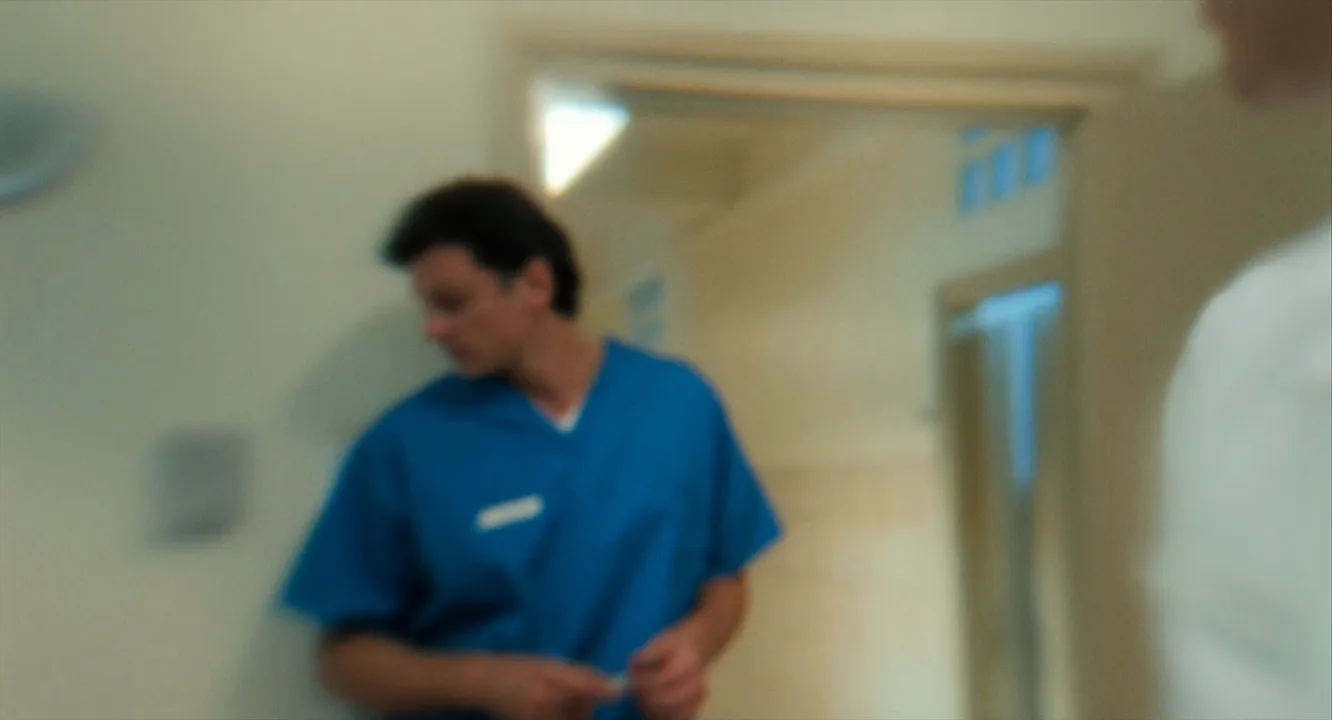
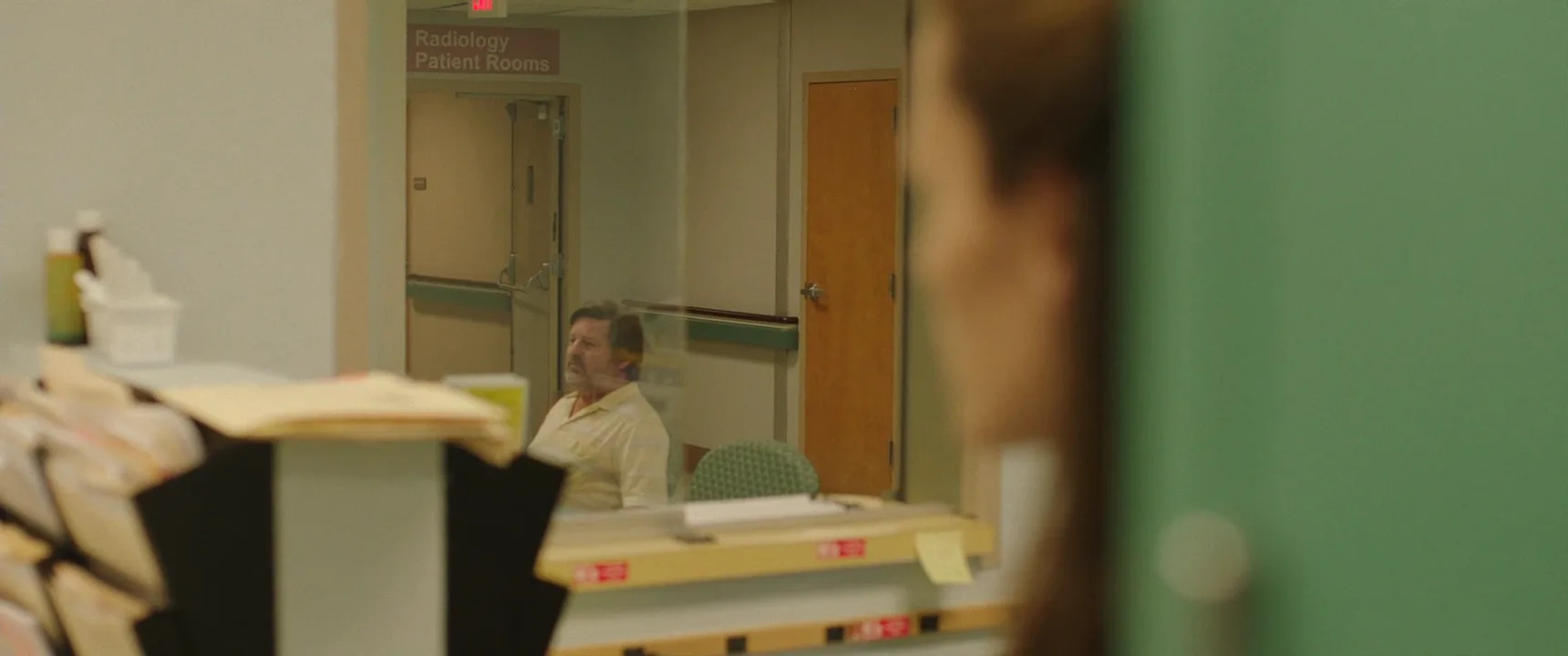
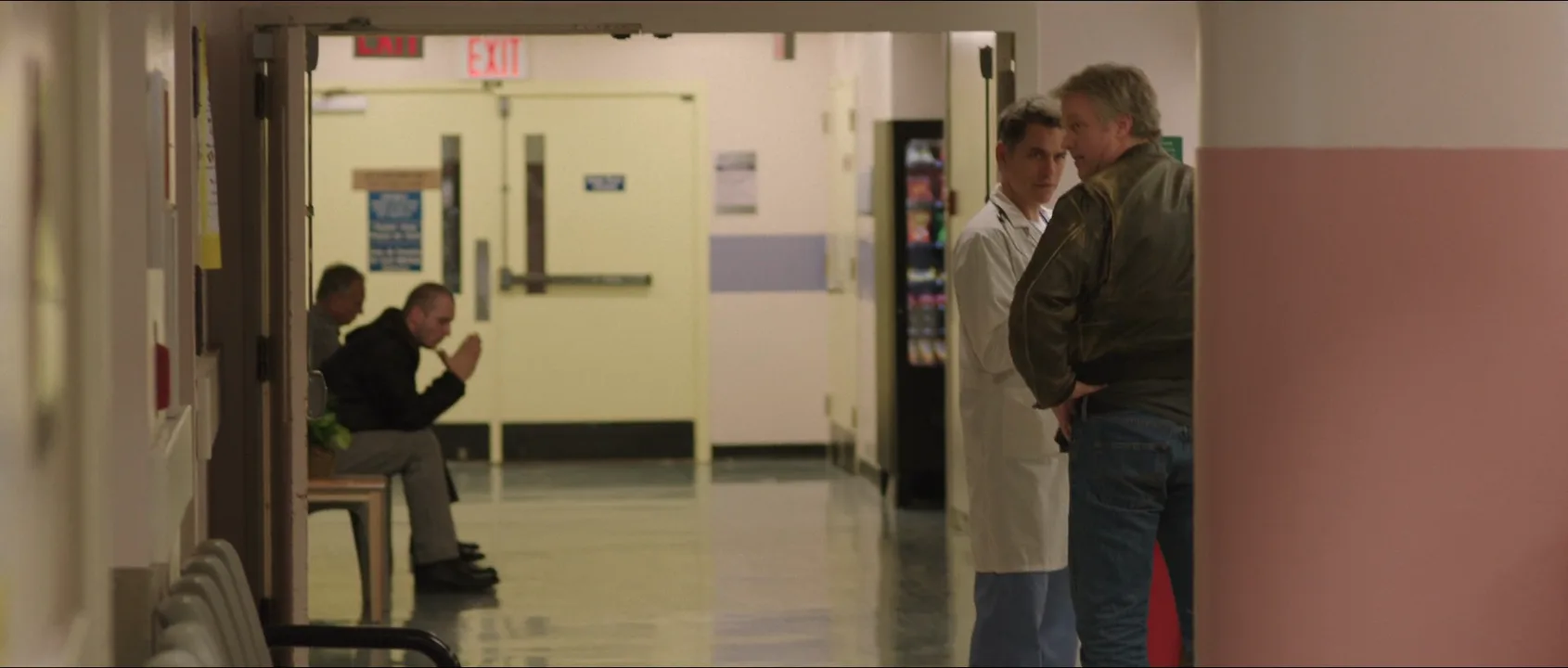
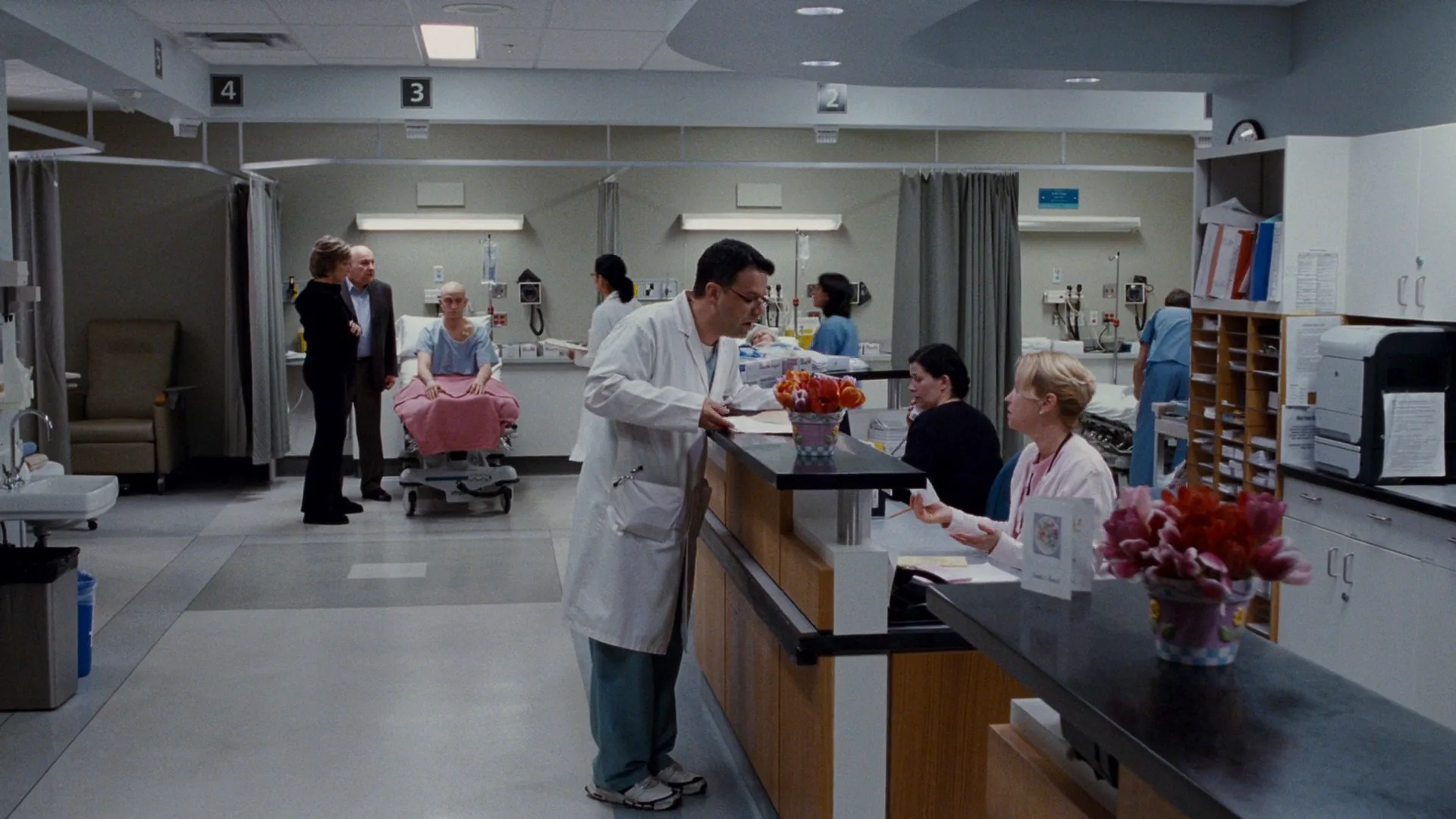
6 framesThe first frame is from Unsane, shot on an iPhone; the others are clinic scenes shot on conventional cameras. Compare depth, perspective and highlights.
How to create a iphone cinematography with AI
3 promptsDescribe what the phone camera does rather than naming the device: a wide 24mm-equivalent lens, deep focus, chest-height handheld framing, saturated color and anamorphic flares. In FlashBoards, keep phone-shot film frames next to your generations on one board and compare takes side by side.
Handheld wide shot, 2.39:1 anamorphic frame: a fictional woman in her twenties with bleached cropped hair, large gold hoop earrings and a mint-green bomber jacket walks toward camera along a sunlit strip-mall sidewalk, a donut shop behind her. Small-sensor video look, 24mm-equivalent lens at chest height, deep focus with her face and the shop sign both sharp, oversaturated orange late-afternoon sun, thin horizontal blue lens flare, slight tilt to the horizon.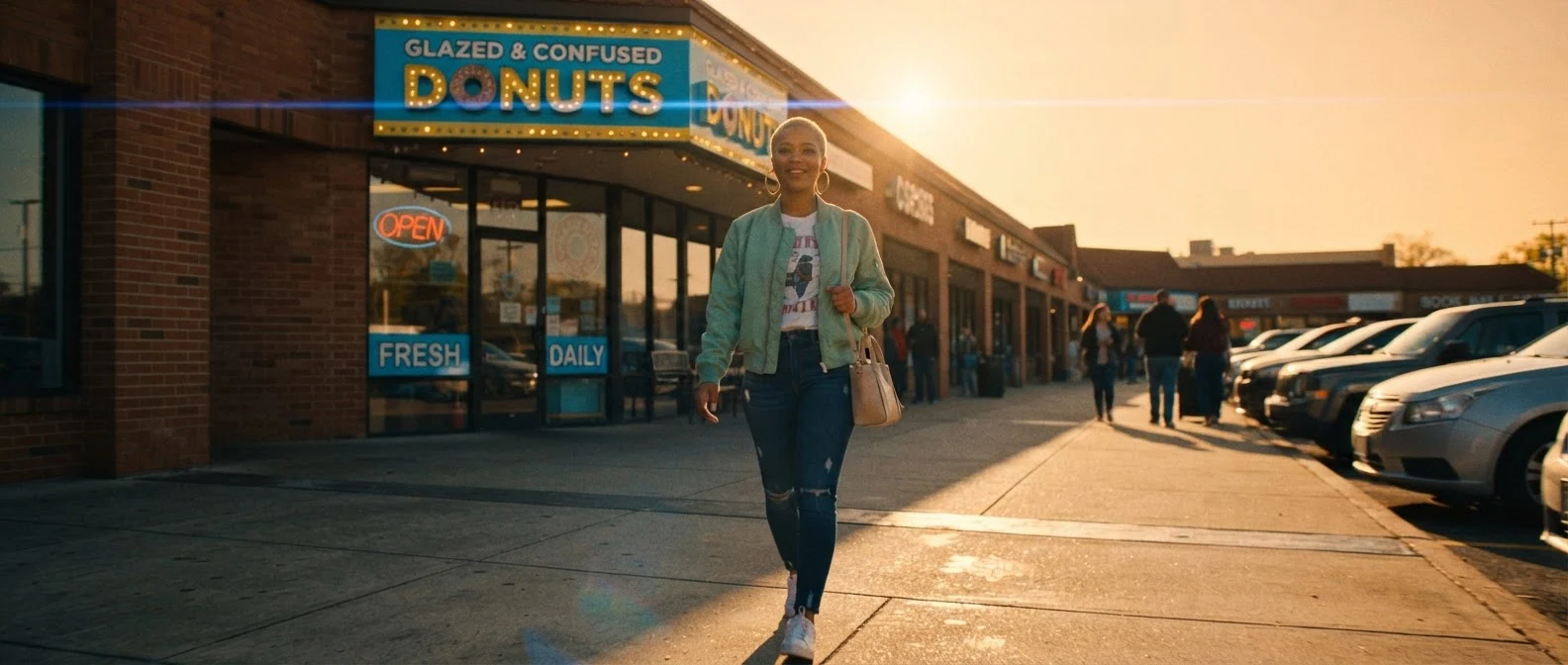
"Small-sensor video look" and "her face and the shop sign both sharp" block portrait blur; "24mm-equivalent lens at chest height" plus the blue flare give the phone-with-anamorphic-adapter perspective.
Open FlashBoardsHigh corner angle in a narrow clinic room: a fictional man in his fifties with a gray ponytail and a faded blue hospital gown sits on the edge of an exam bed, staring at the closed door. Ultra-wide lens tucked against the ceiling, slight barrel distortion, deep focus from the bed to the door handle, flat fluorescent overhead light, beige walls, cool greenish cast, crisp small-sensor image with light shadow noise.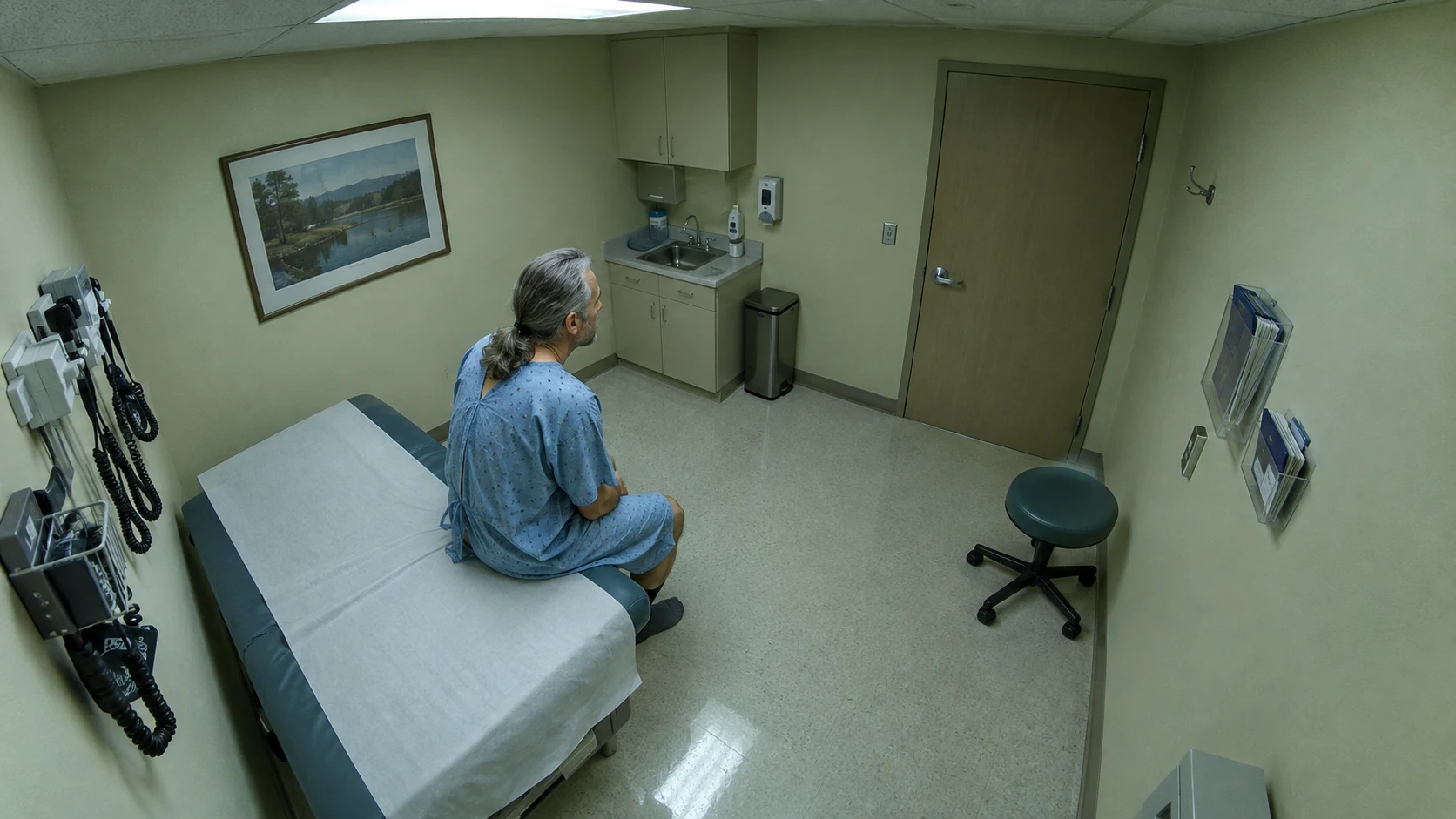
The second take uses the other phone strength, a lens wedged into a corner. "Tucked against the ceiling" and "barrel distortion" create the surveillance feel; "flat fluorescent overhead light" keeps it clinical.
Open FlashBoardsCamera: handheld, walking backward at her pace at chest height for the whole shot, with a light natural bob. Action: from the first frame she strides toward camera, talking fast to someone off screen on her left. Halfway through she glances back at the shop, then turns forward and laughs. The blue flare slides across the frame.She is already moving in frame one, and "walking backward at her pace" with "light natural bob" reads as a phone on a small grip, not a dolly.
Open FlashBoardsCommon mistakes
- "Shot on iPhone" can put a phone in someone's hand. Describe the image: small-sensor look, 24mm-equivalent lens, deep focus.
- "Cinematic" adds shallow blur. Say which planes are sharp.
- Framing drifts to eye level. State the camera height.
- Video models over-stabilize. Ask for a light bob.
Keep the reference frames, prompts and every generated take side by side — images and video in one canvas.
FAQ
5 questionsCan you shoot a real movie on an iPhone?
Yes. Tangerine (2015) premiered at Sundance and played in theaters after being shot on iPhone 5s phones, and Steven Soderbergh's Unsane (2018) had a wide theatrical release. What makes it work is the same as on any camera: controlled exposure, separately recorded sound, deliberate light and a strong story. The phone replaces the camera body, not the craft.
What movies were shot on iPhone?
The best-known features are Sean Baker's Tangerine (2015), Steven Soderbergh's Unsane (2018) and High Flying Bird (2019), and Danny Boyle's 28 Years Later (2025), which used iPhone 15 Pro Max rigs. Each paired the phone with a manual app and add-on lenses.
What settings should I use for cinematic iPhone video?
Use a manual camera app and lock everything: 24 fps, a 1/48 s shutter, white balance in kelvin, manual focus and ISO near base. Record Apple Log or ProRes if your phone supports it. Because the aperture is fixed, put an ND filter on outdoors so the shutter can stay at 1/48 instead of speeding up.
Is iPhone Cinematic mode good for filmmaking?
It is handy for quick close-ups and previs, since focus can be shifted after the take. For finished work most cinematographers avoid it: the software blur cuts badly around hair, glasses, hands and fast motion, and edges can flicker. Staging in depth and separating subjects with light usually looks better than simulated shallow focus.
What gear do you need for smartphone filmmaking?
The essentials are a cage or grip, a variable ND filter, an external microphone or recorder, a power bank and spare storage. A gimbal helps for walking shots, and a 1.33x anamorphic adapter gives a widescreen frame with horizontal flares. One soft light and a bounce improve phone footage more than any lens.
Related terms
5- Digital CinematographyCameras & Capture
Digital cinematography records motion pictures on an electronic sensor instead of film stock; since the 2010s it has been the industry standard, with cinema cameras such as the ARRI Alexa and RED.
- Guerrilla FilmmakingFilmmaking Process & Crew
Guerrilla filmmaking is shooting fast and cheap with a tiny crew, real locations and often no permits, grabbing scenes in public before anyone stops the shoot.
- Micro-Budget FilmFilmmaking Process & Crew
A micro-budget film is a feature made for a tiny fraction of an average budget — often tens of thousands of dollars — with a skeleton crew, few locations and every constraint turned into style; El Mariachi and Paranormal Activity are classic cases.
- GimbalCamera Movement
A gimbal is a motorised three-axis stabiliser that keeps the camera level while the operator walks, runs or hands it off to a car or crane, giving Steadicam-smooth moves with a lighter, cheaper rig.
- Handheld ShotCamera Movement
A handheld shot is filmed with the camera held in the operator's hands or on the shoulder, without a stabiliser, so its natural sway and jolts make the scene feel immediate, documentary-like or anxious.