 FlashBoards Learn
- Learn
- Post-Production & VFX
- Colorization
Post-Production & VFX · Film language
Colorization
Also called: colourisation, colorizing
Colorization is the process of adding color to footage that was shot in black and white. It began with dyes brushed onto each frame of silent films, became a frame-by-frame digital craft in the 1980s, and is now often done with AI models. Done well, it makes the past feel present; done badly, it repaints history.
- What it does
- Turns a monochrome image into a color one while keeping the original light, grain and performance.
- Use it when
- Archive or period footage has to feel immediate to a modern audience, or you want a deliberate painted-print look.
- Watch out
- Invented colors, flat plastic skin and color bleeding past edges; research the real colors before you paint them.
- Try this prompt
Digitally colorized 1916 newsreel frame, soldiers on a muddy road, muted khaki and brown, soft skin tones, film grain, 4:3
What is film colorization?
Colorization adds color to images recorded without it. The black-and-white original keeps its luminance, the light and shadow the cinematographer shot; the colorist adds only chroma, the hue and saturation of each region.
It began almost with cinema itself. Workers brushed dyes onto individual frames of prints; some copies of Georges Méliès's A Trip to the Moon (1902) were colored this way, and a hand-colored print was rediscovered and restored decades later. Stencil systems such as Pathécolor followed, with one cut stencil per color. Native color processes like Technicolor made hand coloring obsolete.
The word returned in the 1980s, when computers let studios colorize whole features frame by frame for television. Today the job is done with digital mattes, grading tools and AI models.
Why colorize black-and-white films?
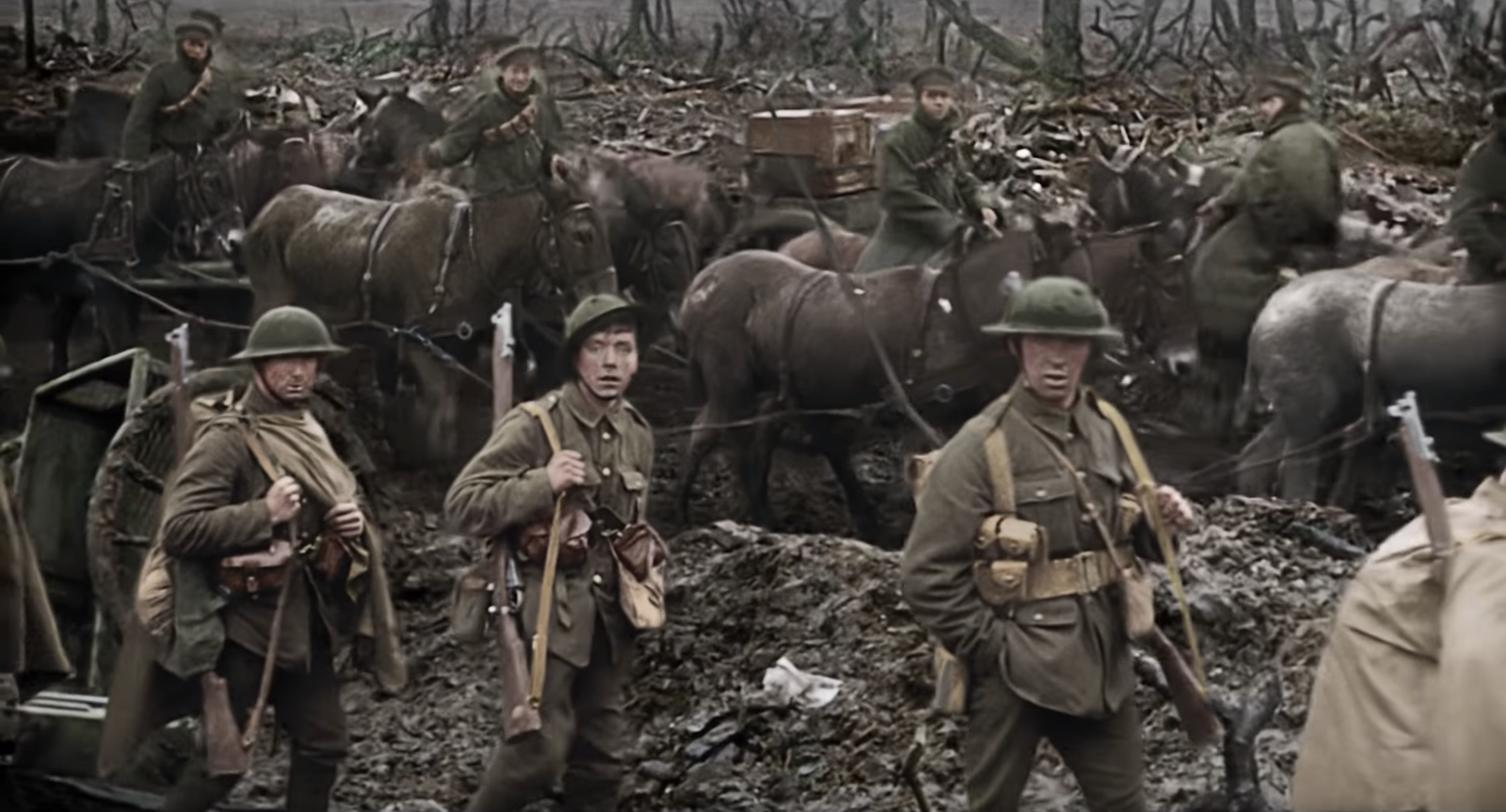
Immediacy. Audiences file black and white under "the past"; color removes that distance. In Peter Jackson's They Shall Not Grow Old (2018), First World War footage plays in black and white until the soldiers reach the front, then turns to color, and the men suddenly read as people rather than history.
Commerce. The 1980s wave was driven by television. Ted Turner's company colorized titles from the MGM library it had bought, which also held pre-1950 Warner Bros. films such as Casablanca.
Style. Hand-colored prints have a painted, unreal charm that suits fantasy and pastiche.
The backlash was real: directors and critics argued colorization overwrote lighting designed for black-and-white stock. The debate fed into the US National Film Preservation Act of 1988, and a planned colorization of Citizen Kane was dropped. Colorizing anonymous archival footage is where the craft now earns most respect.
How to colorize footage: the workflow
- Start from the best scan, 2K or 4K from the negative or best print. Every flaw you don't fix gets colored too.
- Restore first. Remove dust, stabilize, reduce flicker. Silent footage shot at roughly 12–18 fps runs too fast at 24, so retime it; see frame rate.
- Research real colors: uniforms, surviving objects, period color photographs. Guessed colors drift toward generic modern palettes.
- Segment the frame into skin, hair, fabric, sky, foliage, metal; key every few seconds and track the mattes.
- Paint chroma only. Leave original brightness untouched so the lighting stays the cinematographer's.
- Keep it modest. Low saturation, and vary skin: redder on cheeks and knuckles, cooler under the eyes. One flat skin tone is the fastest tell.
Digital and AI colorization today
AI colorization predicts color for every pixel from the gray image. It is fast but fails in predictable ways: safe sepia-brown and blue-gray, invented colors for unidentified objects, flicker between frames and hues that bleed past edges. The professional approach is hybrid: AI makes a first pass, a colorist fixes skin and hero objects and tracks those fixes through the shot. In post-production it is reviewed like any VFX shot, against the black-and-white master.
Colorization vs. film tinting
Film tinting bathes the whole frame in one dye: blue for night, amber for lamplight, red for fire. It is a color code, and every object shares the same hue. Sepia tone is likewise one color for the whole frame.
Colorization assigns different colors to different objects in one frame, a green coat, a pink face, a gray sky, which is why it needs stencils, mattes or AI segmentation.
A close neighbor, selective color, keeps a frame monochrome except one element, like the red coat in Schindler's List (1993). Pleasantville (1998) made gradual colorization the story itself.
Colorization examples in film
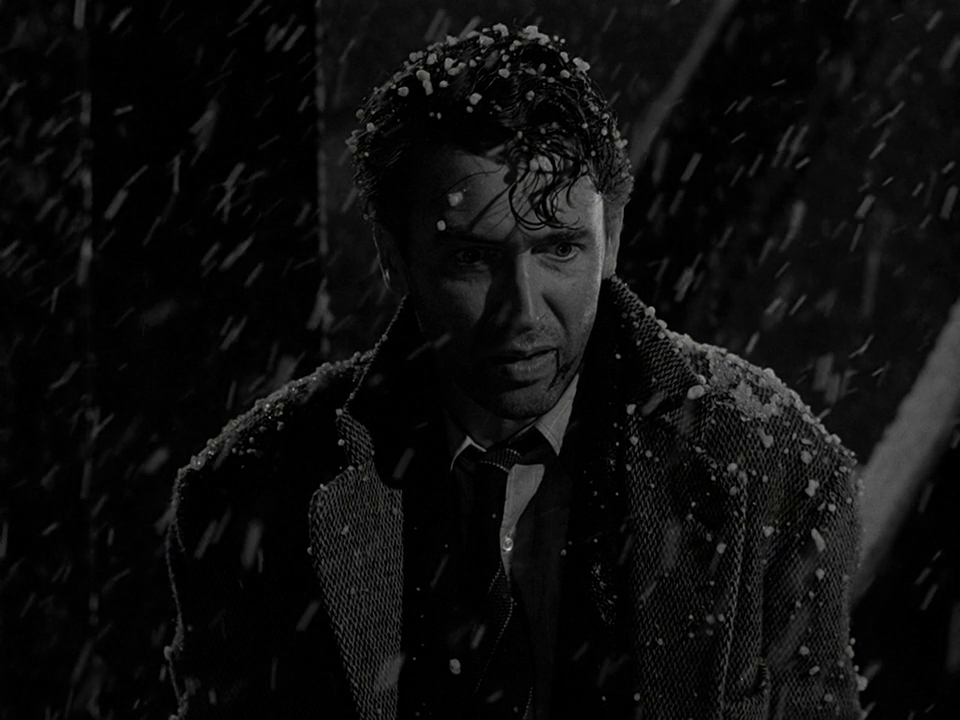
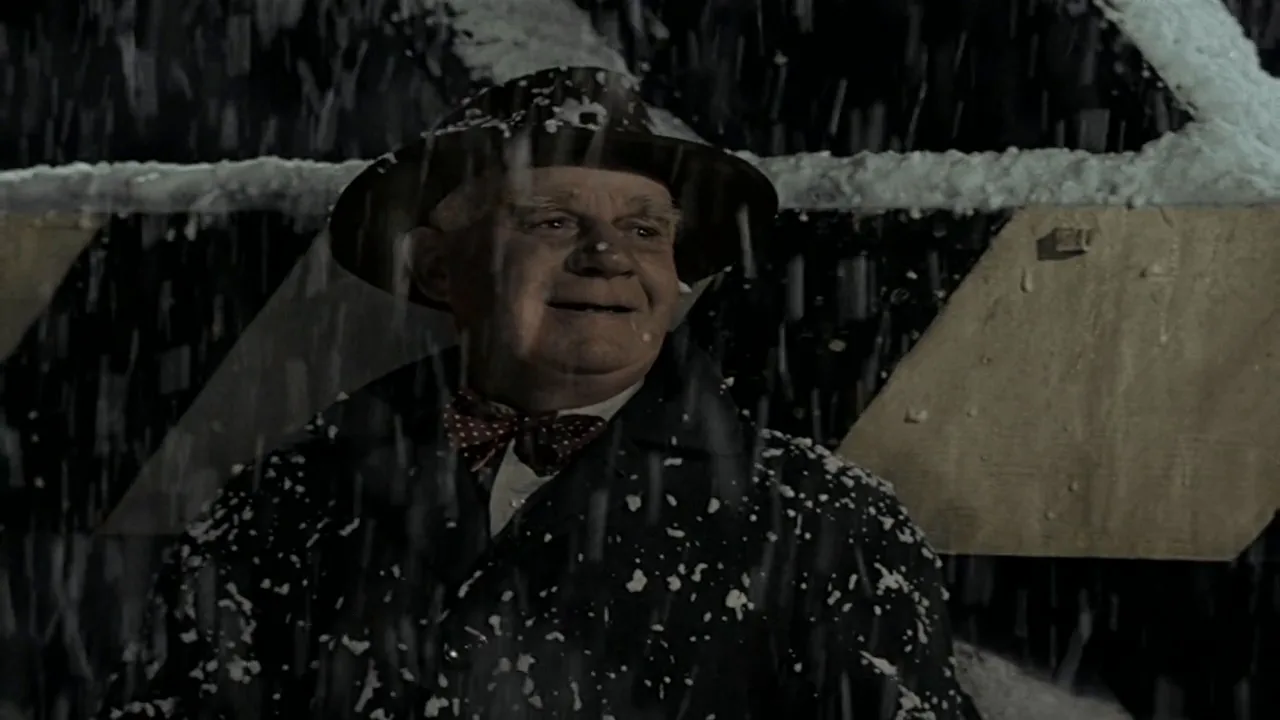
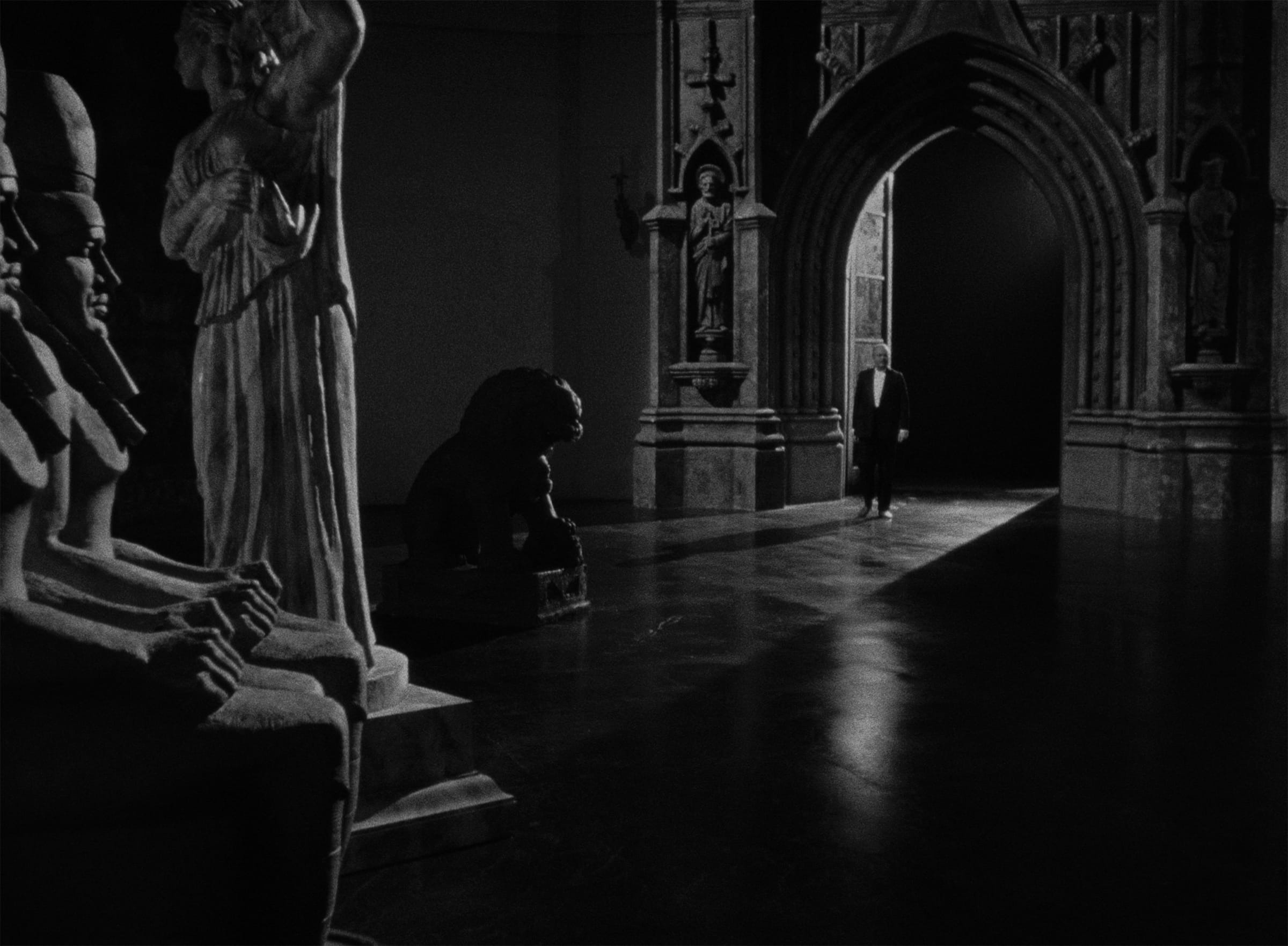
8 framesColorized archive, black-and-white classics at the center of the colorization fight, and modern films that chose monochrome on purpose.
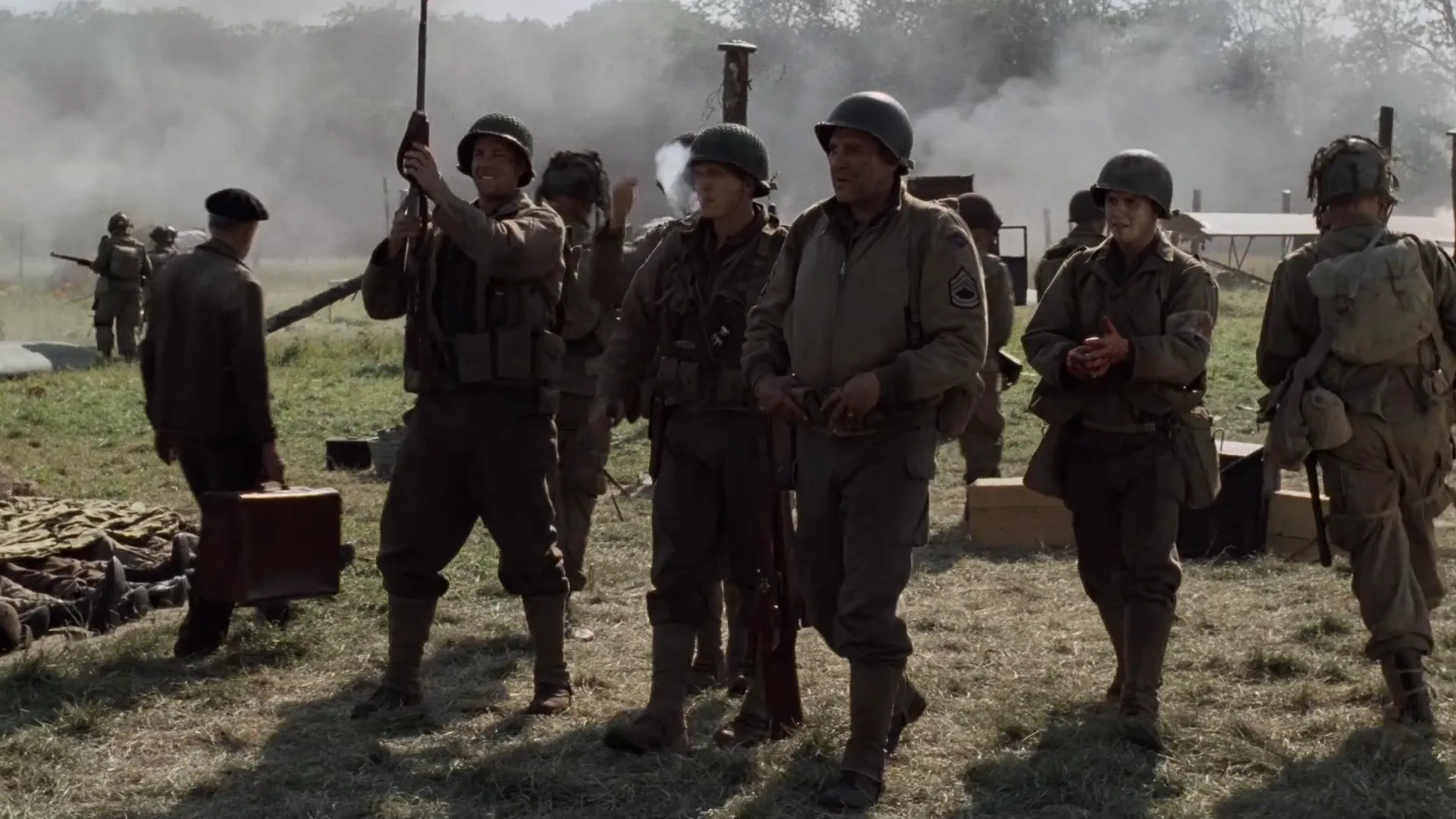
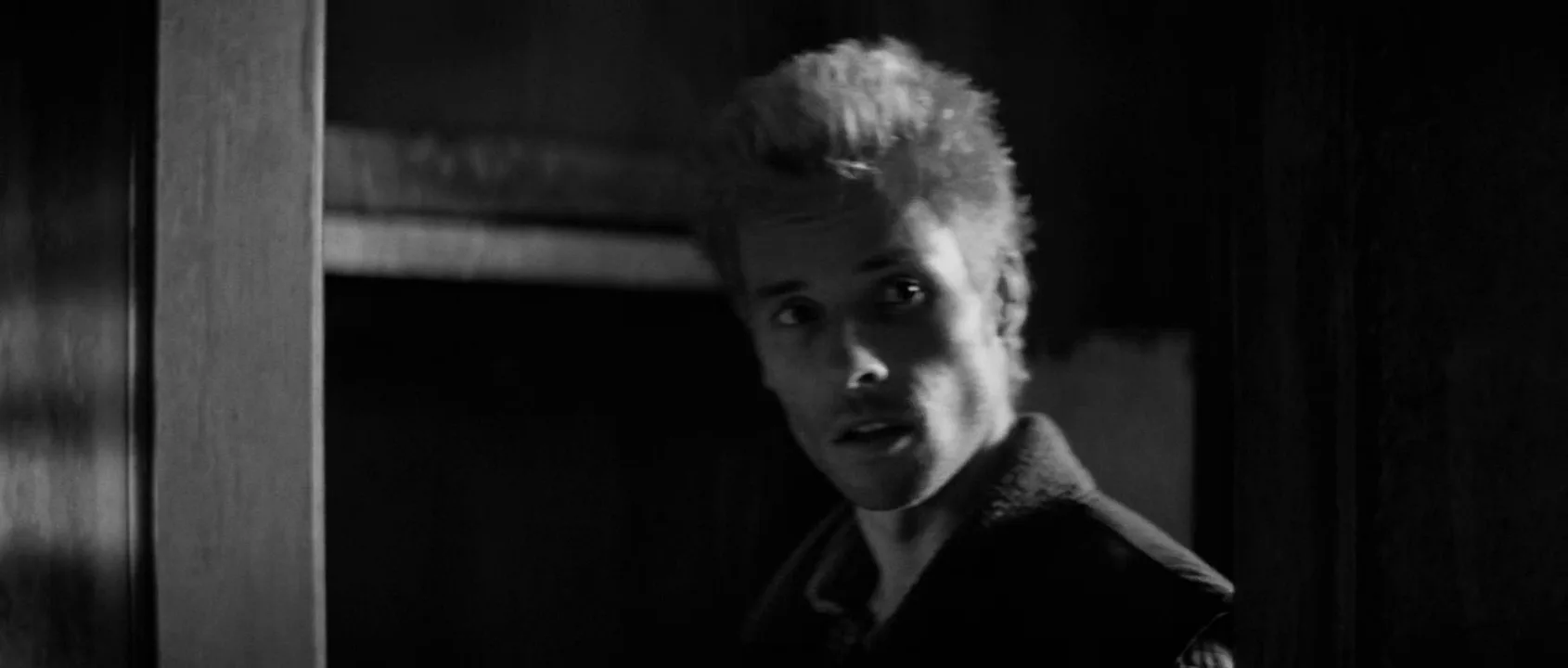
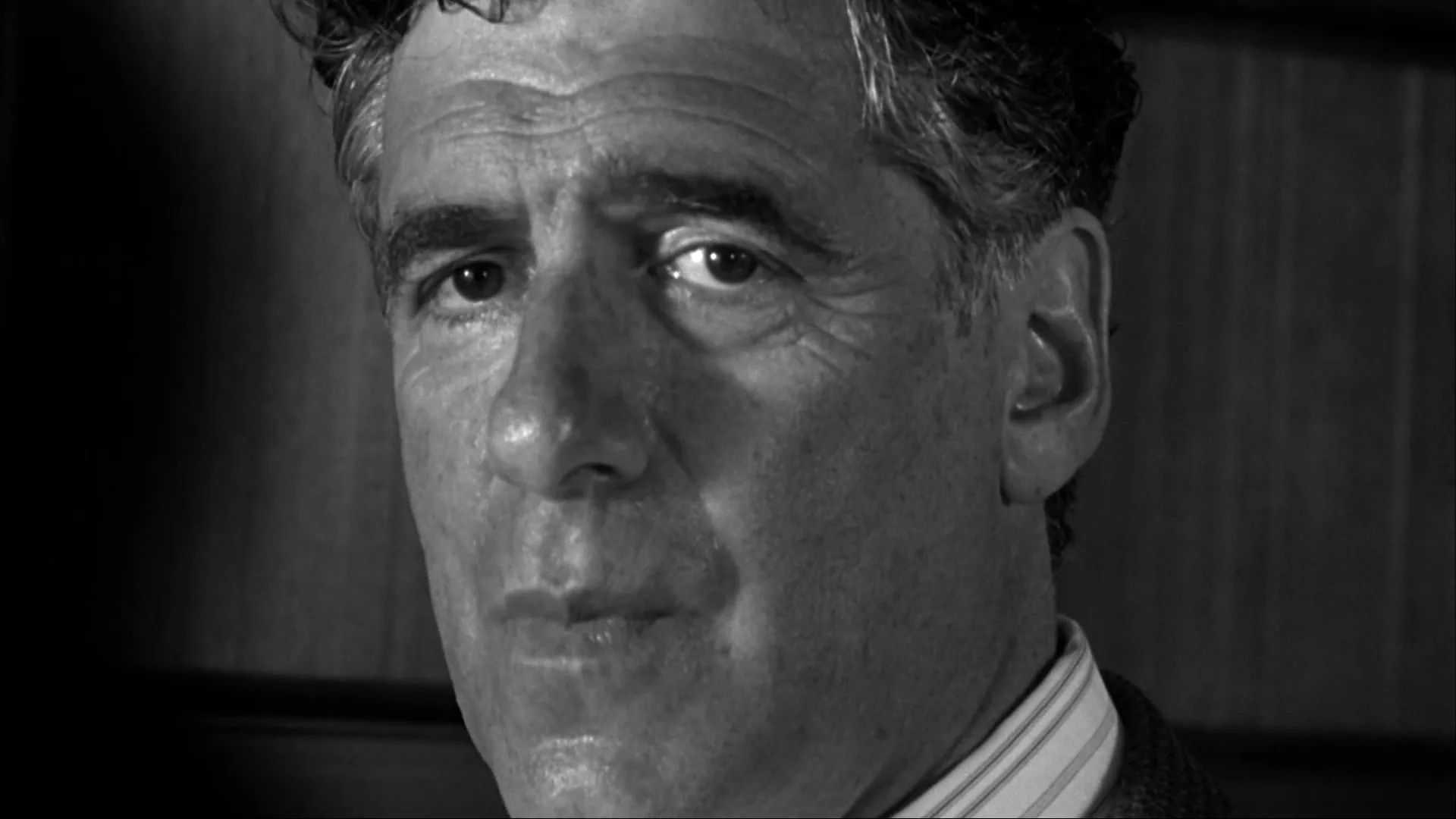
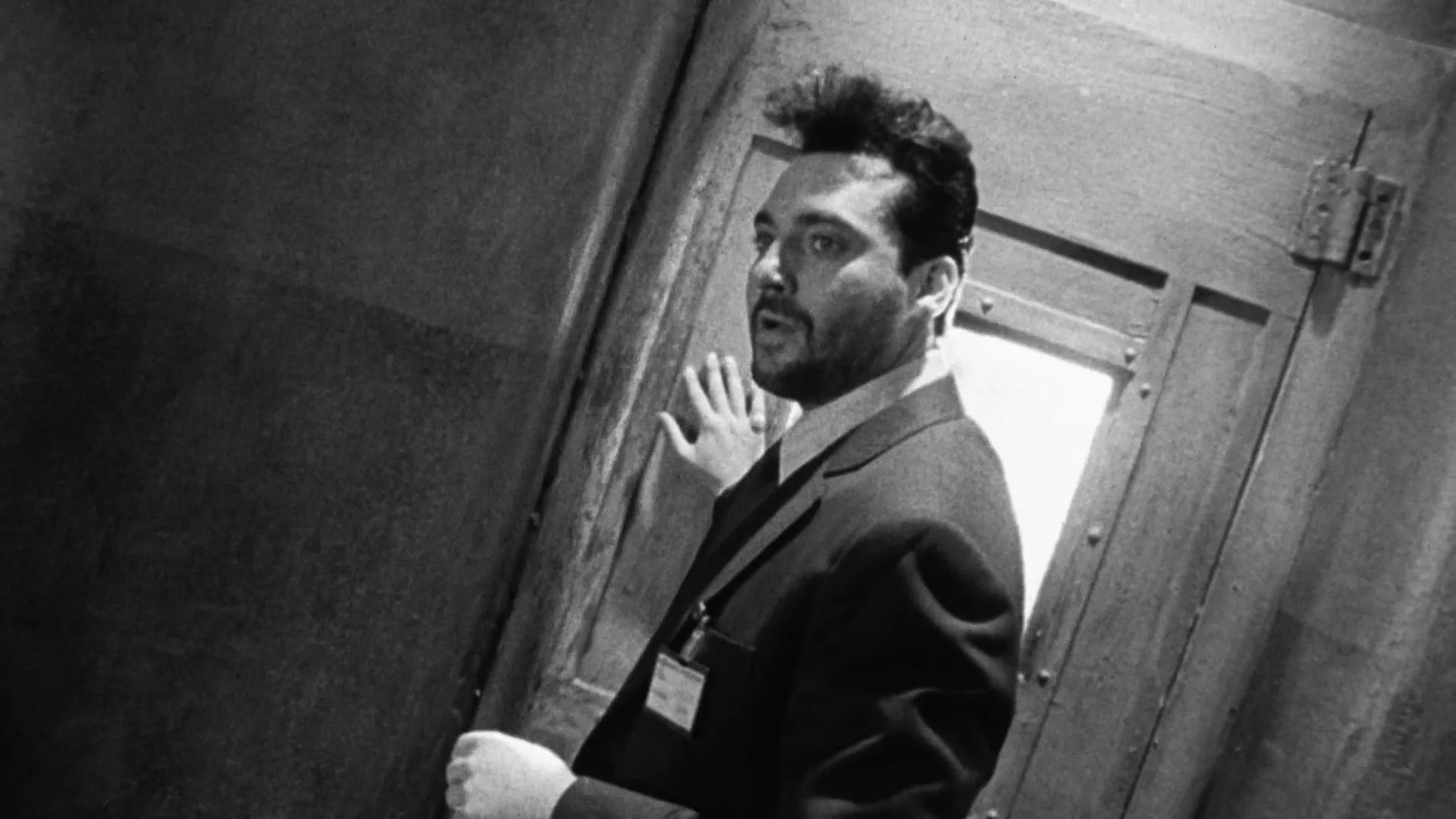
How to create a colorization with AI
3 promptsImage models can generate a frame that already looks colorized, and a video model can bring it to life. On a FlashBoards board, keep period references, takes and notes on real colors side by side so every shot matches.
Digitally colorized 1916 archival newsreel frame, 4:3, wide shot from chest height of a muddy supply road. A column of fictional infantrymen in khaki wool tunics and flat steel helmets walks toward the camera beside a horse-drawn cart; the nearest is a lanky young man with big ears, a crooked nose and a gap-toothed grin, a clay pipe in his mouth. Muted color laid over black-and-white film: olive khaki, brown mud, pale overcast sky, ruddy cheeks, low saturation. Coarse grain, faint scratches, soft vignette.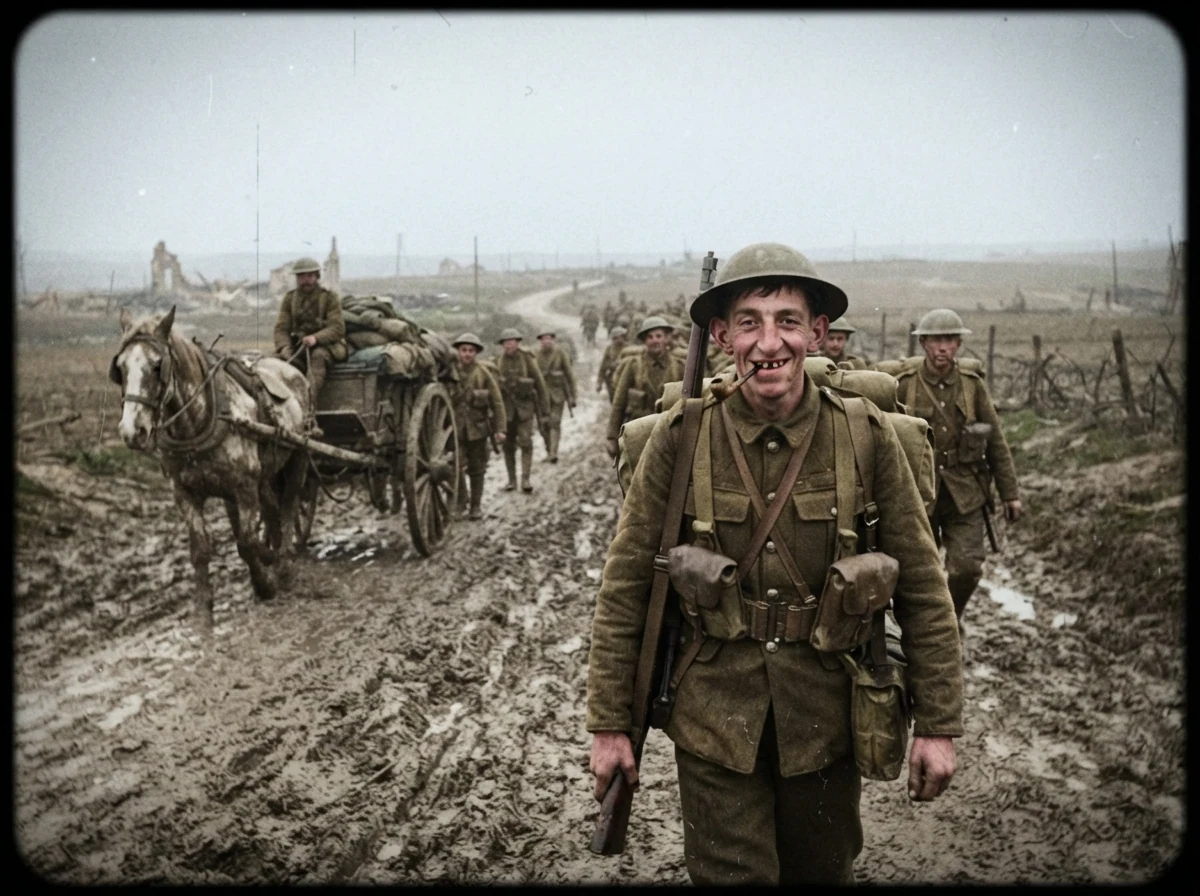
"Digitally colorized" and "laid over black-and-white film" give black-and-white tonality with added chroma. "Low saturation" and the named palette block modern punchy color; grain and 4:3 anchor the archive.
Open FlashBoardsHand-colored silent film frame from around 1905, 4:3, frontal static tableau of a stage with a painted starry backdrop and a smiling paper moon. A stout fictional conjurer with a shaved head, a waxed black moustache and a star-covered robe raises a wand. Stencil coloring on a black-and-white image: flat patches of lemon yellow, rose, turquoise and violet dye, slightly misregistered past the outlines, large areas left gray. Visible grain, aged print.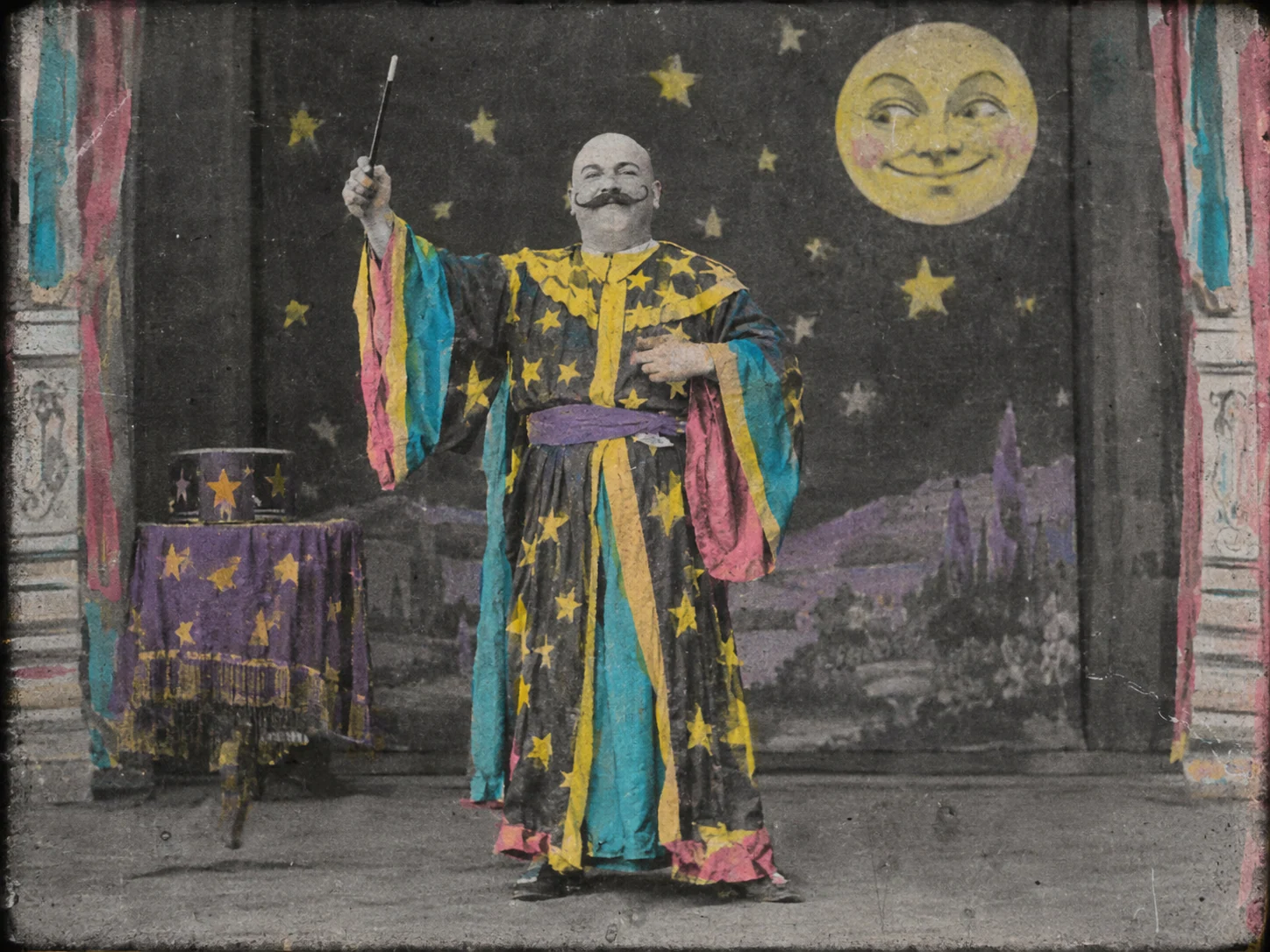
The earlier branch: "hand-colored", "stencil coloring" and "misregistered" give flat dye patches, and "large areas left gray" stops it becoming a modern color image.
Open FlashBoardsCamera: locked off at chest height with the light jitter of a hand-cranked camera from the first frame. Action: the soldiers are already walking toward the camera through the mud and the cart wheels are turning. The gap-toothed soldier in front takes the pipe from his mouth and grins at the lens as he passes close. The men behind keep marching and the cart rolls out of frame left. Muted colorized tones, grain and faint flicker stay steady.Motion starts at once, so the shot is alive from frame one; the glance at the lens is a newsreel signature; "tones stay steady" keeps color from drifting.
Open FlashBoardsCommon mistakes
- Too much color. Name the palette and write "low saturation, muted".
- Plastic skin. Ask for "ruddy, uneven skin tones".
- Too clean. Without grain, scratches and 4:3 it reads as a modern period drama.
- Color drift in video. State that tones stay steady; keep clips to 5–8 seconds.
Keep the reference frames, prompts and every generated take side by side — images and video in one canvas.
FAQ
4 questionsWhat is film colorization?
Film colorization is adding color to footage shot in black and white. Early cinema hand-painted or stenciled dye onto prints; since the 1980s it has been digital, with each frame split into regions and assigned hues while the original brightness is kept. Today AI often makes a first pass that a colorist corrects.
How are black-and-white films colorized?
The film is scanned and restored, then each shot is divided into regions such as skin, clothing and sky. A colorist sets researched colors on key frames and software tracks them through the shot. Only color is added; the original light and shadow stay. A final grade matches the shots.
Why were colorized movies controversial?
In the 1980s studios colorized classic films for television, often over the objections of filmmakers. Critics argued it overwrote lighting and contrast designed for black-and-white stock. The fight fed into the US National Film Preservation Act of 1988, which created the National Film Registry.
Can AI colorize old film footage?
Yes. AI models predict plausible color for each pixel, which makes colorizing hours of footage practical. They often guess wrong on unfamiliar objects, flicker between frames and bleed color past edges, so professionals use AI as a first pass and correct skin and key objects by hand.
Related terms
4- Monochromatic Color SchemeColor
A monochromatic scheme builds the image from a single hue in different shades and tints — an all-red room, an all-green world — so meaning comes from lightness and texture rather than color contrast.
- Sepia ToneColor
Sepia is a warm brown monochrome tint, originally from chemical toning of prints and now added in grading to evoke the past, memory or dusty heat.
- TechnicolorColor
Technicolor is a family of color film processes; its three-strip version (from 1932 into the 1950s) split light onto three negatives and printed them by dye transfer, producing the saturated, jewel-like color of The Wizard of Oz and classic Hollywood musicals.
- Post-ProductionPost-Production & VFX
Post-production is everything after the shoot that turns footage into a finished film: editing, sound design and mix, music, VFX, color grading, titles and delivery masters.
Further reading
Imperial War Museums and Peter Jackson, They Shall Not Grow Old (2018) and its making-of material. US National Film Preservation Act of 1988 and the National Film Registry, Library of Congress.