 FlashBoards Learn
Editing · Film language
In-Camera Editing
Also called: editing in camera, in-camera transitions
In-camera editing means shooting a film in its final order and length, or building its transitions physically on set, so the cut is made while you roll rather than in post. Every start and stop of the camera becomes a finished edit. It forces planning, and it gives footage a live, committed rhythm.
- What it does
- Makes every camera start and stop a final cut, so the film comes out of the camera already assembled.
- Use it when
- You want total control of the cut, have no edit time, or want a transition that happens in front of the lens.
- Watch out
- There is no second chance: a bad take or a wrong length stays in the film unless you reshoot from that point.
- Try this prompt
Handheld 28mm shot down a narrow hallway, a young man walks straight into the lens until his dark coat blacks out the frame
What is in-camera editing?
Normally you shoot out of order, cover each scene from several angles and let the editor choose. In-camera editing skips that: you shoot shot 1, then shot 2, then shot 3, each starting and ending where it will on screen. When the camera stops, that is the cut.
The term covers two practices:
- Sequential shooting. The piece is recorded in order at final length, as with a Super 8 cartridge or a school exercise.
- Practical transitions. The join is built on set: a fade made by closing the iris, a dissolve made by winding the film back and exposing over it, an actor blocking the lens, or a stop trick.
It is part of the editing toolkit, not the same as staging a scene in one long shot, which can still be trimmed later.
Why do filmmakers edit in the camera?
Control. John Ford is the classic case: he shot so little coverage that a studio editor had only one way to assemble a scene. Alfred Hitchcock planned so completely that he called the shoot the dull part; the film already existed on paper.
Economy. On film, every foot costs money. Home movies and student Super 8 films were cut in the camera for lack of an editing bench.
Liveness. Shooting in order lets actors play a continuous arc, and a transition that happens in front of the lens carries the same light and grain on both sides. Aleksandr Sokurov's Russian Ark (2002), one unbroken take through the Hermitage, is the extreme case.
How to edit in the camera
- Write the cut first. Build a shot list in screen order with a target length per shot.
- Rehearse, then roll once. The recorded take is final. On digital, delete a bad clip and redo it before moving on.
- Know your stock. A 50 ft Super 8 cartridge holds 3,600 frames: 2.5 minutes at 24 fps, 3 minutes 20 seconds at 18 fps.
- Lock what must match. Manual exposure, white balance and focus, so consecutive shots don't jump in brightness or color.
In-camera transitions
- Fade: close the iris or ride an ND filter to black over 1–2 seconds, then open on the next shot.
- Dissolve: on a film camera with a rewind, fade out, wind back the same frames, fade in the next shot over it.
- Block the lens: an actor or dark coat fills the frame; start the next shot on a matching dark object pulling away.
- Whip or focus: whip off the subject or rack to a blur, and open the next shot with the same motion.
Are Rope, 1917 and Birdman edited in camera?
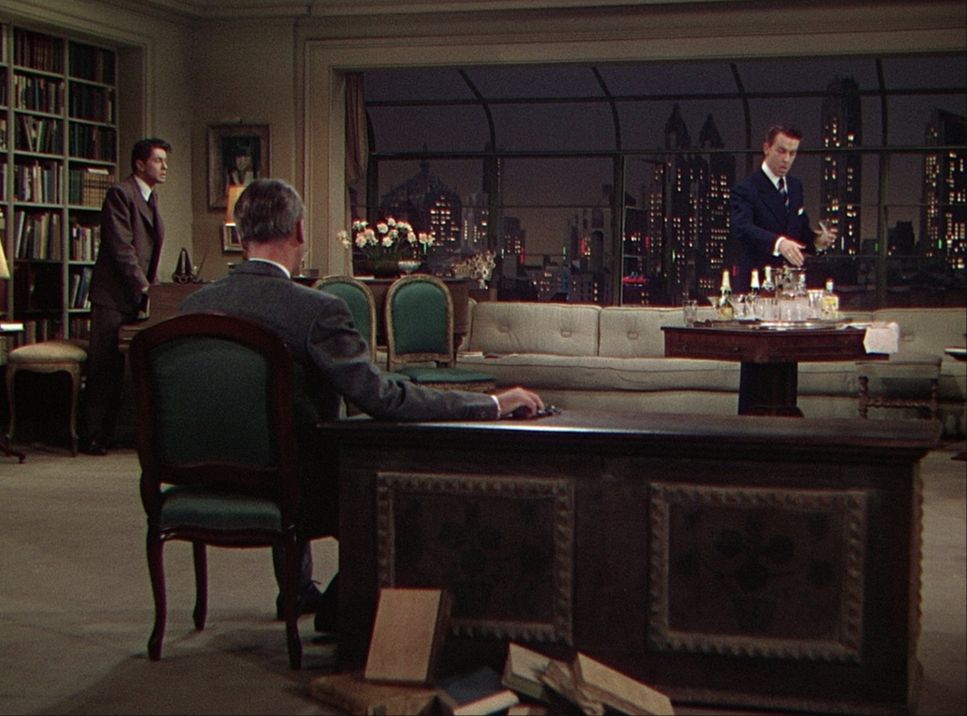
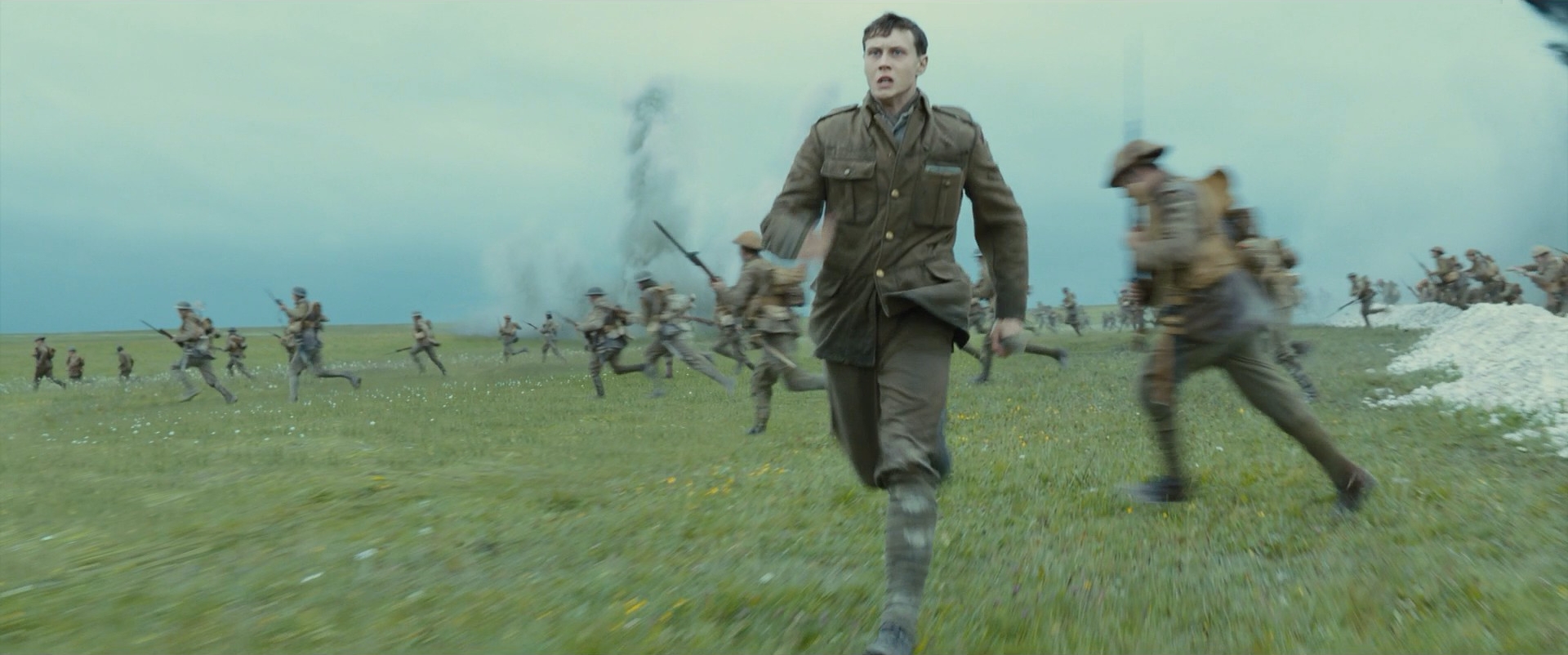
Not really, and it's the most repeated mistake about the term. Hitchcock's Rope (1948) was shot in long takes, but a film magazine ran out about every ten minutes: some joins hide behind a passing jacket, others are plain cuts. 1917 (2019) and Birdman (2014) join long shots with hidden digital stitches in post.
Those films simulate a single take. In-camera editing finishes its joins during the shoot, so Russian Ark qualifies and a stitched oner does not.
In-camera editing vs. seamless transition
A seamless transition hides a cut inside matching motion, a whip or a dark object crossing the lens. It can look identical to an in-camera block-the-lens join. The difference is where the join is finished: an in-camera transition stops and restarts on set and plays as shot; a seamless transition is usually shot as two overlapping pieces, then aligned, speed-ramped and blended in the edit.
Go in camera for the raw feel, in post for frame-level control. The wider family of joins is in film transitions.
In-Camera Editing examples in film
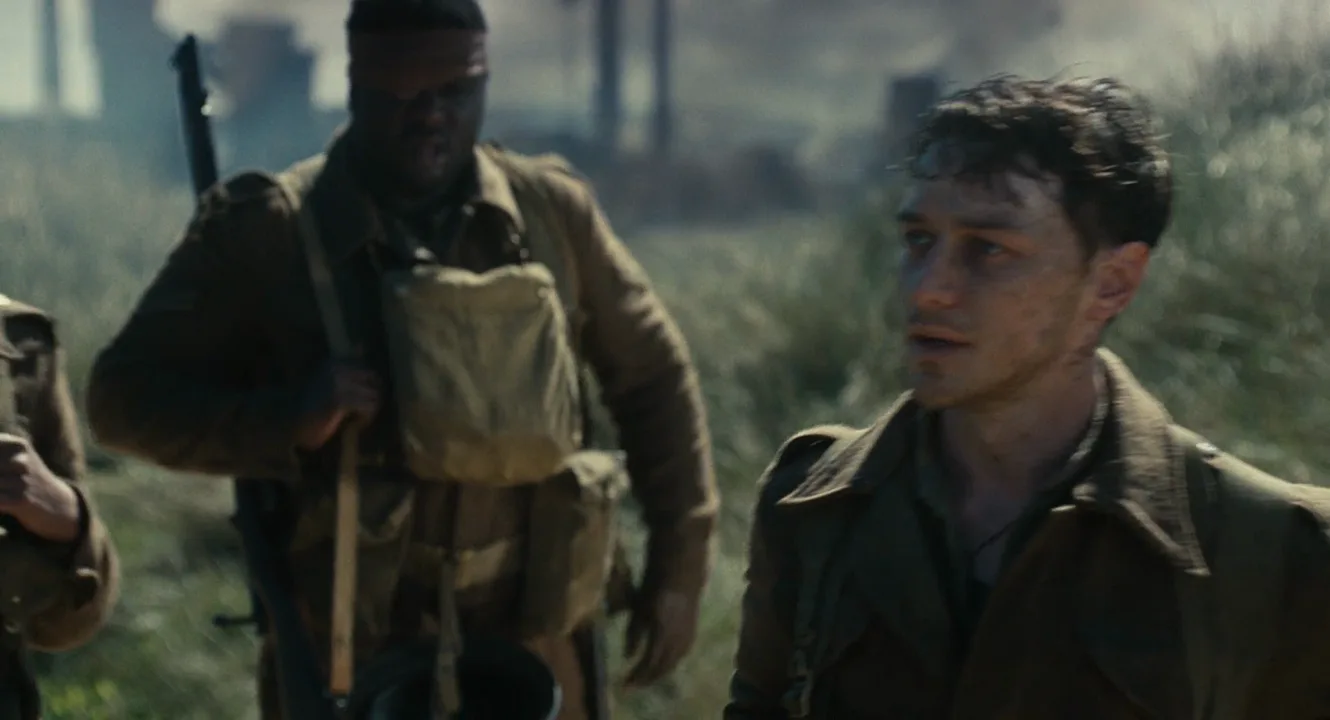
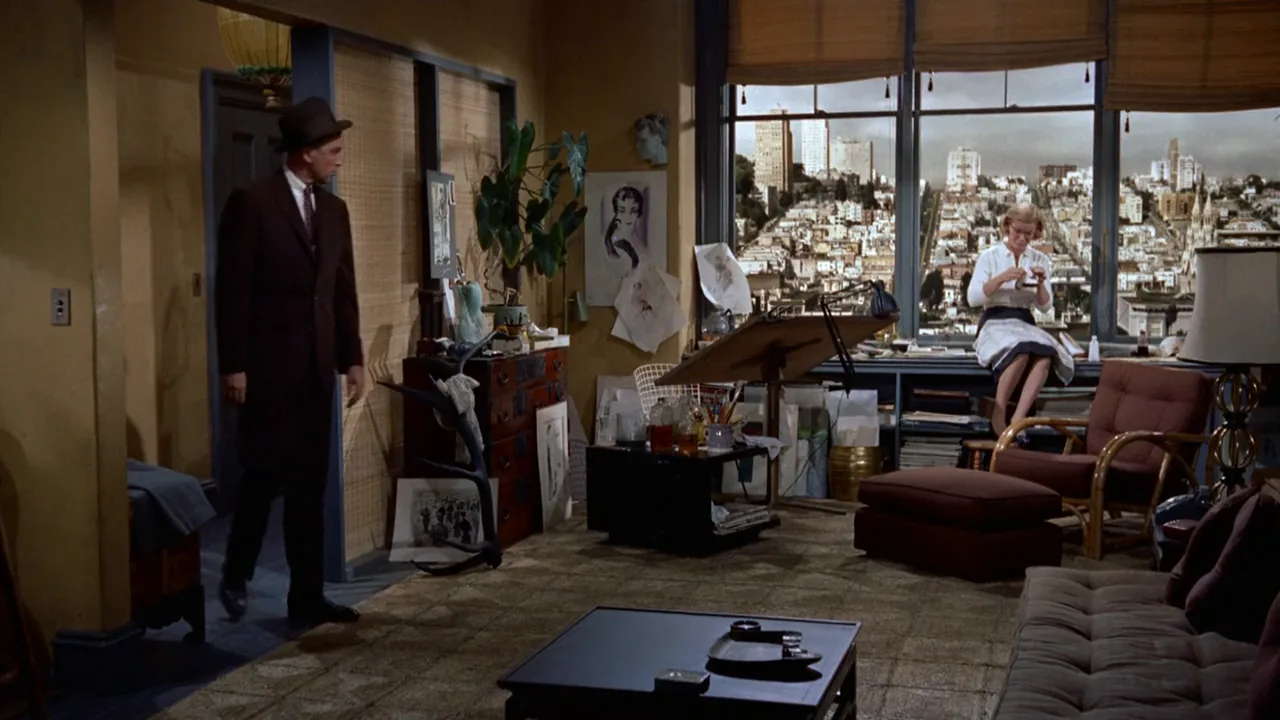
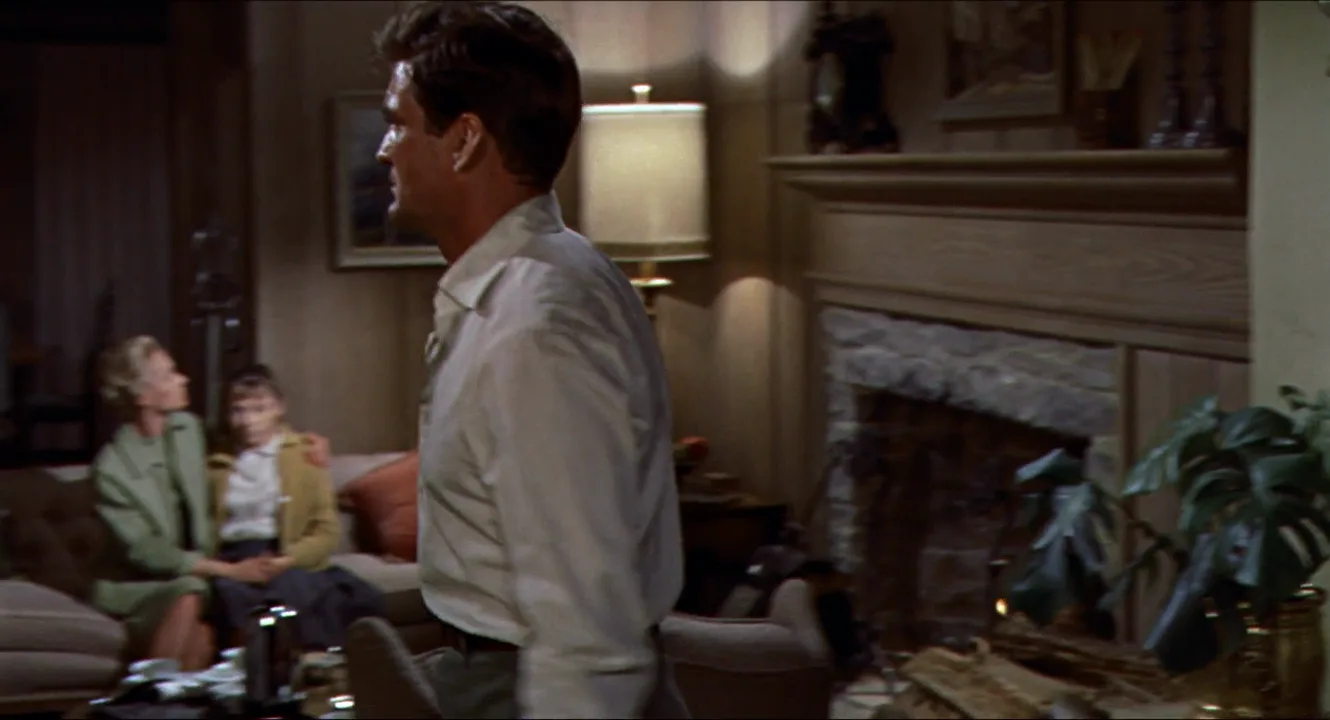
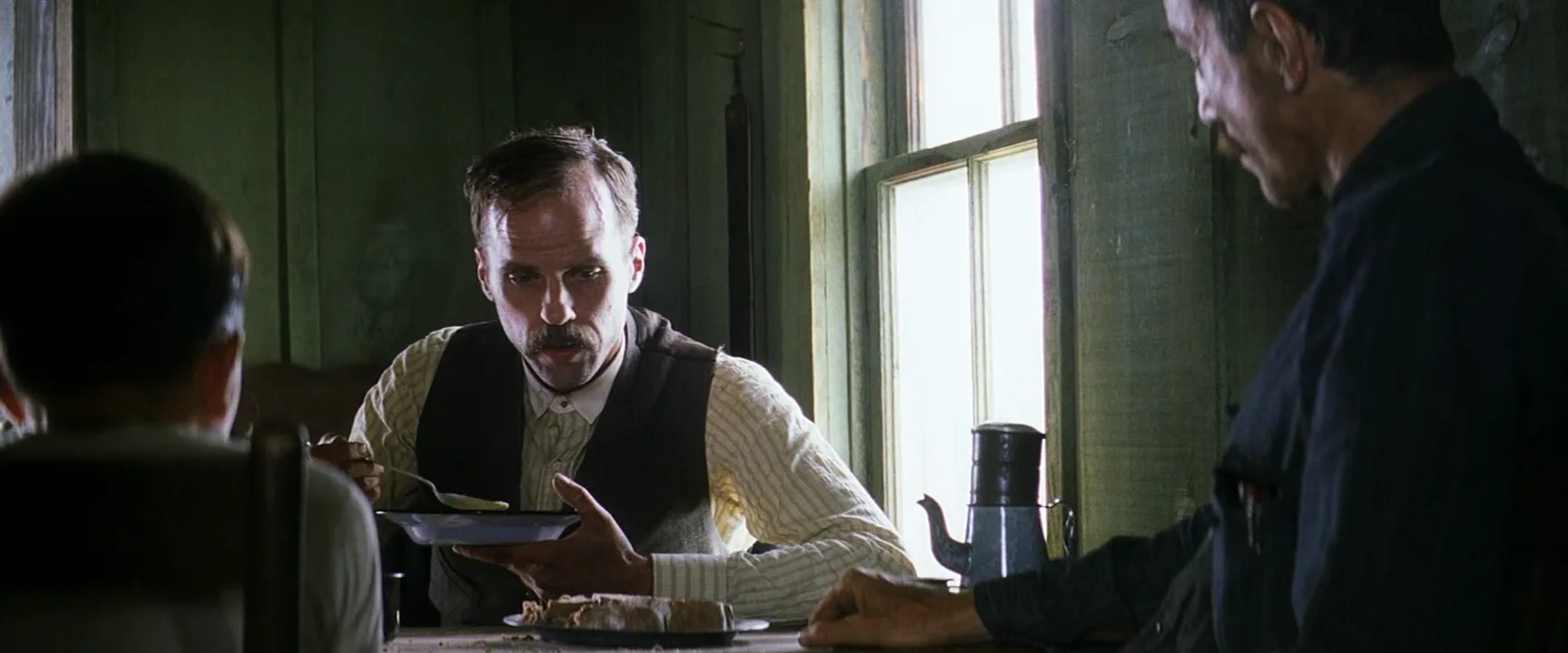
6 framesIn-camera editing happens between shots, so no still can prove it. These frames show what it relies on, plus two long-take films often mistaken for it.
How to create a in-camera editing with AI
3 promptsA video model renders one continuous shot, so direct in-camera editing as on set: design the exit of shot A and the entrance of shot B as one physical transition, then generate them in order. Keep the shot list and both frames on one FlashBoards board and check the pair side by side before you animate.
Handheld medium-wide shot at eye height, 28mm lens, looking straight down a narrow apartment hallway at dusk. A lanky man in his early twenties with a platinum buzz cut, a small gap between his front teeth and a long charcoal wool coat walks toward the camera from three meters away, a paper grocery bag in his arms. Warm tungsten ceiling lamp, cool blue window at the far end. 16mm film grain.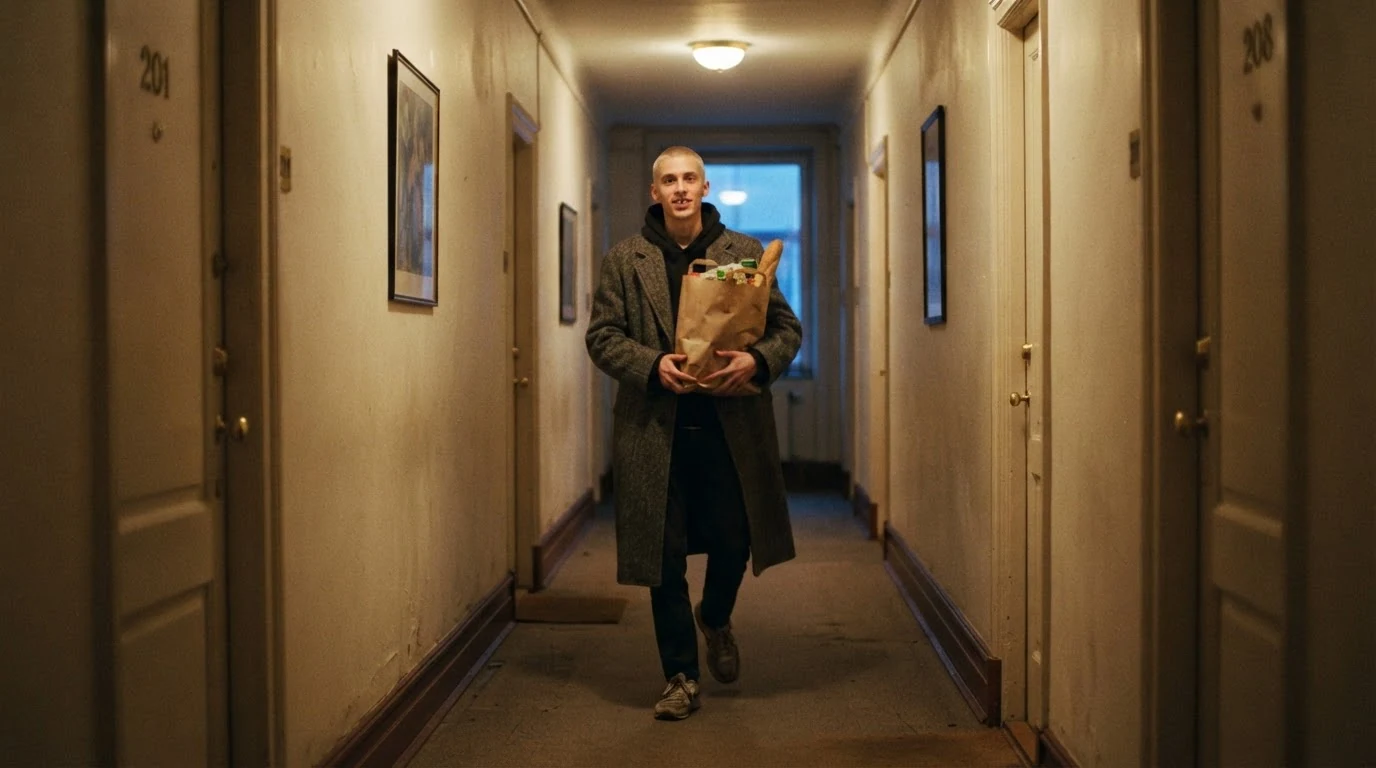
Looking straight down and walks toward the camera line him up with the lens so the coat can block it. The coat is the transition object, so it is named precisely.
Open FlashBoardsHandheld shot at eye height, 28mm lens: the left two thirds of the frame is filled by the dark charcoal wool shoulder of a man, very close to the lens and out of focus, as he steps away onto a rooftop garden at night. Beyond him, string lights over wooden planters and a hazy blue city skyline. Low-key light, 16mm film grain.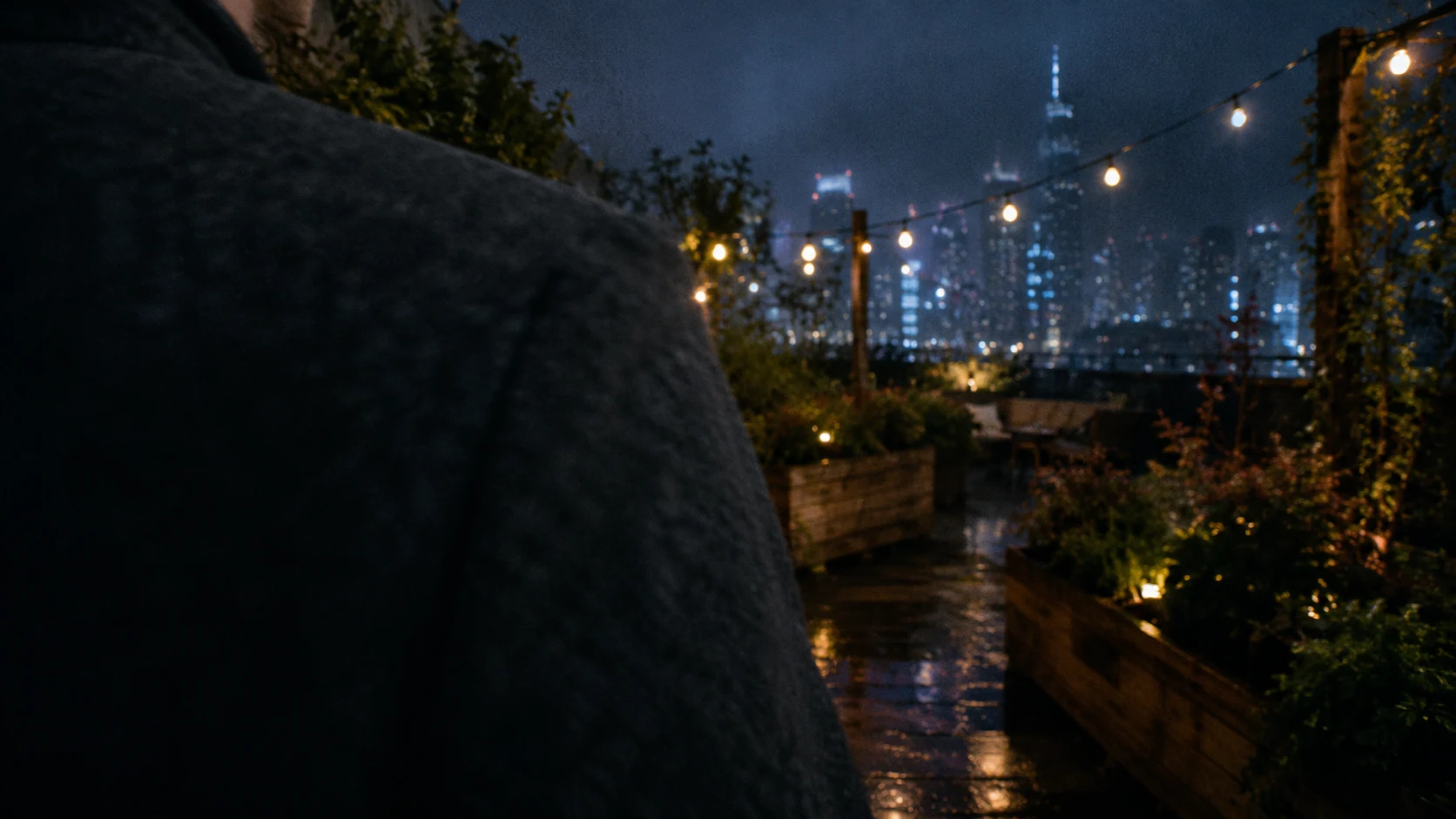
The entrance of shot B. Very close to the lens and out of focus plus the same coat, lens and grain let you restart on dark wool, as you would on set.
Open FlashBoardsCamera: handheld at eye height, holding its position in the hallway with a slight natural sway. Action: The young man is already walking fast toward the camera, the grocery bag in his arms. He keeps his pace; his face rises out of the top of the frame as he reaches the lens. His charcoal wool coat covers the lens completely and the frame goes dark with wool texture, holding dark to the end.Already walking fast makes the shot alive from frame one; holding its position stops the camera backing away; covers the lens completely gives a clean black exit to cut on.
Open FlashBoardsCommon mistakes
- The subject stops short of the lens. Write covers the lens completely and keeps his pace.
- The camera drifts back. Write holding its position at a fixed height.
- The model morphs into a new room. Keep each clip in one space and make the join between clips.
- Shots A and B don't match. Repeat lens, grain and light words.
Keep the reference frames, prompts and every generated take side by side — images and video in one canvas.
FAQ
4 questionsWhat is in-camera editing?
In-camera editing is shooting a film in its final order and length, or building its transitions on set, so no editing is needed afterward. Each camera stop is a finished cut. It was common for home movies and Super 8, and John Ford used a version of it to limit studio recuts.
How do you do in-camera transitions?
End one shot and start the next on a matching action or object: an actor blocks the lens, a whip pan exits and re-enters, the iris closes to black and opens on the next scene, or the camera stops while something is swapped. Lock exposure, color and camera height so both sides match.
Is 1917 edited in camera?
No. 1917 (2019) looks like continuous shots, but its long takes are joined with hidden digital stitches in post, as are those of Birdman (2014); Rope (1948) joins its reels after the shoot. Russian Ark (2002), shot as one unbroken take, is a true in-camera example.
Can you edit in camera on a phone?
Yes. Plan the shots in order and record each as a separate clip, or use a camera app that pauses and resumes one recording. Build transitions by covering the lens with a hand or jumping, then start the next clip from the same position.
Related terms
6- Seamless TransitionEditing
A seamless transition hides the cut inside matching motion, a camera move, a dark object crossing the lens or a shared shape, so two shots play as one continuous action.
- Film TransitionsEditing
Transitions are the ways one shot or scene gives way to the next — the plain cut, dissolve, fade, wipe, match cut and hidden or stylised moves like whip and mask transitions.
- Stop TrickCameras & Capture
The stop trick (arrêt) halts the camera, changes something in front of it and resumes shooting from exactly the same position, so on screen people or objects appear, vanish or transform instantly — the founding special effect of early cinema.
- Practical EffectsPost-Production & VFX
Practical effects are created physically on set — animatronics, prosthetic makeup, miniatures, pyrotechnics, rain and wind machines — and captured by the camera rather than generated with CGI in post.
- TakeFilmmaking Process & Crew
A take is one uninterrupted recording of a particular setup, from 'action' to 'cut'; a shot may need dozens of takes, and the editor chooses the best one or combines several.
- Film EditingEditing
Film editing is the selection and ordering of shots — where each one starts, ends and what follows it — to build continuity, rhythm and meaning out of the raw footage.
Further reading
Walter Murch, In the Blink of an Eye (Silman-James Press, 2001). François Truffaut, Hitchcock/Truffaut (Simon & Schuster, 1967).