 FlashBoards Learn
Editing · Film language
J-Cut
Also called: split edit, audio lead, sound advance
A J-cut is a split edit in which the sound of the next shot starts before its picture: we hear the new voice, room or scene a beat before we see it. It pulls the viewer across the cut, gives the picture change a reason to happen and lets a conversation flow instead of hopping from face to face.
- What it does
- Lets the next shot's sound arrive first, so the audience is already listening when the picture catches up.
- Use it when
- Entering a new scene, bringing in an off-screen speaker, or smoothing a back-and-forth dialogue.
- Watch out
- A lead that runs too long or lands over a moving mouth reads as a sync error, not a choice.
- Try this prompt
Medium close-up, 50mm, eye level, woman at a kitchen table turning her head toward an open doorway at screen right, eyes off the lens, warm lamp light
What is a J-cut in film?
A J-cut is a cut where picture and sound change at different moments, and the sound changes first. The outgoing shot is still on screen, but we already hear the incoming one: a line, the hum of a new location, a knock. A few frames or seconds later the picture cuts to match.
The name comes from the timeline. Pull the incoming audio left so it slides under the end of the previous shot, and the second clip's outline looks like a J: a tall video stroke with an audio tail curling back underneath. Editors also call it a split edit, an audio lead or a sound advance, and screenwriters mark the same idea in a script as a pre-lap: a line heard before we cut to the person saying it.
Its mirror image is the L-cut, where the sound of a shot hangs on after the picture has moved on. Together they are the two basic split edits in film editing; in a well-cut scene many cuts that feel straight are offset by a few frames.
What makes it work is the question it plants: for a moment the ear knows something the eye does not. The picture cut answers that question, so the change of shot feels like the viewer's own idea.
Why do editors use J-cuts?
It mimics how attention works. In a real room you hear someone start to speak and then turn to look. A J-cut reproduces that order: sound first, then the glance. Dialogue where every cut sits on the first syllable of each line feels like ping-pong.
It pulls the audience into the next scene. Bringing in the next location's sound under the last seconds of the current one turns a hard scene change into a forward motion. The viewer is already half in the new place when the image arrives. When that carry-over links two ideas, it becomes a sound bridge.
It keeps you on the face that matters. In editing a dialogue scene, the listener is often more interesting than the speaker. A J-cut lets the new speaker begin while we stay on the listener's reaction, then cuts to the speaker mid-sentence. Across a shot reverse shot exchange this staggering hides the seams between takes.
It controls pace. An early sound compresses a transition, because the audience starts on the next beat before the current one ends. It is one of the quiet tools of pacing.
It can shock or foreshadow. In Alfred Hitchcock's The 39 Steps (1935), a woman discovers a body and opens her mouth to scream, and what we hear is the shriek of a train whistle, which carries straight into a shot of the train. The opening of Whiplash (2014) works on a smaller scale: drumming is heard before we see the drummer. When the early sound comes from another time or place, it tips into asynchronous sound and can play as memory, dread or irony.
Common kinds of J-cuts
- Dialogue lead. The next speaker's line starts over the listener. The most frequent J-cut in any film, and usually invisible.
- Scene-transition lead. The ambience or first line of the next scene starts under the end of the current one: traffic before the street, a teacher's voice before the classroom.
- Opening lead. Sound over black or titles before the first image, so the film begins in the ear.
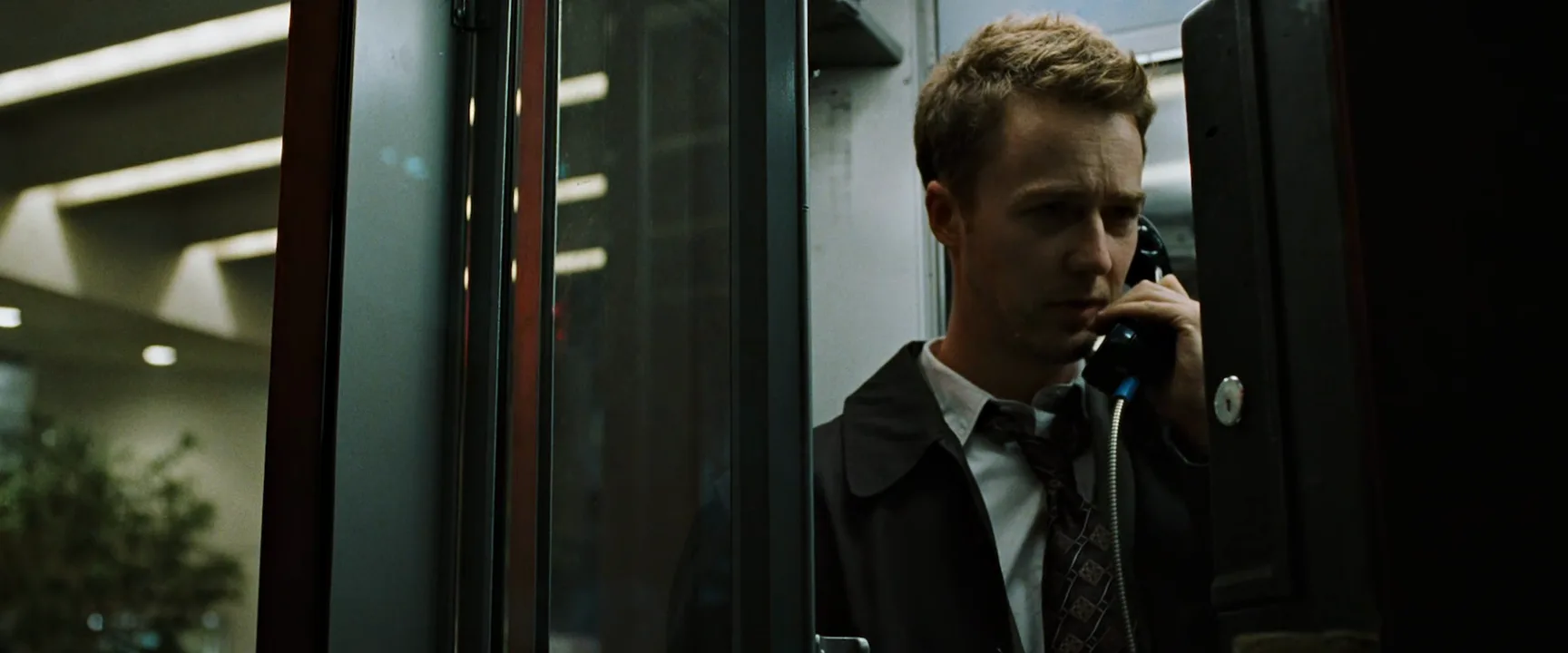
- Phone and intercut lead. In a phone call or cross-cutting, the voice at the far end starts before we cut to its owner.
- Memory lead. A voice from another time, or a voice-over line, arrives before its image and signals a flashback or a thought.
- Shock lead. A loud sound hits before its picture and reframes the shot we are still watching, as in The 39 Steps.
How to make a J-cut in editing
The mechanics are the same in every editing program.
- Cut straight first. Put the picture cut where the image should change, with audio and video aligned. Decide it on the image alone.
- Separate the audio edit point. Unlink the clips or modifier-click the audio side of the edit (Alt or Option in most editors) so you can move sound without moving picture.
- Roll the audio edit left. Use a rolling edit on the audio only. The incoming audio extends under the outgoing picture and the outgoing audio shortens by the same amount, so nothing downstream drifts out of sync.
- Set the lead. For dialogue, start with 4 to 12 frames and adjust by ear. For a scene change, try 1 to 3 seconds. For an opening over black, as long as the sound holds interest.
- Check the outgoing mouth. If the outgoing character's lips move under the new voice, it reads as a sync slip. Cut when their mouth is closed, or on a listener.
- Smooth the seam. Add a short crossfade of 2 to 8 frames between the two audio clips, fill gaps with room tone and match levels, so the incoming track does not pop in.
Watch it without looking at the timeline: if you notice the cut, the lead is too long or unmotivated.
How to shoot for J-cuts
A J-cut is made in the edit, but it only works if the footage gives the editor room.
- Cover the listener. Shoot singles of whoever is not talking, playing the whole scene. Most J-cuts land on a listening face. A spare cutaway of hands, a door or a window gives the same freedom.
- Give the picture a cue. Block a head turn, a glance toward the door or a pause in action where the incoming sound should arrive. A listener single at 50 to 85mm, eye level, eyeline just off the lens toward the off-screen source, is the classic landing shot.
- Let takes run long. Roll a few seconds before action and after cut. Those handles are what the editor slides audio under.
- Record the off-camera actor. Keep a boom or a lav on the actor who is off screen, so their lines are usable as clean diegetic sound over the other person's shot.
- Capture room tone and ambience. Thirty to sixty seconds of silence per setup, plus wild ambience of every location.
- Write it in. If a transition depends on a sound lead, mark it in the script as a pre-lap so the production sound team records it cleanly.
J-cut vs. L-cut: what is the difference?
Both are split edits; the difference is which side the sound leans to.
- J-cut: the incoming sound starts before the picture cut. Sound leads, picture follows. On the timeline the audio tail reaches left under the previous shot.
- L-cut: the outgoing sound continues after the picture cut. Picture leads, sound follows. The audio tail reaches right under the next shot, making an L.
The effect is almost opposite. A J-cut looks forward: anticipation, curiosity, a pull into the next beat or scene. An L-cut looks back: it lets a line land, holds on a reaction, lets a scene breathe as we leave it. In dialogue they usually work as a pair. An L-cut carries a line onto the listener's face; a J-cut brings in the reply before we cut to it.
A sound bridge is broader: any sound carried across a transition, in either direction. A J-cut across a scene change creates one, but a continuous score cue bridges scenes without any split edit.
J-Cut examples in film
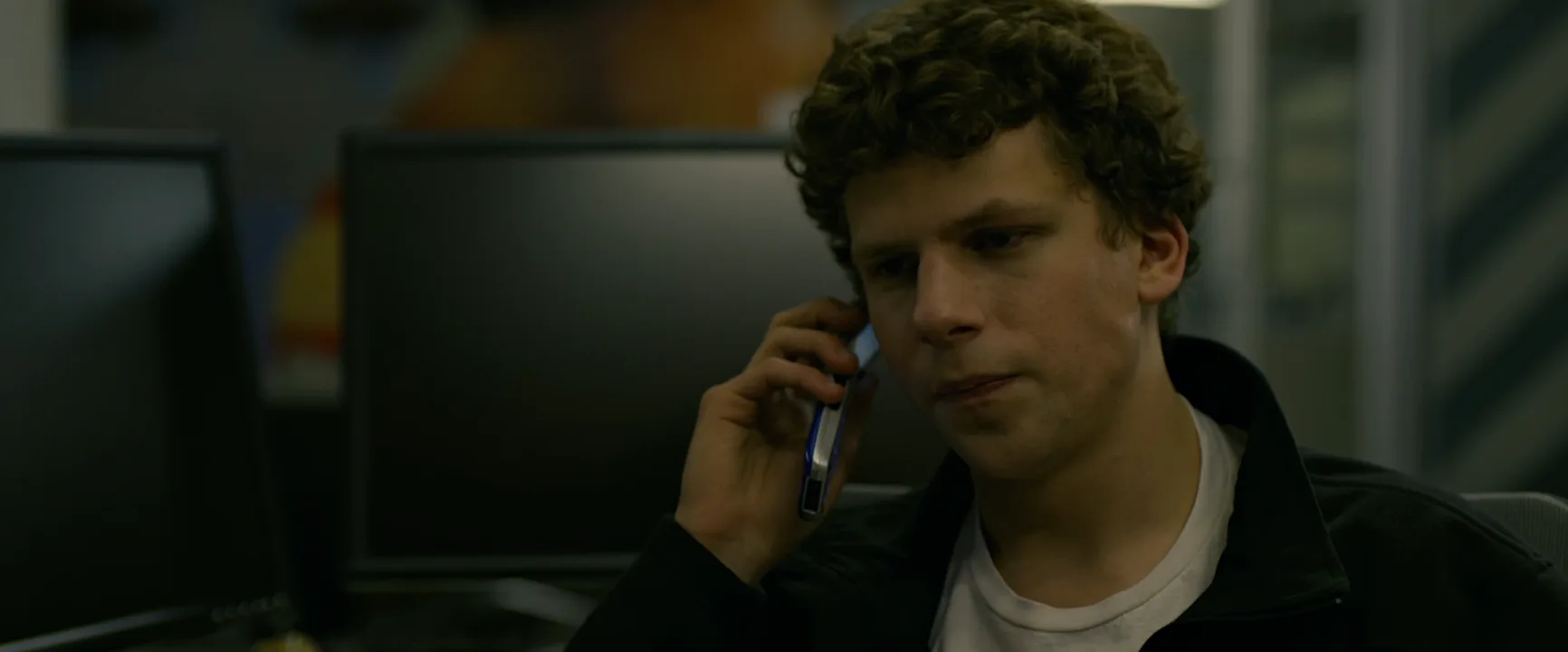
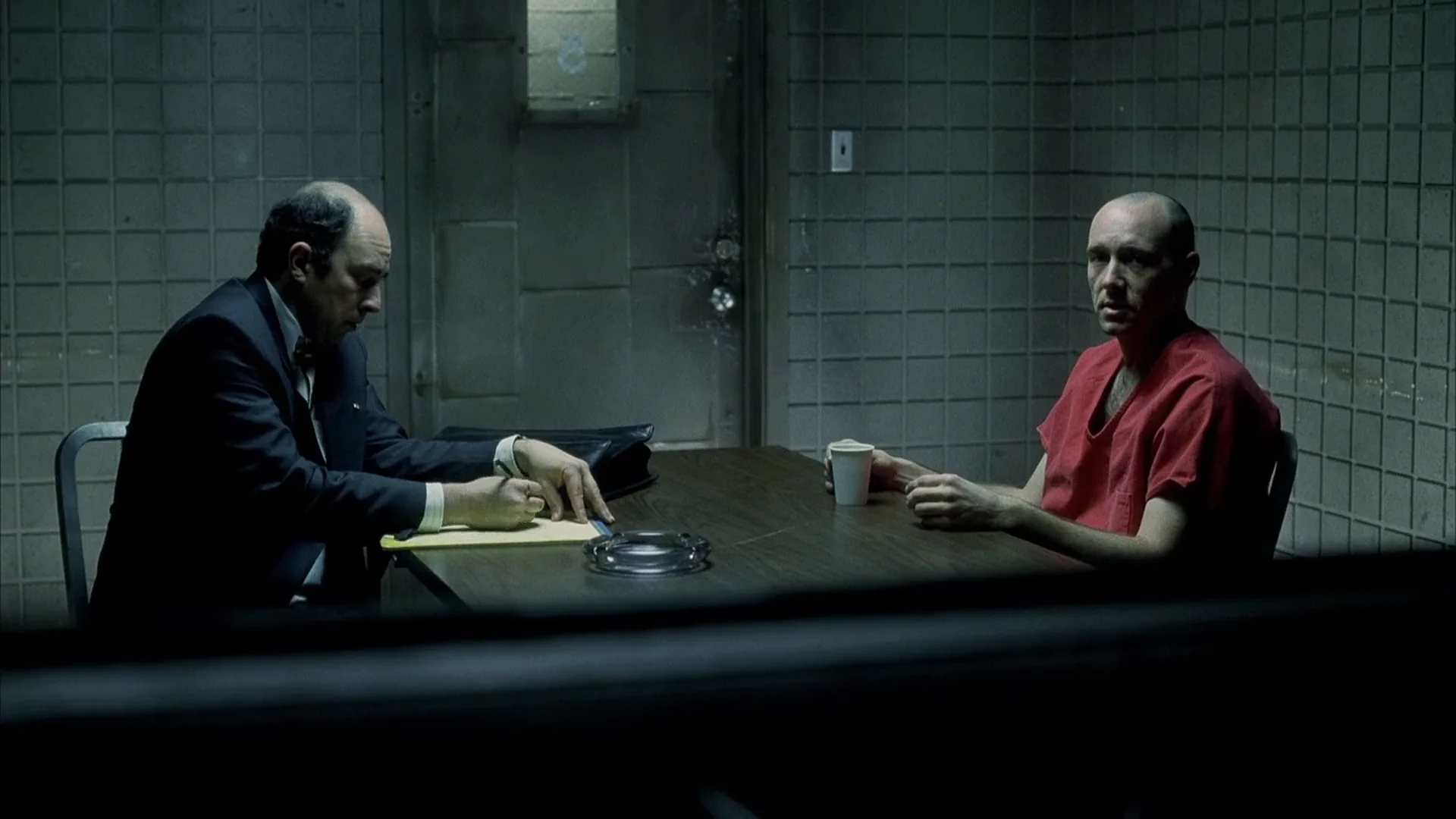
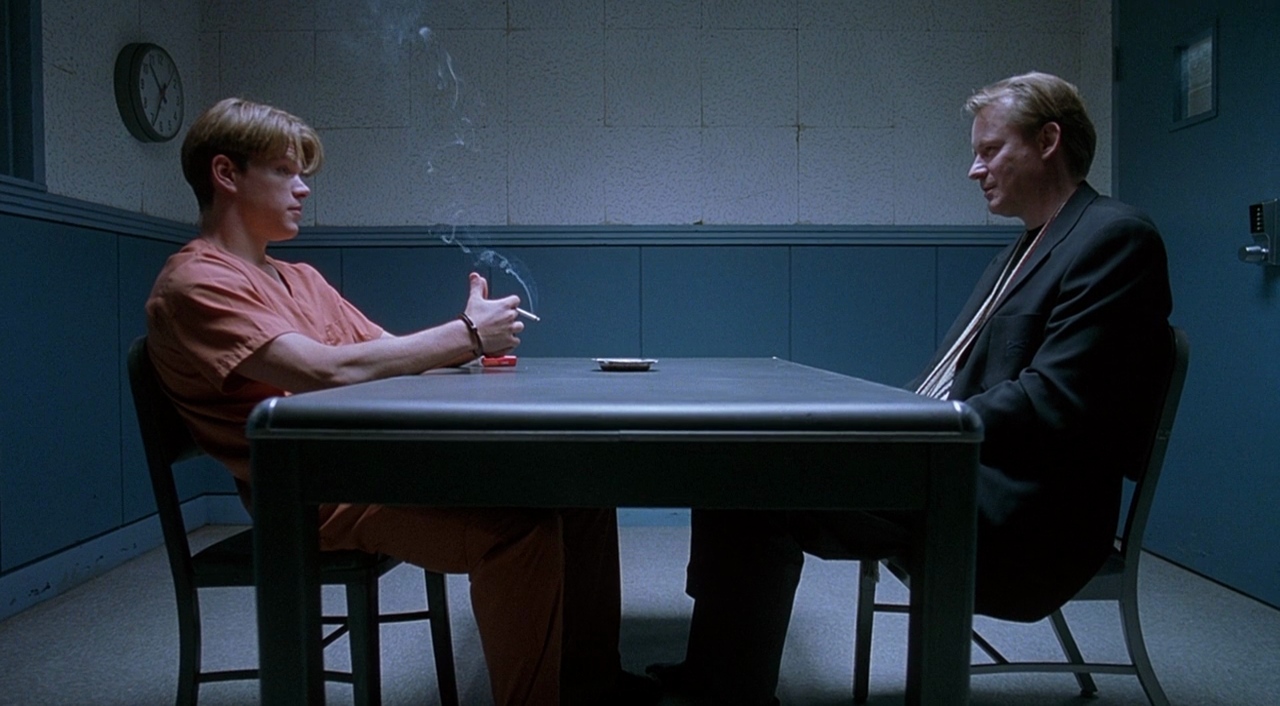
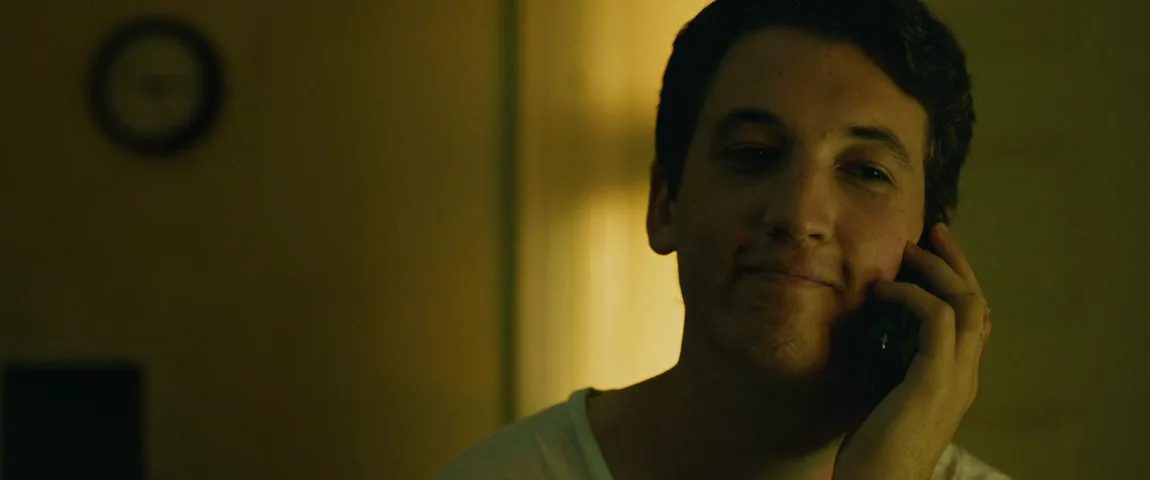
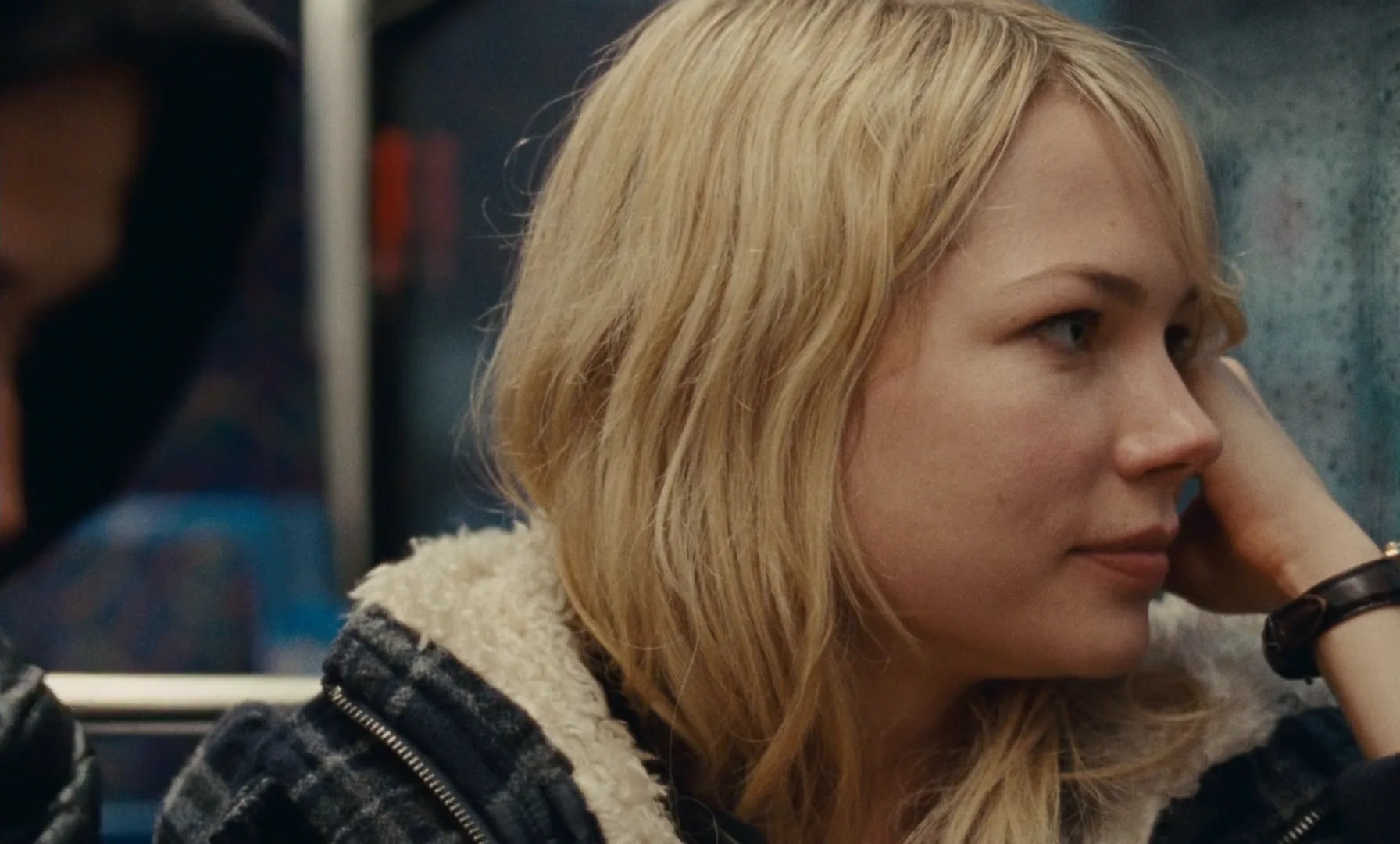
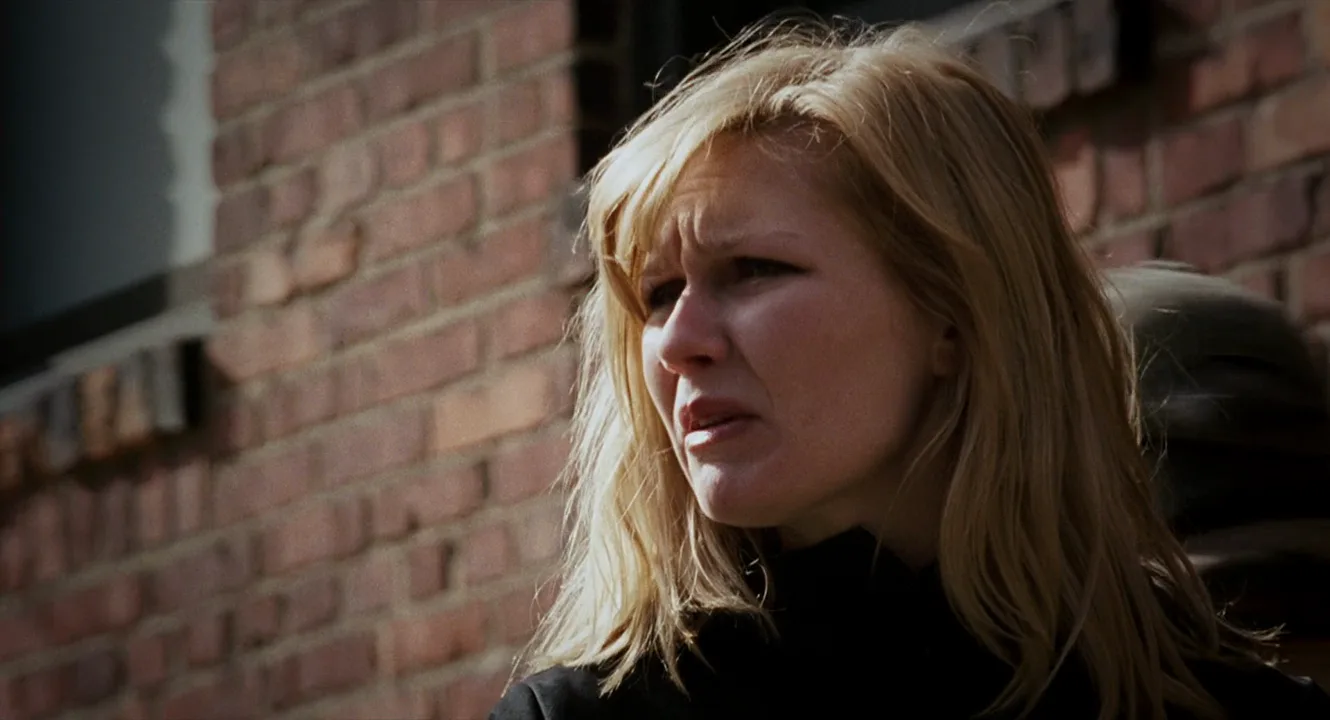
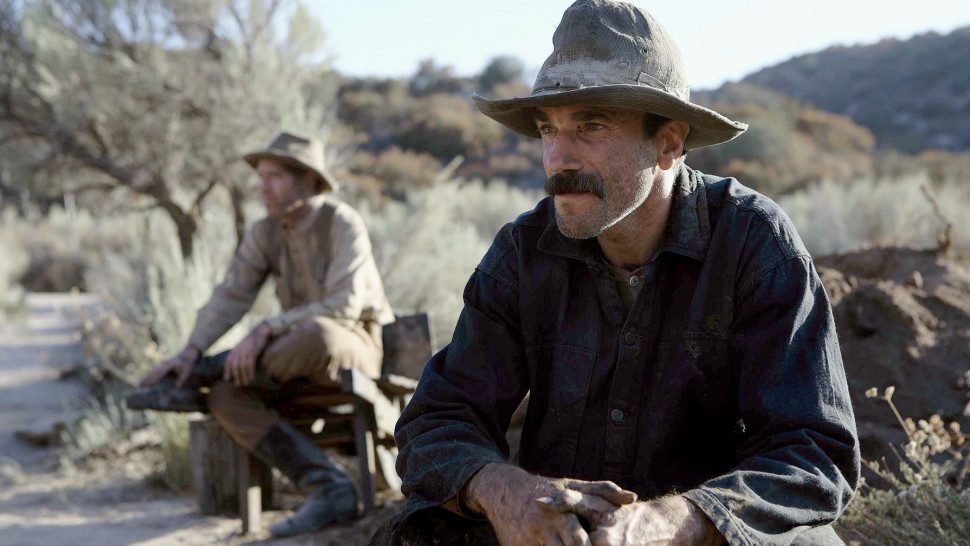
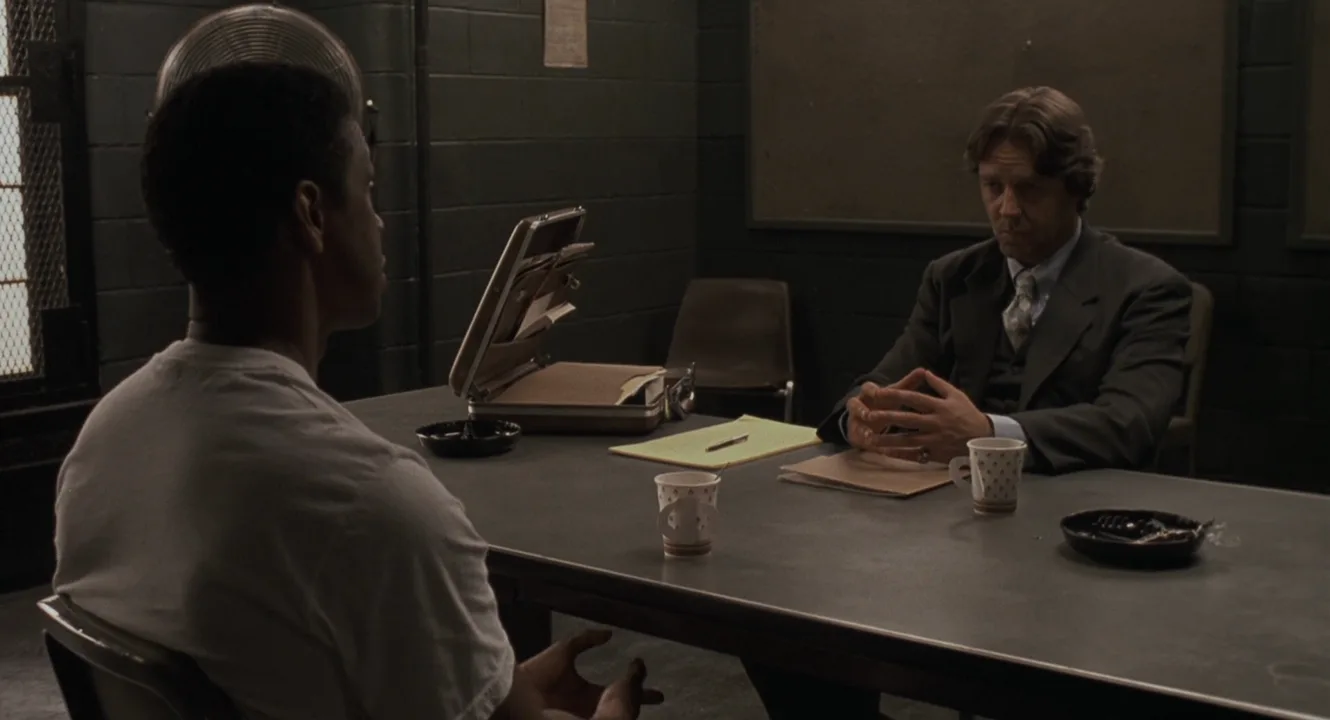
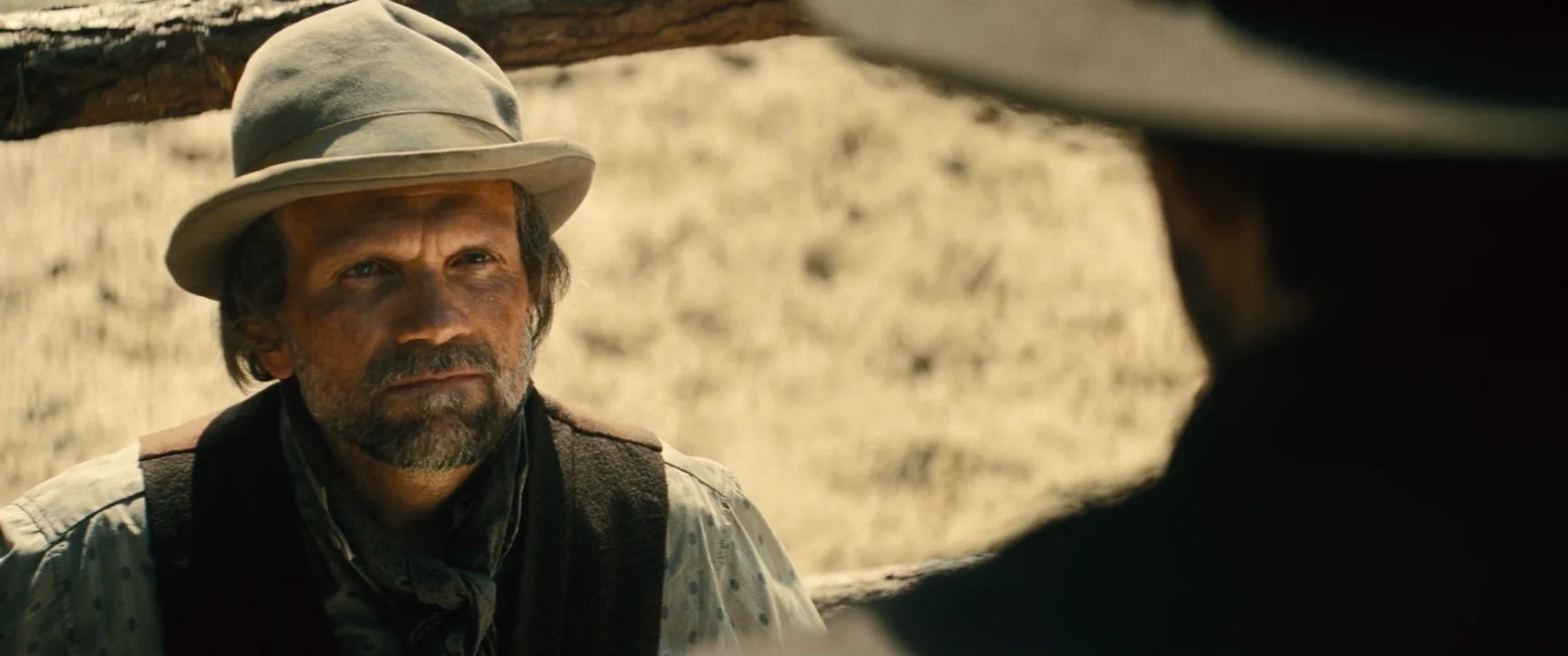
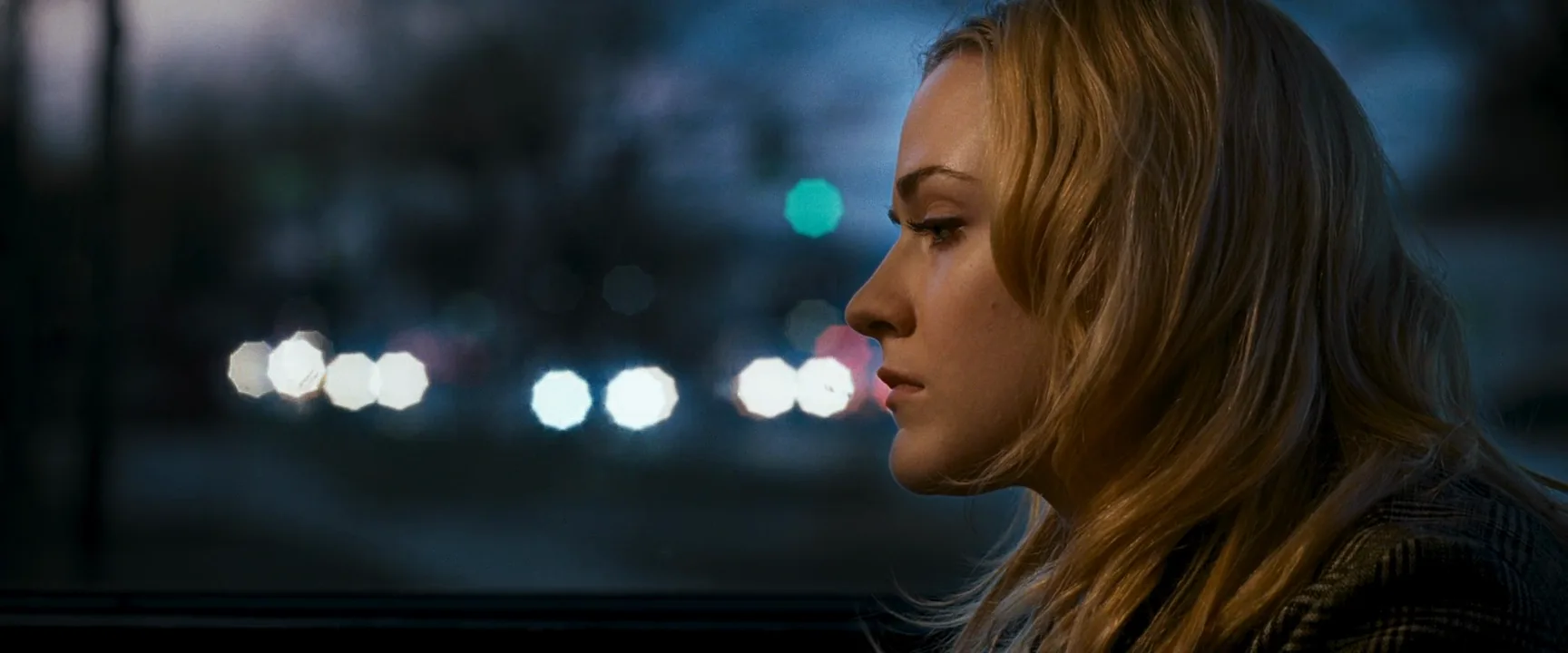
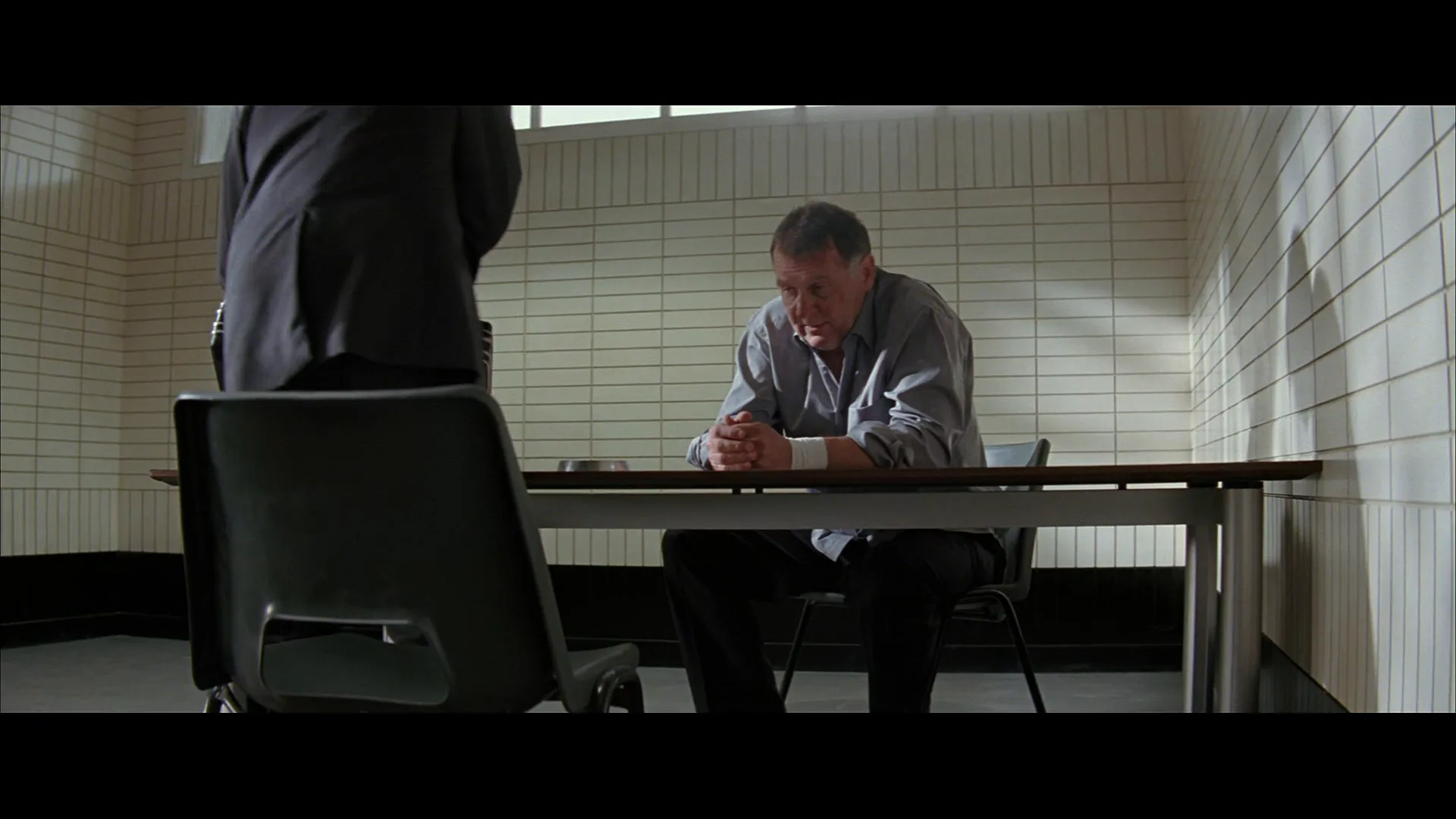
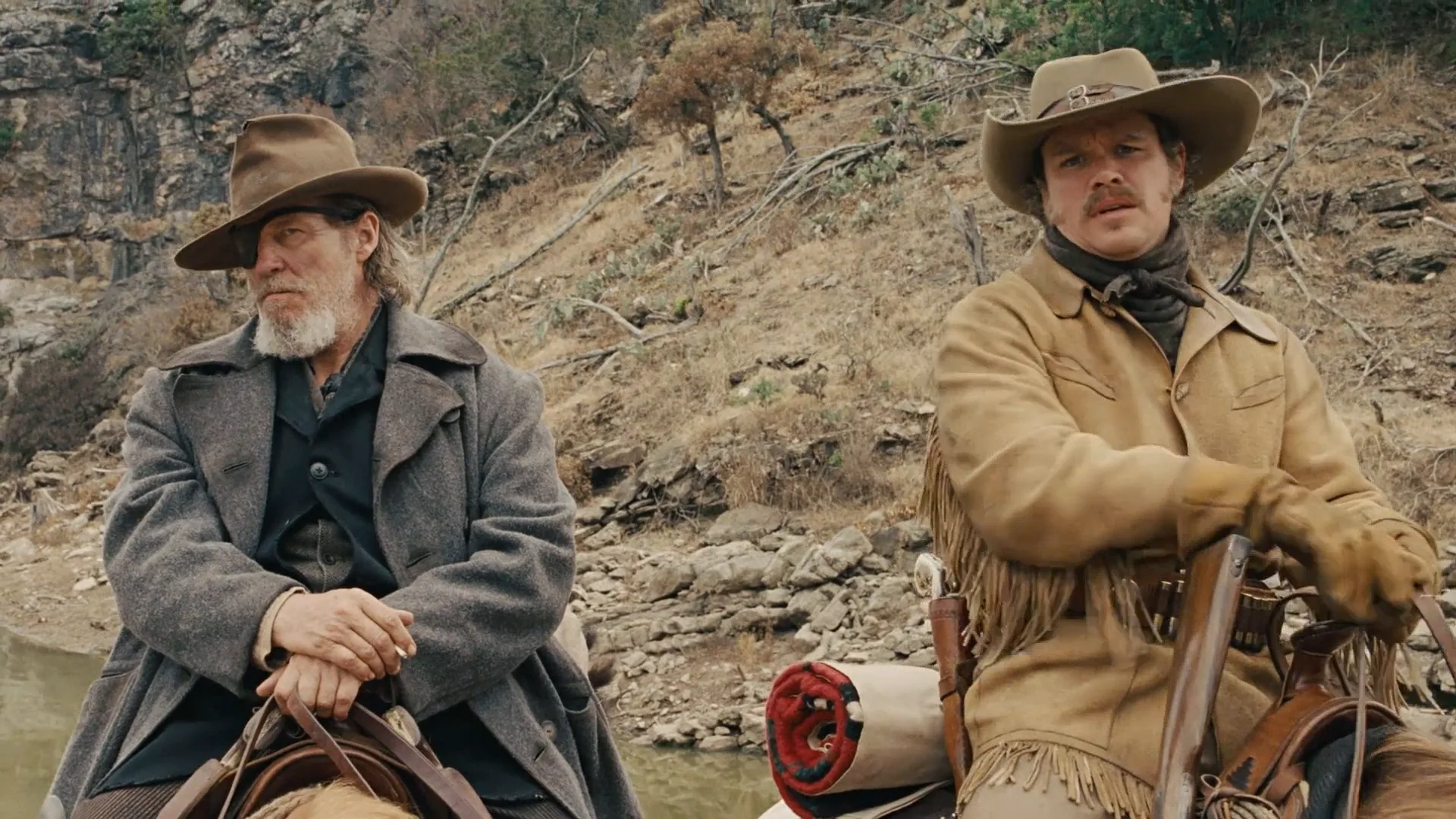
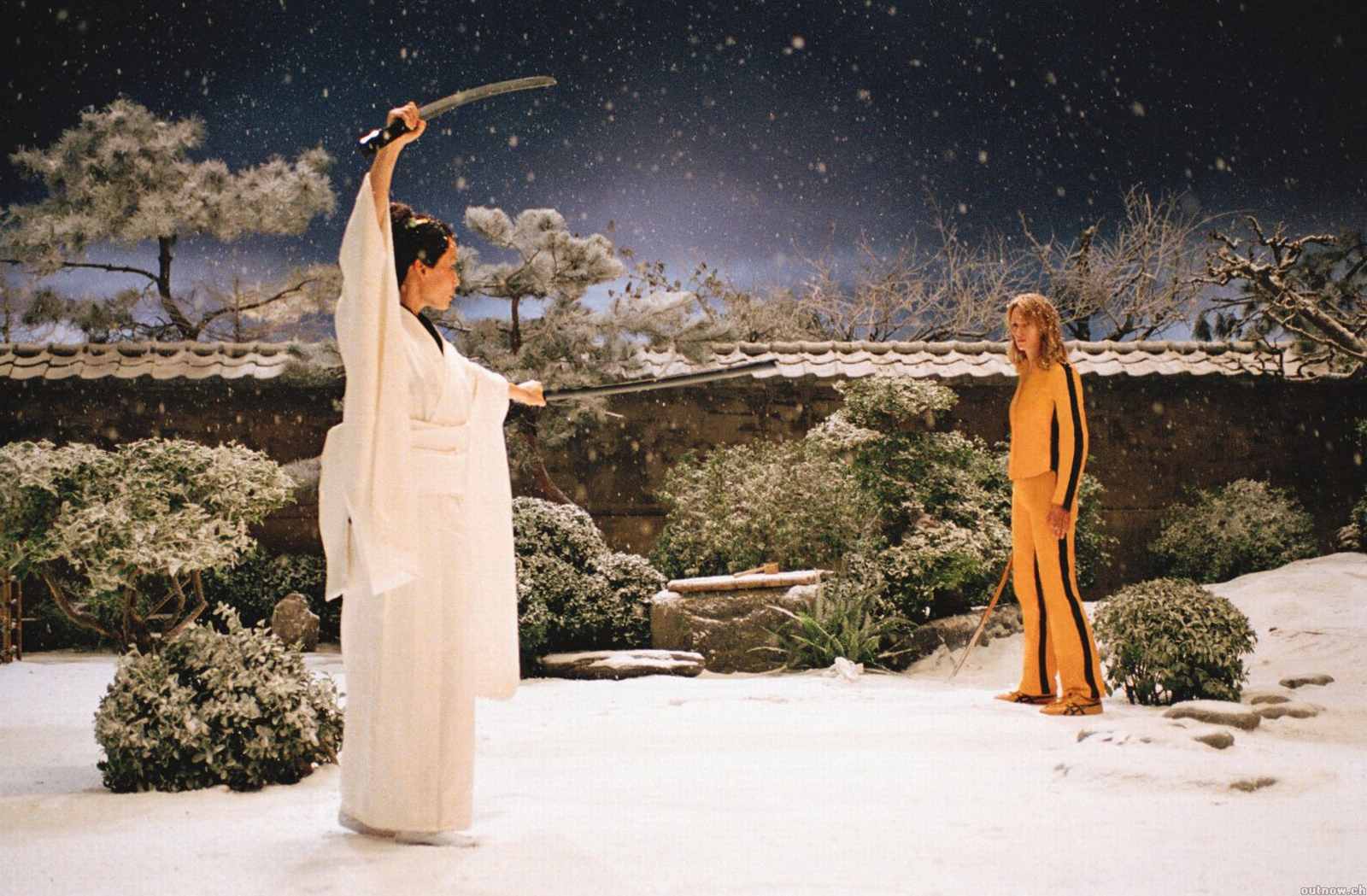
14 framesA J-cut lives in time, so no single frame can show one. These frames show where audio leads land: listeners, phone calls, rooms where a voice can arrive before its face. Picture the next line starting over each of them.
How to create a j-cut with AI
3 promptsNo model makes a J-cut: it is an edit decision between two shots. What AI can give you are the shots a J-cut needs, a listener who reacts to a sound we have not seen yet and the reverse angle that pays it off. Generate both on one FlashBoards board next to your reference frames, animate the listener, then lay the incoming line under the previous clip in your editor.
Cinematic film still, medium close-up at eye level, 50mm lens. A woman in her late thirties with a short copper-red bob, light freckles, a small silver hoop in her right ear and a mustard wool cardigan sits at a narrow kitchen table on the left third of the frame, a chipped white mug held in both hands, her head beginning to turn toward an open doorway at screen right, eyes off the lens toward the doorway, lips closed, listening. Behind her a window at dusk with deep blue light outside; a warm pendant lamp above the table lights her face from the upper right. Shallow depth of field, soft 35mm film grain, quiet, expectant mood.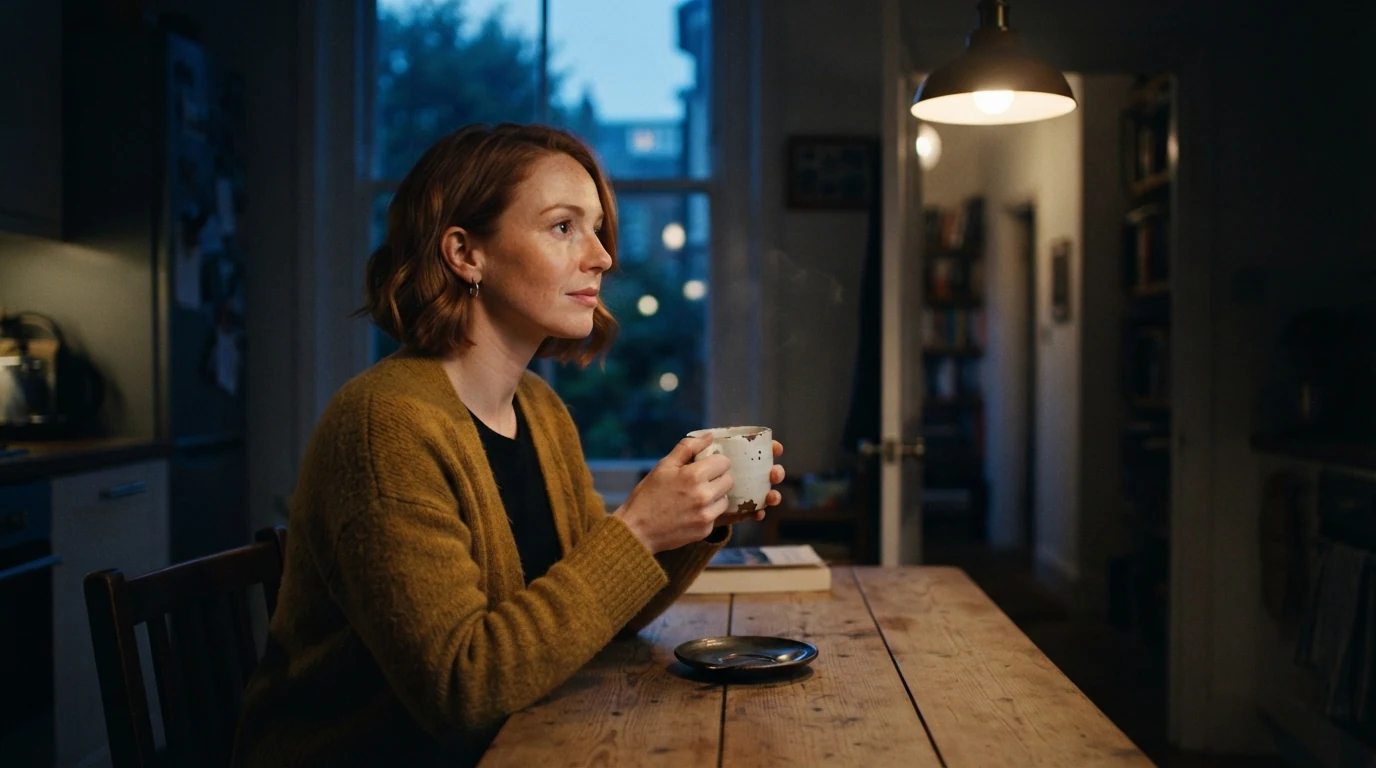
This is the landing shot of a J-cut: the frame that reacts to a sound. Head beginning to turn toward an open doorway at screen right and eyes off the lens toward the doorway point her attention at an off-screen source without drawing it. Lips closed, listening keeps her from reading as the speaker. Left third leaves empty space toward the sound, and the 50mm, eye level single matches the lens a reverse angle will reuse.
Open FlashBoardsCinematic film still, widescreen, medium shot at eye level, 50mm lens, the reverse angle of a small kitchen at dusk. A man in his early forties with a grey-flecked black beard, a shaved head and a rain-darkened navy raincoat stands in an open doorway on the right third of the frame, a canvas bag over one shoulder, one hand still on the door frame, mouth open mid-sentence, facing screen left toward the kitchen table. At the left edge of the frame, the soft out-of-focus shoulder of a mustard wool cardigan. Dim cool hallway light behind him, warm pendant lamp light on his face from screen left, raindrops on his shoulders. Shallow depth of field, soft 35mm film grain.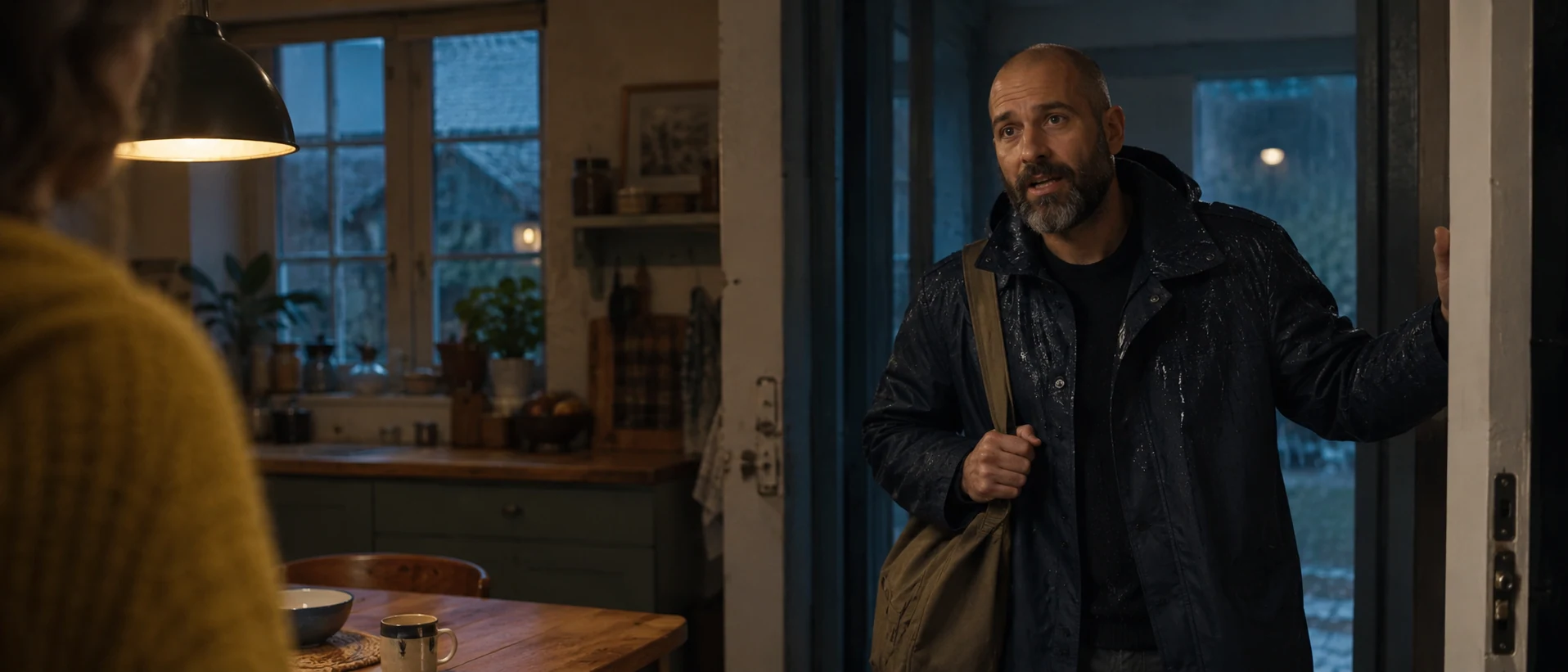
The shot the J-cut cuts to. Mouth open mid-sentence gives the editor a picture that lands inside a line already heard over the woman's shot. Facing screen left and the mustard cardigan shoulder at the left edge mirror recipe 1 so the eyelines meet, while 50mm, the pendant lamp and the grain are repeated so the two frames cut as one room. In a real scene keep one aspect ratio.
Open FlashBoardsCamera: static on a tripod at eye level, holding the medium close-up, with a very slow push-in of a few centimeters that ends on her face. Action: The woman is already turning her head toward the open doorway at screen right as the shot begins, the white mug still raised in both hands. She stops, holds still and listens, her eyes fixed on the doorway. She slowly lowers the mug to the table, her shoulders relaxing, and a tired half-smile forms as she keeps looking toward the doorway.Already turning her head … as the shot begins puts motion in the first frame, so the clip does not start as a frozen still. Holds still and listens and looking toward the doorway keep her silent and her attention off screen, which is exactly what the audio lead needs. In the edit, start the man's first line under the end of the previous shot and cut to this clip on her head turn.
Open FlashBoardsCommon mistakes
- Expecting the model to do the edit. A J-cut happens between clips on your timeline. Generate the listener and the reverse as separate shots and split the audio in the editor.
- Eyes to the lens. Image models default to a face looking at camera. Write eyes off the lens toward the doorway at screen right, naming a direction and a place.
- The listener starts talking. Video models like to animate mouths. For the landing shot write lips closed, listening; save mouth open mid-sentence for the reverse.
- Drawing the off-screen source. If the video prompt mentions who is speaking off camera, that person tends to appear in frame. Describe only what is in the shot and aim her gaze at a place, not a person.
- Frozen first second. A pose instead of a movement gives a slow creep-in on a still. Begin the Action line with a movement already in progress.
- Shots that do not cut together. Repeat lens, height, lamp, wardrobe color and grain word for word in both image prompts, and check the pair side by side on the board before animating.
Keep the reference frames, prompts and every generated take side by side — images and video in one canvas.
FAQ
6 questionsWhat is a J-cut in film?
A J-cut is a split edit where the audio of the next shot begins before its picture. For a moment we hear a new voice, place or sound while the previous image is still on screen, then the picture cuts to match. Editors use it to smooth transitions, let dialogue flow and build anticipation.
What is the difference between a J-cut and an L-cut?
In a J-cut the incoming sound starts early, before the picture cut, so sound leads and the image follows. In an L-cut the outgoing sound continues after the picture has cut, so the image leads and the sound trails. J-cuts create anticipation and pull us forward; L-cuts let a line or a moment linger. Dialogue scenes usually alternate between the two.
Why is it called a J-cut?
The name describes the shape of the edit on a timeline. The incoming clip's video starts at the cut point, but its audio extends to the left, underneath the end of the previous shot. The tall video stroke with the audio tail curling back underneath looks like the letter J.
How do you make a J-cut in Premiere Pro or DaVinci Resolve?
Make a straight cut first. Then select only the audio side of the edit point, usually by holding Alt or Option while clicking, or by unlinking the clips. Use a rolling edit to drag the audio edit point to the left, so the next clip's sound starts under the previous picture. Add a short crossfade and room tone to smooth the seam, and adjust the lead by ear.
How long should a J-cut be?
There is no fixed length. For dialogue, a lead of 4 to 12 frames, about a syllable to half a second, usually feels natural. For a scene transition, one to three seconds of the next location's sound works well. If viewers notice the cut, or the outgoing actor's lips move under the new voice, shorten it.
Is a J-cut the same as a sound bridge or a split edit?
A J-cut is one kind of split edit, the kind where sound leads picture; the L-cut is the other. A sound bridge is any sound carried across a transition, in either direction. A J-cut across a scene change creates a sound bridge, but a continuous score cue can bridge scenes without any split edit.
Related terms
6- L-CutEditing
In an L-cut the sound of a shot continues after the picture has cut to the next one — we still hear a line or a room while already seeing the reaction or the new scene.
- Sound BridgeSound & Music
A sound bridge carries sound across a cut — the next scene's audio starts early or the last scene's lingers — tying two shots together and pulling the viewer forward.
- Editing a Dialogue SceneEditing
Editing a dialogue scene means choosing when to show the speaker, the listener or both, and where to cut on lines, pauses and reactions so the conversation keeps its rhythm and subtext.
- Asynchronous SoundSound & Music
Asynchronous sound doesn't match what we see at that moment — a sound from another place or time, or deliberately out of step with the image — used for contrast, irony or subjectivity; accidental drift out of sync is simply an error.
- Shot Reverse ShotCamera Shots
Shot reverse shot alternates between two opposing camera setups — one on each character, typically over-the-shoulder shots or singles from the same side of the axis — so a conversation plays as a rhythmic back-and-forth.
- CutEditing
A cut is the instant change from one shot to the next with no transition effect — the basic unit of editing, from invisible continuity cuts to jarring jump and smash cuts.
Further reading
Walter Murch, In the Blink of an Eye (Silman-James Press). Karel Reisz and Gavin Millar, The Technique of Film Editing (Focal Press). Ken Dancyger, The Technique of Film and Video Editing (Focal Press).