 FlashBoards Learn
Editing · Film language
L-Cut
Also called: split edit, audio lag, sound overlap
An L-cut is a split edit in which the sound of one shot keeps playing after the picture has cut to the next. We still hear a line, a song or a room while already watching the listener's reaction or the new scene. It hides the cut, stretches a moment and lets a line land on a face.
- What it does
- Keeps the outgoing sound running under the incoming picture, so a line or a room lingers after the cut.
- Use it when
- A line matters more on the listener's face, or a scene should fade out in the ear before it leaves the eye.
- Watch out
- Overlaps longer than the moment needs make scenes drag and blur whose line is whose.
- Try this prompt
Close-up of a silent listener, eyes on someone just off camera left, a line still hanging in the air, 85mm, soft window light
What is an L-cut in film?
A normal cut changes picture and sound on the same frame. An L-cut changes them at different moments: the picture cuts first, and the audio of the outgoing shot carries on underneath the incoming one for a few frames or a few seconds. The audience keeps hearing A while already looking at B.
The name comes from the shape on an editing timeline. Picture sits on the top track, sound below it. When the audio of shot A reaches further to the right than its picture, the outline of the clip looks like the letter L: a tall stroke where picture and sound run together, and a foot where only the sound continues into the next shot.
Editors also call it a split edit, but that is the umbrella term, not a synonym. There are two kinds of split edit, and they point in opposite directions:
- L-cut — the sound trails the picture. The old shot's audio lingers over the new image.
- J-cut — the sound leads the picture. The new shot's audio starts before we see it.
You will also hear an L-cut described as audio lag, a sound overlap or a "lagging" edit. In a dialogue scene it is the most common edit there is: the speaker finishes the sentence while we are already watching the person hearing it. Among the tools of editing, it is the one that makes conversations feel continuous rather than assembled.
Why do editors use L-cuts?
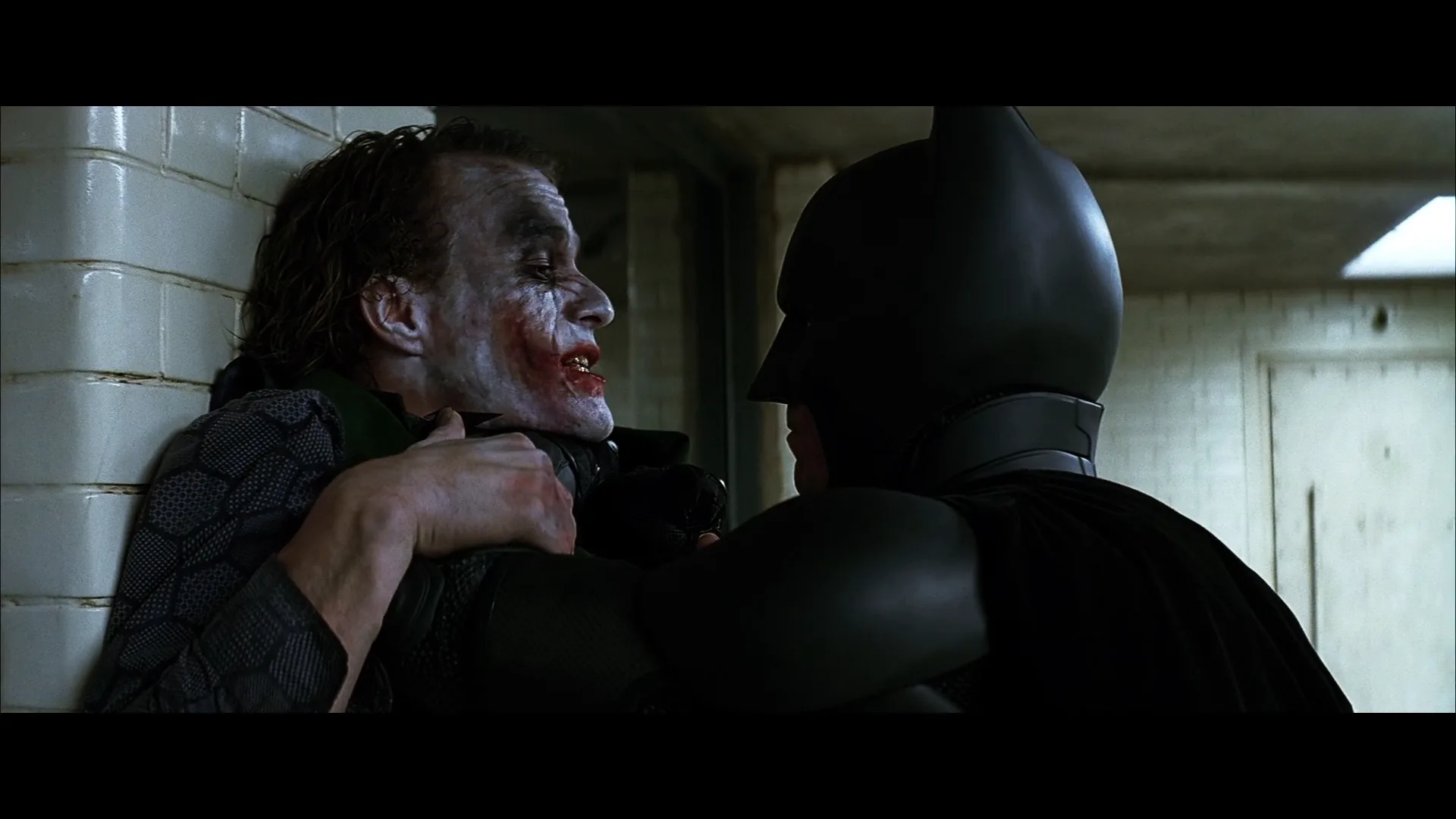
To put the line on the listener. The meaning of a line is often in how it is received. Holding the speaker's voice while cutting to the other face turns the listener's shot into a reaction shot with a cause attached. Interrogations and arguments live on this: the threat is spoken off screen, and the camera watches it hit. The interrogation room in The Dark Knight (2008) is largely built on one man talking and another taking it in.
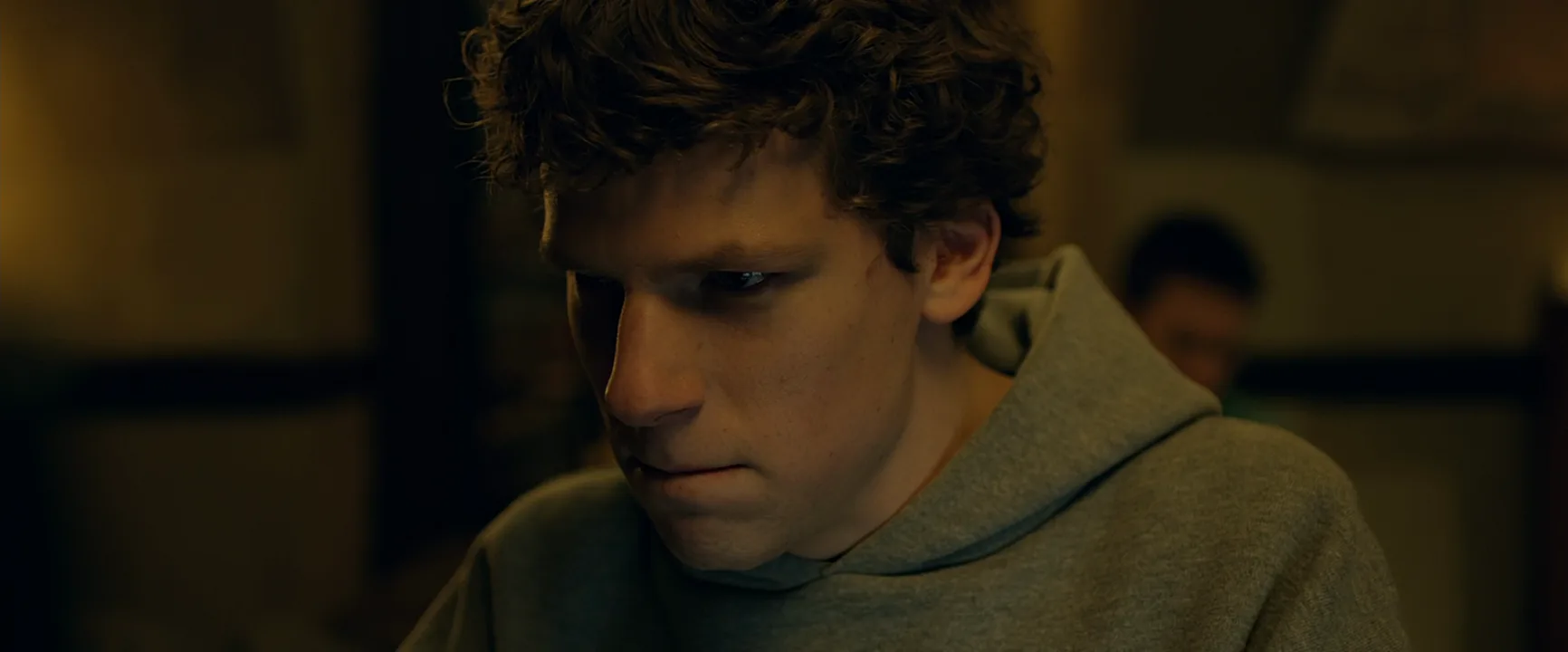
To keep a conversation from feeling chopped. If every cut in a shot reverse shot scene falls exactly between sentences, the rhythm turns mechanical — speaker, cut, speaker, cut, like a tennis rally. Moving the picture cut a few words earlier, inside the sentence, makes the edit disappear. The opening of The Social Network (2010), a fast two-person argument in a bar, is a well-known study in cutting overlapping talk; the film won the editing Oscar for Kirk Baxter and Angus Wall.
To let a scene end in the ear. At the end of a scene the L-cut lets the last line, a piece of music or the room's ambience trail over the first image of the next location. The old scene fades out after the new one has started, which softens the jump in place and time. When that carry-over deliberately joins two spaces, it is a sound bridge.
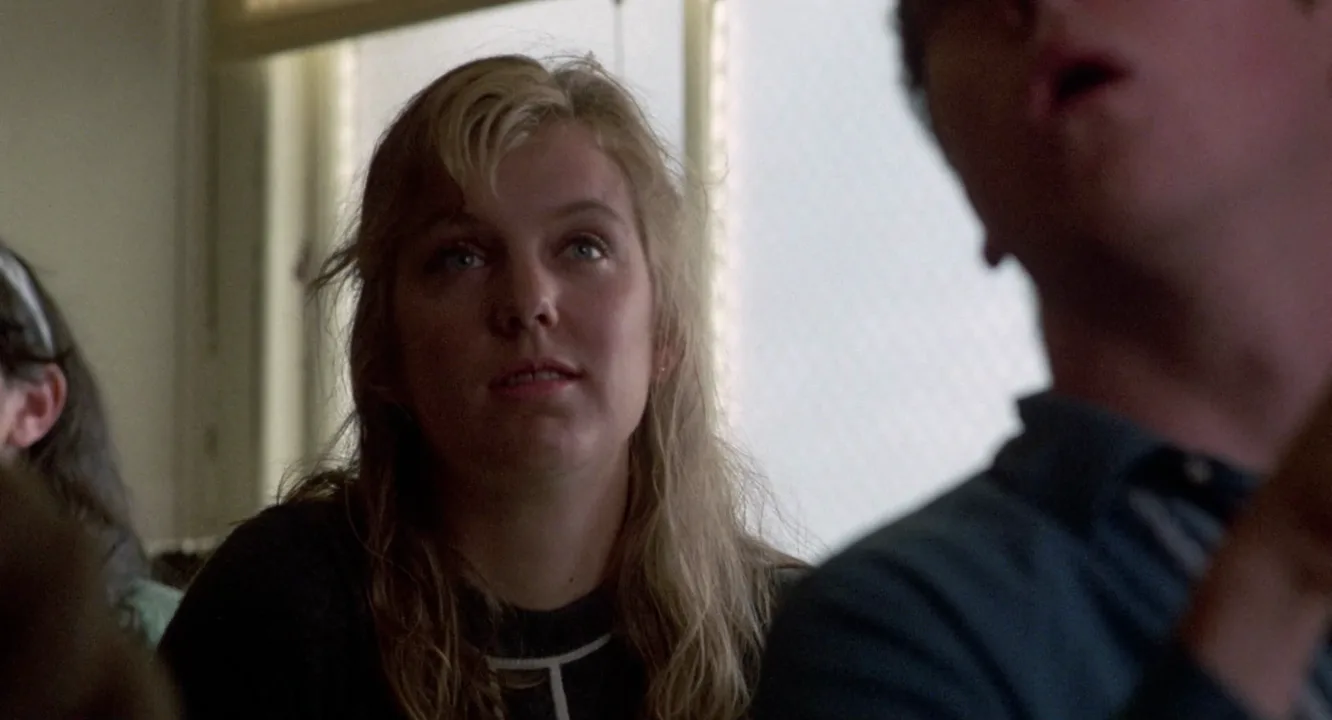
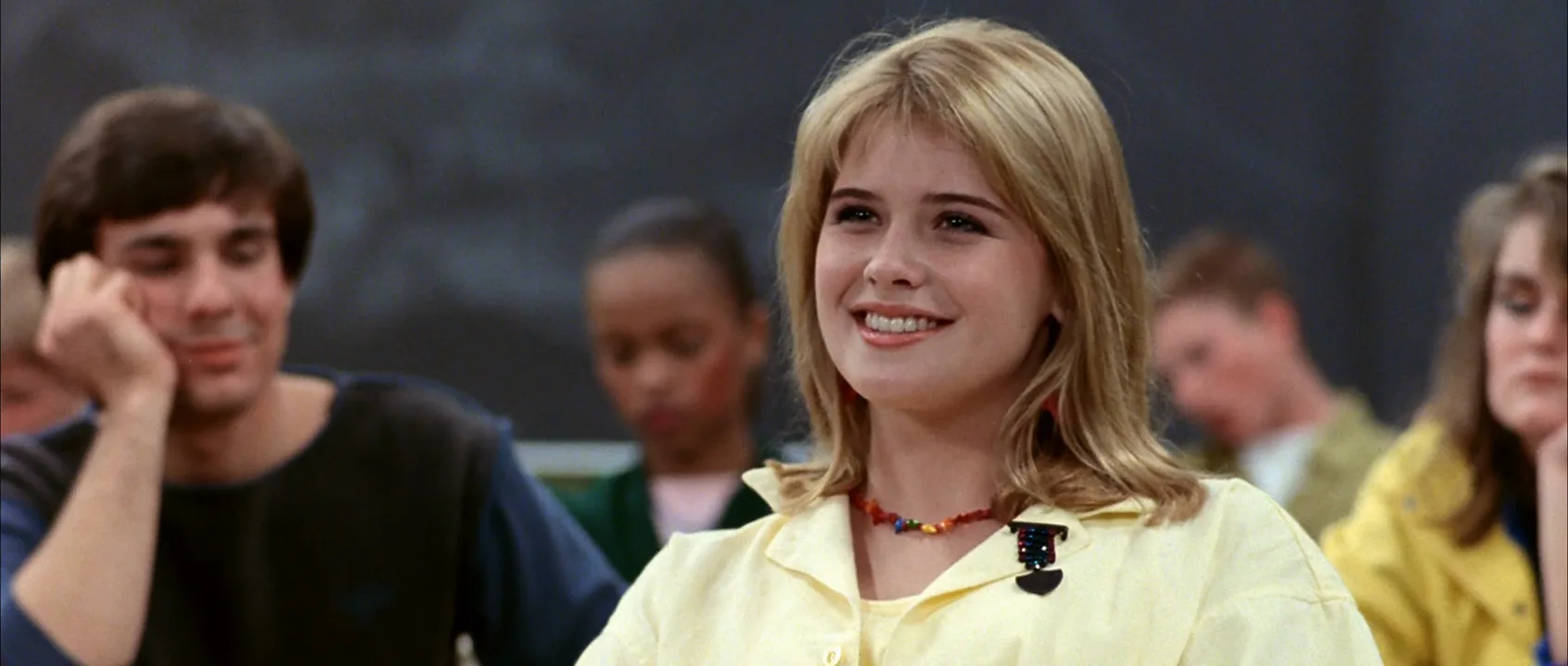
To stretch a moment. An L-cut buys screen time without new dialogue. The words are over, but we stay on a face, a hand, an empty room, and the silence after the line becomes part of the scene. Comedy uses the same trick: a teacher's monotone drones on over a row of glazed students, and the joke is in the faces, not the voice.
To rescue a performance. The L-cut frees picture from sound. If an actor's delivery is perfect but the image drifts soft or the eyeline breaks halfway through, keep the audio and cut the picture away to the listener or a cutaway. The audience hears the best take and sees the best picture.
To control pacing. Because the sound holds the scene together, you can cut picture faster or slower than the dialogue without the scene falling apart. That separation is one of the main levers of pacing.
How to edit an L-cut
Every editing application does it the same way at heart: move the picture edit point without moving the sound edit point.
- Cut it straight first. Lay the two shots end to end with sound and picture cutting together. Watch the scene through and decide where the line should land — on the speaker's face or on the listener's.
- Unlink or select picture only. Temporarily break the link between video and audio, or use the modifier that selects only the video side of the edit.
- Roll the picture edit earlier. With a rolling edit on the video track, drag the cut to the left. Shot B's picture now starts sooner while shot A's audio keeps playing to its original out-point. The timeline shows the L.
- Fill the audio underneath. If shot B has sync sound, its track now starts later than its picture. Fill that gap with B's room tone or let A's track cover it, so the listener's shot is not dead silent.
- Smooth the join. Add a short crossfade of 2–4 frames on each audio edit and match the background levels, or the change in ambience will reveal the cut you just hid.
Useful numbers for dialogue: an overlap of 6–12 frames (a quarter to half a second at 24 fps) is enough to move the cut inside a sentence. Overlaps of 1–2 seconds hand a whole phrase to the listener. At a scene transition, letting music or dialogue trail 2–4 seconds into the new scene is common; much more and the audience starts listening to the old scene instead of watching the new one.
Two checks before you move on. First, play the scene without looking at the screen: the dialogue should still sound like one continuous conversation. Second, watch it without sound: the picture cuts should still follow the eyelines and the thought of the scene.
How to shoot for L-cuts
L-cuts are made in the edit, but they depend on what the set gives the editor. Good coverage for split edits looks like this:
- Shoot the listener through the whole scene. The off-camera actor should play every line, full strength, while the camera is on the other face. Reactions recorded to a script supervisor reading flat lines look flat.
- Frame the listener as a real shot. A clean single or an over-the-shoulder at 50–85mm on a full-frame camera, eyeline just off the lens on the side of the speaker, eye height or slightly below. Match the lens and size to the speaker's coverage so the two sides cut together.
- Keep off-camera dialogue clean. Mic the off-camera actor too, and avoid overlapping lines on set unless the scene demands it. Clean lines can be slid across the cut; overlapping ones lock the editor to one take.
- Let takes run. Ask the camera operator to hold for three or four seconds after the last line. Those tails are what an L-cut lands on at the end of a scene.
- Record room tone. Thirty to sixty seconds of the set's silence, with the crew still, fills the gaps that split edits leave in the audio.
- Light for silence. A listener close-up often plays longer than the line it sits under. Give it a catchlight and some shape — soft side light, a darker background — so a still face holds the screen.
L-cut vs. J-cut: what is the difference?
Both are split edits; the difference is which side of the cut the sound belongs to.
| | L-cut | J-cut | |---|---|---| | Sound | outgoing shot's audio lingers over the new picture | incoming shot's audio starts before its picture | | Viewer hears | the past — what was just said or where we just were | the future — who speaks next, where we are going | | Feeling | aftermath, weight, reflection | anticipation, pull, curiosity | | Typical use | reactions, scene endings, a line landing on a face | scene openings, a new speaker, a phone about to ring | | Timeline shape | audio extends right of the picture: L | audio extends left of the picture: J |
In a dialogue scene they alternate constantly: you hear B start to answer before you see B (J-cut), then you stay on B while A reacts (L-cut). In editing a dialogue scene, a mix of both is what makes coverage feel like one unbroken conversation.
The sound bridge overlaps with both. Any L-cut or J-cut that carries audio across a change of scene is a sound bridge; an L-cut inside one conversation, between two faces in the same room, is not. When the lingering sound deliberately contradicts the new image — a wedding song trailing over a funeral — it moves toward asynchronous sound.
Common L-cut mistakes
- The overlap outstays the thought. If the voice keeps talking long after the listener has reacted, the reaction shot goes stale. Cut back or shorten the audio.
- Mouths moving under someone else's line. If the listener starts speaking while the outgoing line is still playing, the image says one person talks and the track says another. Choose a take where the listener's mouth is still.
- Ambience jumps. Two setups rarely share the same background noise. Without room tone and short crossfades, the audience hears the edit even though they cannot see it.
- Every cut split. Scenes where every edit is an L-cut feel soft and unfocused. Save straight cuts for moments that should land hard — a slap, a reveal, a smash cut.
L-Cut examples in film
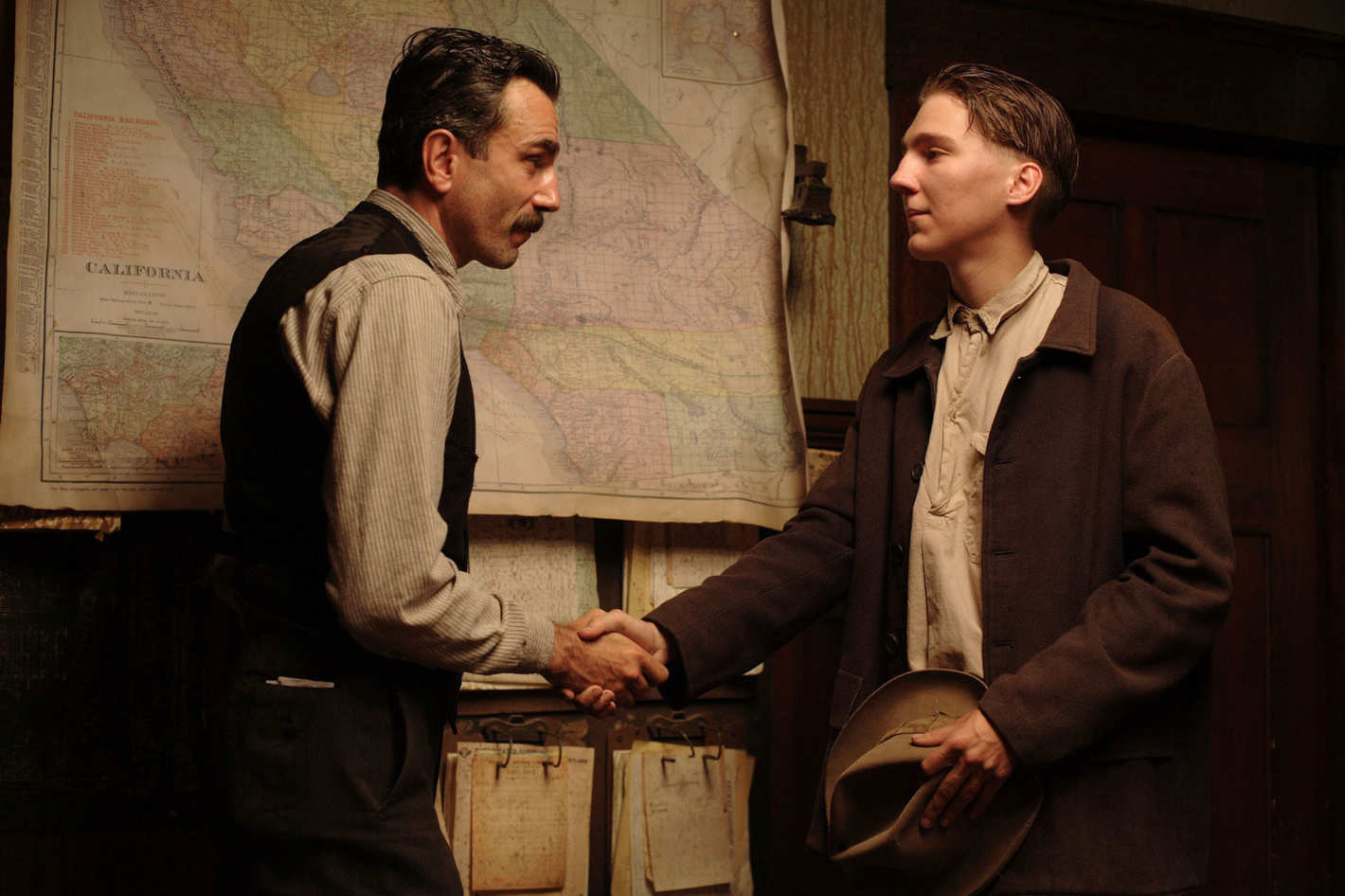
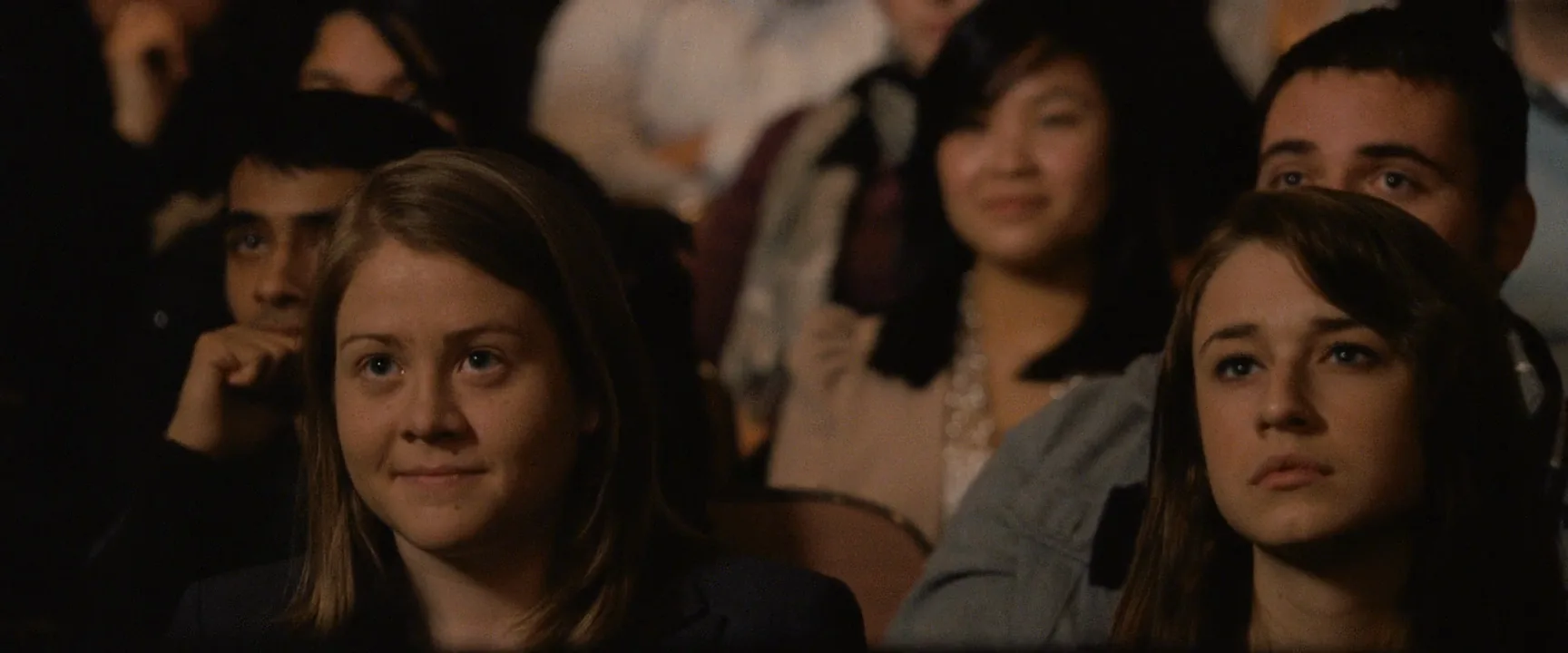
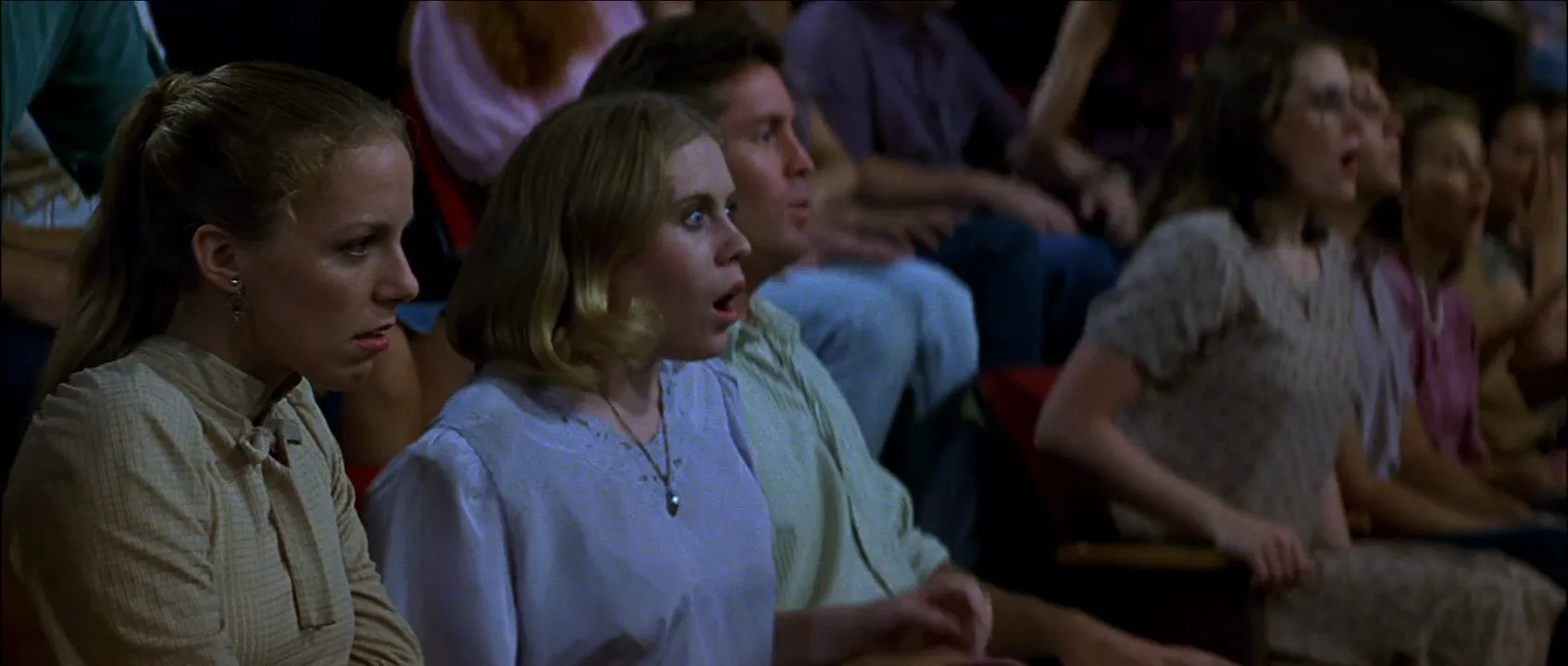
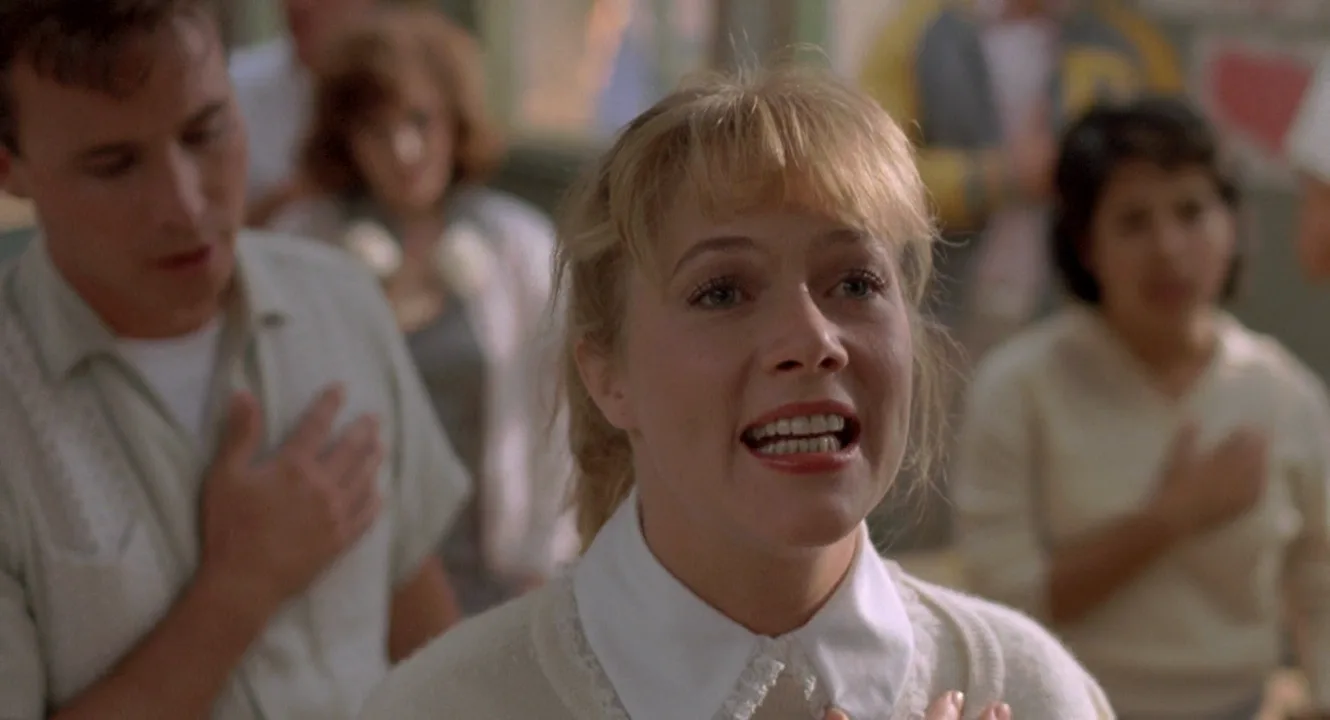
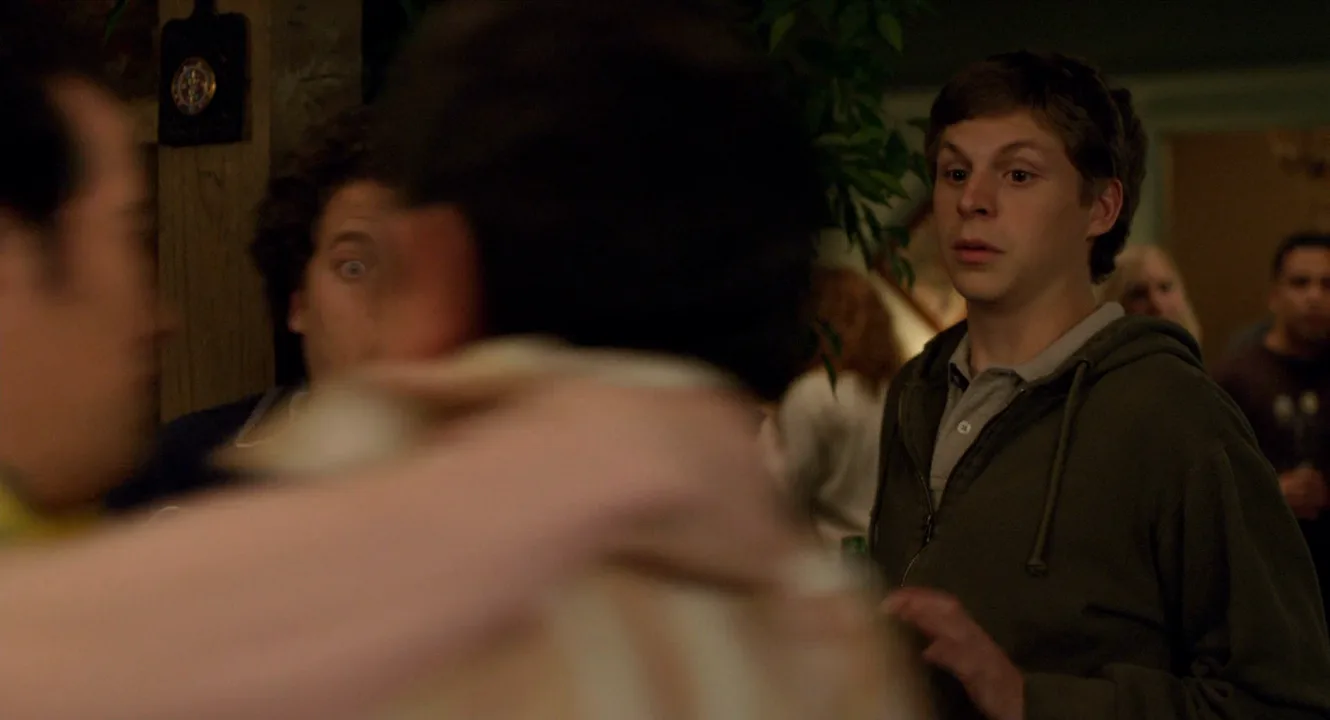
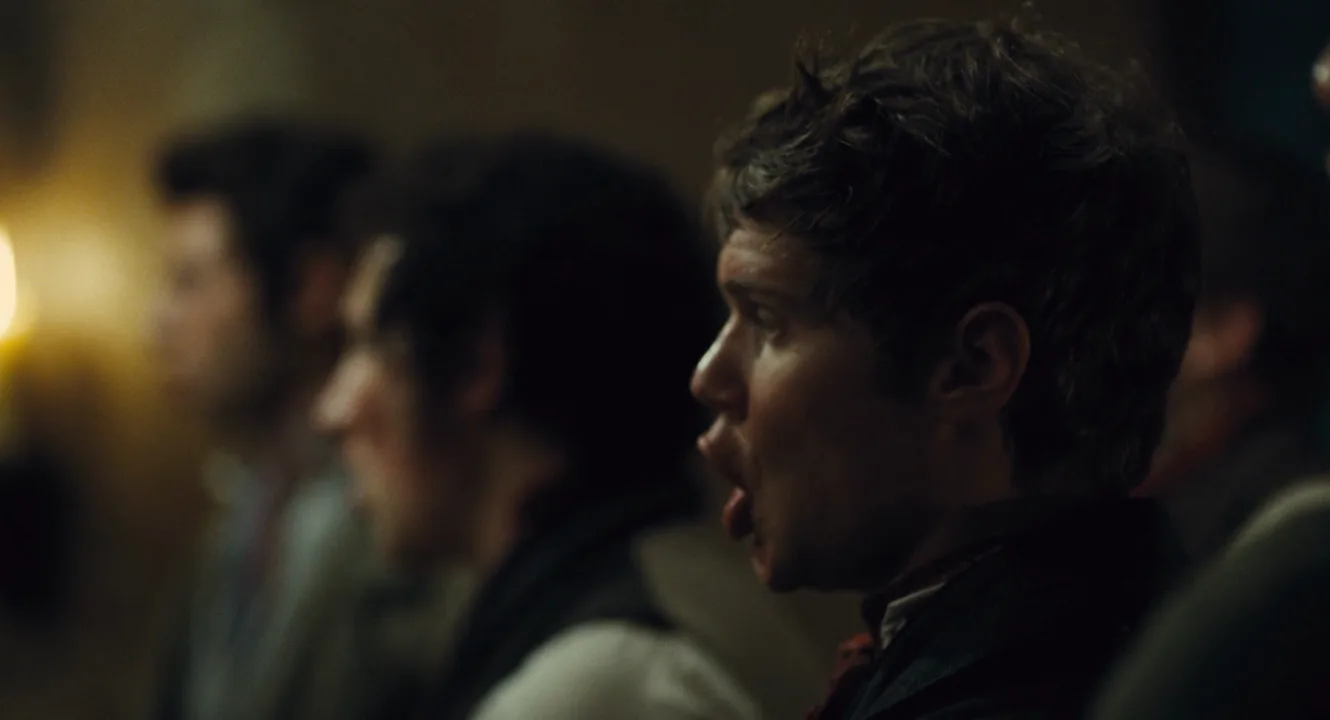
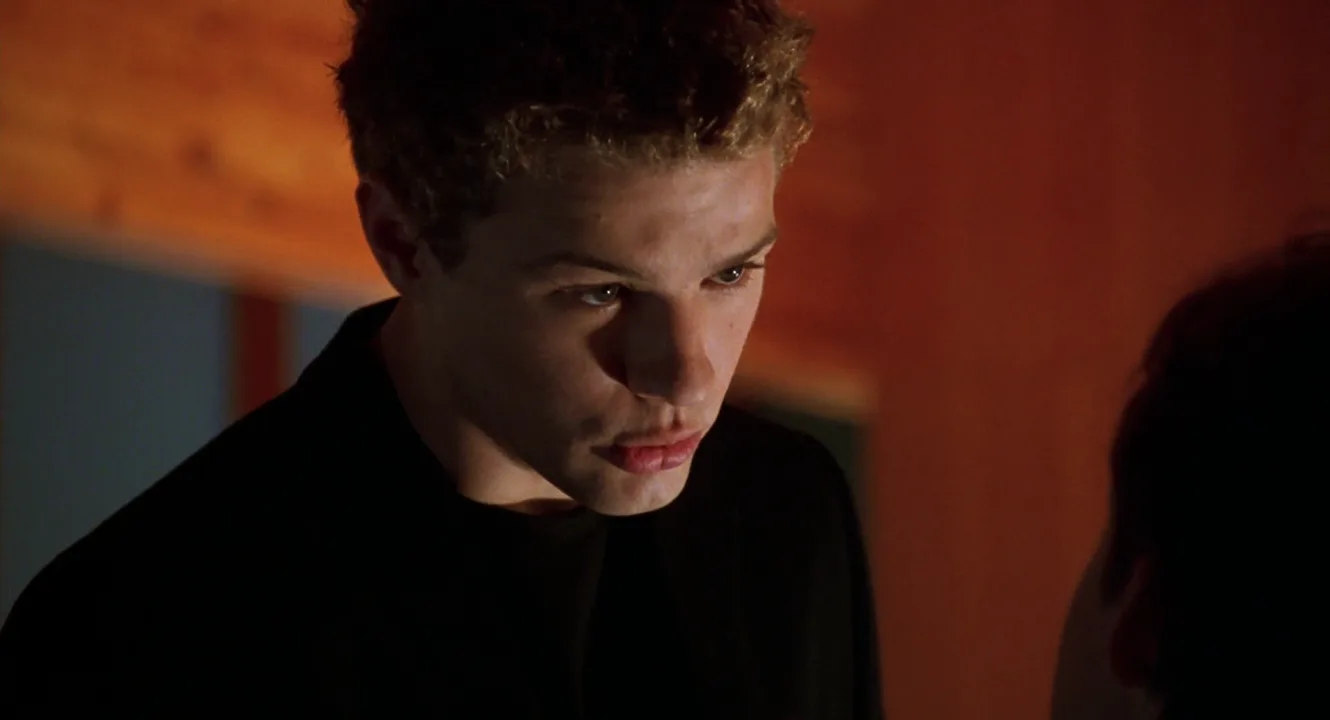
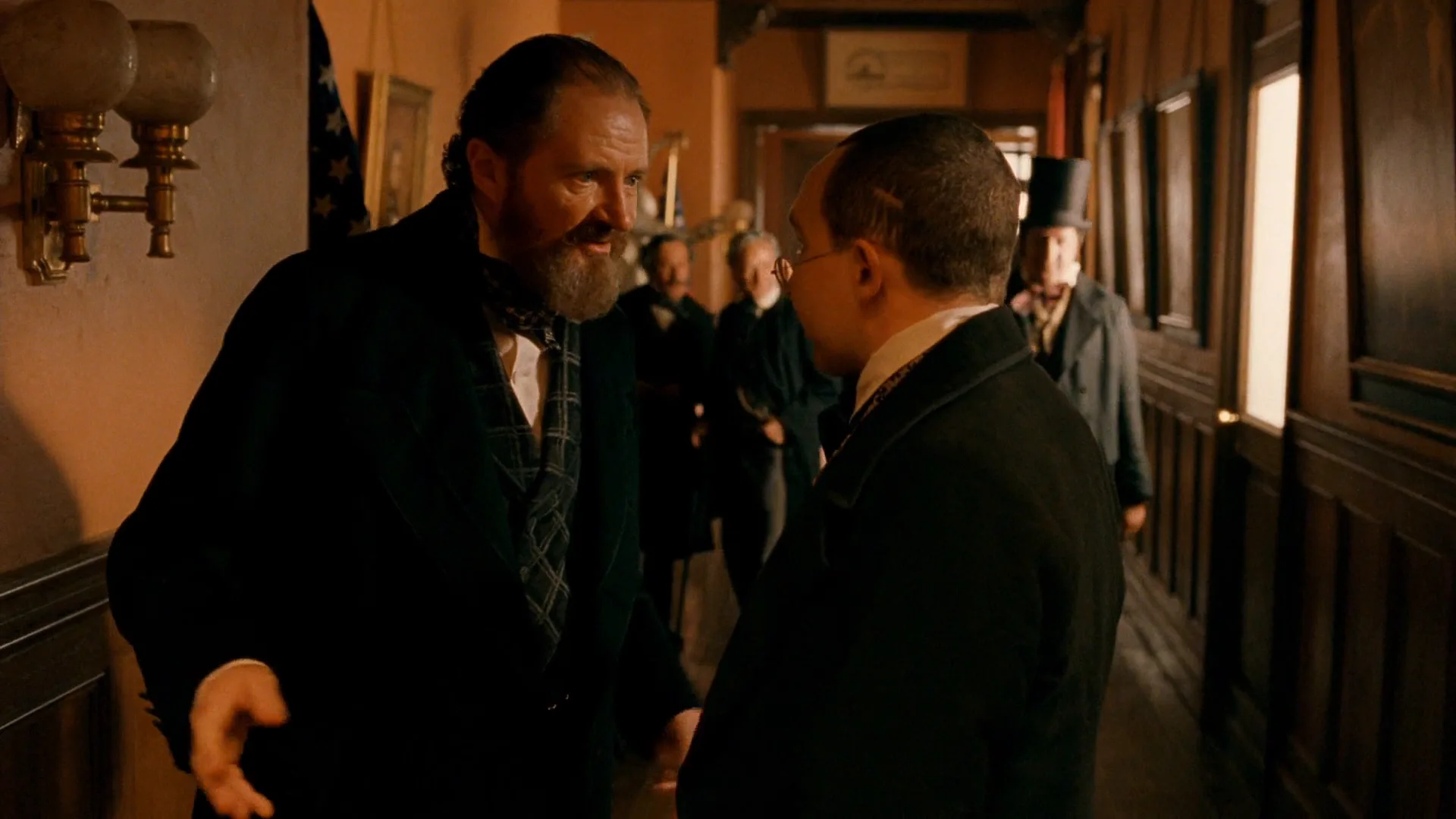
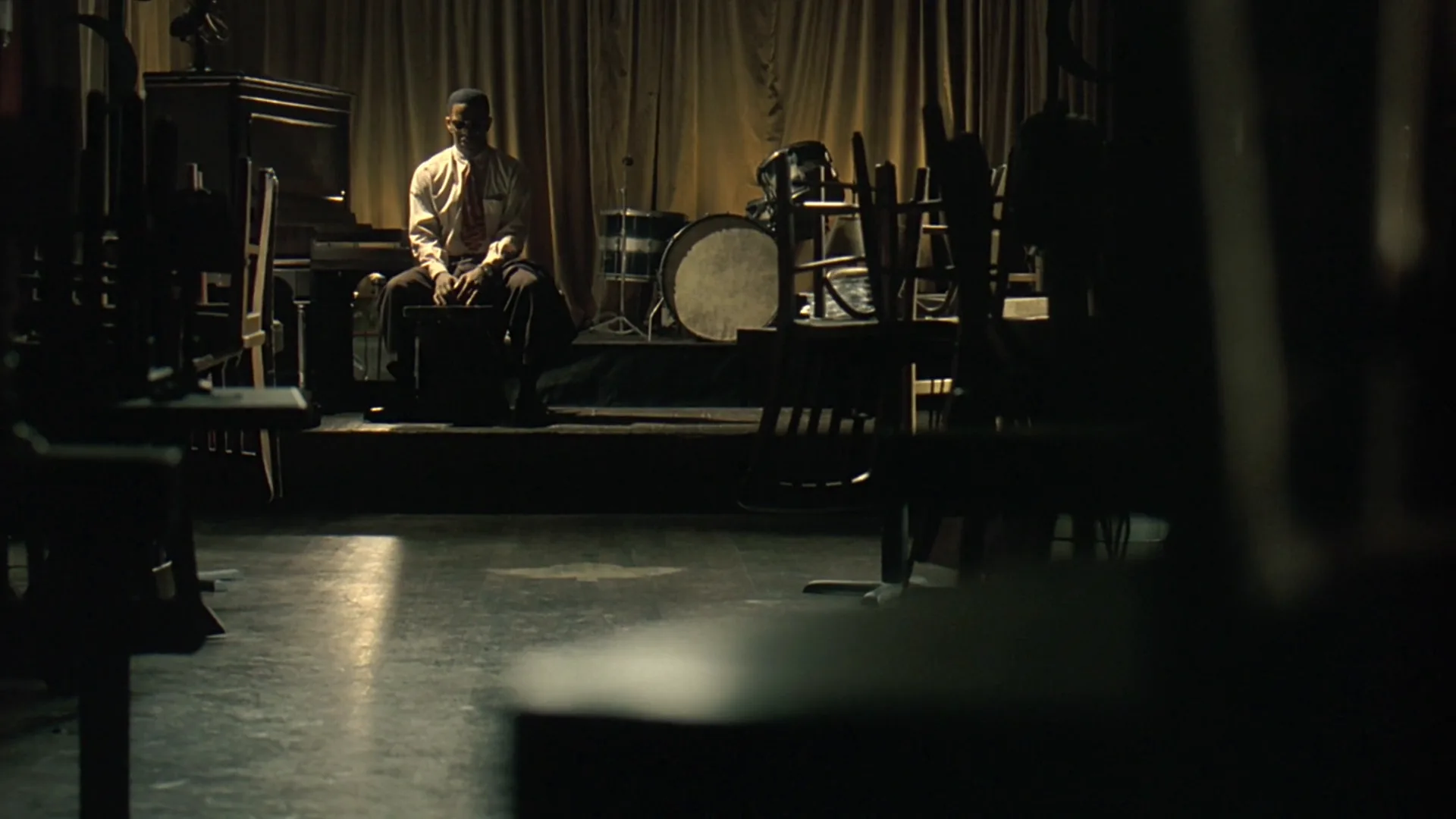
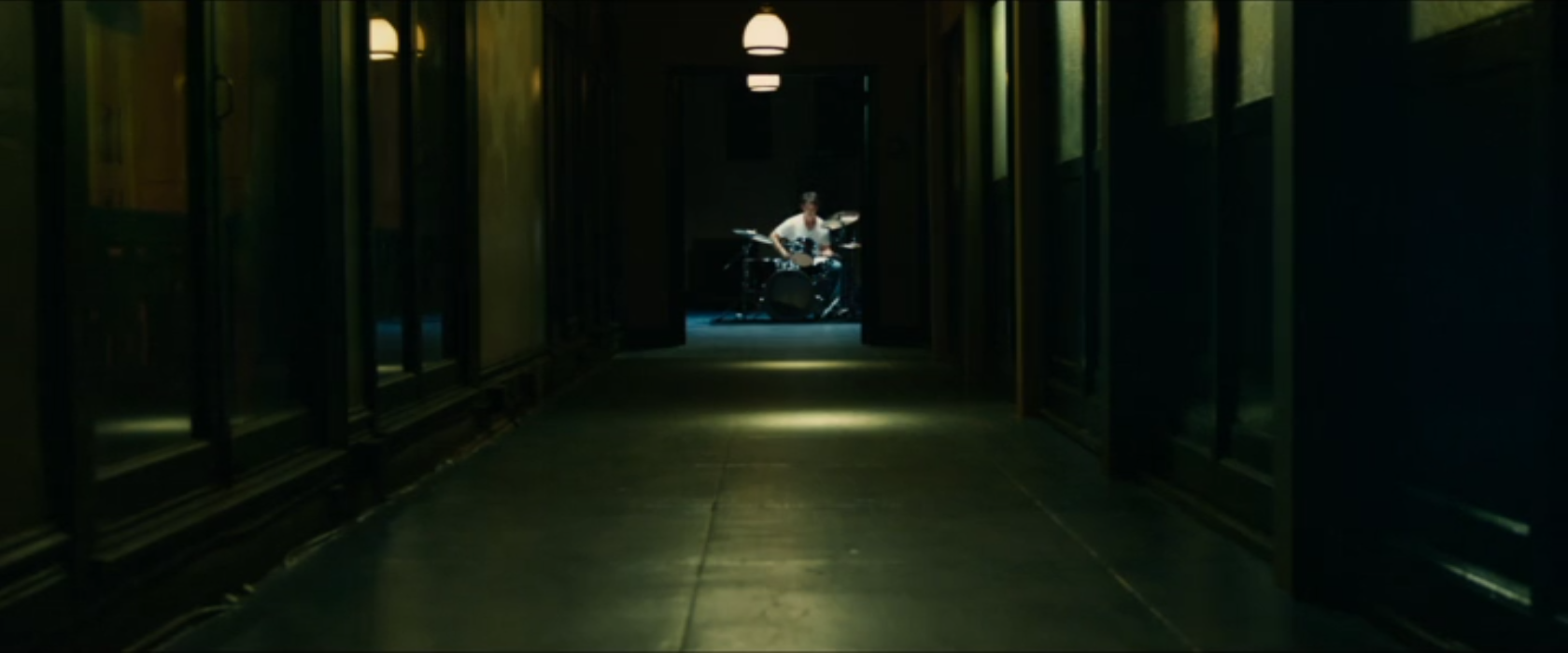
14 framesA still frame can't play sound, so these frames show where an L-cut usually lands: the listener's face, the room reacting to a voice, the space a scene leaves behind as its sound fades.
How to create a l-cut with AI
4 promptsAn image model can't hear, so with AI you direct the shots an L-cut needs: the listener close-up the line lands on and the quiet frame a scene fades into. Describe who is speaking off camera and what the listener just heard, and keep the face alive but silent. Nano Banana 2 Lite builds the listener's start frame, GPT Image 2.5 a scene-exit wide for a trailing sound, and MiniMax H3 Max Turbo animates the reaction so you have picture to lay the dialogue under. Keep both sides of the conversation on one FlashBoards board and mark where each line should spill over. The fourth prompt re-shoots a real film shot from a text description alone, and the original plays next to the result so you can compare.
Over-the-shoulder close-up of a listener, 85mm lens, eye level, cinematic film still. Blurred dark foreground on the left: the shoulder and ear of a man in a gray wool coat, speaking. Sharp on the right third: a woman in her forties with short copper hair, a small mole on her right cheekbone and a green corduroy jacket, sitting at a kitchen table, listening. Lips pressed together, eyes fixed on the speaker, the first flicker of hurt in her brow. Soft window light from the right, dim warm kitchen behind her, shallow depth of field, film grain.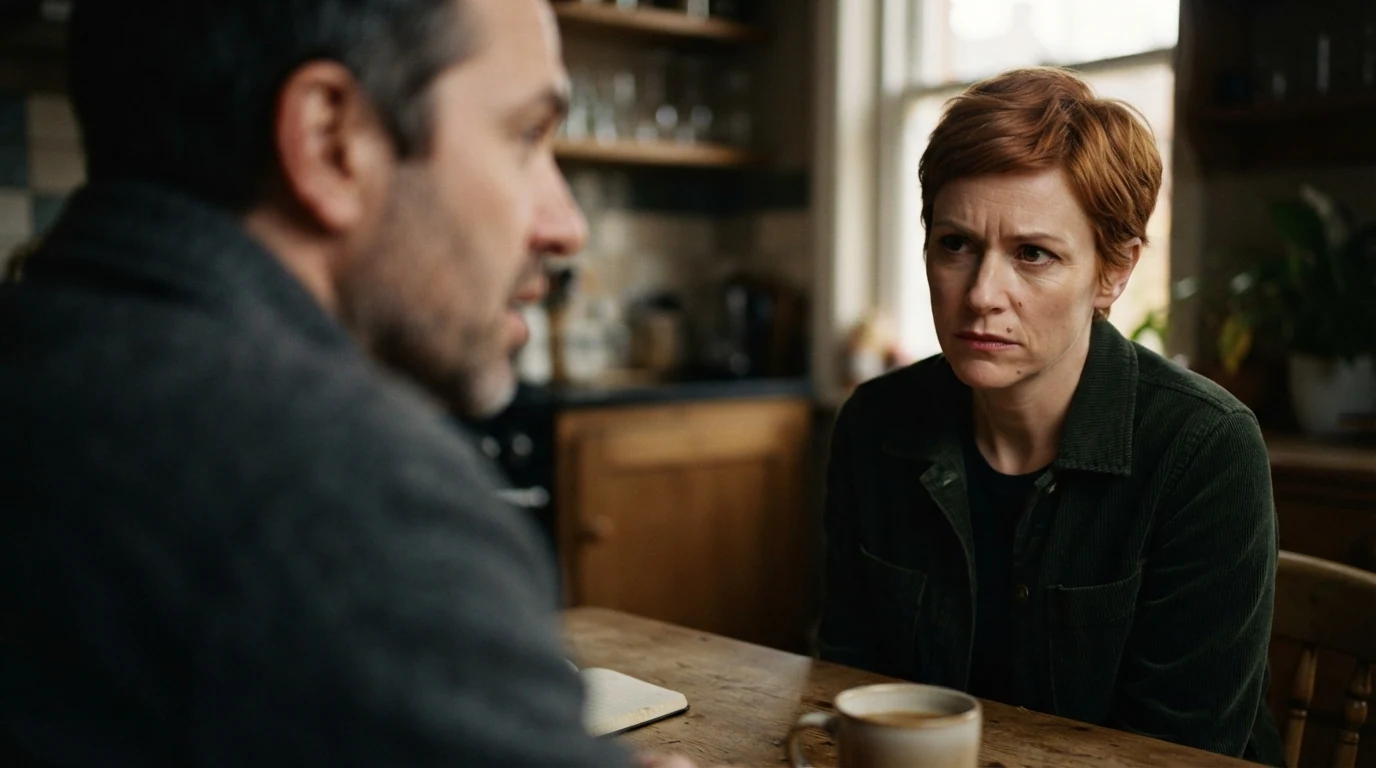
Close-up of a listener and lips pressed together keep the frame a reaction, not a second speaker, so a line can play over it. The blurred shoulder speaking in the foreground places the voice in the room, and the first flicker of hurt gives the face somewhere to go while the line finishes.
Open FlashBoardsWide establishing shot at dawn, 35mm lens, eye level, anamorphic widescreen film still. An empty two-lane road along a gray sea, wet asphalt, a single parked red hatchback on the shoulder. A young man with a shaved head and a long navy parka stands beside the car, small in the right third of the frame, looking out at the water, hands in his pockets. Low fog, flat blue light, the sun a pale disc near the horizon. Quiet, still, the morning after an argument.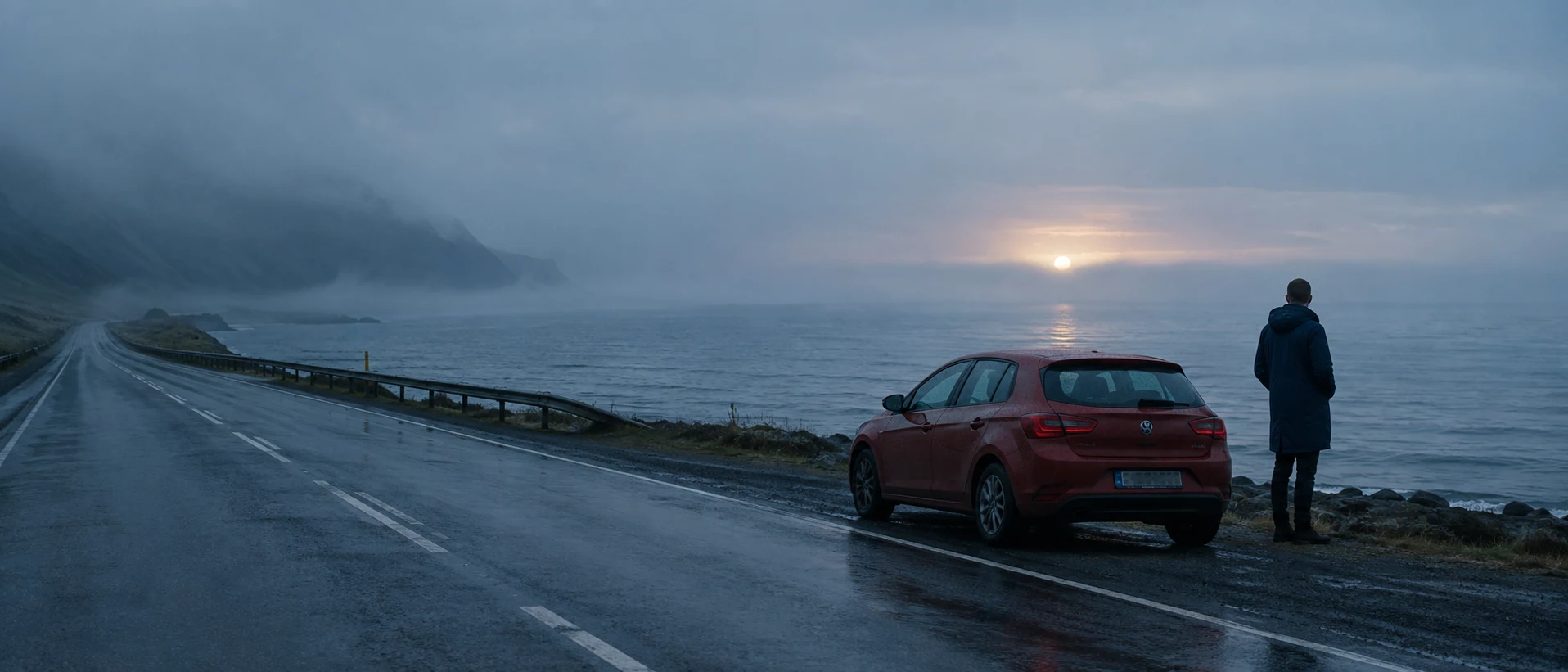
This is the other half of an L-cut: the first frame of the next scene, where the last scene's sound can trail off. Empty, small in the right third and quiet, still leave space for a lingering voice; the morning after an argument keeps the mood linked to what came before.
Open FlashBoardsCamera: locked-off over-the-shoulder close-up at eye level, a very slow push-in of a few centimeters across the whole shot. Action: she is already listening, eyes on the man in the foreground, her brow tightening as his words land. In the middle she swallows, blinks slowly and looks down at the table. At the end she looks back up at him with wet eyes, lips still pressed together, and breathes out.Already listening and the tightening brow make the shot alive from the first frame. Lips still pressed together keeps her silent, so the speaker's line can run over the whole clip in the edit. The beginning, middle and end beats give you a reaction to cut out of at any of three points.
Open FlashBoards{
"output": "Full-screen live-action scene from The Ides of March (2011), from its very first frame: one single continuous shot. Clean 2011 35mm look with fine grain, 2.39:1 scope frame, a packed university auditorium at night during a campaign speech: rows of young people in red-upholstered theatre seats, house lights down, warm amber tungsten light falling on the faces from the stage at upper left, deep brown shadows behind them, low contrast, soft skin tones.",
"characters": {
"S1": {
"name": "Mike Morris, played by George Clooney",
"look": "never seen: he stands on the stage off frame upper left, only his voice is in the shot",
"voice": "calm, confident baritone of a candidate at a podium, carried by the hall's speakers with a light room echo"
},
"S2": {
"name": "a student in the front row, left",
"look": "young woman, light brown shoulder-length hair parted in the middle, dark top, freckles",
"voice": "silent"
},
"S3": {
"name": "a student in the front row, right",
"look": "young woman, dark brown hair with side-swept bangs, gray knit cardigan over a dark top",
"voice": "silent"
},
"S4": {
"name": "a student in the second row, centre",
"look": "young woman, black shoulder-length hair with bangs, beige ruffled blouse, a long pearl necklace",
"voice": "silent"
}
},
"shots": [
{
"shot": 1,
"camera": "close group shot at seated eye level, long 100mm lens, very shallow depth of field, every face turned up toward screen left; S2's face fills the left-centre of the frame in the front row, S3's face the right third, S4 sits between and behind them in the second row, a young man with his fist at his chin behind S2 at the far left and a young man with short dark hair behind S3 at upper right; slow tilt up across the shot so the front faces sink toward the bottom edge, and a slow rack focus from the front row to the second row",
"action": [
"BEGINNING: alive from the first frame, the whole row is already listening; S2 is sharp, looking up and to screen left at the stage with a small closed-mouth smile; S3 is sharp, lips closed, serious and still, eyes up to screen left; S4 behind them is soft, smiling, eyes on the stage.",
"THEN: hands stay still; the young man at far left keeps his fist at his chin; S2 blinks once and keeps her smile; S3 holds still, no nod.",
"THEN: the camera tilts up slowly; the front faces slide lower in the frame while S4 and the man at upper right rise toward the centre.",
"THEN: focus pulls back: S2 and S3 turn soft, S4 turns sharp; her smile widens a little, eyes still on the stage at screen left.",
"END: S4 is the sharp face near the centre, her pearls catching the stage light, smiling up at the speaker; S2 and S3 are blurred shapes at the bottom edge; nobody in frame moves their lips."
],
"dialogue": [
{
"speaker": "S1",
"on_screen": false,
"when": "from the first frame to near the end: the sentence is already under way when the video starts, carried over from the shot before",
"delivery": "measured, rising with conviction, campaign cadence, heard through the auditorium speakers",
"line": "<d>[English] no new car in America is run on an internal combustion engine.</d>"
}
]
}
],
"sound": {
"ambience": "the hush of a large full hall, a faint rustle of clothes and seats, the soft hum of the sound system",
"speech": "exactly these spoken phrases, each said once, in this order; the voice belongs to the man off screen and no lips move in the frame",
"never_spoken": "no narration and no voice-over: the descriptions, performance notes and step words of this prompt are never spoken aloud",
"music": "a film score under the scene, always below the voices: soft sustained strings with a slow, hopeful piano pulse",
"subtitles": "none"
}
}Remakes the audience shot from The Ides of March (2011), dir. George Clooney, DP Phedon Papamichael: Morris's campaign line carried over the students' faces, the slow tilt up and the rack focus to the smiling woman in the second row.
The L-cut is in the dialogue entry: the speaker is off screen, the sentence is already under way and carried over from the shot before, while every face in action only listens. speech adds that no lips move in the frame, so the voice can only belong to the stage the audience is looking at.
Common mistakes
- The listener starts talking. Models open mouths by default. Write lips pressed together or listening in silence, and describe what the face does instead.
- The speaker turns into a second face. For an over-the-shoulder, say blurred shoulder in the foreground and put the speaker on the frame edge, or the model centers both people.
- A posed emotion. "Sad woman" gives a stock face. Name what she just heard and one or two physical beats: brow, swallow, eyes dropping.
- Dead video. If the prompt only says "she listens", H3 slowly pushes in on a still. State the change in the face from the first second.
Keep the reference frames, prompts and every generated take side by side — images and video in one canvas.
FAQ
6 questionsWhat is an L-cut in film?
An L-cut is an edit where the picture cuts to the next shot but the sound of the previous shot keeps playing. We might still hear a character's line while seeing the other person react, or hear a scene's music while the next location appears. The name comes from the L shape the audio makes on an editing timeline.
What is the difference between an L-cut and a J-cut?
They are opposites. In an L-cut the sound of the outgoing shot lingers over the new picture; in a J-cut the sound of the incoming shot starts before its picture appears. The L-cut looks back — it lets something just said sink in. The J-cut looks forward — it pulls you into what comes next. Both are split edits.
Why is it called an L-cut?
On an editing timeline, picture sits on a track above the sound. When a clip's audio extends past the end of its picture into the next shot, the outline of the clip forms a letter L: the tall part where image and audio run together, the foot where only the audio continues. A J-cut makes the mirror shape.
Is an L-cut the same as a split edit?
An L-cut is one kind of split edit. Split edit is the umbrella term for any cut where picture and sound change at different moments. If the sound trails the picture, it's an L-cut; if the sound leads the picture, it's a J-cut. Editors sometimes also call the L-cut audio lag or a sound overlap.
How long should an L-cut overlap be?
It depends on the job. Inside a dialogue scene, 6–12 frames is often enough to move the picture cut into a sentence and hide it. Handing a whole phrase to the listener takes one or two seconds. At the end of a scene, letting sound trail two to four seconds into the next is common. Longer overlaps draw attention to themselves.
When should you use an L-cut?
Use an L-cut when a line means more on the listener's face than on the speaker's, when a conversation feels chopped by cuts between sentences, when a scene should fade out in the ear after the picture has moved on, or when you need to keep the best audio take while cutting away from a weaker image.
Related terms
6- J-CutEditing
In a J-cut the sound of the next shot starts before its picture, so we hear the new scene or speaker a moment before we see it.
- Sound BridgeSound & Music
A sound bridge carries sound across a cut — the next scene's audio starts early or the last scene's lingers — tying two shots together and pulling the viewer forward.
- Editing a Dialogue SceneEditing
Editing a dialogue scene means choosing when to show the speaker, the listener or both, and where to cut on lines, pauses and reactions so the conversation keeps its rhythm and subtext.
- Reaction ShotCamera Shots
A reaction shot cuts away from an action or line to show how another character responds — usually a close-up of their face — so the emotional meaning of the moment lands through the listener.
- Asynchronous SoundSound & Music
Asynchronous sound doesn't match what we see at that moment — a sound from another place or time, or deliberately out of step with the image — used for contrast, irony or subjectivity; accidental drift out of sync is simply an error.
- CutEditing
A cut is the instant change from one shot to the next with no transition effect — the basic unit of editing, from invisible continuity cuts to jarring jump and smash cuts.
Further reading
Walter Murch, In the Blink of an Eye (2nd ed., 2001). Karel Reisz and Gavin Millar, The Technique of Film Editing (1968).