 FlashBoards Learn
- Learn
- Lenses, Focus & Exposure
- Motion Blur
Lenses, Focus & Exposure · Film language
Motion Blur
Also called: motion blur effect
Motion blur is the smear a moving subject leaves when it travels during the exposure of a frame. Its length depends on shutter speed, or shutter angle, and on how fast the image crosses the frame. A little makes movement smooth, more makes it fast, a lot makes it frantic.
- What it does
- Stretches moving things along their path so the eye reads speed and direction inside a single frame.
- Use it when
- Car passes, fights, chases, crowds, drunken or panicked moments, anything that should feel fast or out of control.
- Watch out
- Blur only reads as motion when something else stays sharp; smear the whole frame and it just looks soft.
- Try this prompt
Panning shot at 1/30 s, a red vintage motorcycle and rider tack-sharp while the roadside smears into long horizontal streaks
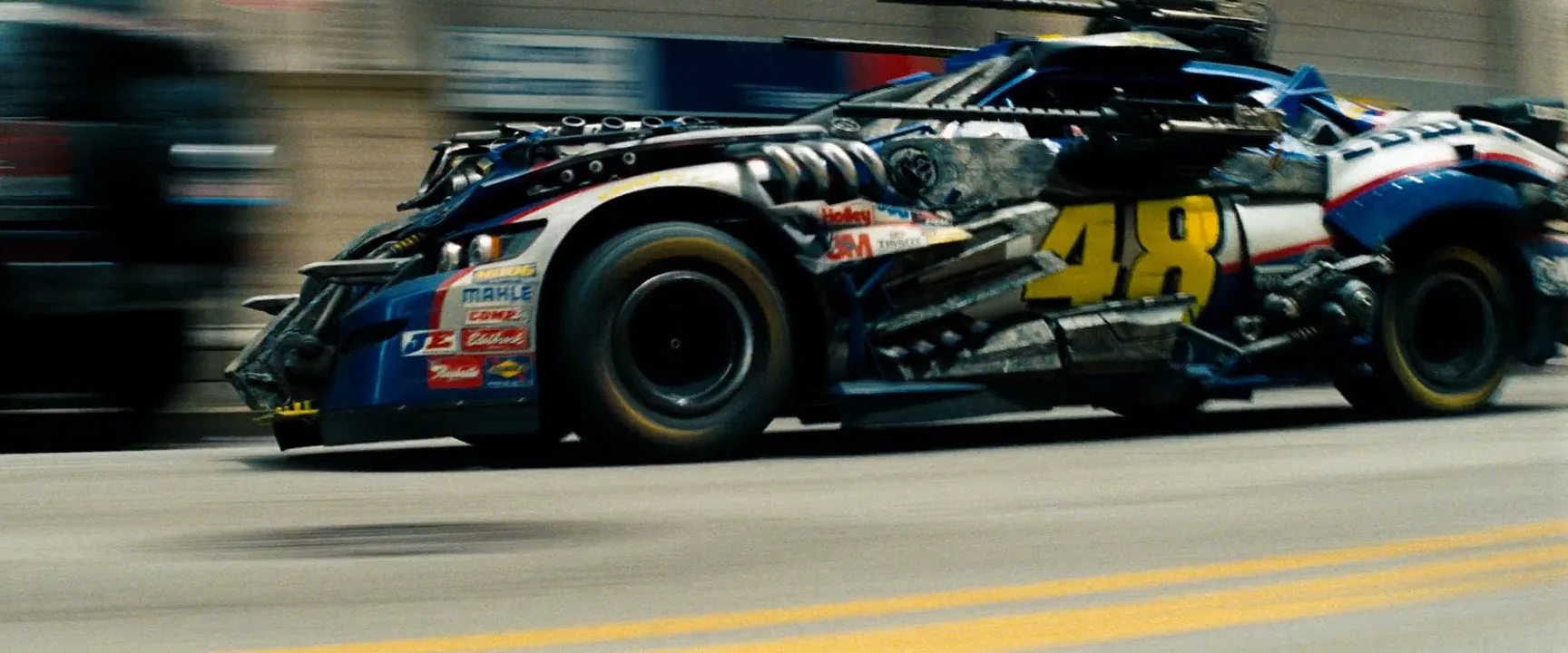
What is motion blur?
Every frame is a short slice of time. Anything that moves across the sensor while the shutter is open keeps drawing itself along its path, and the frame records that path as a streak.
You recognize it by direction: edges stretch along the line of travel while things that hold still stay crisp. At the standard 180-degree shutter, the smear covers about half the distance a subject travels between frames, so the frames overlap into continuous motion.
The amount is set by shutter speed and by how far the image crosses the frame. Fast subjects, close subjects and long lenses all mean more blur at the same setting. It belongs to lenses, focus and exposure, but it records time, not optics.
Types of motion blur you see in films
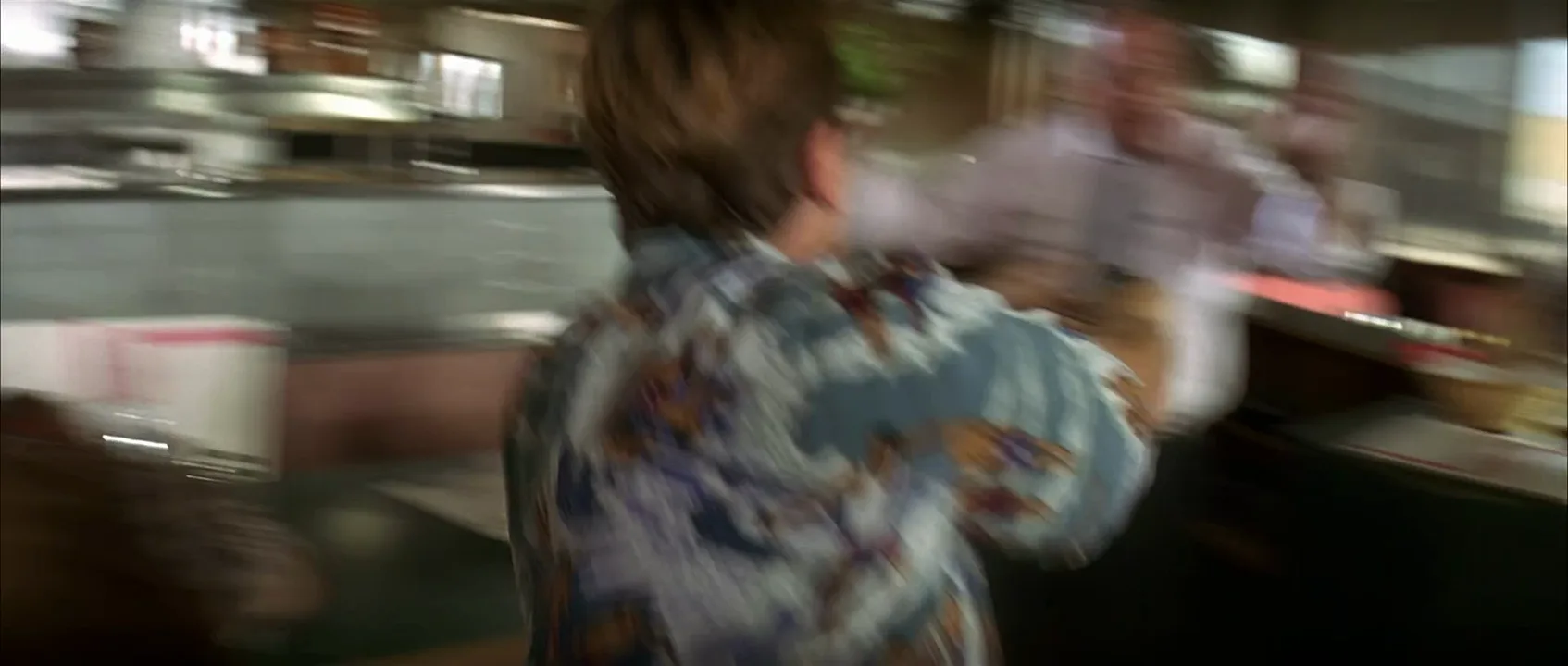
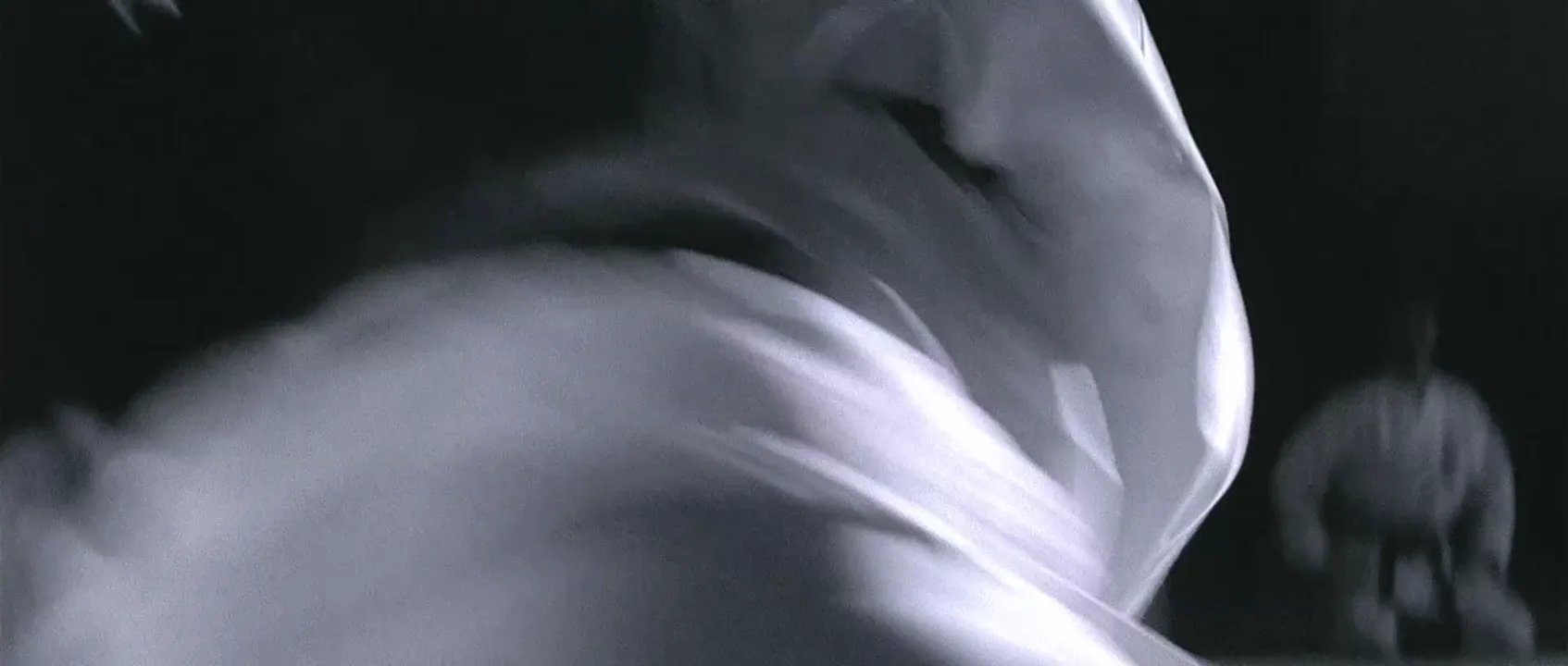
- Subject blur. The camera holds still and only the mover smears. The static set anchors the eye.
- Panning blur. The camera follows the subject, which stays fairly sharp while the background streaks: the classic speed shot.
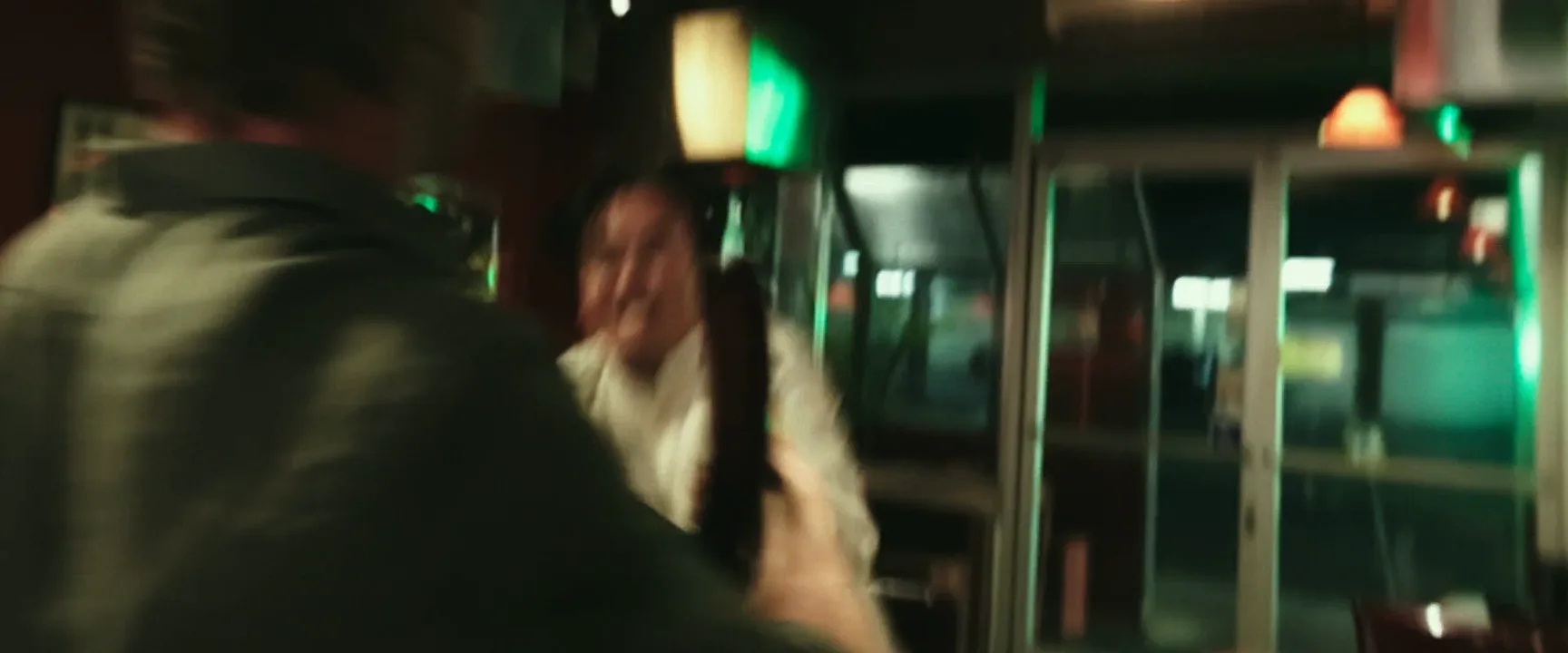
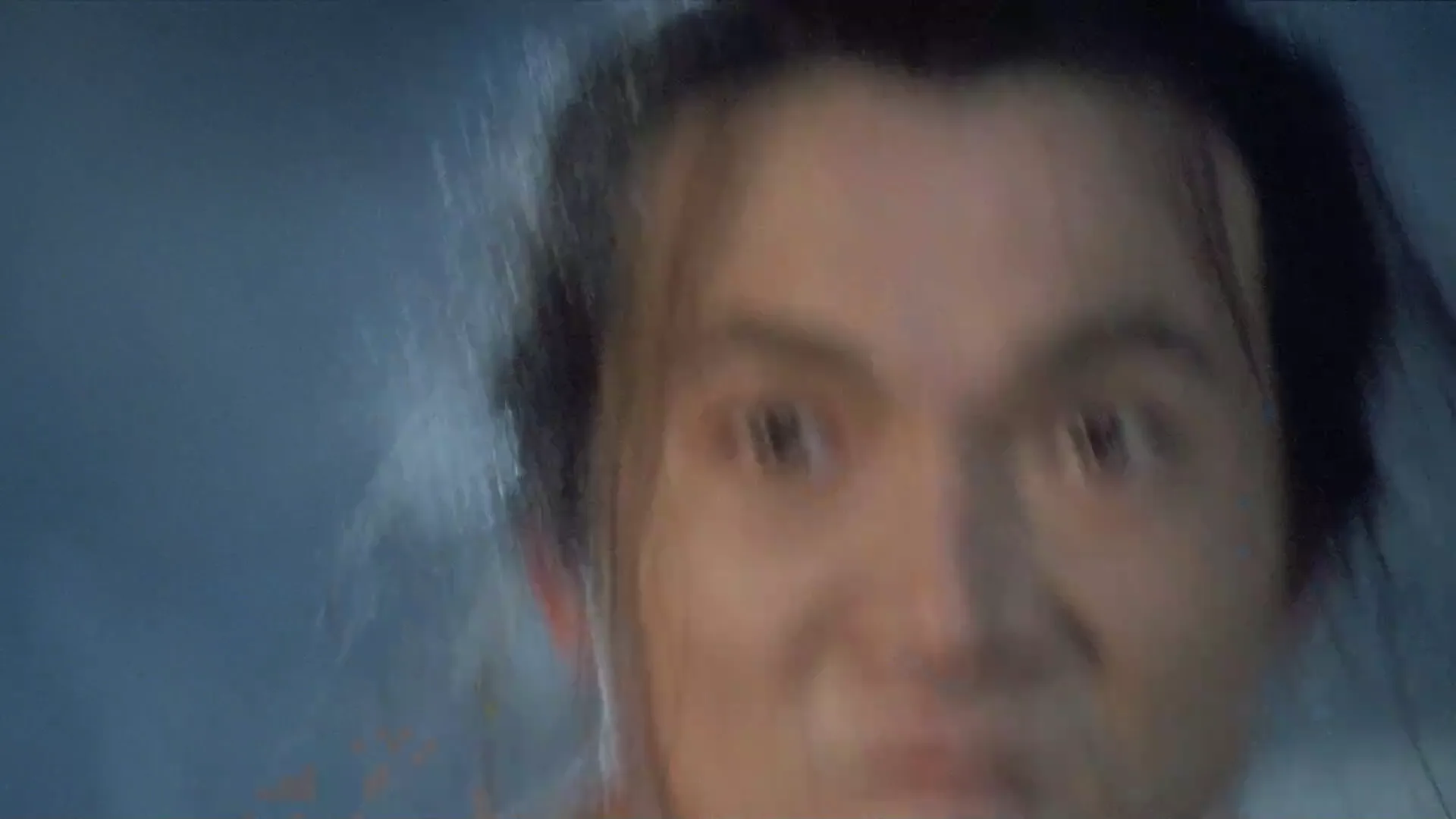
- Camera blur. A whip pan or violent handheld smears the whole frame for a few frames. It reads as chaos or a cut.
- Speed streaks. A lens aimed along the direction of travel turns a road into lines pouring out of the frame.
- Ghosting and stutter. Low frame rates, wide shutters and step printing stack blurred images over a stuttering rhythm.
Why filmmakers use motion blur
A century of films shot near 180 degrees made that amount of blur read as neutral; the 180-degree shutter rule protects it. Directors break it when they want the viewer to feel something.
Speed. A streaked background tells the eye a car is fast; a sharp one makes it look parked.
Chaos. Heavy blur in fights and crowds hides choreography and leaves impact.
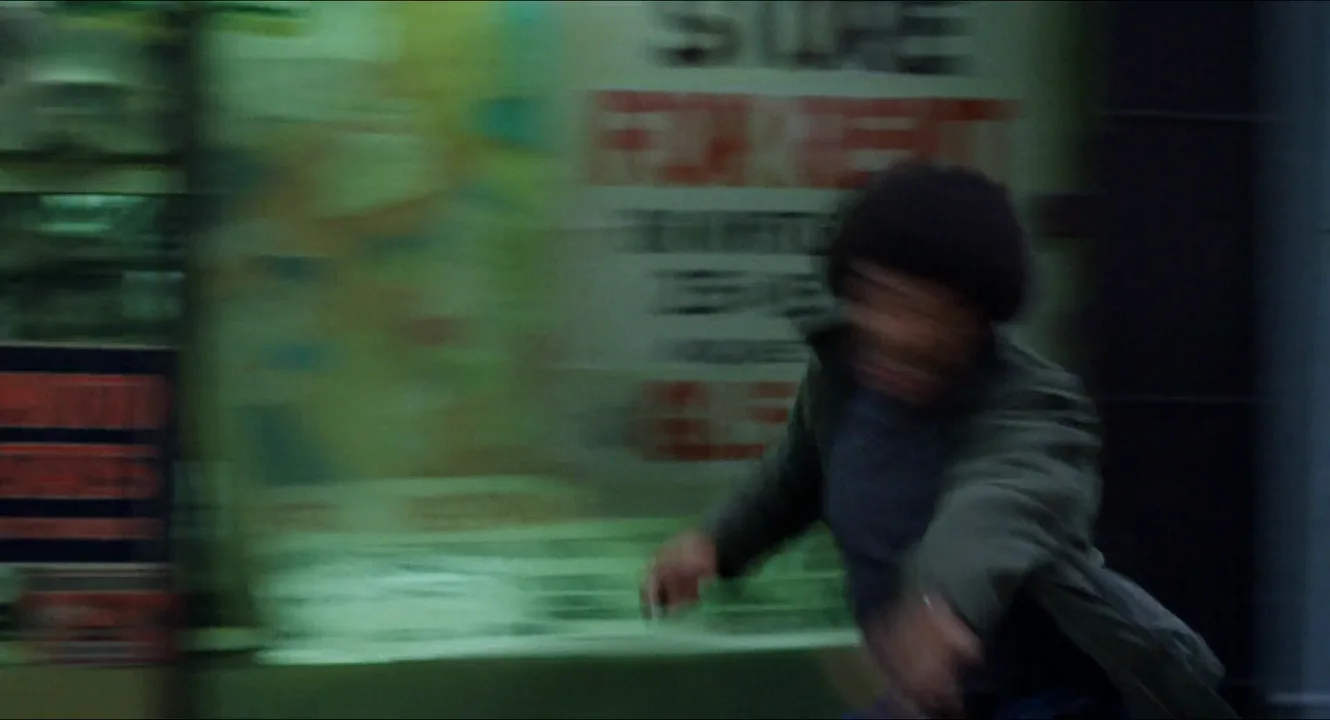
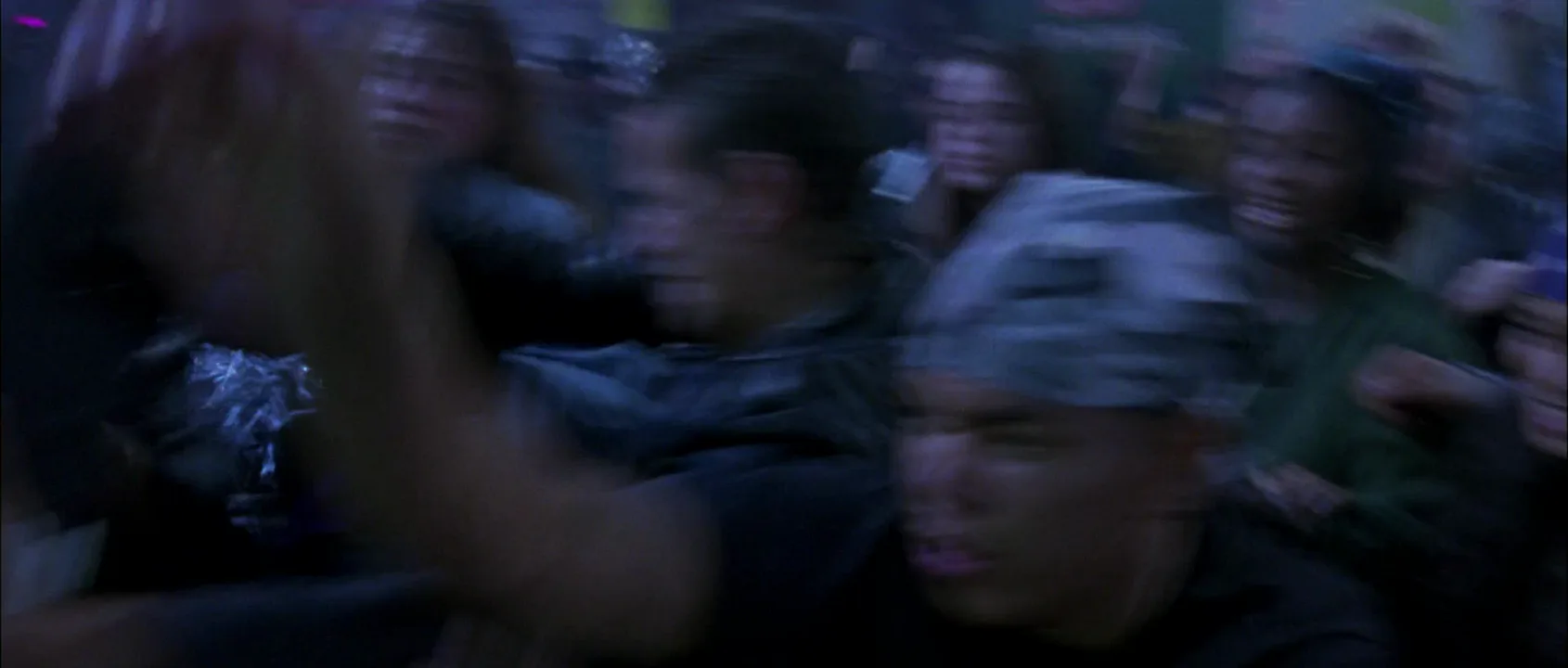
Altered states. Wong Kar-wai and Christopher Doyle smeared Hong Kong nights with step printing in Chungking Express (1994), making motion feel both rushed and lonely.
The opposite choice. The narrow shutter of the Omaha Beach landing in Saving Private Ryan (1998) freezes debris in each frame and makes the violence nervous.
How to shoot motion blur
Pick the shutter. At 24 fps, 180 degrees gives 1/48 s. Open to 270 degrees (1/32 s) or 360 degrees (1/24 s) and blur grows by half or doubles. A frame at 24 fps can't expose longer than 1/24 s, so for longer trails shoot at 6 to 12 fps and step print, or add blur in post.
Hold exposure with ND. A 360-degree shutter adds a stop of light; take it back with neutral density or aperture, not shutter.
Pan at the subject's speed. Matching the pan keeps the subject sharp, and an 85 to 200 mm lens magnifies the background sweep.
Keep something sharp. A static wall or face against the mover is what makes blur read as motion.
Post. Vector motion blur adds convincing smear later, but blur can't be removed cleanly, so shoot sharper when unsure.
Motion blur vs. out-of-focus blur
Shallow depth of field blurs by distance: anything off the focal plane softens evenly in every direction, and points of light become round discs. Motion blur blurs by time: only what moves softens, along its path, so points of light become lines. A streetlight that is a disc is focus; a streak is motion. A telephoto panning shot often has both. And unlike a long exposure still, film blur is capped by the frame rate.
Motion Blur in motion
10 clipsWatch what stays sharp and what smears. When the camera pans or tracks with a subject, the background streaks; when the camera holds still, only the moving body blurs. The more violent the motion, the longer the trails.


Motion Blur stills
8 framesPanning blur, subject blur, speed streaks and ghosting. In each frame, look for what stays sharp.
How to create a motion blur with AI
4 promptsModels draw what blur looks like, not a shutter number. Say what streaks, in which direction, and what stays sharp. Build the frame in Nano Banana 2 Lite, a second take in GPT Image 2.5, animate recipe 1 with MiniMax H3 Max Turbo, and compare takes on one FlashBoards board. The fourth prompt re-shoots a real film shot from a text description alone, and the original plays next to the result so you can compare.
Cinematic panning shot at dusk on a coastal road, 1/30 s shutter, 135mm lens at waist height, camera tracking sideways with the rider. A man in his fifties with a thick gray handlebar mustache, round goggles on a cracked brown leather helmet and a faded green scarf rides a battered red 1960s motorcycle left to right. Rider and motorcycle are sharp; the guardrail, sea and asphalt behind smear into long horizontal streaks. Low amber sun, film grain.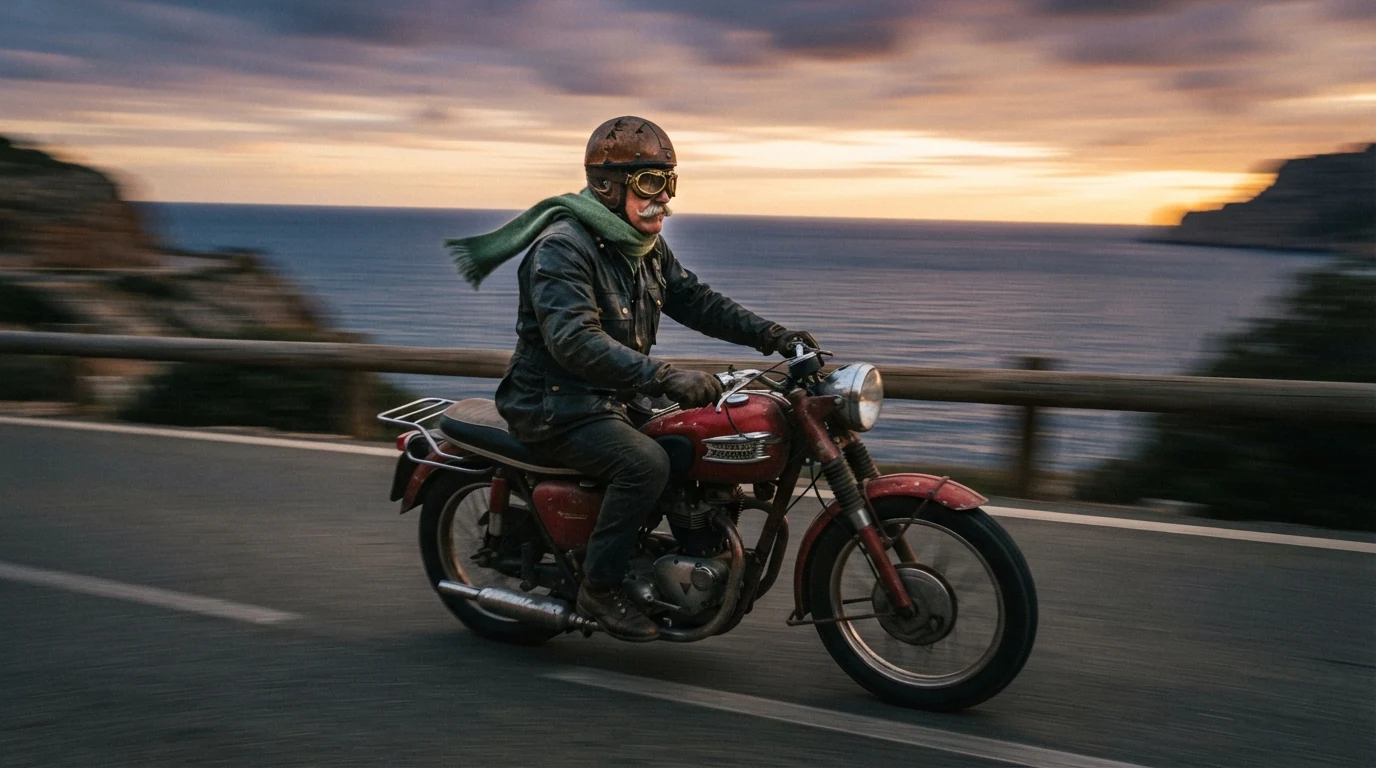
Rider and motorcycle are sharp against long horizontal streaks is panning blur; that contrast reads as speed, not a soft photo. The long lens stretches the smear.
Open FlashBoardsWidescreen locked-off shot in a dim dance hall, slow 1/15 s shutter, 35mm lens at chest height. A dancer in her sixties with a silver bob, a long narrow nose and a mole on her left cheek spins in a crimson pleated dress; skirt and arms smear into curved red arcs. The wooden floor, brass bandstand and three seated musicians in white jackets are perfectly sharp. Warm tungsten practicals, haze.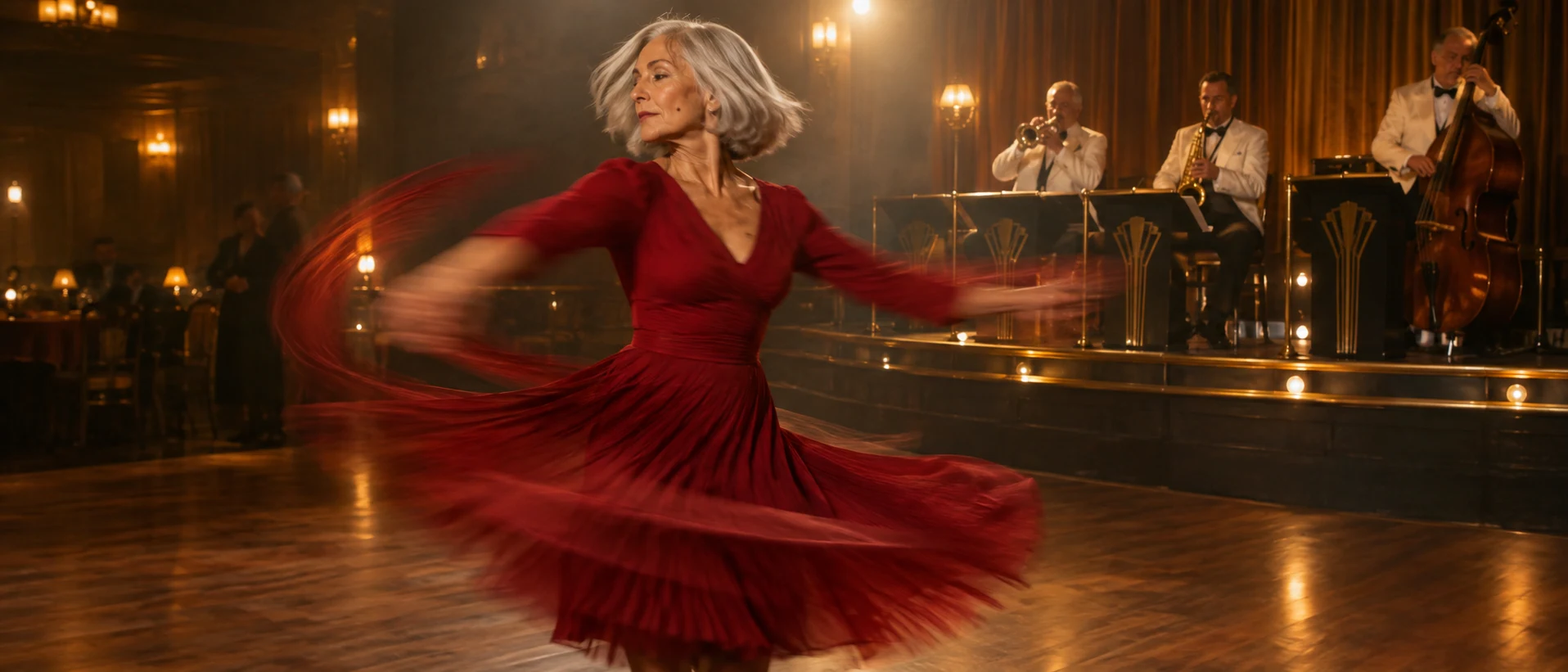
Subject blur instead of panning blur: locked-off keeps the room sharp, and curved red arcs sets a direction that matches a spin.
Open FlashBoardsCamera: tracks sideways at the rider's speed for the whole shot, keeping him centered, steady and smooth. Action: from the first frame the motorcycle is already speeding left to right, guardrail and sea streaking past in horizontal motion blur. In the middle he leans into a gentle curve and his scarf flutters back. At the end he straightens and twists the throttle, still sharp, while the background keeps streaking.Motion starts in the first sentence, so the clip opens alive. Matching his speed keeps him sharp while streaking past holds the background blur.
Open FlashBoards{
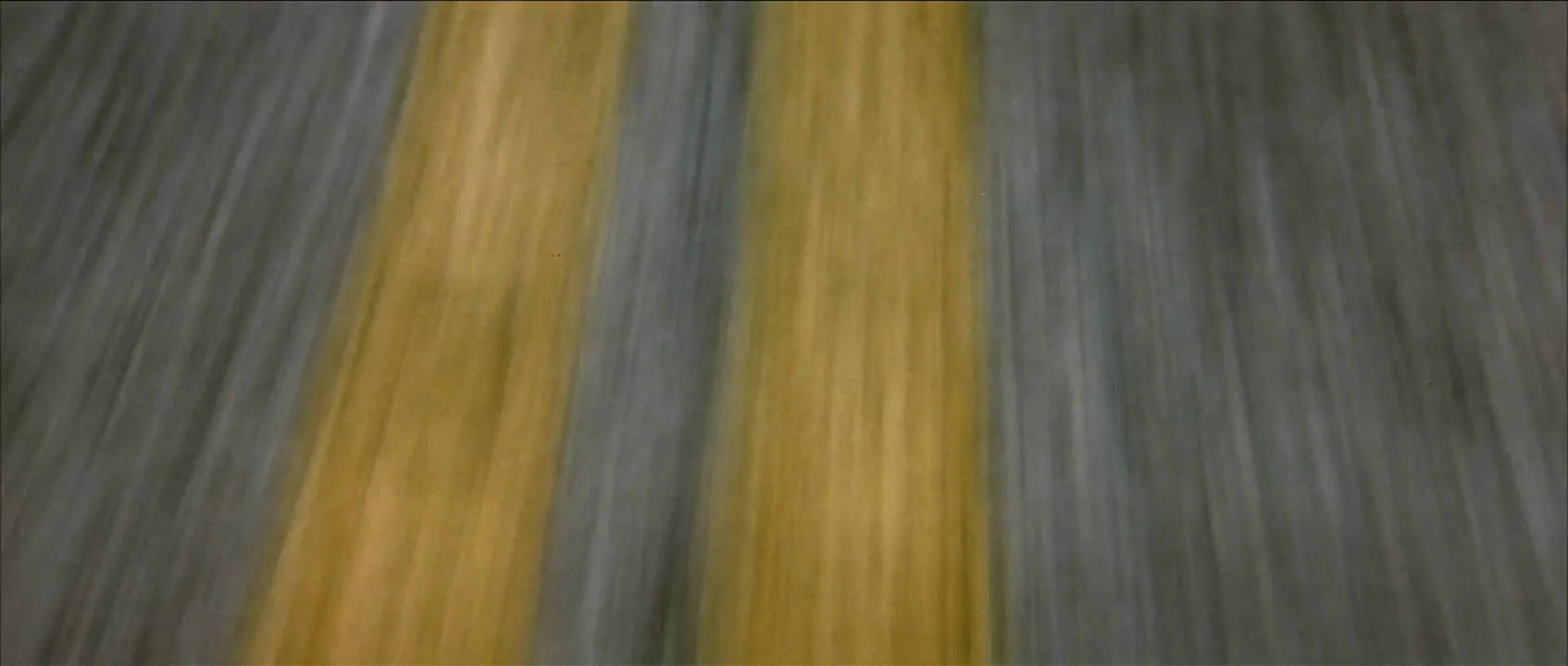
"output": "Full-screen live-action shot from Wild at Heart (1990), alive from its very first frame: one continuous shot with no cuts, filmed as a long exposure with a very slow shutter and a hard-shaking camera, so the whole frame, the yellow road paint included, is heavily smeared by motion blur and nothing in it is sharp. Grainy 1990 35mm film, flat overcast daylight on a two-lane country highway, desaturated gray asphalt and soft mustard-yellow road paint.",
"characters": {},
"shots": [
{
"shot": 1,
"camera": "rigid mount a hand's width above the asphalt on a speeding car, wide lens pointed almost straight down at the road, so the road looks flat and the paint lines run as near-vertical bands from the top edge to the bottom edge; shaking hard with the road; over the shot the camera rises steadily away from the asphalt (dolly out) and drifts left across the lane; only the road surface is in frame, edge to edge, from start to end",
"action": [
"BEGINNING: alive from the first frame, the asphalt already pours from the top edge of the frame to the bottom edge so fast that it is only long gray streaks of motion blur, leaning slightly from lower left to upper right; one broad solid mustard-yellow line, so close to the lens that it fills the frame from the left third to the centre, is a hazy smear of yellow with no clean edge, wobbling with the shake.",
"THEN: short yellow dashes of a broken line, with bare gray gaps between them, flash down the frame just left of the solid band, each a blurred yellow smudge entering at the top edge and leaving at the bottom edge in an instant, again and again.",
"THEN: the camera rises steadily away from the road and drifts left, so the solid yellow smear shrinks to a third of its width and slides to just right of centre, its edges still bleeding into the gray.",
"END: a thin pair of blurred yellow stripes, broken on the left and solid on the right, sits just right of centre while the gray asphalt keeps streaking downward, the whole image soft with speed blur."
],
"dialogue": [],
"voice": "silence: nobody speaks in this shot, no voice at all"
}
],
"sound": {
"ambience": "loud tire roar on the rushing asphalt, a car engine droning close by, wind rushing past",
"speech": "no words in this video; the only human sounds are breaths and movement",
"never_spoken": "no narration and no voice-over: the descriptions, performance notes and step words of this prompt are never spoken aloud",
"music": "a film score under the scene, always below the voices: a slow, twangy, reverb-drenched electric guitar over a low droning synth pad",
"subtitles": "none"
}
}Remakes the road shot from Wild at Heart (1990), dir. David Lynch, DP Frederick Elmes: the camera skimming a two-lane highway, the asphalt smeared into streaks and the yellow center lines drifting right as the camera lifts, with no car or driver in view.
Nobody is in the shot and the corpus has no line here, so characters stays empty, the shot gets an explicit silence and a quiet score carries the sound. The camera field does the framing: a hand's width above the asphalt, pointed almost straight down, rising and drifting left like the original. A long exposure and a hard-shaking camera soften the paint too, but the model still draws the yellow lines crisper than the 1990 film.
Common mistakes
- Everything soft. Motion blur alone often blurs the whole image. Name what is sharp.
- Wrong direction. Models default to radial zoom blur; write horizontal streaks for a pass, curved arcs for a spin.
- Focus instead of motion. Blurry background returns bokeh. Say streaked by motion.
- Crisp video. Repeat the blur in the action line and let the camera track the subject.
Keep the reference frames, prompts and every generated take side by side — images and video in one canvas.
FAQ
4 questionsWhat causes motion blur in film?
Motion blur happens when something moves across the frame while the shutter is open. The image keeps recording during the exposure, so the subject is drawn as a streak along its path. Its length depends on shutter speed or shutter angle, subject speed, distance to the camera and focal length.
What shutter speed gives motion blur?
At 24 fps, 1/48 or 1/50 s (a 180-degree shutter) gives the natural blur audiences expect. For more, open to 1/32 or 1/24 s, or pan with a long lens. Faster than 1/250 s freezes most movement.
Is motion blur good or bad in video?
Neither by default. Some blur is what makes 24 fps look smooth; remove it with a very fast shutter and pans stutter. Too much makes action muddy. Stay near 180 degrees for neutral motion, go wider for speed or disorientation, narrower for a jittery, hyper-real feel.
How do you add motion blur in post?
Compositing tools estimate how each pixel moves between frames and smear it along that vector, called vector motion blur. Frame blending is cruder, mixing neighboring frames into ghosted overlaps. Both work best on footage shot at a normal or narrow shutter, since adding blur is far easier than removing it.
Related terms
7- Shallow Depth of FieldLenses, Focus & Exposure
Shallow depth of field keeps only a thin slice of the scene sharp — often just the eyes — while everything nearer and farther dissolves into blur, isolating the subject and steering attention.
- Shutter SpeedLenses, Focus & Exposure
Shutter speed is how long each frame is exposed to light; on cine cameras it is often set as a shutter angle, and it controls both brightness and how much blur movement leaves.
- 180-Degree Shutter RuleCameras & Capture
The 180-degree shutter rule sets the shutter speed to roughly double the frame rate — 1/48 or 1/50 s at 24 fps — which gives the natural motion blur audiences associate with cinema; breaking it makes movement stuttery (narrow shutter) or smeary (wide shutter).
- Long ExposureLenses, Focus & Exposure
A long exposure keeps the shutter open for a long time, so still things stay crisp while anything moving — car lights, water, crowds, stars — smears into streaks and silky blur.
- UndercrankingCameras & Capture
Undercranking shoots at a lower frame rate than playback — for example 12 fps played at 24 — so action runs faster than life on screen, used for slapstick, frantic chases and punchier action.
- Step PrintingPost-Production & VFX
Step printing repeats each frame several times (often from footage shot at a low frame rate), producing smeared, stuttering motion — the signature look of Chungking Express.
- Speed RampPost-Production & VFX
A speed ramp changes playback speed within one continuous shot — slowing into a key moment and snapping back to real time or faster — to accent a beat of action.
Further reading
American Cinematographer Manual (ASC Press): shutter angle and exposure tables. Blain Brown, Cinematography: Theory and Practice (Routledge): chapters on the camera shutter and motion.