 FlashBoards Learn
- Learn
- Lenses, Focus & Exposure
- Shutter Speed
Lenses, Focus & Exposure · Film language
Shutter Speed
Also called: exposure time, shutter angle
Shutter speed is how long each frame is exposed to light, written as a fraction of a second or, on cine cameras, as a shutter angle. It sets two things at once: how bright the image is and how much blur a moving subject leaves, which decides whether motion looks smooth, smeared or sharply staccato.
- What it does
- Controls exposure time per frame, and with it the length of the smear every movement leaves on the image.
- Use it when
- You choose how motion should feel: natural at 180°, frantic and crisp when narrow, dreamy and smeared when wide.
- Watch out
- Don't fix a bright day by raising shutter speed; use ND filters, or pans start to strobe and action looks choppy.
- Try this prompt
night market, woman running past lantern stalls, slow shutter 1/25 s, her arms and passing shoppers smeared into streaks, stalls crisp
What is shutter speed?
Every frame is a short exposure: the shutter opens, light builds the image, the shutter closes. That span is the shutter speed, such as 1/50 s or 1/1000 s. Doubling the time doubles the light, so 1/100 to 1/50 is one stop brighter, like opening the aperture one stop.
It is one corner of the exposure triangle, and the only one that touches time. Anything moving while the shutter is open is recorded along its path: a longer exposure turns a swinging fist into a streak, a shorter one freezes it. In moving pictures the frame rate caps how long each exposure can last.
Shutter speed vs. shutter angle
Film cameras spin a half-disc in front of the gate: while the open part passes, the frame exposes; while the solid part passes, the film advances. The opening, in degrees, is the shutter angle.
Shutter speed = (angle ÷ 360) × (1 ÷ frame rate)
- 180° at 24 fps = 1/48 s
- 90° at 24 fps = 1/96 s
- 45° at 24 fps = 1/192 s
- 360° at 24 fps = 1/24 s, the longest a frame allows
Change the frame rate from 24 to 48 fps at 180° and the blur stays proportional while the speed becomes 1/96. The 180-degree shutter rule is the middle setting both systems agree on.
Why filmmakers change shutter speed
A century of films shot near 180° made that amount of blur read as neutral. Move away from it and viewers feel the difference before they can name it.
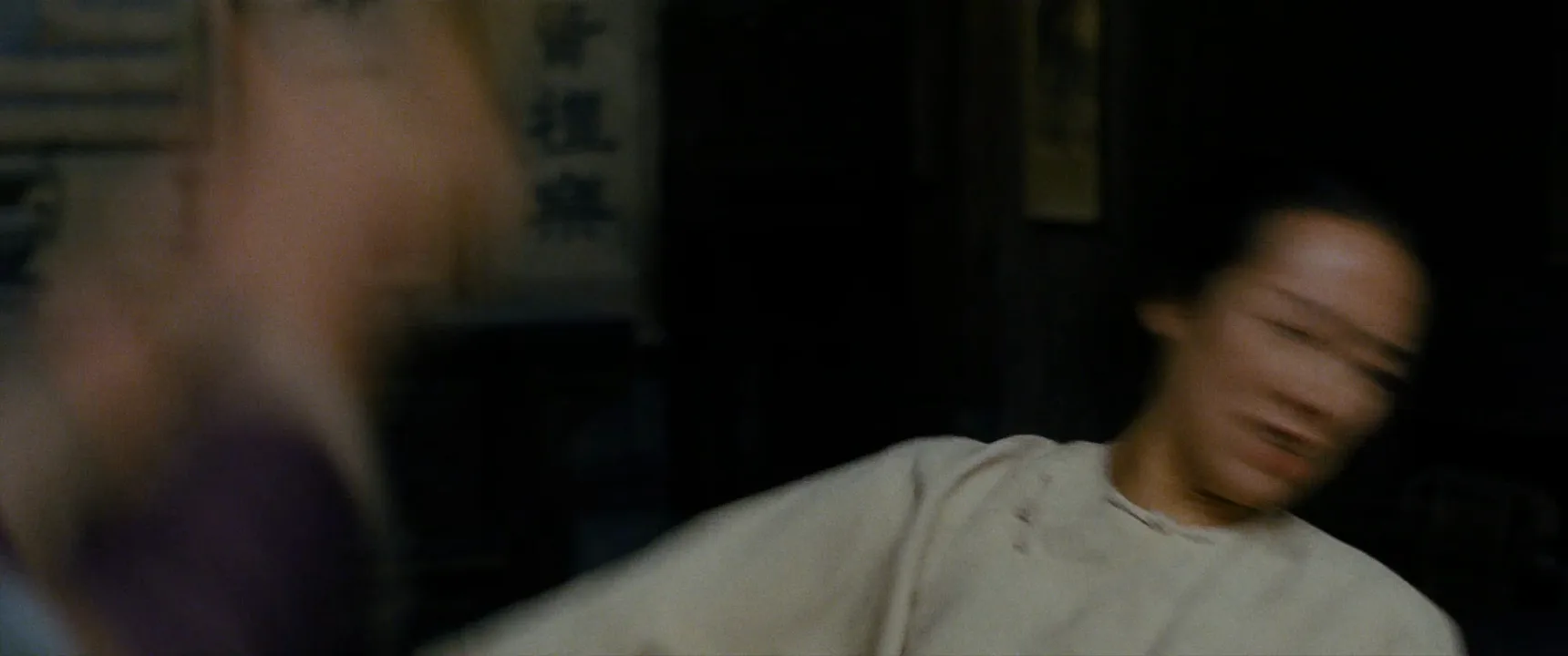
Narrow shutter (90° to 45°). Each frame is crisp but the gaps between frames grow, so fast action jitters. Janusz Kamiński narrowed the shutter for the Omaha Beach landing in Saving Private Ryan (1998); sand and debris hang sharp in every frame and the violence feels nervous and hyper-real.
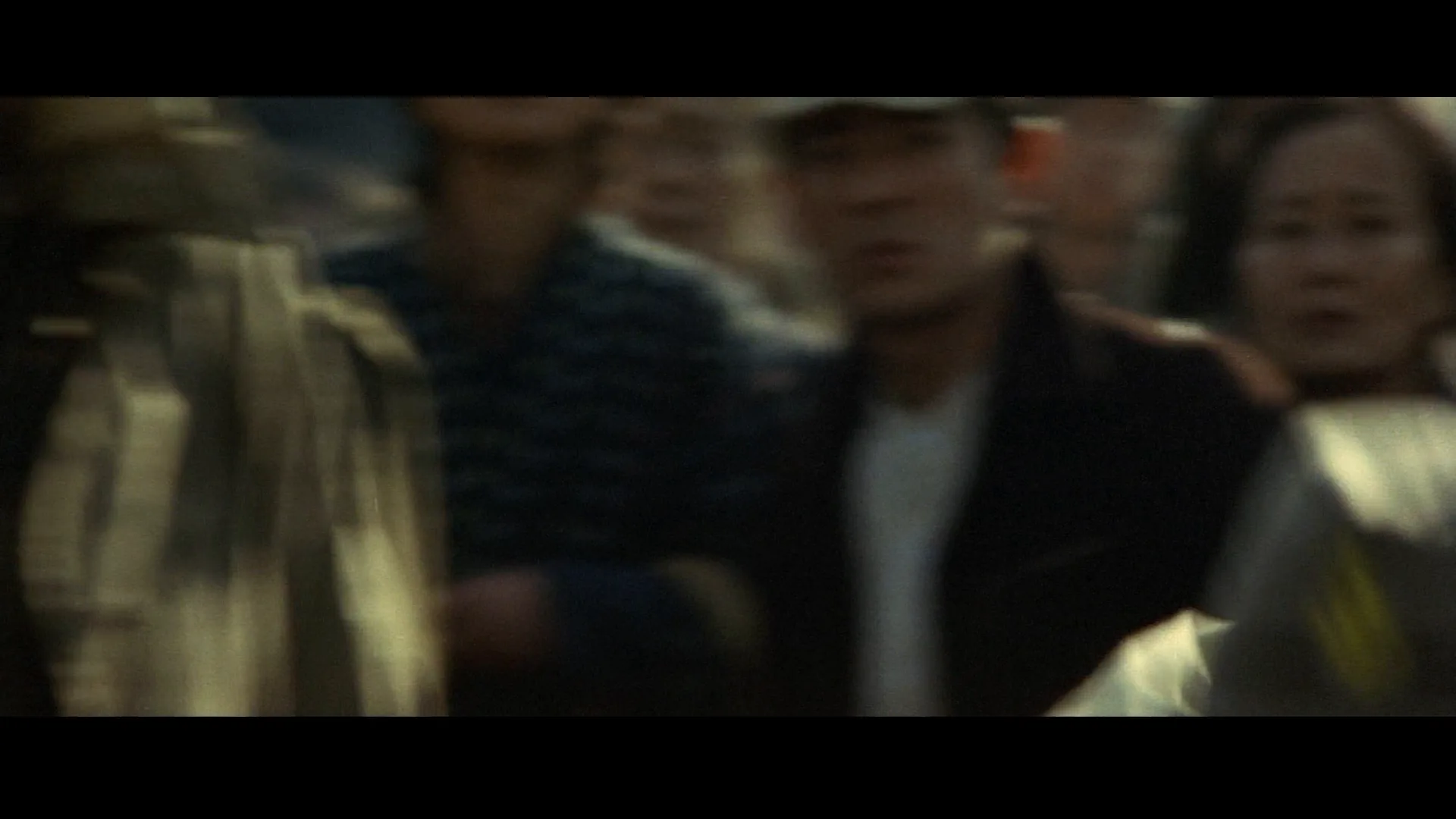
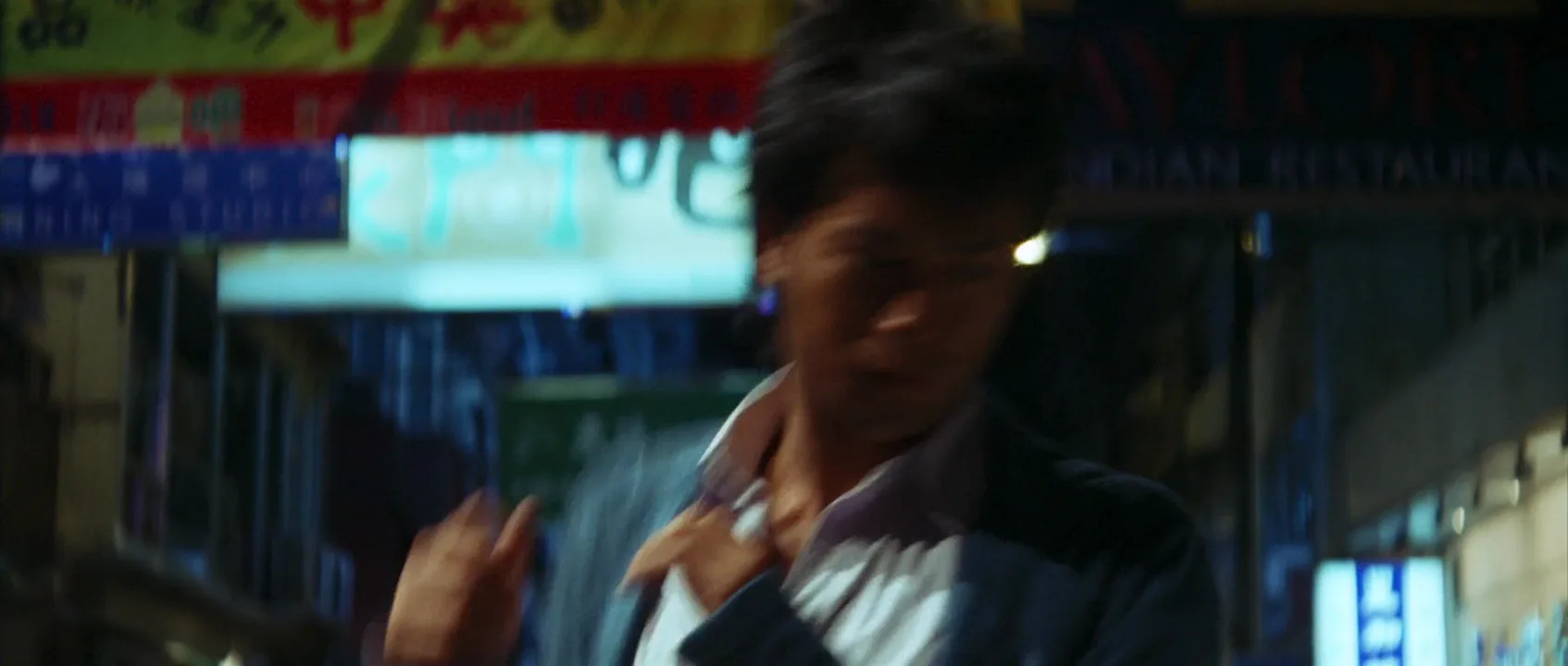
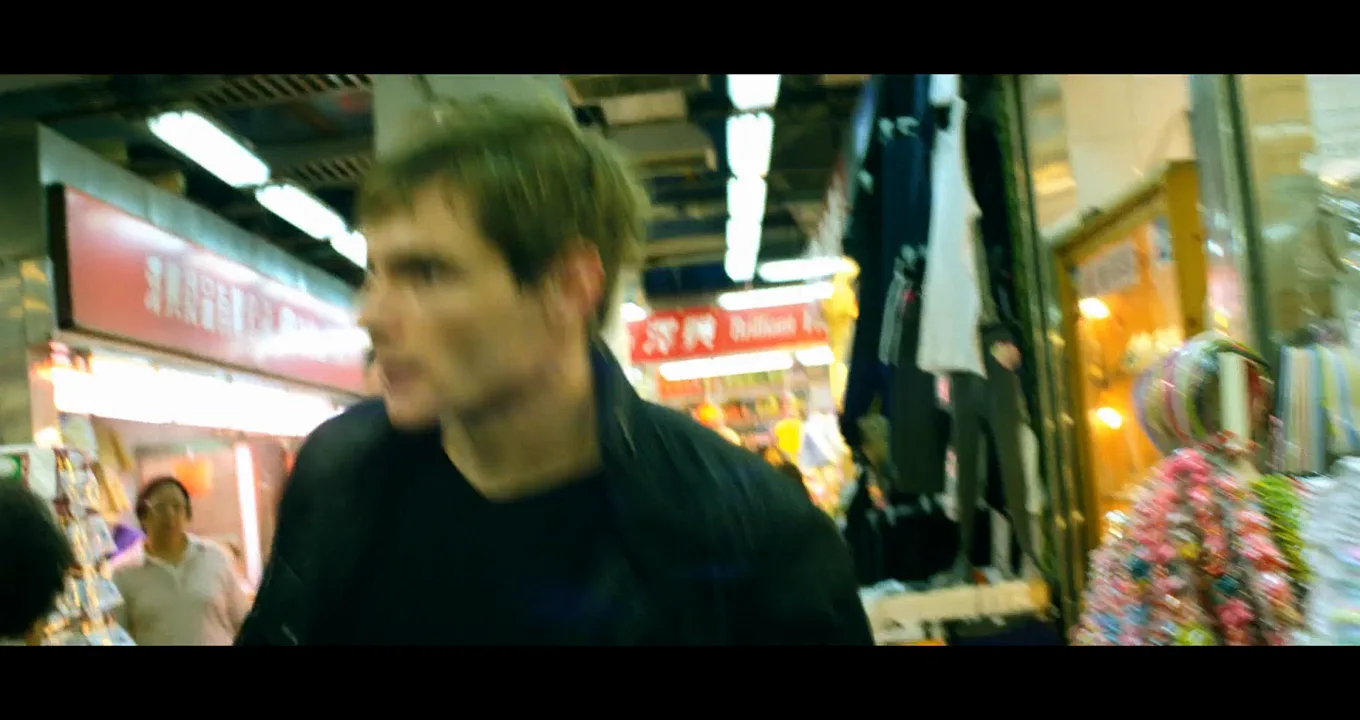
Wide shutter or slow speeds. Movement smears and trails: drunkenness, panic, memory. Chungking Express (1994) combined low frame rates, slow shutters and step-printing so crowds rush past in smears.
The blur itself has its own page, motion blur; shutter speed sets its length.
What shutter speed should you use for video?
Start at double the frame rate, then break it on purpose.
- 24 fps: 1/48 or 1/50 s (180°)
- 30 fps: 1/60 s
- 60 fps: 1/120 s
- 120 fps for slow motion: 1/240 or 1/250 s
Control daylight with ND, not shutter. Raising the shutter to 1/1000 s fixes a sunny exposure but makes every pan stutter. Neutral density lens filters keep the shutter where motion looks right.
Match the mains frequency. LEDs, fluorescents and screens pulse with the grid. On 50 Hz power use 1/50 or 1/100 s; on 60 Hz at 24 fps, set 144° (1/60 s).
More exposure tools are in the lenses, focus and exposure hub.
How shutter speed and motion blur work together
Blur depends on how far an image travels across the frame during one exposure, not on real-world speed:
- Subject speed. A head snap travels farther than a walking extra.
- Camera movement. In a pan the background sweeps across the sensor and smears, while a subject you follow can stay sharp.
- Distance and focal length. Someone passing close to a wide lens streaks; the same walk on the horizon barely moves.
Picture the fastest thing in the shot and decide how long its trail should be.
Shutter Speed in motion
9 clipsBlur exists only while something moves, so watch the fastest thing in each clip: a whip of the camera, a fist, a spinning page. Then find what stays sharp beside it; that contrast is the shutter at work.
Shutter Speed stills
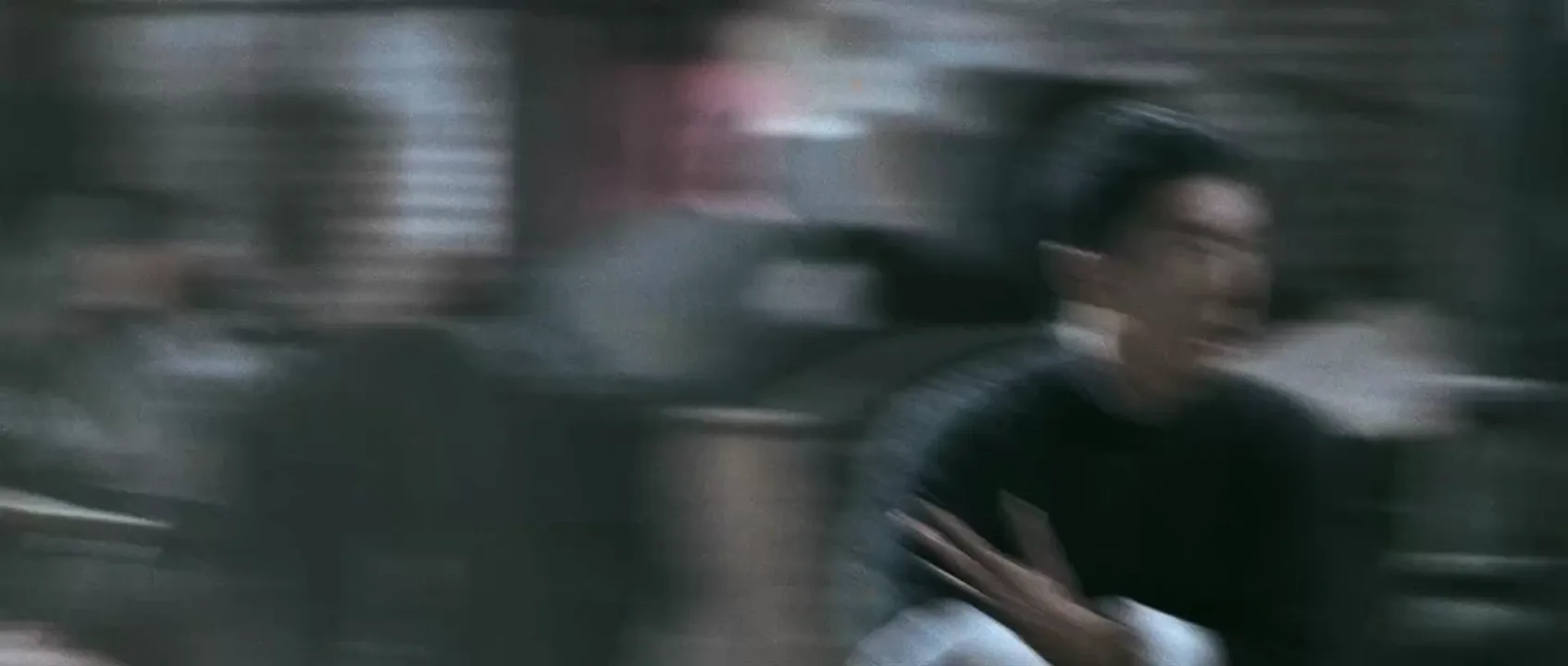
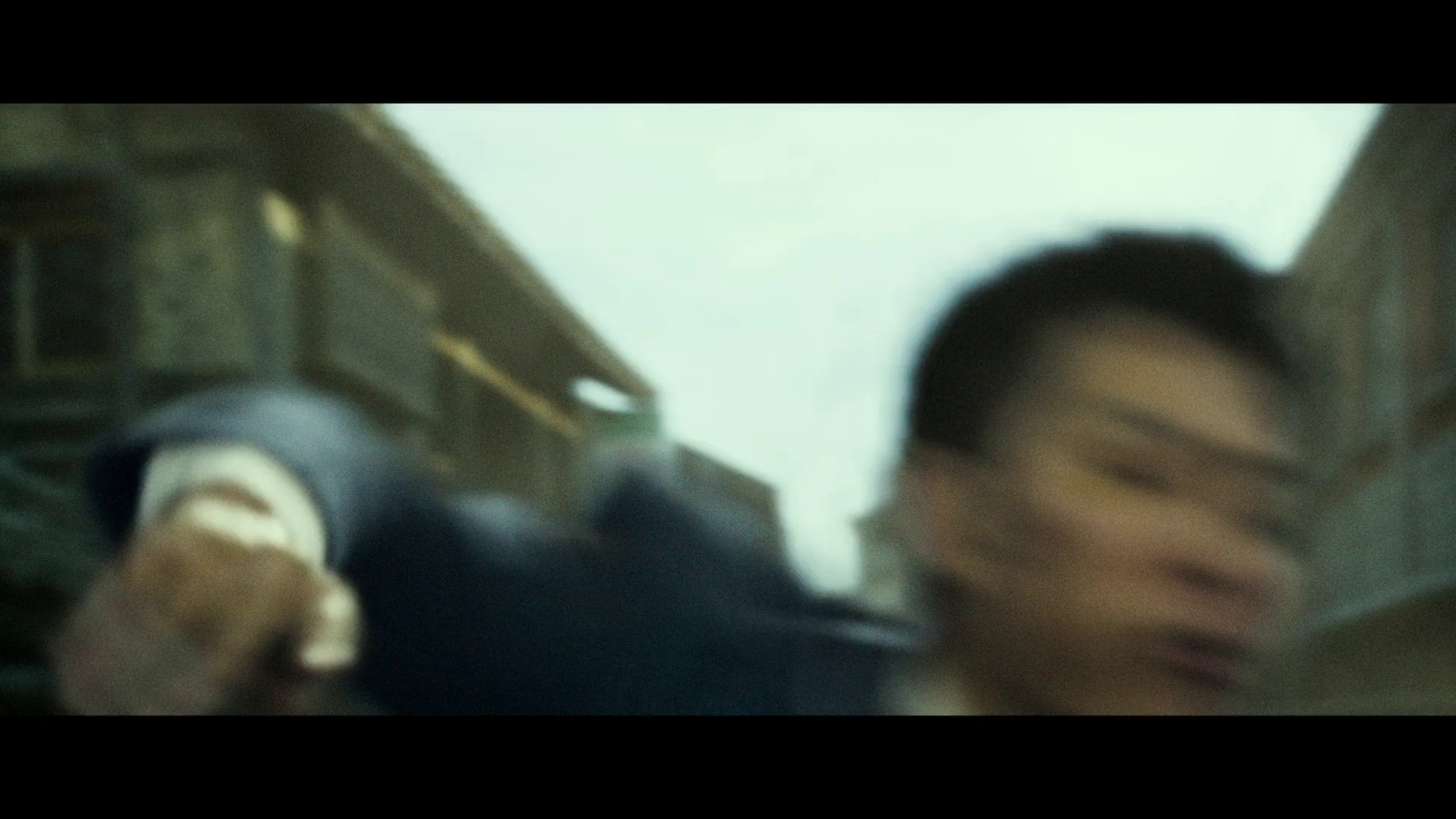
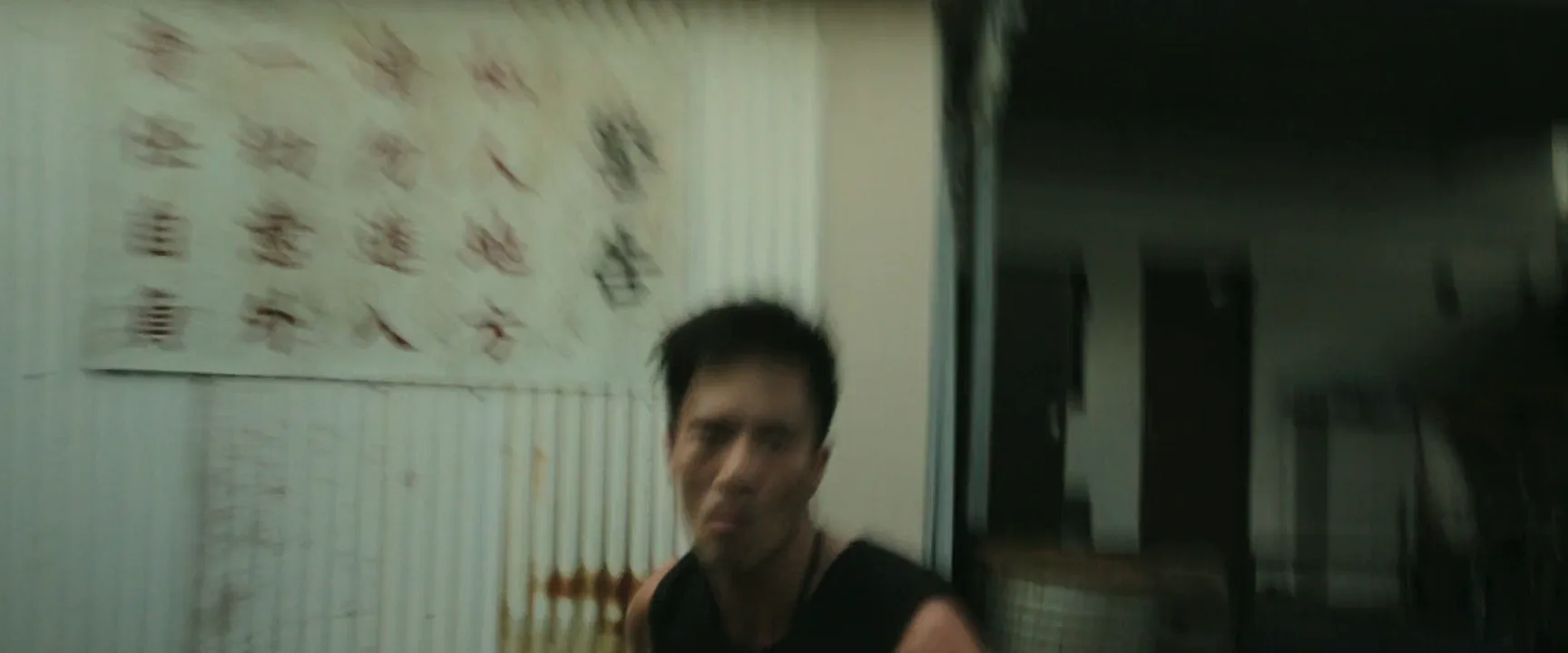
8 framesLook for where each frame streaks and what stays sharp beside it.
How to create a shutter speed with AI
4 promptsImage models read what blur looks like, not fractions of a second. Name the shutter, then say which parts streak and which stay crisp. Build a slow-shutter start frame in Nano Banana 2 Lite, a frozen narrow-shutter take in GPT Image 2.5, and animate recipe 1 with MiniMax H3 Max Turbo, all beside your film references on one FlashBoards board. The fourth prompt re-shoots a real film shot from a text description alone, and the original plays next to the result so you can compare.
Cinematic medium shot at night in a crowded street-food market, slow shutter 1/25 s, 35mm lens at chest height. A courier in her thirties with cropped silver-dyed hair, a thin scar through her left eyebrow and a yellow rain jacket runs toward camera; her swinging arms and the shoppers crossing in front of her smear into soft horizontal streaks. The stalls with red paper lanterns behind her stay sharp. Warm tungsten light, wet pavement, film grain.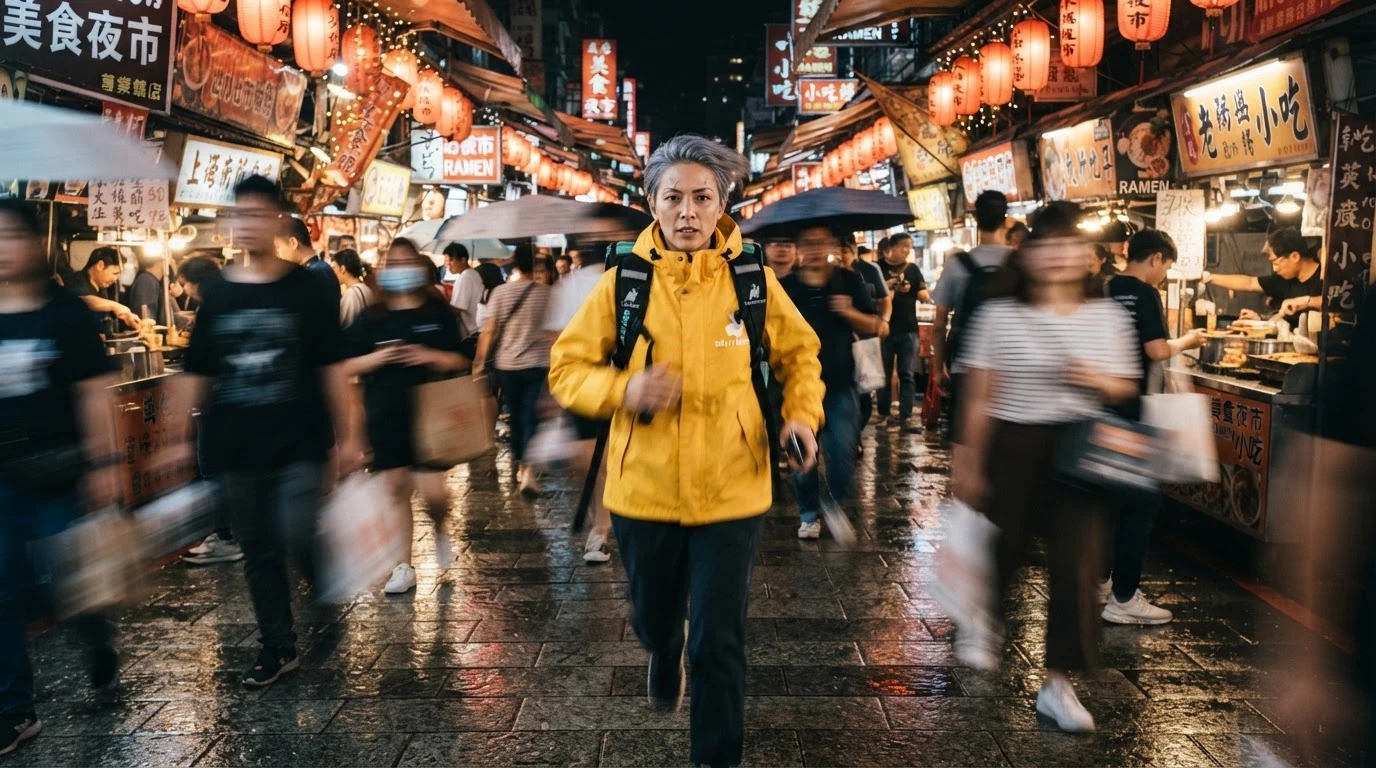
Smear into soft horizontal streaks on the moving parts and stay sharp on the stalls do the work: that contrast reads as a slow shutter rather than a soft image.
Open FlashBoardsWidescreen close-up in a dim boxing gym, narrow 45-degree shutter, 1/500 s, 50mm lens. A boxer in his forties with a shaved head, gray stubble, a crooked nose and faded blue hand wraps lands a punch on a heavy bag; sweat droplets flying off his brow are frozen as sharp separate beads, chalk dust hangs crisp in one hard beam of window light. High contrast, gritty grain.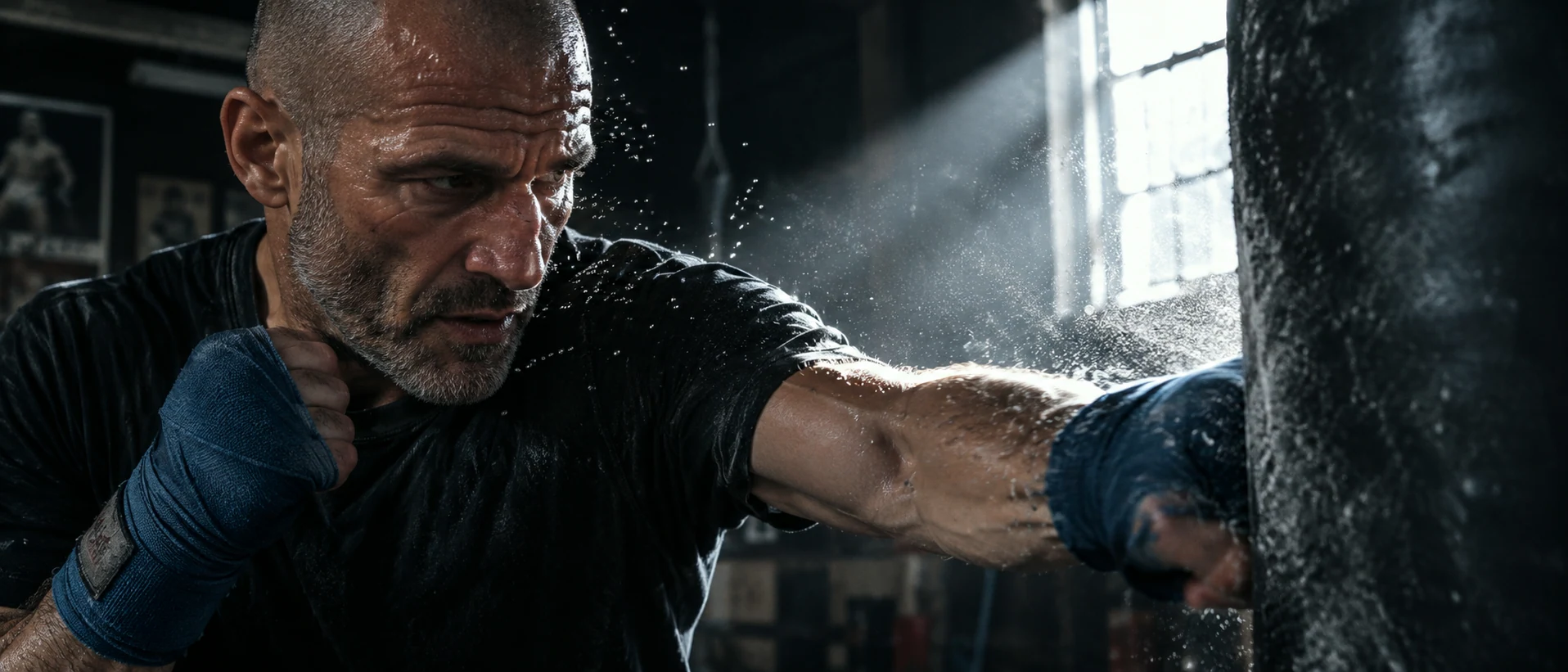
The other end of the dial. Frozen as sharp separate beads describes what a narrow shutter does to fast motion; the hard beam makes the particles visible.
Open FlashBoardsCamera: handheld, backing away at her running pace for the whole shot, keeping her centered at chest height. Action: from the first frame she is already running toward camera, arms swinging, shoppers crossing in front of her in blurred streaks. In the middle she weaves between two shoppers. At the end she slows to a stop, breathing hard, and looks back over her shoulder; her face turns sharp while shoppers keep streaking past.Motion starts in the first line, so the clip doesn't open on a frozen still; her stopping while the crowd keeps moving shows that blur follows movement.
Open FlashBoards{
"output": "Full-screen live-action shot from Blackhat (2015) from its very first frame: one continuous handheld shot, no cuts. Overcast daylight in a maze of narrow back alleys and stacked shipping containers, flat, soft gray-green light, desaturated teal and rust palette, 2010s digital cinema texture. Slow, wide-open shutter: every jolt and swing of the camera smears walls, painted characters and container sides into long horizontal streaks, and the runner turns sharp only in the moments the camera matches his speed.",
"characters": {
"S1": {
"name": "Alex Trang, played by Andy On Chi-Kit",
"look": "lean, muscular man in his thirties, short spiky black hair, black sleeveless shirt, a white ID card on a lanyard at his chest, dark trousers with a black belt, a wristwatch on his left wrist, a black pistol held low in his right hand",
"voice": "heavy running breaths only"
}
},
"shots": [
{
"shot": 1,
"camera": "handheld at chest height, wide lens, backing away fast ahead of S1 as he runs toward the lens (dolly out), with one hard swing to the right in the middle that follows him around a corner; starts as a wide shot down a deep alley and ends in a close medium shot with his torso filling the left half of the frame",
"action": [
"BEGINNING: alive from the first frame, S1 is already sprinting toward camera from the far end of a dim, narrow alley, small in the center of the frame, a second running figure in dark clothes far behind him; a ridged corrugated-metal wall on the right and a dark wall on the left rush past the lens as soft vertical smears.",
"THEN: he closes to a medium shot, arms pumping, the pistol pointed at the ground in his right hand on the left of frame; the whole image jolts with the camera and blurs.",
"THEN: the camera swings right, and a pale corrugated wall painted with tall red Chinese characters slides behind him as red horizontal streaks; for a moment his face is sharp, jaw set, eyes fixed straight ahead past the lens, mouth open for breath.",
"THEN: a pursuer in a black shirt bursts into the background on the left, running after him, blurred.",
"THEN: S1 runs right past the lens on the right side of frame, his shoulder, bare arm and watch smearing across it, and the camera whips right around with him.",
"THEN: in a brief close-up his head turns to look back over his right shoulder toward the left of frame, face crisp, while the white wall of notices behind him streaks sideways.",
"THEN: the camera is backing away again down a narrow passage between shipping containers; S1 runs toward it from mid-distance, two pursuers in dark clothes close behind him on the left; a teal container on the left with huge white painted characters streaks into pale bands, a pale corrugated wall on the right.",
"END: a rust-brown container on the left and a blue container with big white characters on the right; S1 bears down on the lens, left arm pumping, pistol low in his right hand, until his black shirt and ID card fill the left half of the frame and the white characters on the blue container smear across the right half."
],
"voice": "silence: nobody speaks in this shot, no voice at all",
"dialogue": []
}
],
"sound": {
"ambience": "running footsteps slapping concrete, heavy breathing, clothes and the lanyard flapping, a shoulder brushing corrugated metal, distant city traffic heard from outside",
"speech": "no words in this video; the only human sounds are breaths and movement",
"never_spoken": "no narration and no voice-over: the descriptions, performance notes and step words of this prompt are never spoken aloud",
"music": "a film score under the scene, always below the voices: a driving low electronic pulse with tense synth drones, a modern chase cue",
"subtitles": "none"
}
}Remakes the alley chase from Blackhat (2015): the prompt carries over the handheld camera backing away, its swing around the corner, the painted characters streaking behind the runner and the silent take under a chase score.
The JSON keeps it one handheld take and writes the shutter into the look: a slow, wide-open shutter that smears walls and painted characters on every swing, while the runner sharpens only when the camera matches his speed.
Open FlashBoardsCommon mistakes
- Numbers ignored. "1/25 s" alone often gives a clean image; say what streaks and what stays sharp.
- Everything blurred. Anchor sharpness on something static: stalls, walls, signs.
- Wrong blur direction. Write horizontal streaks for sideways movement, or you may get radial zoom blur.
- Frozen looks rendered. Add grain, hard light and a real lens length.
Keep the reference frames, prompts and every generated take side by side — images and video in one canvas.
FAQ
4 questionsWhat is shutter speed in simple terms?
Shutter speed is how long the camera exposes each image, such as 1/50 or 1/1000 of a second. A longer exposure lets in more light and blurs moving things; a shorter one darkens the image and freezes motion. In video it is usually set to about double the frame rate.
What is the best shutter speed for video?
For a natural cinematic look, use about double your frame rate: 1/50 s at 24 or 25 fps, 1/60 s at 30 fps, 1/120 s at 60 fps. Go faster for crisp, jittery action and slower for dreamy smears, and control bright light with ND filters instead of the shutter.
What is the difference between shutter speed and shutter angle?
Shutter speed is an absolute time, like 1/48 s. Shutter angle is the share of each frame interval the shutter stays open: 180 degrees means half. At 24 fps, 180 degrees equals 1/48 s. Cinematographers prefer angles because the look holds when the frame rate changes.
How does shutter speed affect motion blur?
The longer the shutter stays open, the farther a moving subject travels during one exposure and the longer its smear. At 1/25 s a waving hand becomes a streak; at 1/500 s it freezes. Camera moves count too: a fast pan smears the background even when the subject is still.
Related terms
6- 180-Degree Shutter RuleCameras & Capture
The 180-degree shutter rule sets the shutter speed to roughly double the frame rate — 1/48 or 1/50 s at 24 fps — which gives the natural motion blur audiences associate with cinema; breaking it makes movement stuttery (narrow shutter) or smeary (wide shutter).
- Motion BlurLenses, Focus & Exposure
Motion blur is the smear a moving subject leaves when it travels during the exposure of a frame; its amount depends on shutter speed or shutter angle, and it makes movement feel smooth, fast or, when exaggerated, frantic.
- Exposure TriangleLenses, Focus & Exposure
The exposure triangle is the balance of aperture, shutter speed and ISO: change one and you must compensate with another, and each choice also changes depth of field, motion blur or noise.
- ApertureLenses, Focus & Exposure
Aperture is the adjustable opening inside a lens that controls how much light reaches the film or sensor; opening it up brightens the image and makes depth of field shallower, stopping down does the opposite.
- Long ExposureLenses, Focus & Exposure
A long exposure keeps the shutter open for a long time, so still things stay crisp while anything moving — car lights, water, crowds, stars — smears into streaks and silky blur.
- Frame RateFormats & Exhibition
Frame rate is how many frames are captured or shown per second: 24 fps is the cinema standard, 25/30 fps is broadcast video, and 48–120 fps (HFR) looks hyper-smooth; shooting faster than playback creates slow motion.
Further reading
American Cinematographer Manual (ASC Press) — shutter angle, exposure and frame-rate tables. Blain Brown, Cinematography: Theory and Practice (Routledge) — chapters on exposure and camera shutters.