 FlashBoards Learn
- Learn
- Post-Production & VFX
- Vintage Film Look
Post-Production & VFX · Film language
Vintage Film Look
Also called: vintage look, retro film look, old film effect, film emulation
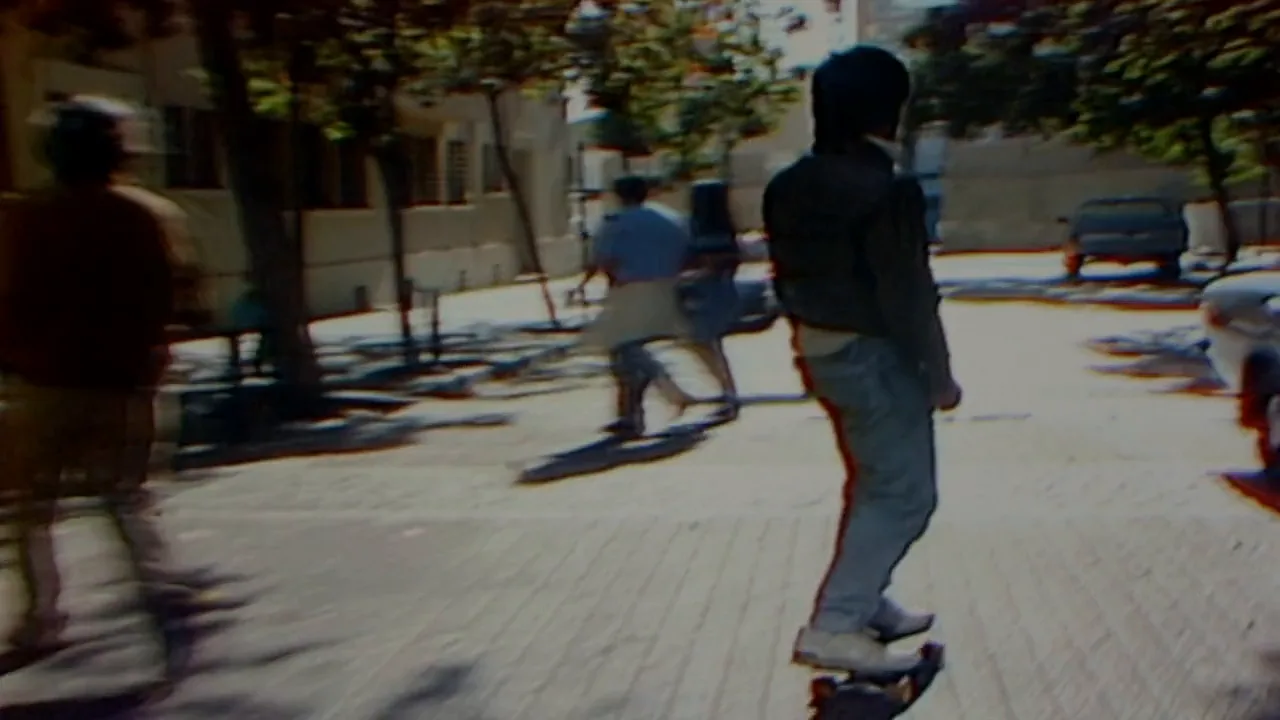
A vintage film look styles new footage to resemble film or video from a past era. It layers grain, faded or shifted color, soft optics, halation, light leaks, gate weave and a period aspect ratio and frame rate. The viewer reads the image as memory, history or found evidence before understanding the scene.
- What it does
- Places an image in a specific past era through its texture and color, not only through sets and costumes.
- Use it when
- Flashbacks, period pieces, memory sequences, cutting new scenes against real old footage, music videos.
- Watch out
- Pick one medium and one decade; stacking every effect at full strength looks like a phone filter, not old film.
- Try this prompt
1970s Super 8 home movie frame, faded warm color, coarse film grain, soft focus, light halation, rounded 4:3 frame
What is a vintage film look?
A vintage film look makes new footage read as an image from an earlier time. It is not one filter. It is a stack of small, era-specific imperfections that the audience has learned to recognize from old prints, home movies and television, and each layer points to a different decade.
Break it into five layers and you can build, diagnose or prompt any version of it:
- Medium. What the image was recorded on. Film grain size tells the eye the format: fine and tight for 35mm, coarse and busy for 16mm, swimming and clumpy for Super 8. Tube video and tape have no grain at all. They smear, bloom and bleed instead.
- Color. Every film stock had its own palette, and old prints age in predictable ways. Many color prints from the 1950s to the 1980s lose their cyan and yellow dyes faster than magenta and drift toward magenta and red. Black-and-white can be toned warm, which is where sepia tone comes from, or dyed whole, as in silent-era tinting.
- Optics. Older lenses were less corrected and less coated. They flare more, lose contrast when light hits the front element, soften toward the edges and darken the corners. On film, bright highlights also pick up a red-orange glow called halation.
- Mechanics. Film moves through a gate, so the frame weaves slightly, exposure flickers, and old cameras ran at 16–18 frames per second. Frame shape matters too: a squarish 1.33 or 1.37 frame says "old" before anything else.
- Wear. Dust, hairs, scratches, splices and burned-out frames. This is the damaged film effect, and it is only one ingredient. Most good vintage looks use it lightly or not at all.
There is also a sixth layer that no grade can supply: what is in front of the lens. Wallpaper, cars, hair, fabric and practical lamps carry at least half of any period image.
Why do filmmakers make footage look old?
Filmmakers reach for an old look for four reasons, and the reason decides how far to push it.
Memory. Faded color, soft focus and grain read as recollection. Flashbacks, childhood scenes and dream sequences often get a warmer, softer, grainier treatment than the present-day story, so the audience knows at once which timeline it is in.
Period authenticity. A story set in 1975 feels more convincing when the image itself belongs to 1975. Carol (2015) was shot on Super 16 to give its 1950s New York the soft, grainy color of period photography. Zodiac (2007) went the other way: it was shot digitally, and its 1970s comes almost entirely from sets, costumes and a restrained palette. One puts the period in the texture, the other in the world.
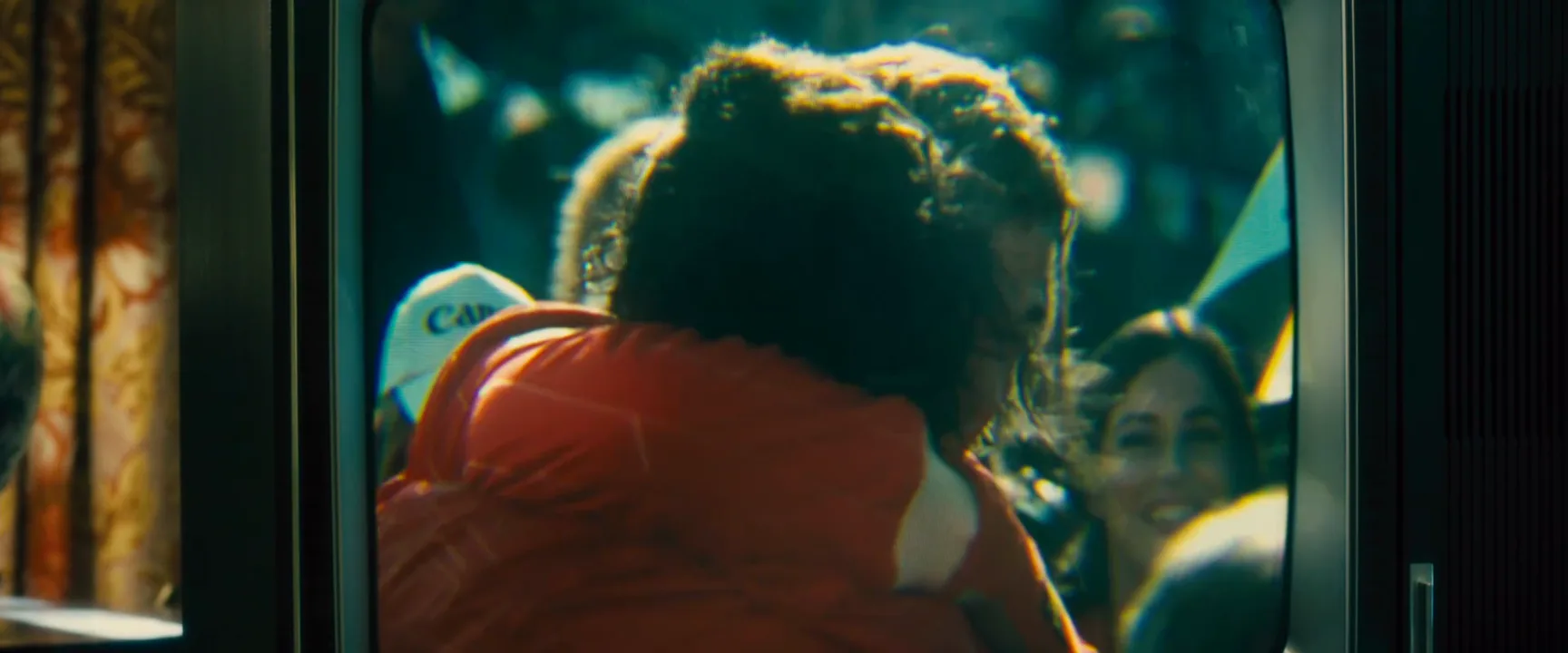
Matching real material. When a film cuts between staged scenes and genuine footage, the new images have to match the old ones. Pablo Larraín shot No (2012) on vintage U-matic video cameras so that his scenes would sit next to the real 1988 campaign ads without a visible seam. Oliver Stone's JFK (1991) mixes 35mm, 16mm, Super 8 and black-and-white so thoroughly that the audience stops sorting real from staged.
Unease and style. Grain, scratches and flicker make an image feel found, fragile or wrong. Horror, music videos and title sequences use damaged or antique textures to unsettle the viewer, or simply to break from glossy digital sharpness.
The stronger the motive, the more degradation the audience accepts: a flashback can carry heavy grain, a whole period feature needs a lighter hand.
How to get a vintage film look: on set and in post
Decide first what the image is supposed to be. "Vintage" is too vague to shoot or grade. "A 1970s family's Super 8 reel" or "a 1960s studio drama on 35mm" gives every department something concrete to hit.
On set. The most convincing old looks start in camera.
- Format. If budget allows, shoot the real thing: Super 8 or 16mm for home-movie and documentary textures, 35mm for studio-era features. On digital, expose normally and keep noise reduction low so grain can be added later on top of real detail.
- Lenses. Uncoated or single-coated vintage primes and older zooms give lower contrast, softer edges and warmer flares. A 1/4 or 1/8 black mist or low-contrast filter gets you part of the way with modern glass. See soft focus for how far to take it.
- Motion. Keep a 180-degree shutter at 24 fps. For a home-movie feel, shoot at 18 fps and conform to 24 so movement speeds up slightly; see frame rate.
- Light. Warm tungsten practicals, daylight through sheer curtains, fluorescents that go green. Avoid LED color that is too clean.
- Framing. Pick the aspect ratio of the era and frame for it on set: 1.33 or 1.37 for early cinema and television, 1.85 or 2.39 for 1960s–70s features.
In post. Work in this order, since each step depends on the one before it:
- Base grade. Lift the blacks slightly (about 3–6% so shadows never reach pure black), roll off the highlights, lower the overall saturation by 10–25%.
- Palette. Shift hues toward the stock you are imitating: warm yellows and greenish shadows for 1970s negative, magenta-red drift for a faded print, a tint or tone for monochrome.
- Halation and bloom. A thin red-orange glow around the brightest highlights.
- Grain. Match size to format and keep it moving every frame. Add it after all grading and at final resolution.
- Weave and flicker. Subtle gate weave, well under a pixel to about 2 px, and a small brightness flicker of 1–3%. More than that reads as a cartoon of old film.
- Wear and frame. Dust, a scratch, a light leak or a vignette, then crop or matte to the final aspect ratio.
The most common failure is doing all six at full strength. Choose the two or three layers that define your era and keep the rest barely visible.
What makes a 1920s, 1950s, 70s or 80s look different?
Each era has two or three signature traits. Nail those and the audience fills in the rest.
Silent era (1900s–1920s). Black-and-white on orthochromatic stock, which barely saw red, so lips and red fabric go dark and blue skies go white. Frame is 1.33, often with soft vignetted corners. Hand-cranked cameras ran around 16–20 fps, so motion looks jerky and fast when projected at 24. Prints were often dyed whole scenes amber, blue or green; see film tinting.
1950s. Saturated, dense color from three-strip Technicolor and early Eastmancolor, rich reds and deep skies, fine grain, crisp studio lighting. Widescreen arrives. The age shows mostly in how the colors have held or faded.
1960s–1970s. Warm, slightly brown or green-yellow negative, softer contrast, visible grain in low light, zoom lenses and natural-looking flares. Home movies from this time are Super 8 reversal: rounded frame corners, coarse grain, saturated skin tones that fade toward magenta with age, and handheld motion at 18 fps.
1980s. Two tracks. Features on faster color negative look cleaner, with neon and haze. Home recordings and much TV news are video: soft, bloomy highlights, bleeding reds, no grain, 4:3. That tape texture has its own page, the VHS effect.
Vintage film look vs. archival footage
They can look identical on screen, but they are opposite things. Archival footage is real material shot in the past: a newsreel, a TV broadcast, a family's reel. Its texture is evidence. A vintage film look is new footage made to resemble that material. Its texture is a style.
The difference matters in three ways:
- Honesty. Archival footage says "this happened." A vintage look says "imagine this happened then." Documentaries that stage reenactments in an old style should make that clear in the edit.
- Matching. When the two share a scene, the new footage has to meet the archival on its own terms: same frame rate, aspect ratio, grain size, contrast and lens character. This is why No went back to period video cameras instead of degrading clean images.
- Control. Real archival material comes damaged in random ways you cannot direct. A vintage look lets you decide exactly how much wear the audience sees, and where.
Found footage is different again: it describes where footage supposedly came from inside the story. A vintage look describes only the image's historical surface and can dress any staged scene.
Why does fake vintage footage look fake?
Most fake-looking vintage footage fails for the same handful of reasons.
- A filter instead of a medium. Warm tint, vignette and grain on a sharp 8K image with perfect skin reads as a phone filter. Soften the image first; fake grain over razor detail looks like dirt on a screen.
- Static grain. A single grain frame looped or held gives the look away instantly. Grain must be random every frame.
- Too much damage. Constant scratches, heavy flicker and burns every few seconds turn a look into a joke.
- Wrong ratio. A 2.39 frame for a 1920s scene or a 16:9 frame for a 1970s TV broadcast breaks the illusion faster than any color choice.
- Anachronisms. Modern lights, cars, eyewear, phones and hairstyles in the background. The post-production grade cannot fix what the set got wrong.
- Mixing eras. Super 8 corners, Technicolor color and VHS tracking lines in one shot. Pick one medium and one decade.
- Crushed blacks. Worn prints and home movies rarely show deep, clean digital black. Hard black shadows push the image back into the present.
Vintage Film Look in motion
1 clipsThese loops show vintage film look in motion, where a still frame can't: watch how the effect plays out over a few seconds.

Vintage Film Look stills
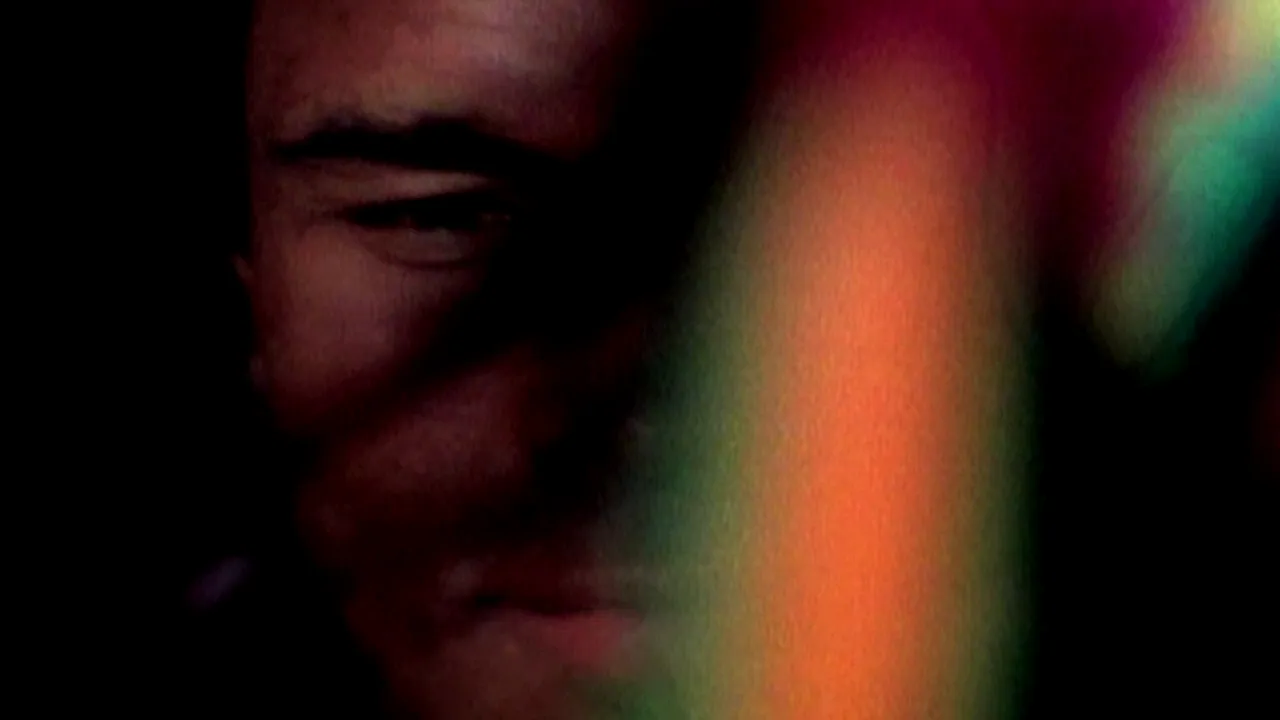
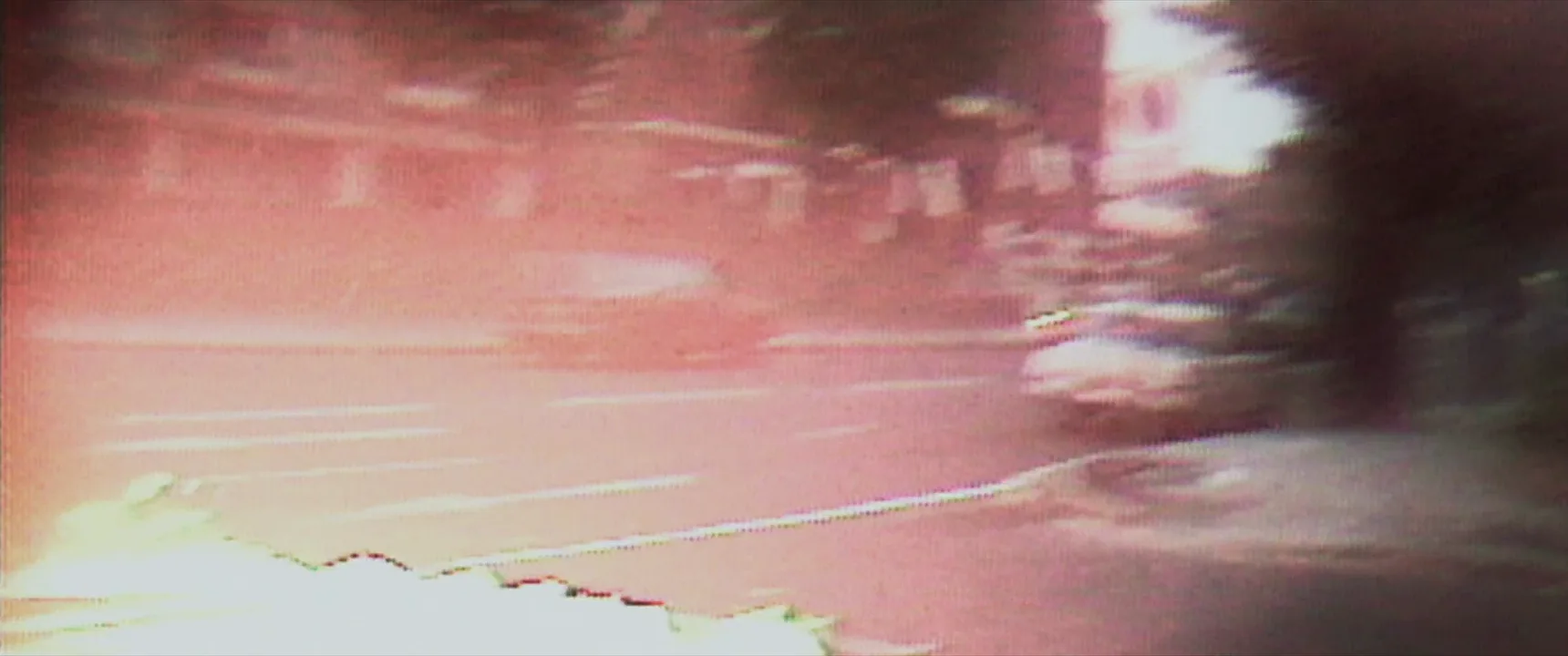
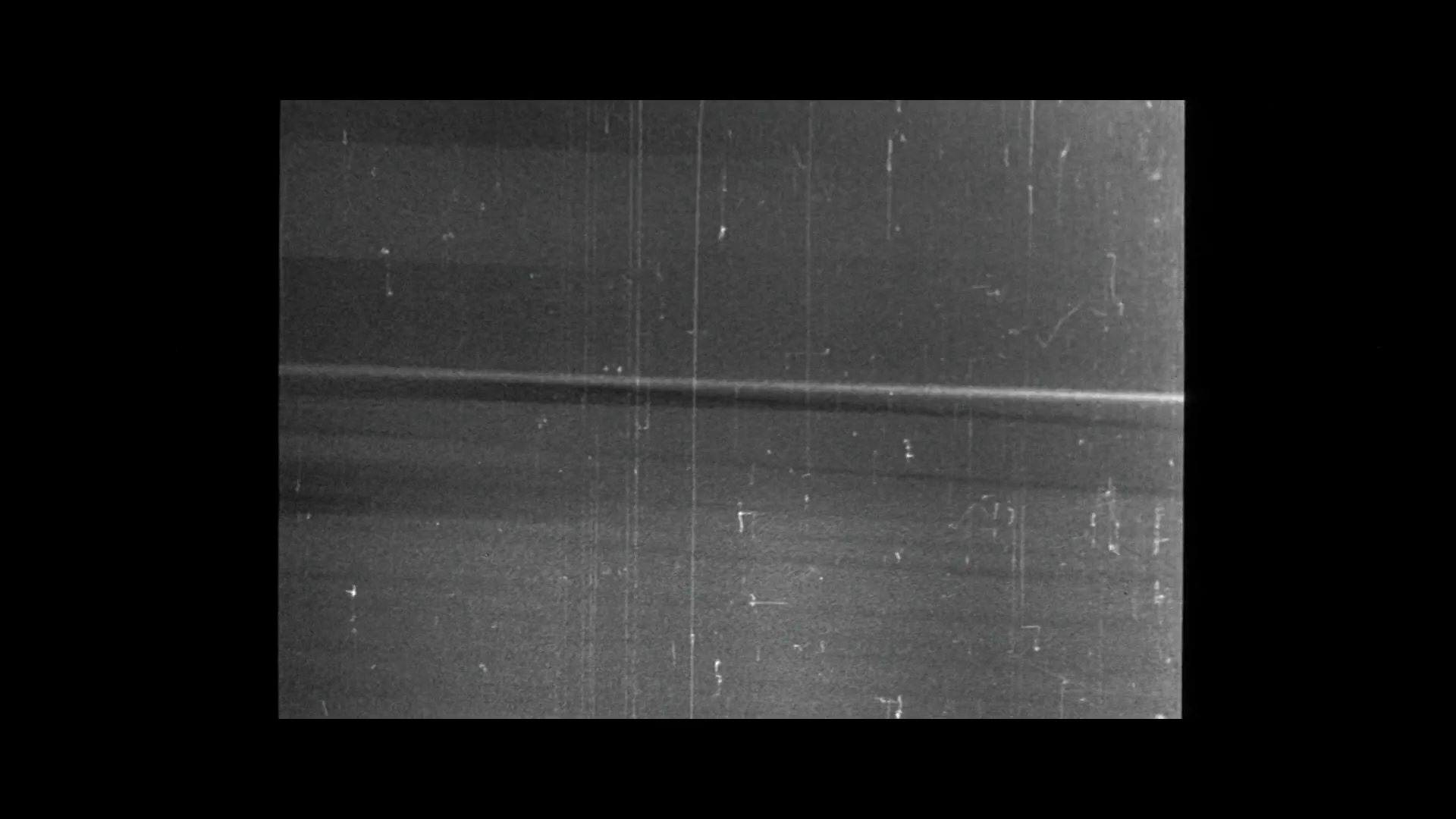
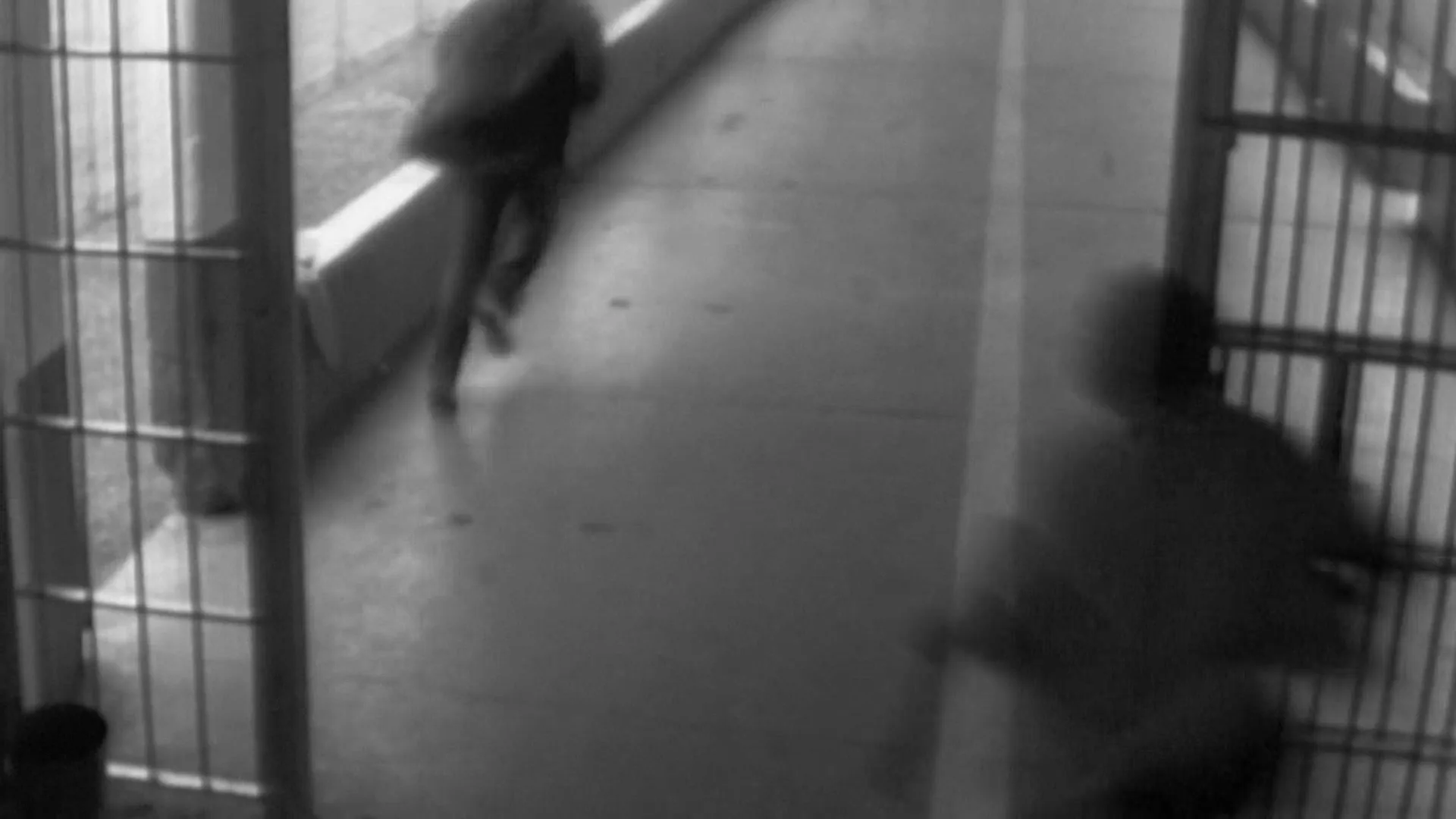
13 framesFrames from features, documentaries and a music video, from genuine period footage to modern films built to look old. Look at which layers each one uses: medium, color, optics, mechanics or wear.
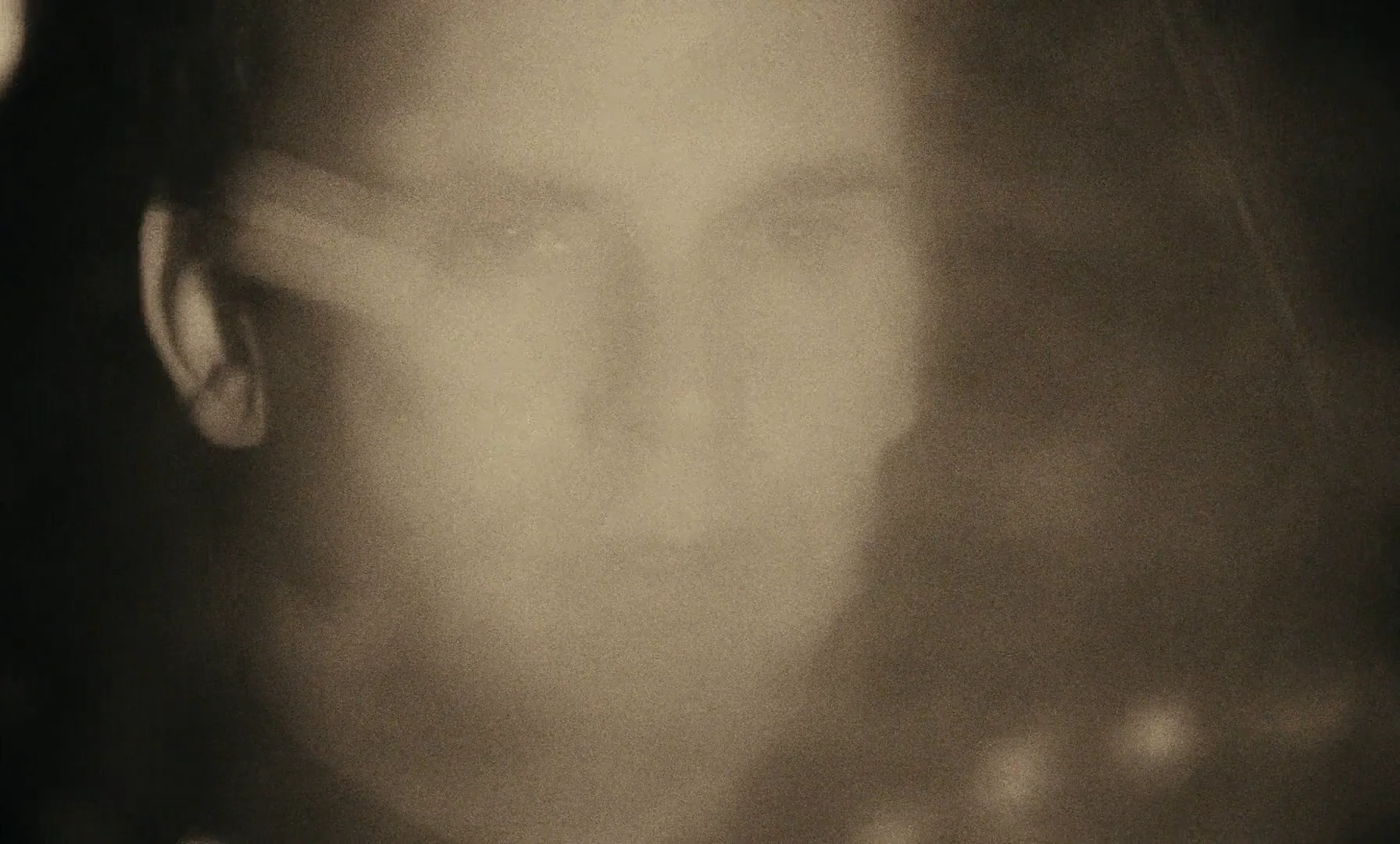
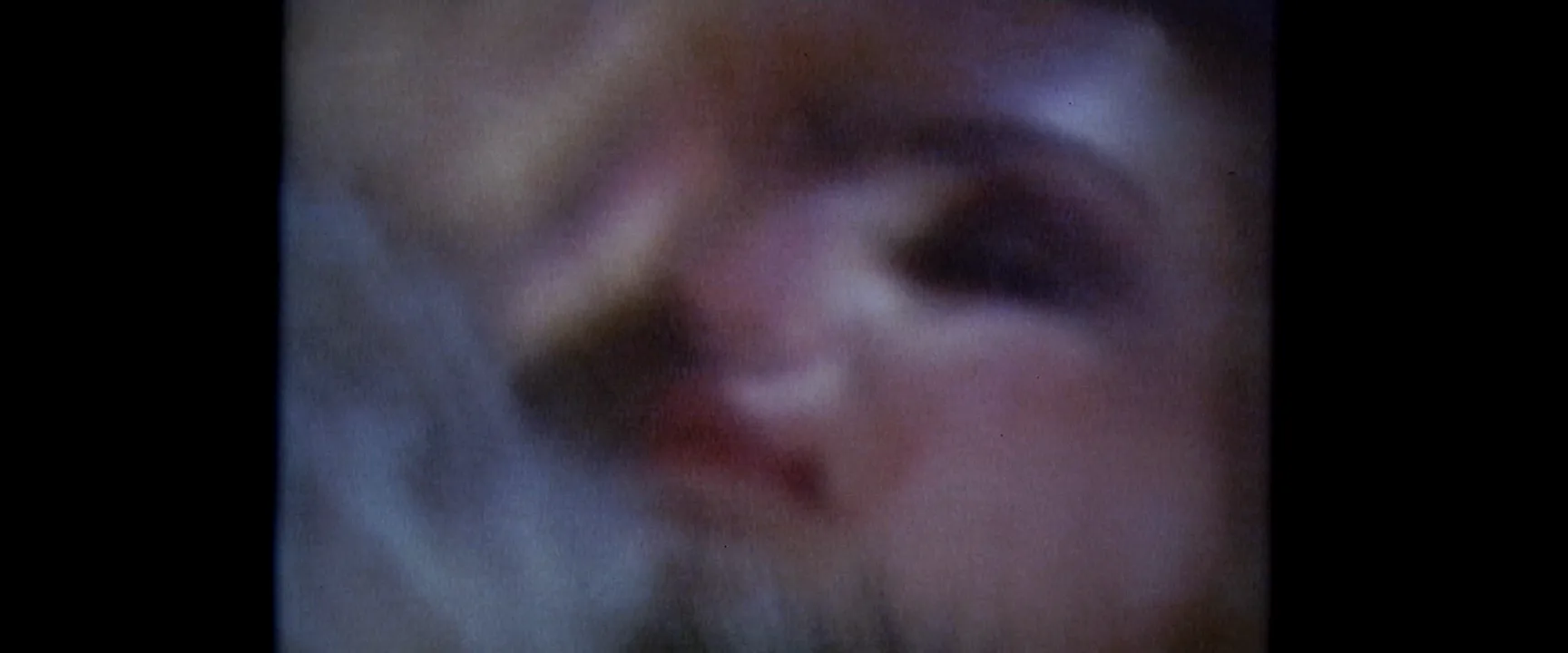
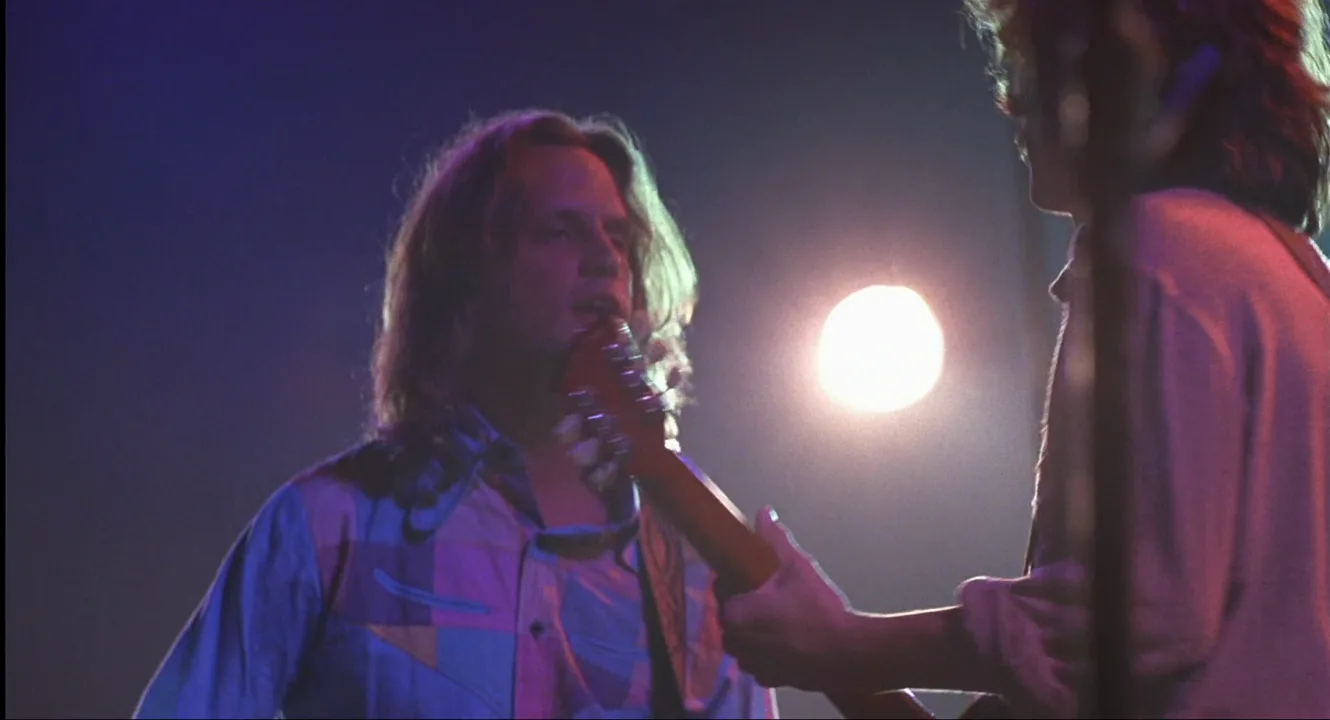
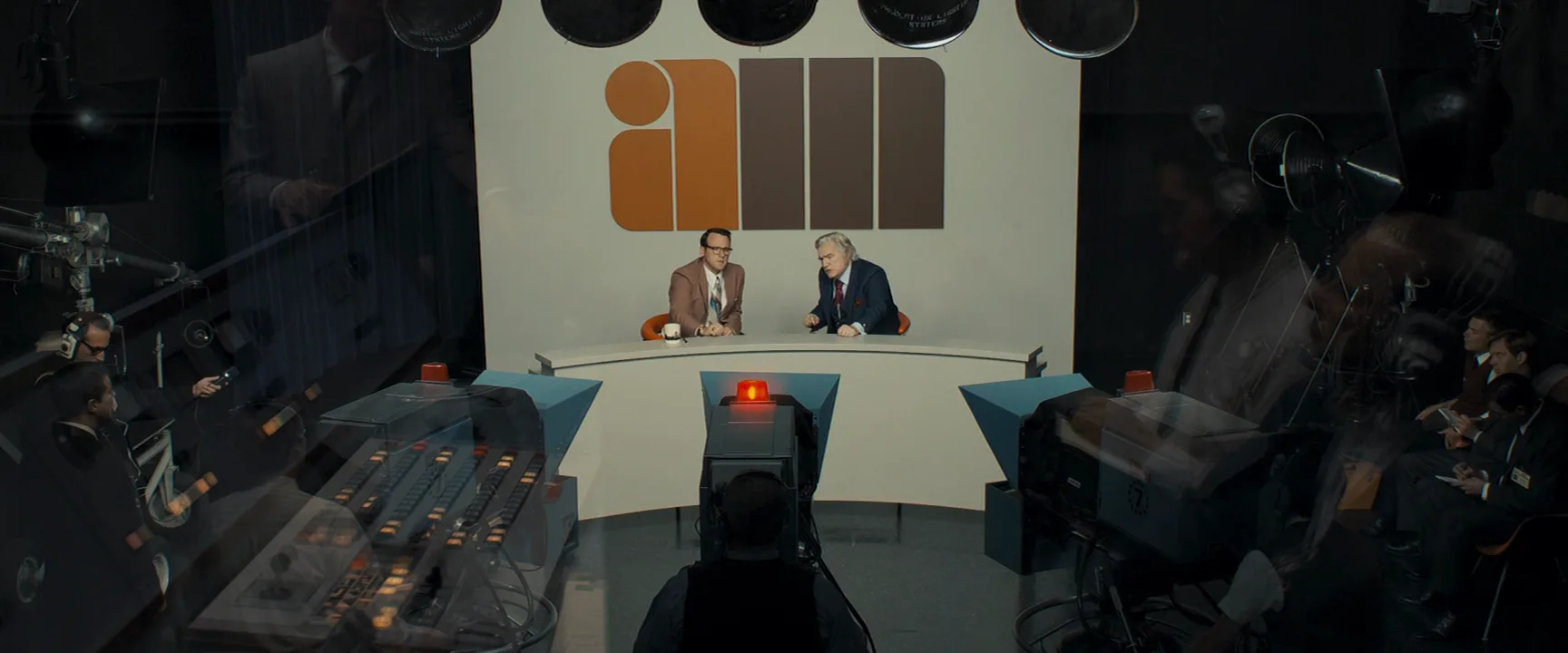
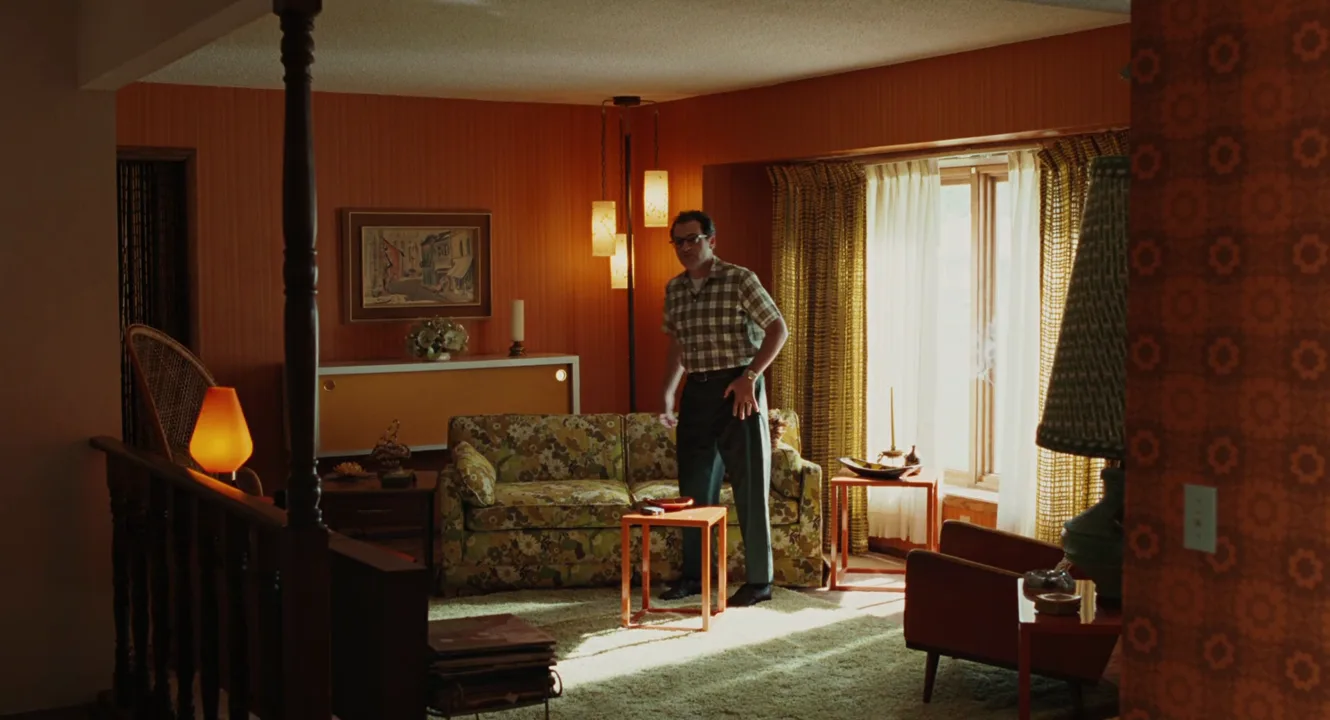
How to create a vintage film look with AI
4 promptsImage and video models know "vintage" mostly as a filter, so name the medium, the decade and the specific artifacts you want. Build the start frame with Nano Banana 2 Lite, try a second era with GPT Image 2.5, then animate the first frame with MiniMax H3 Max Turbo. Keep your real reference frames, the generations and grading notes on one FlashBoards board so you can compare takes against the originals side by side. The fourth prompt re-shoots a real film shot from a text description alone, and the original plays next to the result so you can compare.
1970s Super 8 home movie frame, medium shot at chest height: a fictional woman in her thirties with a short auburn shag haircut, freckles and a mustard turtleneck laughs as she carries a birthday cake with lit candles through a wood-paneled living room. Late afternoon sun through sheer curtains, orange tungsten lamp in the corner. Faded warm reversal-film color drifting toward magenta, coarse moving film grain, soft focus, lifted gray-brown blacks, red-orange halation around the window, slightly darkened rounded frame corners.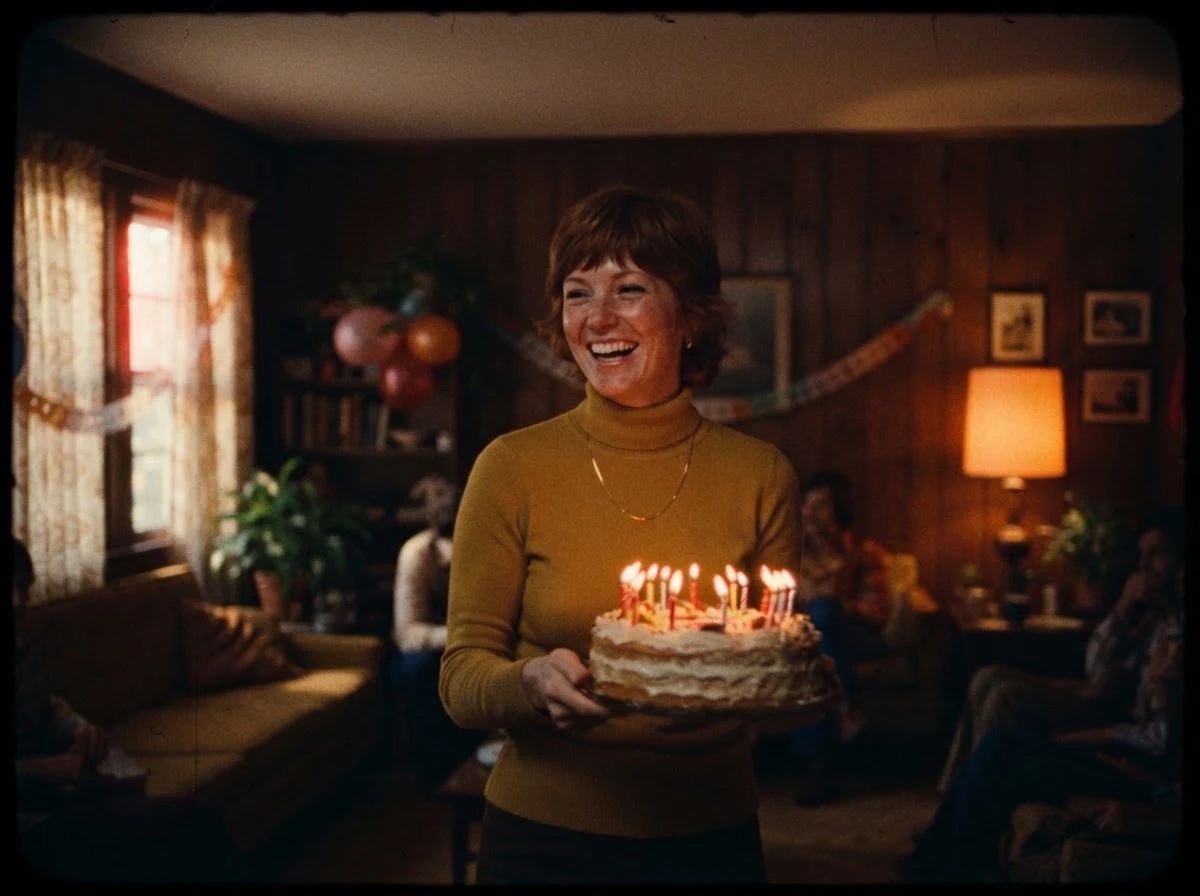
"Super 8 home movie" and "1970s" set the medium and era; the grain, halation, faded color and rounded corners are named one by one, so the model does not fall back to a generic warm filter. The 4:3 ratio and period lamp, paneling and clothes carry the rest.
Open FlashBoardsStill from a 1970s crime drama shot on 35mm with anamorphic lenses: a fictional detective, a tall man in his fifties with a gray walrus mustache, deep-set eyes and a tan corduroy jacket, sits alone in a diner booth at night. Sodium-orange streetlight through the window, green-tinted fluorescent light inside. Muted brown and olive palette, soft contrast with milky shadows, visible grain in the dark areas, oval bokeh, a thin horizontal blue lens flare across the frame.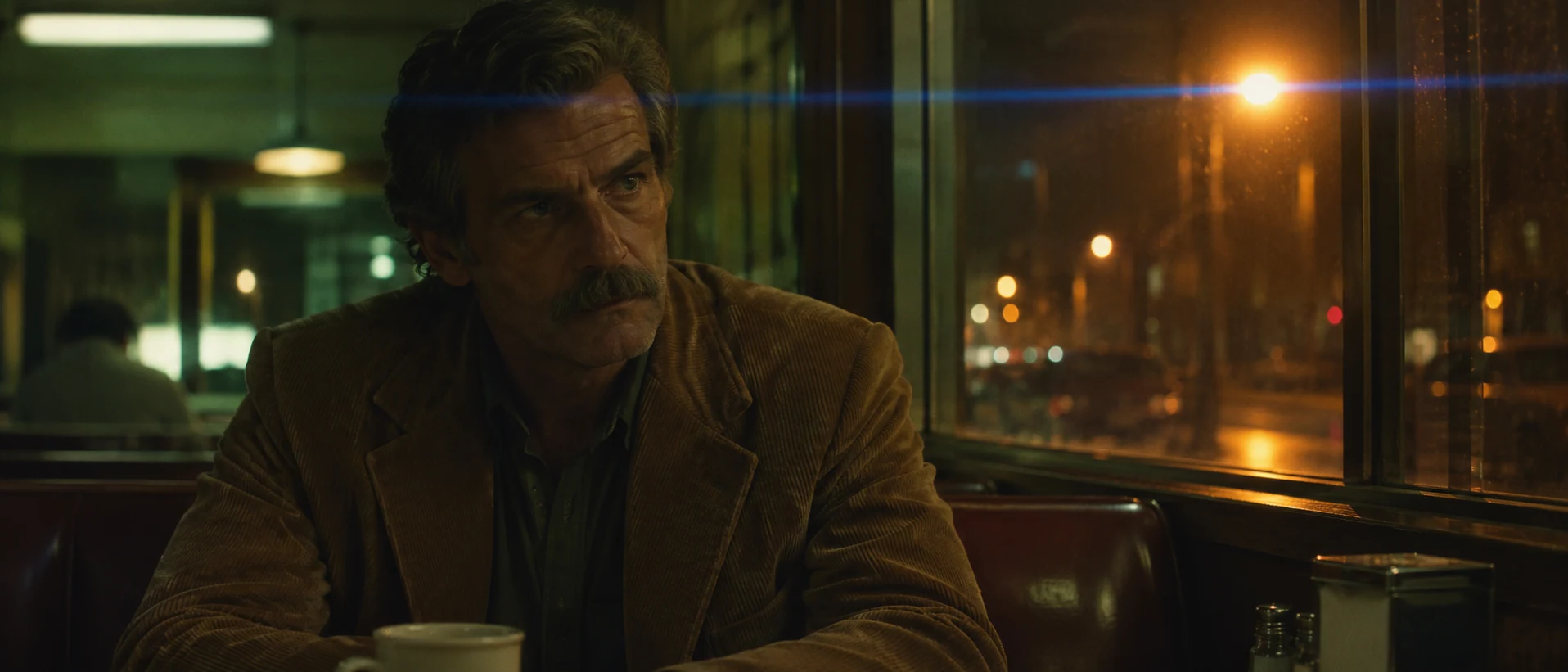
A second take in a different medium: a theatrical 35mm feature instead of a home movie. "Anamorphic," the oval bokeh and the horizontal flare define the lens; "milky shadows" and "muted brown and olive palette" define the stock and grade of the decade.
Open FlashBoardsCamera: handheld Super 8 home-movie camera with a light, nervous sway, a quick short zoom in toward the cake in the first second, then holding a medium close shot. Action: She is already walking toward the camera with the cake, candle flames flickering. She reaches the table, sets the cake down and leans in to blow out the candles; thin smoke curls up and she looks straight into the lens, laughing. Coarse film grain changes on every frame, brightness flickers gently and the frame weaves slightly the whole time.The walk and the flames start on frame one, so the clip is alive immediately. The quick zoom and nervous sway are how amateur Super 8 cameras moved. The last sentence keeps grain, flicker and weave running, so the model does not smooth the texture into clean video.
Open FlashBoards{
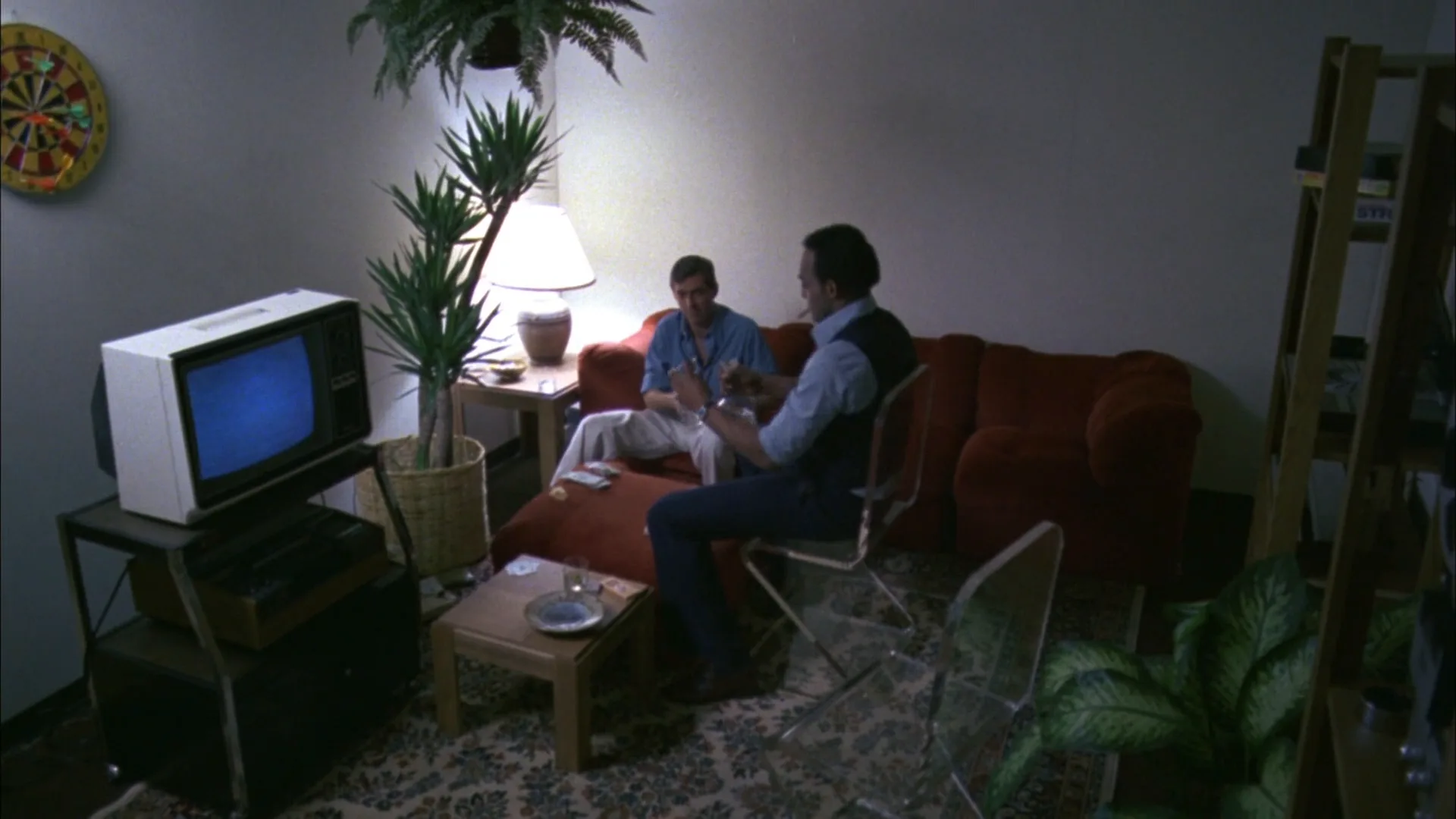
"output": "Full-screen live-action shot from Dawn of the Dead (1978), one continuous static shot from its very first frame, shot on late-1970s 35mm color negative: visible moving grain, soft lens, warm tungsten lamplight against a cool blue TV glow, gentle halation around the lamp, muted brown-red-olive palette, lifted soft shadows, a small 1970s break room in a shopping mall.",
"characters": {
"S1": {
"name": "the man in the vest",
"look": "stocky man, short dark hair, light blue shirt with rolled sleeves, dark navy vest, dark trousers",
"voice": "silence"
},
"S2": {
"name": "the seated man",
"look": "slim man, short light-brown hair, light blue shirt, pale trousers",
"voice": "silence"
}
},
"shots": [
{
"shot": 1,
"camera": "locked-off wide shot from a high angle in the room's corner, no camera movement; a white portable TV with a glowing blue screen on a metal stand at left foreground, a lamp with a white shade glowing behind a potted palm at left centre, a dartboard on the wall at top left, a red velvet sofa across the middle, a clear acrylic chair and a big leafy plant at right foreground, a wooden shelf ladder at the right edge",
"action": [
"BEGINNING: alive from the first frame, the man in the vest walks away from camera through the centre of the frame, his back to us, toward the red sofa; the seated man sits at the left end of the sofa beside the lamp, bent over the low table",
"THEN: the man in the vest reaches the sofa, leans over the seated man and bends down toward the coffee table with his right hand",
"THEN: he turns and drops into the clear chair right of the sofa, facing screen left toward the seated man",
"THEN: both men lean over the table between them, hands busy with a bottle and glasses, the man in the vest gesturing with his right hand as they settle",
"END: both sit still side by side in the lamplight, the TV still glowing blue at left, the camera never moves"
],
"dialogue": [],
"voice": "silence: nobody speaks in this shot, no voice at all"
}
],
"sound": {
"ambience": "quiet room tone, faint hum from the TV, footsteps on carpet, the creak of the chair, glass clinking softly",
"speech": "no words in this video; the only human sounds are breaths and movement",
"never_spoken": "no narration and no voice-over: the descriptions, performance notes and step words of this prompt are never spoken aloud",
"music": "a film score under the scene, always below the voices: a low, slow synthesizer drone with a faint uneasy pulse",
"subtitles": "none"
}
}Remakes the static high-angle break-room shot from Dawn of the Dead (1978), carrying over its layout, the two men settling on the sofa and the warm lamp against the blue TV glow.
The look sits in output: stock, decade, grain, halation and the tungsten-versus-TV-blue light are named, so the scene reads as late-1970s film rather than a filter. The locked-off camera and plain beats keep attention on texture, and the score line plus explicit silence stop the model from inventing speech.
Common mistakes
- "Vintage" alone gives a filter. Models add a warm tint and a vignette to a sharp modern image. Name the medium (Super 8, 16mm, 35mm, tube video), the decade and each artifact.
- Too clean underneath. Perfect skin and razor detail under grain look fake. Ask for "soft focus," "lower contrast" and "lifted blacks."
- Modern objects slip in. Describe the period props, clothes and light sources that are in the frame, so the model has no gap to fill with phones or LED panels.
- Aspect ratio in text. Set the ratio parameter instead of asking for black bars, which models draw at random widths.
- Texture fades in video. Image-to-video tends to smooth grain and stop flicker. Restate grain, flicker and weave in the video prompt as ongoing motion.
- Over-damage. Asking for "scratched, burned, dusty, faded" at once turns every frame into ruin. Pick one wear type and call it "subtle."
Keep the reference frames, prompts and every generated take side by side — images and video in one canvas.
FAQ
5 questionsHow do you get a vintage film look on video?
Decide the medium and decade first, then build in layers. Soften the image and lift the blacks, lower saturation and shift the palette toward the era, add halation, then grain matched to the format. Finish with light gate weave, small flicker, a vignette and the period aspect ratio. Shooting with vintage lenses, 24 fps and period production design makes the grade far more convincing.
How do I make footage look like 70s film?
Aim for warm, slightly faded color with yellow-green or brown midtones and soft, milky shadows. Add visible grain in low light, gentle halation on highlights and natural lens flares. Use a 1.85 or 2.39 frame for a feature look, or a 4:3 frame with rounded corners and 18 fps motion for a Super 8 home movie. Period sets and tungsten lamps matter as much as the grade.
What is the difference between a vintage film look and the VHS effect?
The VHS effect imitates home videotape: soft detail, bleeding color, tracking lines, noise and a date stamp, without film grain. A vintage film look imitates photochemical film: grain, dye fade, halation, gate weave and scratches. Both suggest the past, but VHS points to the 1980s and 1990s at home, while film textures can point to any decade from the silent era onward.
Can AI generate a vintage film look?
Yes, if the prompt names the medium, decade and artifacts instead of just saying vintage. "1970s Super 8 home movie, coarse grain, faded magenta color, soft focus, rounded 4:3 frame" works far better than "vintage style." For video, restate grain, flicker and frame weave as ongoing motion, or the model smooths the texture away. Compare takes against real reference frames.
What frame rate and aspect ratio make footage look old?
Frame shape is the strongest cue. Use 1.33 or 1.37 for silent films, early sound films and old television, 1.85 or 2.39 for features from the 1950s onward. For motion, 24 fps with a 180-degree shutter matches film; shooting at 16–18 fps and playing at 24 gives the slightly sped-up movement of silent films and home movies.
Related terms
6- Archival FootageEditing
Archival footage is previously shot material — newsreels, home movies, TV broadcasts — cut into a new film as historical evidence, texture or counterpoint, usually keeping the look of its original medium.
- Film GrainCameras & Capture
Film grain is the random speckled texture of silver-halide crystals in developed film; faster stocks and push processing make it coarser, and digital productions add it back to soften the clean video look.
- VHS EffectPost-Production & VFX
The VHS look recreates home-video tape: soft detail, bleeding color, tracking lines, noise and a date stamp — used for nostalgia, found footage or unease.
- Sepia ToneColor
Sepia is a warm brown monochrome tint, originally from chemical toning of prints and now added in grading to evoke the past, memory or dusty heat.
- Film StockCameras & Capture
Film stock is the light-sensitive celluloid a movie is shot on: a base coated with emulsion whose format (16, 35, 65mm), speed and color response shape grain, contrast and palette before any grading.
- HalationCameras & Capture
Halation is the reddish-orange glow around bright highlights on film: light passes through the emulsion, reflects off the film base and re-exposes the layers; digital looks add it to imitate celluloid.
Further reading
Kodak, The Essential Reference Guide for Filmmakers — film formats, stocks and aspect ratios. Paolo Cherchi Usai, Silent Cinema: An Introduction (BFI) — orthochromatic stock, projection speeds, tinting and toning. Richard Misek, Chromatic Cinema (Wiley-Blackwell) — the history of film color and its aging.