 FlashBoards Learn
Lighting · Film language
Silhouette
Also called: silhouette shot, silhouette lighting
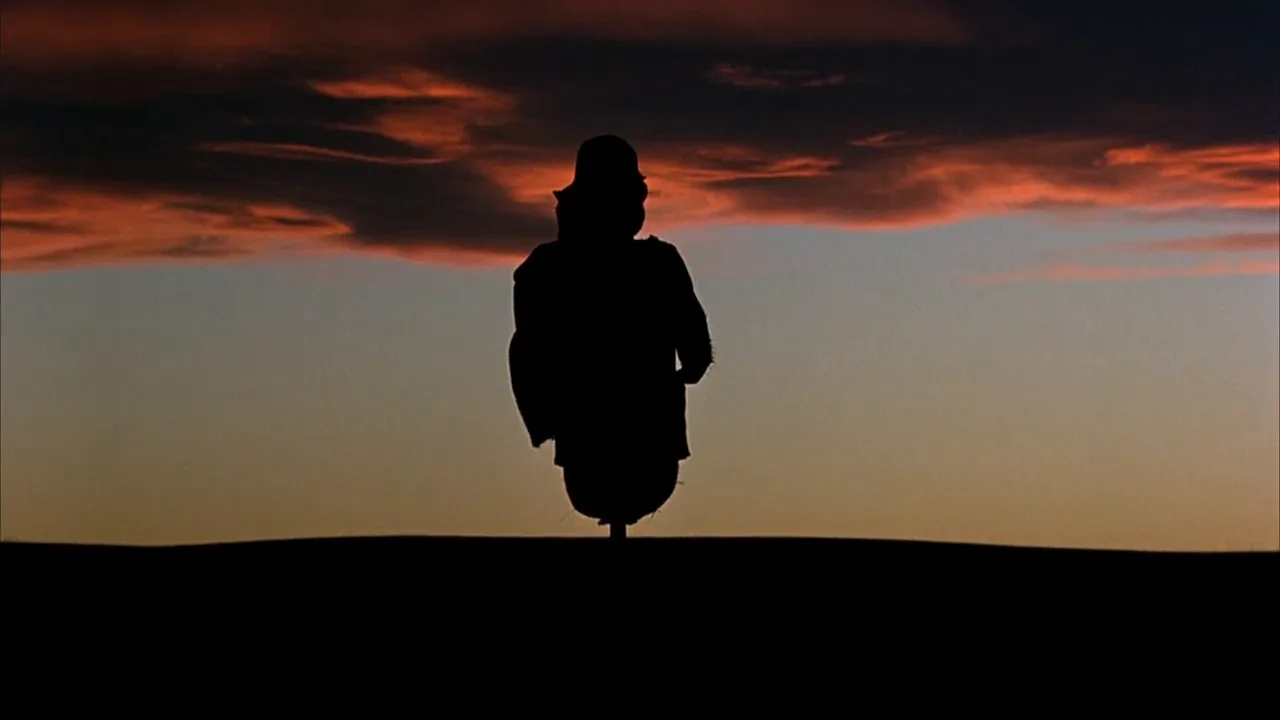
A silhouette shot shows a subject as a solid dark shape against a brighter background such as a sky, window, fire or screen. The camera is exposed for the background, so the face and costume detail disappear and only the outline remains. The viewer reads identity, action and mood from posture and contour alone.
- What it does
- Strips a figure down to its outline, hiding the face while making the pose, gesture and setting graphic and unmistakable.
- Use it when
- You want anonymity, menace, an iconic image, a moment of intimacy without faces, or a figure dwarfed by a sky.
- Watch out
- A shape that isn't clean won't read: overlapping limbs, frontal poses and stray front fill turn a silhouette into mud.
- Try this prompt
cinematic wide shot at dusk, low camera, a lone figure in profile on a ridge as a pure black silhouette against an orange-to-violet sky, exposed for the sky
What is a silhouette shot?
In the vocabulary of film lighting, a silhouette is an exposure decision more than a lighting setup. You put something bright behind the subject, leave the side facing the lens unlit, and set the camera for the bright part. The background lands at a normal or slightly hot exposure; the subject falls three, four, five stops below it and prints as black or near-black. What survives is the edge: a nose and chin in profile, a hat brim, a raised hand.
It sits at the far end of backlighting. Light from behind with some fill on the front gives a glowing outline and a readable face; take the fill away and expose for the background, and the same setup becomes a silhouette.
The background can be anything brighter than the subject:
- Sky. Sunset, dawn and the twenty minutes after sundown, when the sky still holds light and the ground has gone dark. This is the classic exterior silhouette and the reason it lives next to golden hour on most shot lists.
- Windows and doorways. A daylight window seen from a dark interior is several stops brighter than the room, so anyone standing in front of it goes black without any extra lighting.
- Fire, screens and practicals. Flames, a projector beam, a wall of monitors, headlights, a lit sign.
A silhouette is the object itself seen against light; a shadow is the shape it throws onto another surface, a separate device covered in cast shadows.
Why do filmmakers use silhouettes?
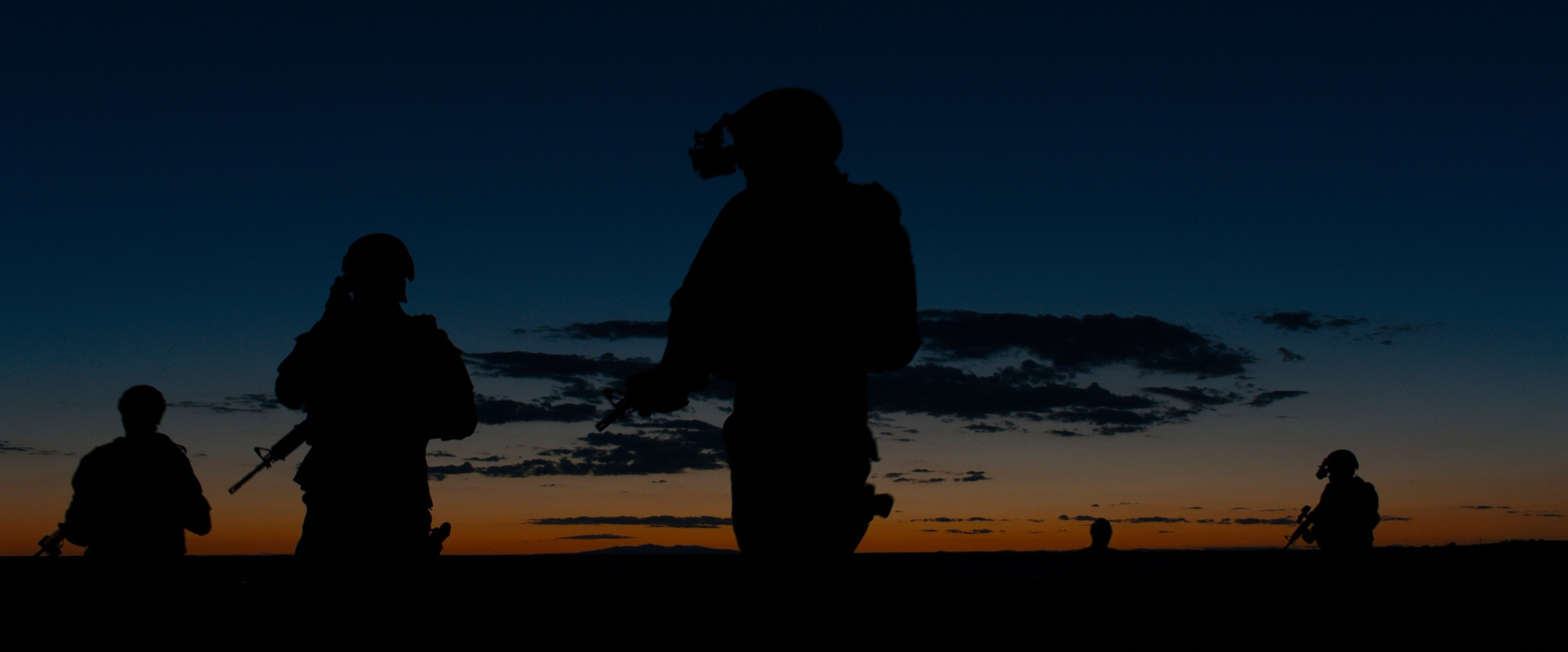
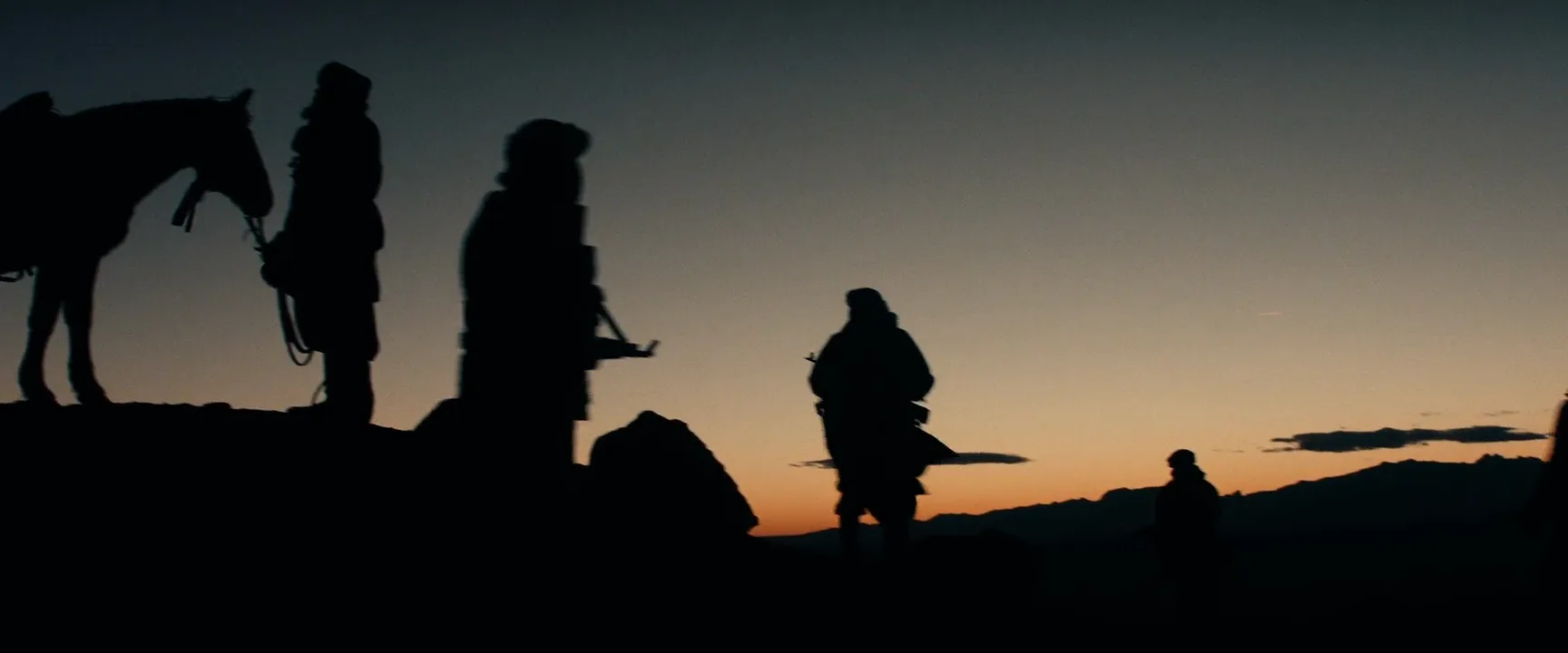
Anonymity and threat. A face tells us who someone is and what they feel. A stranger in a lit doorway, a gunman against headlights, soldiers descending into darkness: we see the intent in the posture but not the person. The dusk descent in Sicario (2015), shot by Roger Deakins, turns a tactical team into dark cut-outs against a band of fading sky before they drop below the horizon line into the night.
Iconic, graphic images. A silhouette reduces a frame to two values, and two-value images are easy to remember. The bicycle crossing the moon in E.T. the Extra-Terrestrial (1982) and Scarlett with her father against the sunset at Tara in Gone with the Wind (1939) survive as posters and logos because the shape alone carries them.

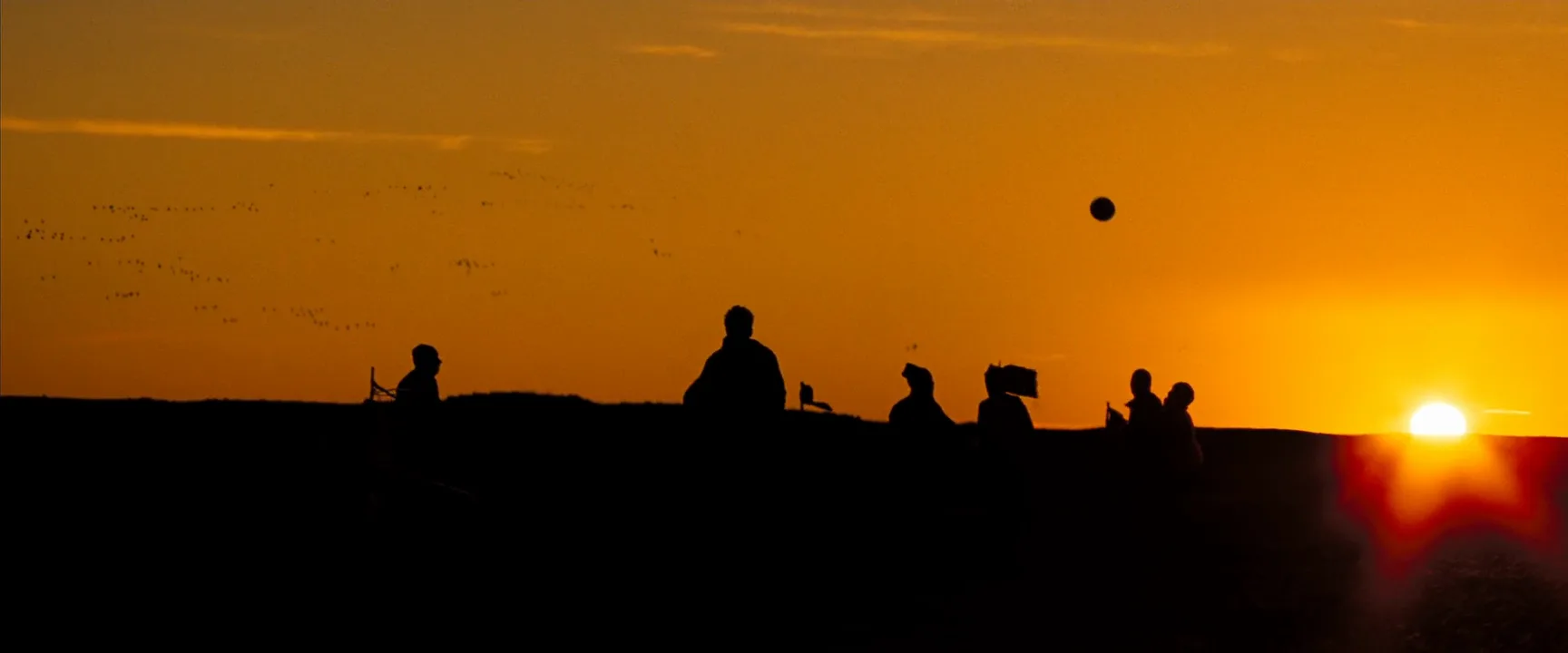
Scale and the landscape. Small dark figures on a horizon make the sky and the land the subject. Riders on a dune crest in Lawrence of Arabia (1962) or farm workers against a red sky in Days of Heaven (1978) read as people measured against something much bigger. Pairing a silhouette with an extreme long shot is the fastest way to say "alone" or "insignificant" without a word of dialogue.
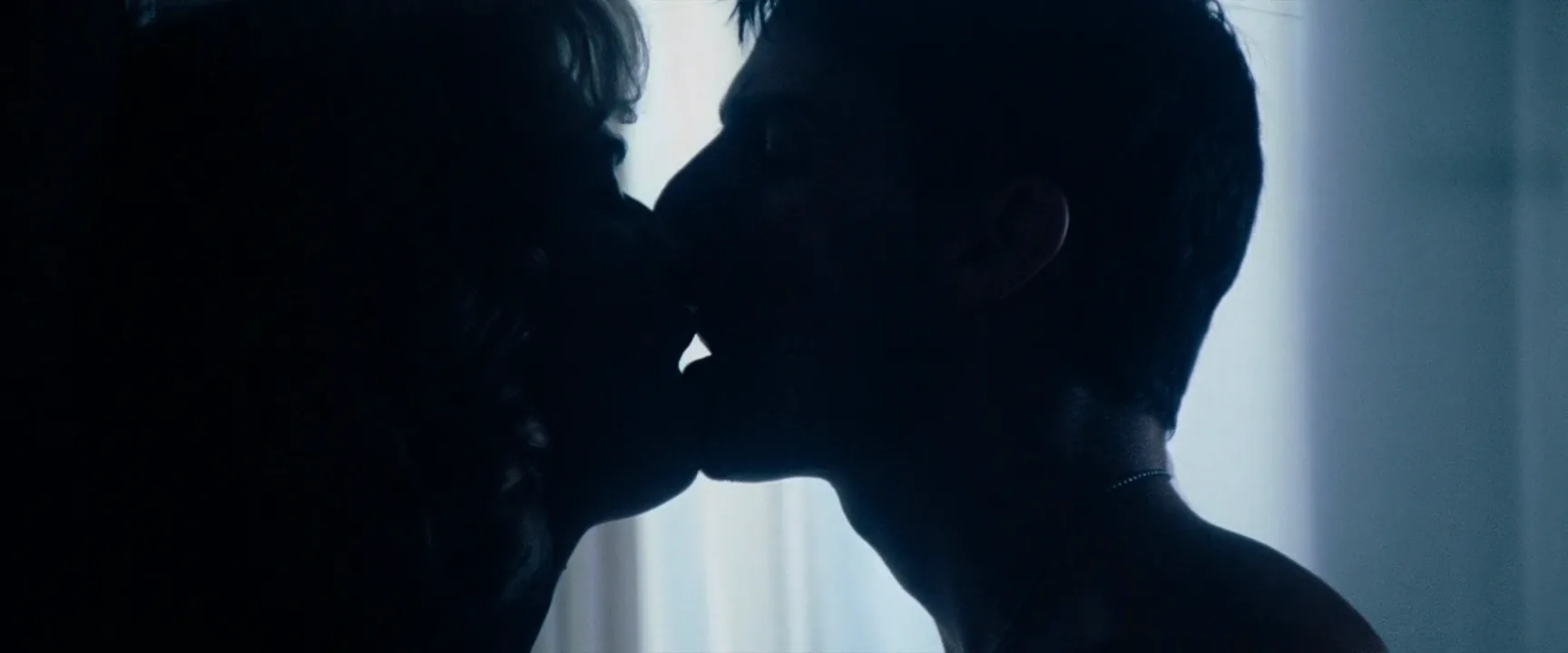
Intimacy with privacy. Two profiles almost touching against a bright window let the audience feel a kiss or a confession without watching the actors' faces work.
Hiding information on purpose. A silhouette can delay a reveal (who is the figure at the end of the corridor?), hide a stunt double or a changed costume. Used this way it works like controlled underexposure: the image withholds and the viewer leans in.
How to shoot a silhouette
1. Expose for the background, not the subject. Meter or read the brightest area you want to keep (the sky just above the horizon, the window, the lit wall) and set exposure so it sits where you want it, usually normal to half a stop over. On a digital camera, watch the waveform or false color: sky in the upper-middle range, the subject near the floor. Four stops of gap gives a true black; three leaves a dark but readable figure. Cameras with wide dynamic range hold detail in shadows you meant to lose, so you may need to crush them in the grade.
2. Kill the front light. The enemy of a silhouette is light bouncing back onto the subject: sand, snow, a white wall behind the camera, a concrete floor, a practical lamp in the room. Turn off room lights, hang black duvetyne or floppies behind the camera as negative fill, and keep reflective surfaces out of the subject's front. Where you would normally add a fill light, you now take light away.
3. Put the subject fully against the bright area. Any part of the figure that overlaps a dark background disappears. Outdoors, drop the camera: a low-angle shot from knee height or lower lifts the whole body above the horizon so head, shoulders and legs all cut against sky. Indoors, frame so the bright window or doorway surrounds the actor.
4. Choose the lens for the story. A wide lens (24–35mm) low to the ground gives a figure towering against a big sky. A long lens (200mm and up) from far away compresses a person against a huge setting sun and shows the sun's disc as a backdrop larger than the head.
5. Time it. At sunset the sky and the sun sit close to the ground and are bright enough to crush everything in front of them. After the sun drops, you get fifteen to thirty minutes when the sky still glows orange to blue while the land goes dark; that window gives the cleanest exterior silhouettes.
6. Add atmosphere indoors. A light haze in a room lit from behind turns the whole background into a glowing wall and lets you silhouette actors without a visible window.
What makes a silhouette readable?
Once the inside of the figure is gone, blocking and costume do all the storytelling.
Turn to profile. A face seen head-on is an oval with no features. The same face in a profile shot gives you forehead, nose, lips and chin, often enough to recognize a character. Facing the camera, two people read as two blobs.
Separate the limbs. Arms pressed to the body vanish into the torso. A hand on a hip, an elbow lifted, a gap between the legs in a stride all create light inside the shape and make the pose legible. Props work the same way: a rifle held clear of the body says what the figure is.
Don't overlap figures. Two people standing one behind the other merge into one strange shape. Stagger them with a strip of sky between each, or line them up along a ridge with regular spacing.
Use distinctive outlines. Hats, helmets, hoods, long coats, ponytails, a horse's head, a bicycle wheel.
Leave empty space. A small shape in a big bright field reads faster than a big shape crammed into the frame. Negative space around the figure gives the eye an edge to follow.
Keep the horizon low. The line where dark ground meets bright sky should cross the frame below the part of the figure that matters: at the knees for a full figure, at the chest for a close shot.
Interior and partial silhouettes
Not every silhouette is a sunset. Most in modern films happen indoors, and many stop short of full black.
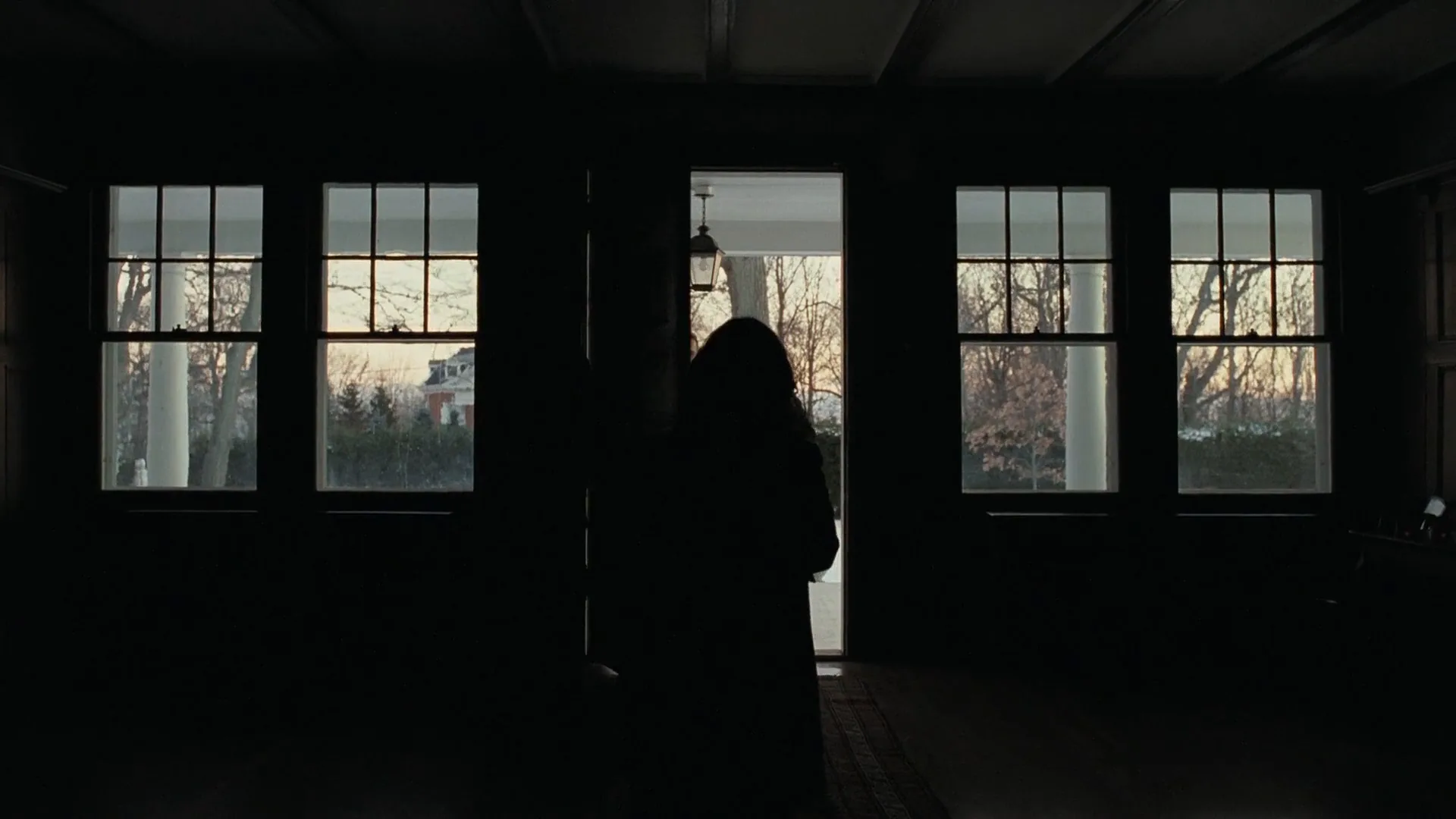
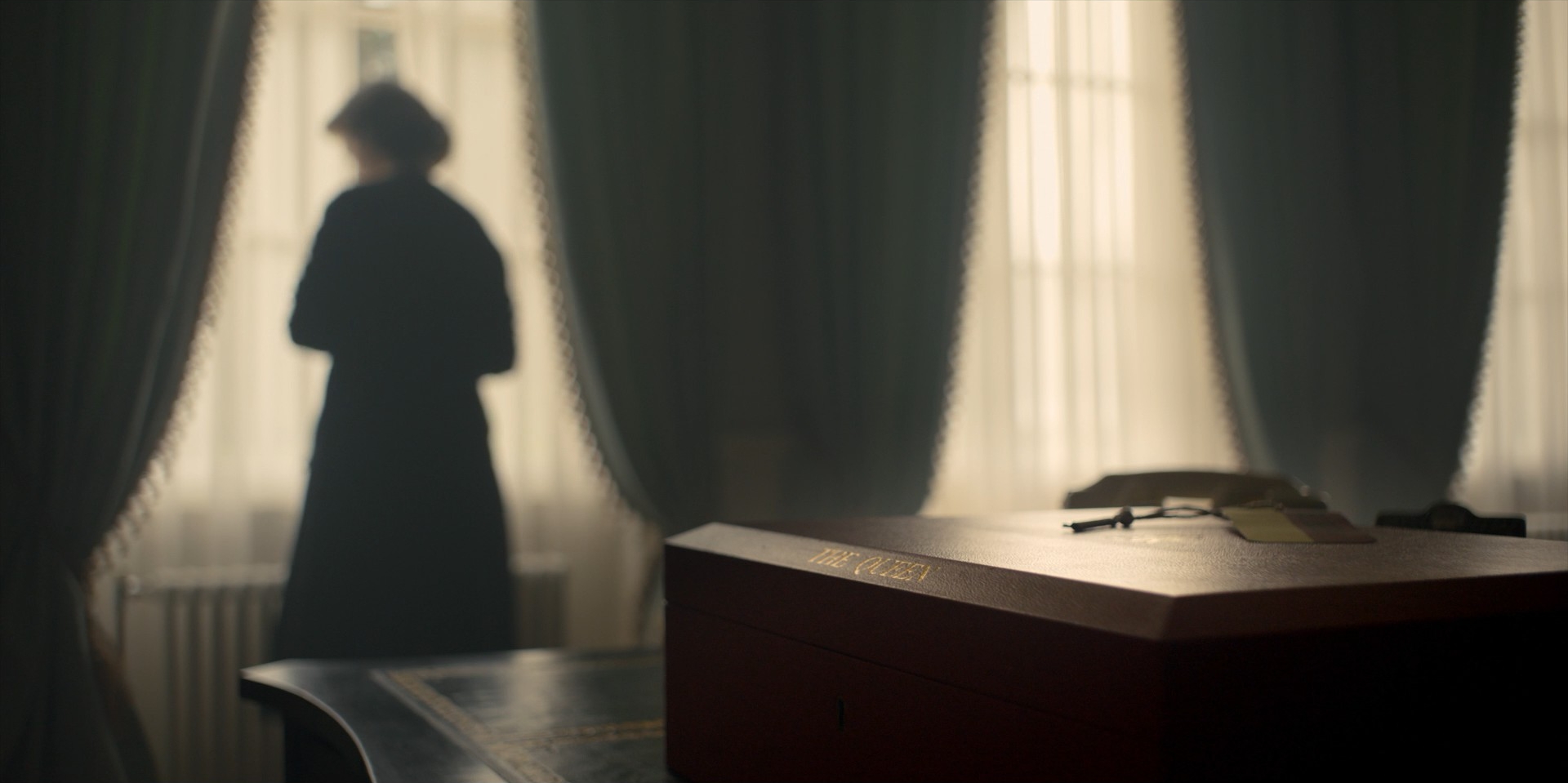
Window silhouettes. A character standing at a window in a dark room is the most common interior version. This suits low-key lighting and period dramas, where a figure at tall curtains can speak for the whole mood of a house.
Doorways and corridors. A figure in an open door at the end of a corridor is a classic reveal: the audience sees a shape first and a face later.

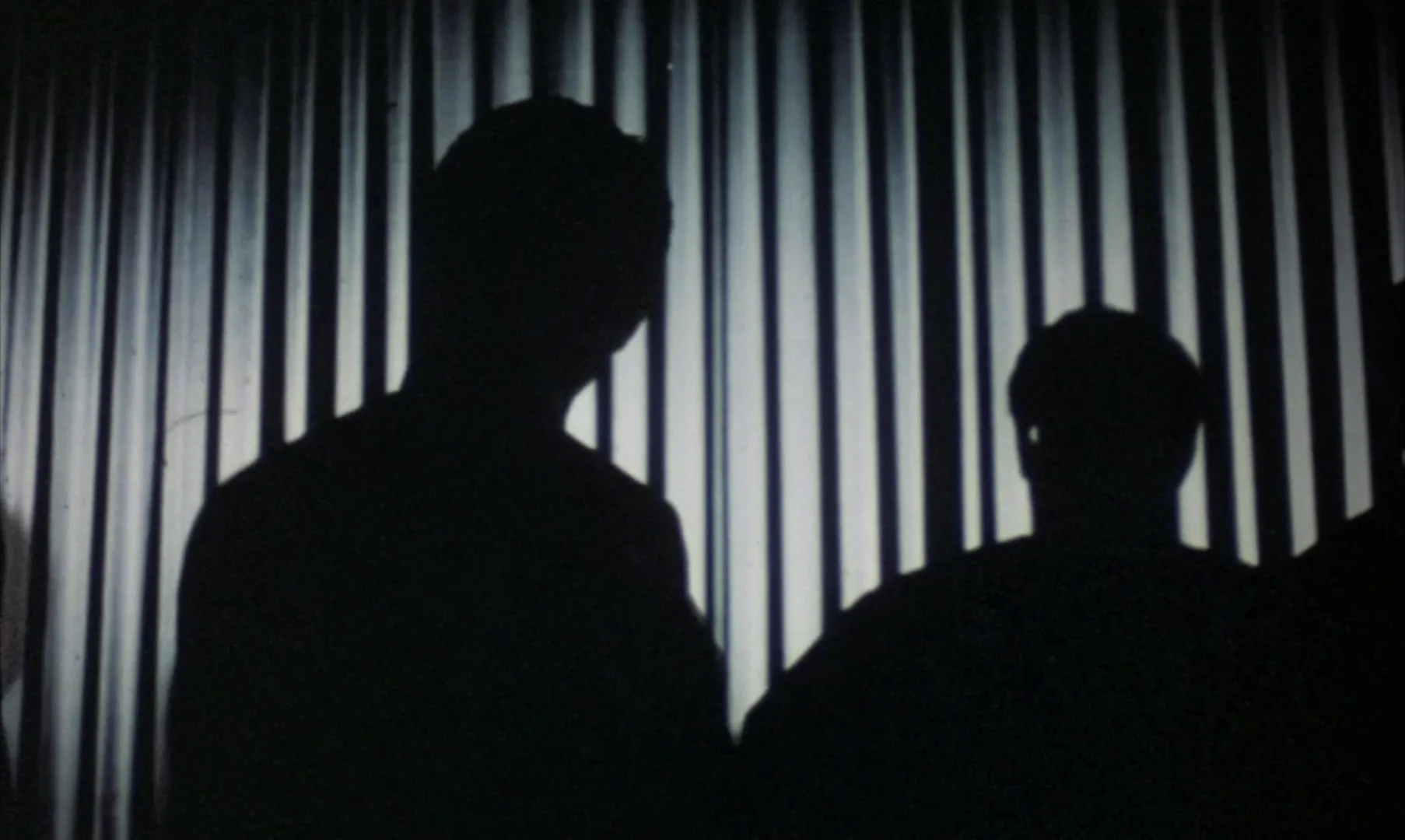
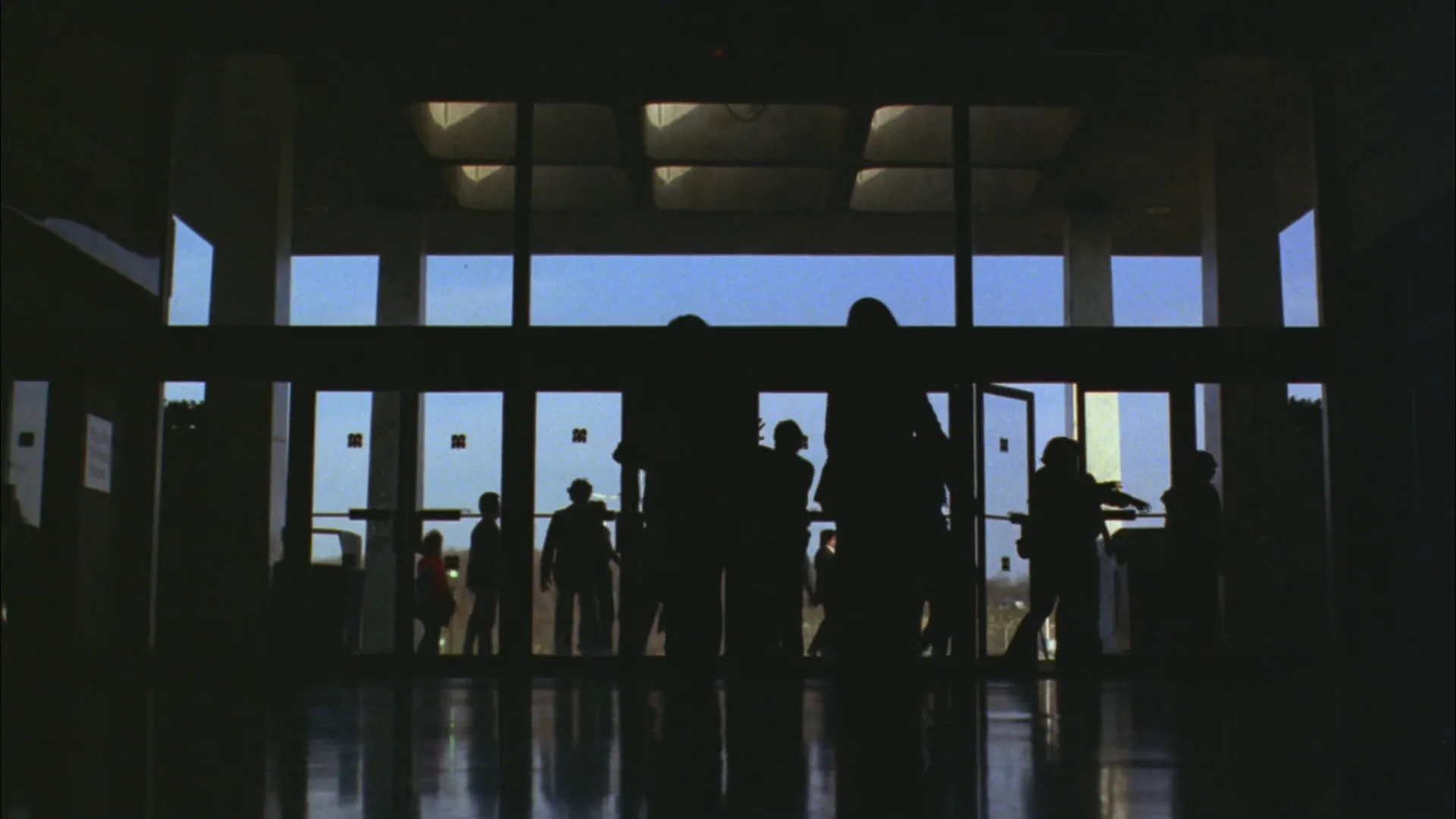
Screens and practicals. Audiences silhouetted against a cinema screen, a crowd in front of glass doors, fighters against a wall of LED signs: in Skyfall (2012) Deakins stages a fight high in a Shanghai tower as two dark figures moving in front of a giant animated screen. The background practical becomes the key light for the whole frame.
Partial silhouettes. Let a sliver of light onto the face (a rim light catching the cheek, a faint fill two to three stops down, a single catchlight) and you keep the graphic quality while letting the audience read an eye or a lip. Decide how much you want to show and protect it in the grade.
Silhouette vs. backlighting
Both put the light behind the subject; the difference is what happens on the front and where you set exposure.
| | Silhouette | Backlighting | |---|---|---| | Front of subject | No light, three to five stops under the background | Filled or bounced, usually one to two stops under the edge | | Exposure set for | The bright background | The subject's face | | What you see | A black outline, no features | A glowing edge around a readable face | | Effect | Anonymity, graphic image, scale | Separation, warmth, atmosphere | | Typical sources | Sky, window, fire, screen | Sun, HMI or LED behind the head, practicals |
In practice they are two positions on one dial. Start with a backlit actor and a bounce card, pull the card away and stop down for the sky, and you have walked from backlight to silhouette. The strongest contrast in the frame decides which one you have: if the brightest thing is the edge of the person, it is backlight; if the brightest thing is the world behind them and they are the darkest, it is a silhouette.
Silhouette in motion
2 clipsThese loops show silhouette in motion, where a still frame can't: watch how the effect plays out over a few seconds.
Silhouette stills
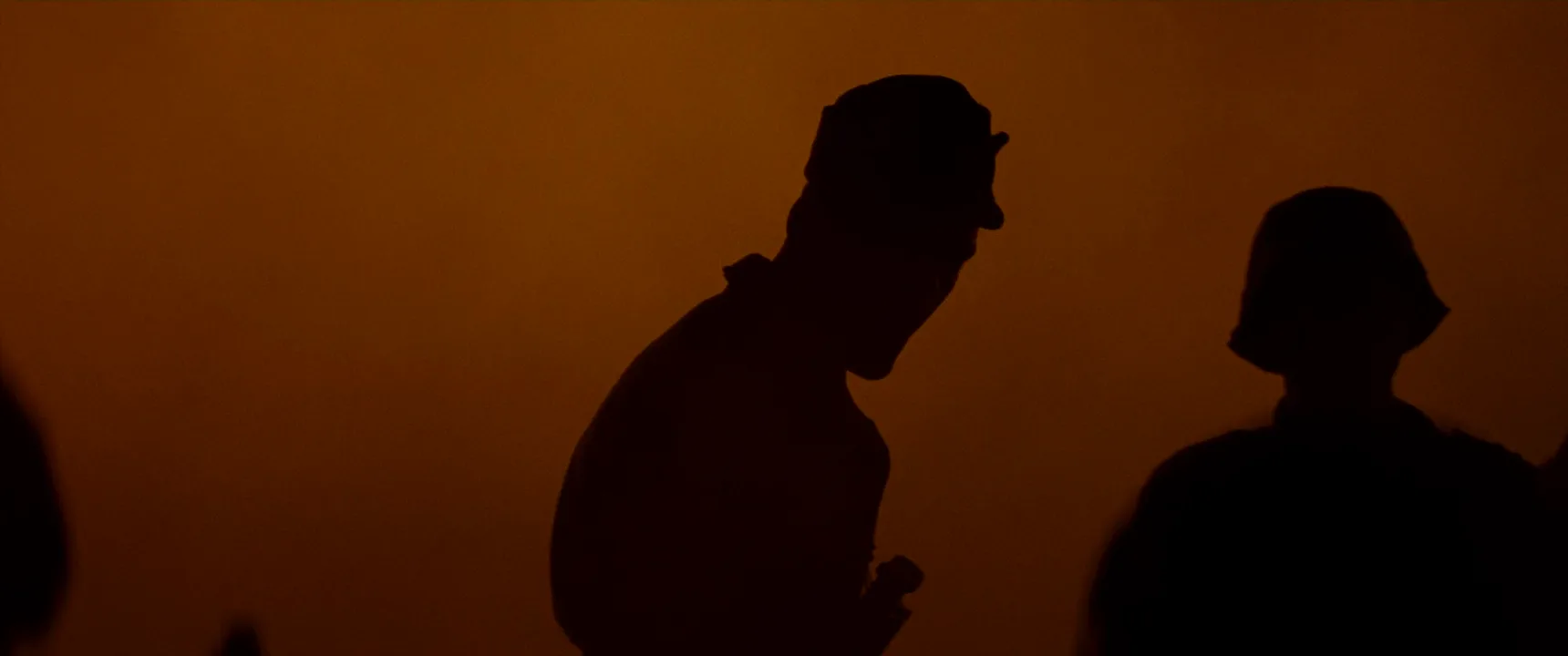
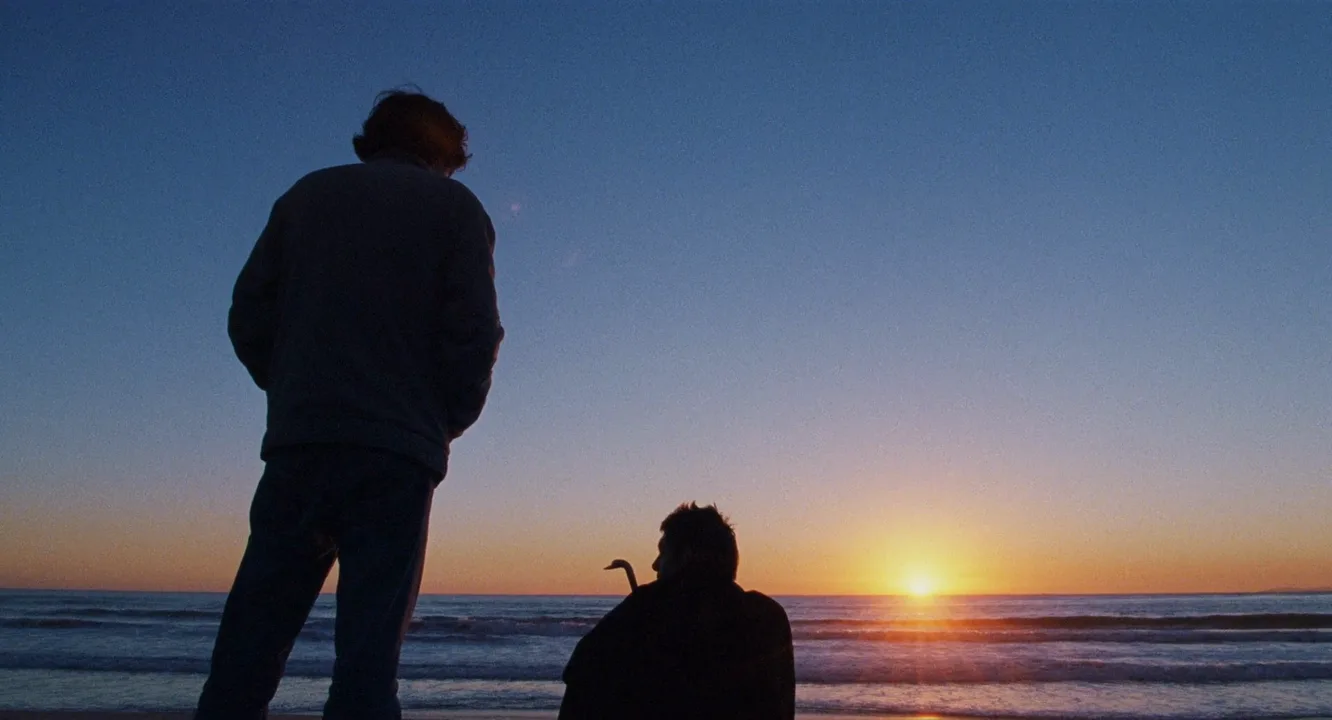
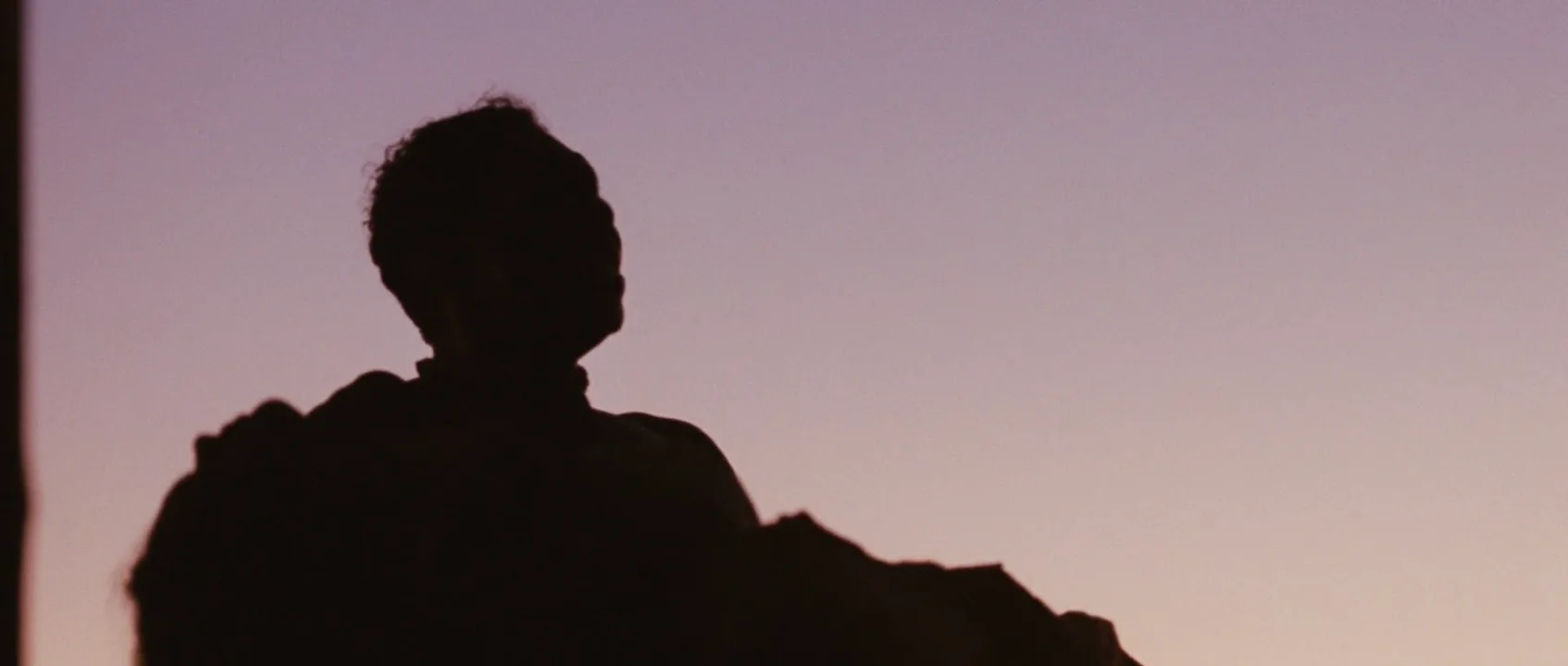
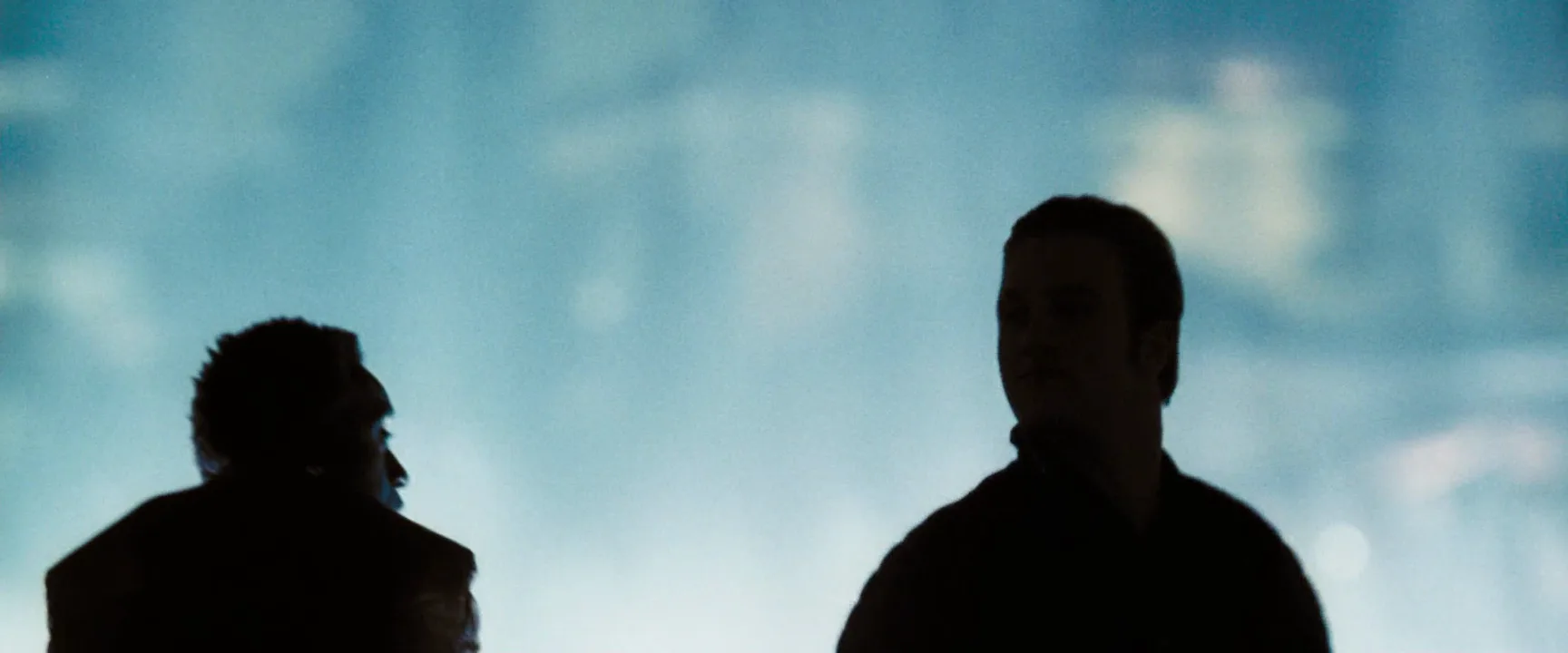
13 framesFrames where the figure is exposed down to an outline against sky, window, fire or screen. Notice how often the camera is low, the subject is in profile and there is clear space around each shape.
How to create a silhouette with AI
4 promptsImage models know the word "silhouette", but left alone they either paint flat vector art or quietly light the face. Direct it like a cinematographer: say what the background is, that exposure is set for it, which way the figure faces and where the horizon sits. Keep your reference frames, the stills and the video take on one FlashBoards board so you can compare how clean each outline is side by side. The fourth prompt re-shoots a real film shot from a text description alone, and the original plays next to the result so you can compare.
Cinematic film still, wide shot at dusk. Camera at knee height looking slightly up at a grassy ridge. A fictional tall, thin shepherd woman with a wide-brimmed felt hat, a long coat flaring at the knees and a crooked wooden staff walks along the ridge in profile, leading a single goat on a rope. Exposure is set for the sky, so she and the goat are pure black silhouettes: the front of her body is completely dark, only the outline reads. Clear sky between her arm and her body, the staff held away from her, hat brim sharp against the light. Sky behind is a smooth gradient from deep orange at the horizon to violet above, the sun just below the ridge line. Horizon below her knees. 35mm lens, crisp edges, 35mm film grain.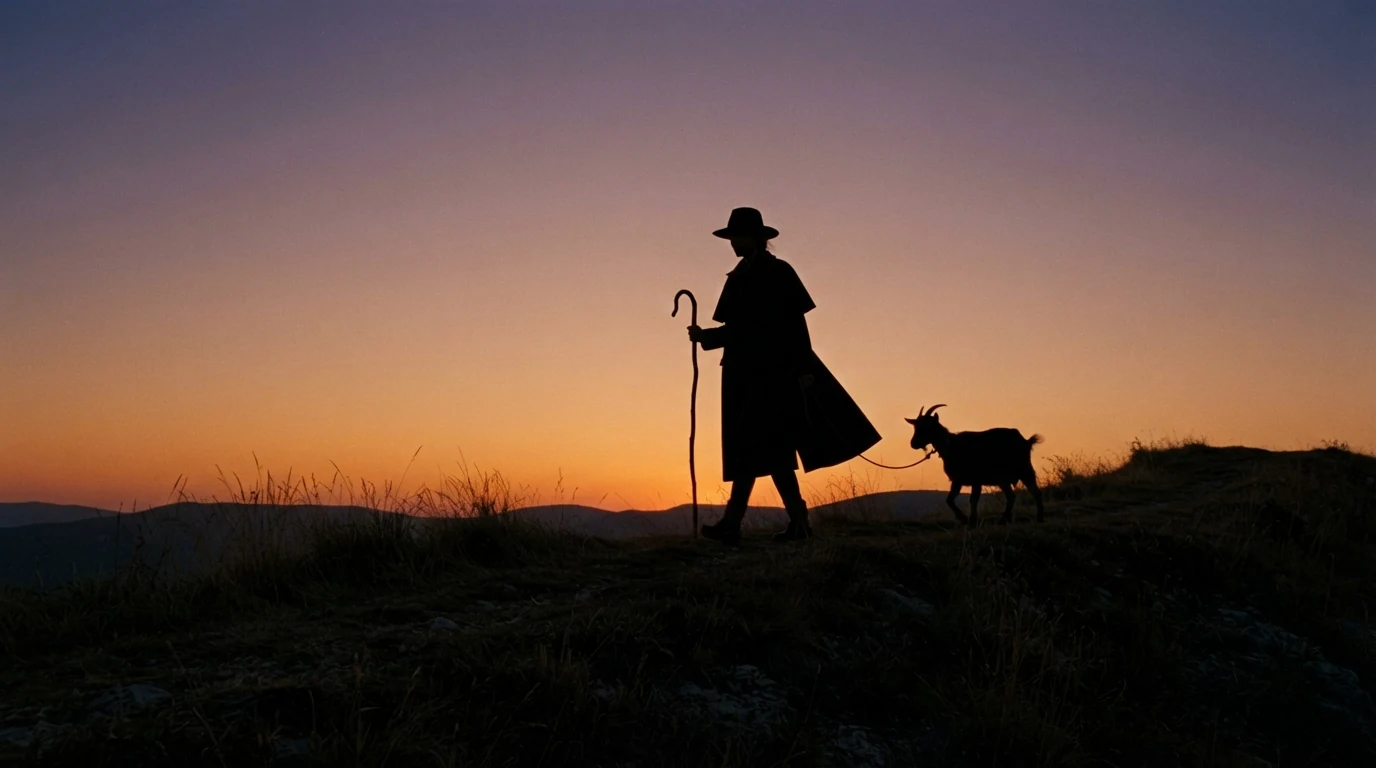
"Exposure is set for the sky" and "pure black silhouettes" name the technique as an exposure decision, which stops the model from inventing a fill light. "Camera at knee height" and "horizon below her knees" put the whole figure against the bright part of the frame. "In profile", "clear sky between her arm and her body" and "staff held away" give the outline its readable details; "cinematic film still" keeps it photographic rather than a flat graphic.
Open FlashBoardsAnamorphic 21:9 interior, late afternoon. A dark wood-paneled study, all lamps off. A fictional older man with a bald head, a prominent hooked nose, a short pointed beard and round wire spectacles stands in strict profile in front of a tall frosted window, holding a single sheet of paper up to the light. The window glows bright white-gold and fills the right half of the frame; the man is a solid black silhouette against it, the curve of the spectacles, the beard point and the edge of the paper cleanly visible. The room around him falls to deep black, with only the window frame's bars readable. Faint haze in the air near the glass. 50mm lens at eye level, still, quiet, tense.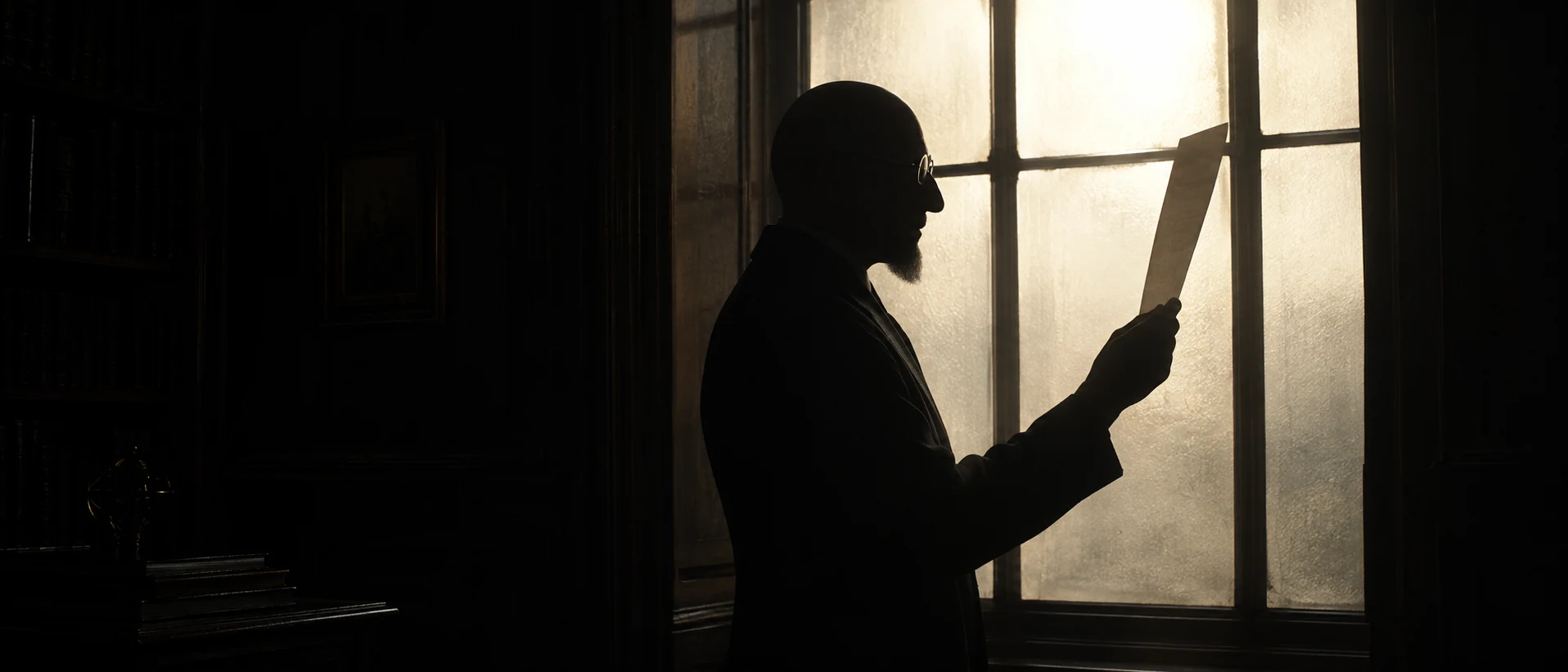
This take moves the silhouette indoors, to the most common case on a real set. "All lamps off" and "room falls to deep black" remove every source that could light his front. "Strict profile" with a hooked nose, beard point and round spectacles gives the model features that survive as outline, and the sheet of paper held up to the light is a prop whose edge reads cleanly.
Open FlashBoardsCamera: a slow, steady truck to the right at knee height, keeping pace with her the whole time, the horizon staying low in frame. Action: From the first frame the woman is already walking right along the ridge in profile, her long coat swinging and the grass moving in the wind, the goat trotting behind her on the rope. Midway she lifts the staff forward and plants it on the ridge. At the end she stops and turns her head slightly toward the fading orange sky while the goat catches up, both still solid black shapes against the glowing horizon.Walking, swinging coat and moving grass start in the first frame, so the model animates the scene instead of slowly pushing in on a still. The truck keeps her in profile, the pose that reads best in silhouette, and "solid black shapes against the glowing horizon" holds the exposure through the shot. Every element (woman, goat, staff, ridge, sky) already exists in the start frame, so nothing new gets drawn in.
Open FlashBoards{
"output": "Full-screen live-action scene from Brick (2006) from its very first frame: one single continuous shot. 35mm film look, a wide beach at the last moment of sunset, the sun sitting right on the sea horizon behind two young men. Exposure is set for the bright sky, so both men are flat black silhouettes and the sides of their bodies facing the camera stay completely dark: only their outlines read, with a faint amber rim along the edges of their hair. The sky is a smooth gradient from deep dusk blue at the top through pale lavender to a narrow orange band along the horizon; dark blue sea with long white lines of surf and a short golden glitter path under the sun. Fine grain, crisp edges, quiet and melancholy.",
"characters": {
"S1": {
"name": "Brendan, played by Joseph Gordon-Levitt",
"look": "seen only as a black silhouette from behind: a tall, lean teenager with a thick mop of tousled curly hair, a loose zip-up jacket and slim jeans; his back is three-quarters to the camera, so his face stays hidden the whole time",
"voice": "low, flat, clipped, tired"
},
"S2": {
"name": "The Brain, played by Matt O'Leary",
"look": "seen only as a black silhouette from behind: a smaller teenager with short spiky hair and a bulky dark jacket, sitting on the sand; a thin curved rod with a hooked top, like the crook of a walking cane, stands upright beside his shoulder on screen left",
"voice": "quiet, dry, flat"
}
},
"shots": [
{
"shot": 1,
"camera": "locked-off static camera at a low angle from about hip height, medium-wide shot, 35mm lens feel, the frame never moves. S1 fills the left third of the frame from the top of his head down to his shins, his head close to the top edge; S2 sits in the lower centre, only his head and shoulders above the bottom edge; the horizon runs low, about four-fifths of the way down the frame; the sun sits on the horizon just right of S2, about two-thirds across the frame, and clear sky separates the two figures.",
"action": [
"BEGINNING: alive from the first frame, S1 stands still on the left with his feet apart, back three-quarters to the camera and turned slightly toward screen right, head bowed, looking down at S2; both hands are pushed into the front pockets of his jacket, elbows slightly out. S2 sits in the lower centre with his back to the camera, his head turned toward screen left in profile, looking back over his shoulder at S1; his nose, lips and chin read as a sharp black outline against the orange band. A single distant seabird glides left to right across the upper right of the sky.",
"THEN: the bird leaves the frame at the right edge; S1 speaks without moving, head still bowed, both hands still in his pockets; long lines of surf roll in toward the shore and the curls of his hair stir in the breeze.",
"THEN: S2 listens in profile, his head shifting only slightly; S1 speaks again, completely still.",
"THEN: S2 turns his head a little toward the sea on screen right as he answers, then back into profile toward S1 on screen left.",
"THEN: after a pause S2 answers once more, in profile toward S1; S1 stays motionless, head bowed, hands in his pockets.",
"END: S2 turns his head away toward the sun on screen right, so only the back of his spiky head shows; S1 still stands frozen on the left; the sun still sits on the horizon and both men remain pure black shapes against the glowing sky."
],
"dialogue": [
{
"speaker": "S1",
"on_screen": true,
"when": "from the first frame",
"delivery": "low, flat, matter-of-fact, his face hidden from the camera",
"line": "<d>[English] He got hot and he just hit you.</d>"
},
{
"speaker": "S1",
"on_screen": true,
"when": "after a short pause, while the surf rolls in",
"delivery": "quiet, bitter, clipped",
"line": "<d>[English] He's been doing that.</d>"
},
{
"speaker": "S2",
"on_screen": true,
"when": "right after S1's second line, as S2 turns his head a little toward the sea",
"delivery": "short, doubtful question",
"line": "<d>[English] Yeah?</d>"
},
{
"speaker": "S2",
"on_screen": true,
"when": "after another pause, near the end, before he turns away toward the sun",
"delivery": "soft, resigned",
"line": "<d>[English] Yeah.</d>"
}
]
}
],
"sound": {
"ambience": "gentle surf washing onto the sand, the soft rush of retreating waves, a light sea breeze, one distant seabird call",
"speech": "exactly these spoken phrases, each said once, in this order",
"never_spoken": "no narration and no voice-over: the descriptions, performance notes and step words of this prompt are never spoken aloud",
"music": "a film score under the scene, always below the voices: sparse, melancholy low piano notes over a faint sustained string drone",
"subtitles": "none"
}
}Remakes the sunset beach shot from Brick (2006), dir. Rian Johnson, DP Steve Yedlin, carrying over the low static camera, the sun sitting on the sea between the standing Brendan and the seated Brain, their four quiet lines and the exposure that keeps both men black.
The key instruction is exposure: set for the sky, so both bodies stay black even while they talk. The JSON also keeps Brendan's and The Brain's four quiet lines, the low locked-off camera, the horizon near the bottom of the frame and clear sky between a standing and a seated figure, which is what keeps the two shapes apart.
Open FlashBoardsCommon mistakes
- The face lights up. Models add a soft front key out of habit. Say that exposure is set for the background and that the front of the figure is completely dark; describe the room or ground as deep black.
- Flat vector art. "Silhouette" alone often produces a clip-art graphic. Start with "cinematic film still", name a lens and film grain, and describe a real sky gradient.
- Shapes merge. Figures facing the camera or overlapping become one blob. Ask for profile, gaps between arms and body, and space between figures.
- The body drops below the horizon. If the camera is at eye level, legs and waist sit against dark ground. State the camera height and where the horizon crosses the figure.
Keep the reference frames, prompts and every generated take side by side — images and video in one canvas.
FAQ
5 questionsWhat is a silhouette shot in film?
A silhouette shot shows a person or object as a dark, featureless shape against a brighter background such as the sky, a window or a fire. The camera is exposed for the background, so the subject falls several stops under and only the outline remains. Filmmakers use it to hide identity, build tension, create iconic images or show a figure small against a landscape.
How do you create a silhouette in a video?
Place the subject in front of a bright background, keep all light off the side facing the camera and set exposure for the background. Aim for the subject at least four stops under the sky or window. Lower the camera so the whole figure sits against the bright area, turn the subject to profile and keep limbs apart from the body so the outline reads clearly.
What does a silhouette symbolize in film?
A silhouette usually stands for what is hidden: an unknown threat, a private moment or a character reduced to a type or memory. Against a big sky it can signal loneliness or a person measured against nature; in a doorway it signals a reveal to come. Because the audience cannot read a face, it projects its own feelings onto the shape, which makes silhouettes feel mythic.
What is the difference between silhouette and backlighting?
Backlighting is a light position: the source is behind the subject, facing the camera. A silhouette is one result of it. With front fill and exposure set for the face, a backlit subject shows a glowing edge and readable features. Remove the fill and expose for the bright background, and the subject turns into a black outline: that is a silhouette.
Can you shoot a silhouette indoors?
Yes. A daylight window seen from a dark room is often four or more stops brighter than the interior, so anyone standing in front of it goes dark with no extra lights. Turn off room lamps, block bounce with black fabric and expose for the window. On set, crews also light a backdrop or a translucent muslin, or add haze behind the actors to create a glowing wall.
Related terms
4- BacklightingLighting
Backlighting places the light behind the subject, facing the camera: it outlines hair and shoulders, separates the figure from the background, makes smoke and dust glow and, with no light from the front, turns people into silhouettes.
- Golden HourLighting
Golden hour — which filmmakers call magic hour — is the short window after sunrise and before sunset when the low sun gives warm, soft, raking light and long shadows; crews often keep shooting into the blue twilight that follows.
- UnderexposureLenses, Focus & Exposure
Underexposure is when too little light reaches the film or sensor: shadows sink into black and noise rises; controlled, it hides information and builds dread in night, thriller and horror scenes.
- Rim LightLighting
A rim (edge) light sits behind and to the side of the subject, drawing a thin bright line along the edge of the head, shoulders or profile to pull it off a dark background.
Further reading
Blain Brown, Motion Picture and Video Lighting (Focal Press). Harry C. Box, Set Lighting Technician's Handbook (Focal Press). Néstor Almendros, A Man with a Camera (Farrar, Straus and Giroux).