 FlashBoards Learn
- Learn
- Composition & Framing
- 180-Degree Rule
Composition & Framing · Film language
180-Degree Rule
Also called: 180° rule, the line, crossing the line, axis rule
The 180-degree rule says the camera stays on one side of an imaginary line drawn between two characters, or along the path of a movement. As long as every shot comes from that side, each person keeps their place on screen and their eyelines meet across the cut. Cross the line and the geography flips.
- What it does
- Keeps every character on their side of the frame and every eyeline pointing the right way from cut to cut.
- Use it when
- Covering any dialogue, confrontation, chase or walk where the audience must track who is where.
- Watch out
- The line moves when actors move; one setup from the wrong side flips the whole geography.
- Try this prompt
Medium-wide two-shot in profile, 35mm, eye level: woman frame left facing right, man frame right facing left, across a small table
What is the 180-degree rule?
Picture two people across a table, seen from above. Draw a line through both heads: that is the line, or axis of action, and it cuts the room in half. Put the camera anywhere in one half, on a 180-degree arc around the pair, and the woman on the left stays on the left in every shot, looking screen right, while the man stays on the right, looking screen left. Put a camera in the other half and the two swap sides of the frame.
That swap is the whole problem. On set nothing has changed; in the cut, the audience sees two people who suddenly seem to face the same way, or a person who seems to have jumped across the room.
The rule holds three things steady:
- Left-right position. Who is on which side of the frame.
- Eyelines. If A looks screen right, B must look screen left, so each eyeline match reads as two people looking at each other.
- Direction of movement. A car that exits frame right must enter the next shot from frame left, so its screen direction stays consistent.
It is less a law than the default of continuity editing, part of the composition grammar that lets shots filmed out of order play as one continuous space.
Axis of action: where exactly is the line?
The axis of action is the line itself; the 180-degree rule is the instruction to keep the camera on one side of it.
Two characters. The axis runs through their eyes, from one face to the other. The line follows the relationship, not the furniture.
Moving subjects. For a chase, a walk or a car on a road, the axis is the path of travel. Film from one side and the subject always crosses the frame in the same direction.
Groups. At a dinner table every pair that exchanges looks has its own line. Directors usually pick a dominant axis, between the two characters who carry the conflict, and plan the other angles around it.
The axis moves. When a character stands and walks to the window, the line swings to follow them. A camera that was on the correct side can end up on the wrong one without moving an inch.
Cars. The line between the two front seats runs across the cabin, so windshield shots and back-seat shots sit on opposite sides of it. A second axis runs along the road: keep the car traveling the same way across the frame.
Why does the 180-degree rule matter?
The audience builds a map. From the first wide shot, viewers file away where everyone stands, and each later close-up is read against that map. Keep it stable and the cutting feels invisible; flip it and viewers spend attention on geography instead of performance.
Eyelines connect singles. In a shot reverse shot sequence the two characters are rarely in the same frame. The only proof that they are looking at each other is that one looks right and the other looks left.
Direction carries story. In a chase, the pursuer and the pursued must travel the same way across the frame, or they seem to be running toward each other. Conflicts read most clearly when the opposing sides hold opposite halves of the frame.
It makes coverage cuttable. An editor can only intercut angles that agree. A director who respects the line hands over coverage that can be cut in any order: wide, over-the-shoulders, singles, inserts. One setup from the wrong side can make a whole take unusable, which is why script supervisors track the line as part of continuity.
Breaking it becomes a signal. Because audiences expect the line, crossing it on purpose is loud. A flip can mark a turn in a relationship, a loss of control or a mind splitting in two.
How to shoot a scene without crossing the line
Draw it first. Sketch the blocking from above: the actors, the axis between them and the half where cameras are allowed.
Shoot the master from the chosen side. The master shot sets the map. Everything after it, loose or tight, comes from the same half.
Build matched pairs. The usual dialogue order is a wide two-shot, then an over-the-shoulder shot on each character, then clean singles. Each pair mirrors the other: same focal length (a 50mm or 75mm on Super 35 is common for OTS and singles), same camera height, same distance, same angle off the axis. If A's single is 20 degrees off the line, B's should be 20 degrees off it too, on the same side.
Keep eyelines close to the lens. Place the off-camera actor, or a tape mark, right beside the matte box on the correct side: camera left for one character, camera right for the other. An eyeline on the wrong side of the lens is a line cross in miniature.
Write left and right down. Script supervisors note which way each character looks in every setup ('A looks camera left'). Pickups shot days later depend on those notes.
Keep two cameras on the same side. Cross-shooting both singles at once keeps overlapping dialogue alive, but both bodies must stay in the same half, with lighting that works for both angles.
How to cross the line without confusing the audience
Show the move. If the camera dollies, tracks or glides across the axis in one continuous shot, the audience watches the geography rotate and stays oriented. After that shot, the new side becomes the correct side.
Let the actors redraw the line. When one character walks around the other, the axis rotates with them. Once they settle, cover them from the new side.
Cut through a neutral shot. A shot straight down the axis has no left or right: a character walking toward or away from the lens, or a top shot looking straight down. Placed between two setups, it lets you return on the other side without a flip.
Re-establish with a wide. A new wide showing both characters from the other side resets the map.
Soften it with a cutaway. A cutaway shot or insert takes the audience away from the faces for a moment. It eases the flip but rarely hides it.
Cross it on purpose. In The Shining (1980), Kubrick's camera crosses the line during Jack's conversation with Grady in the red bathroom, and the shifting geography adds to the unease of the scene. The Lord of the Rings: The Two Towers (2002) cuts Sméagol's argument with his other self like a two-person shot reverse shot, with the same face looking screen left in one shot and screen right in the next. Yasujirō Ozu ignored the line throughout his career and moved his camera around the full circle of a room.
A crossing works when it has a reason and lands on a meaningful beat. A crossing made for convenience reads as a mistake and jars as badly as a jump cut.
180-degree rule vs. 180-degree shutter rule
The two share a number and nothing else. The 180-degree rule is about camera placement and editing: which side of the axis the camera shoots from. The 180-degree shutter rule is about exposure and motion blur: set the shutter to about half the frame interval, 1/48 or 1/50 of a second at 24 fps, and movement blurs the way audiences expect from cinema.
A closer relative is the 30-degree rule: when you cut between two shots of the same subject, move the camera at least about 30 degrees around it, or change the shot size clearly, so the cut doesn't read as a jump. The two work together. The 180-degree rule sets the half of the room you may use; the 30-degree rule says each new angle inside that half must differ enough to earn the cut. Good dialogue editing leans on both.
180-Degree Rule examples in film
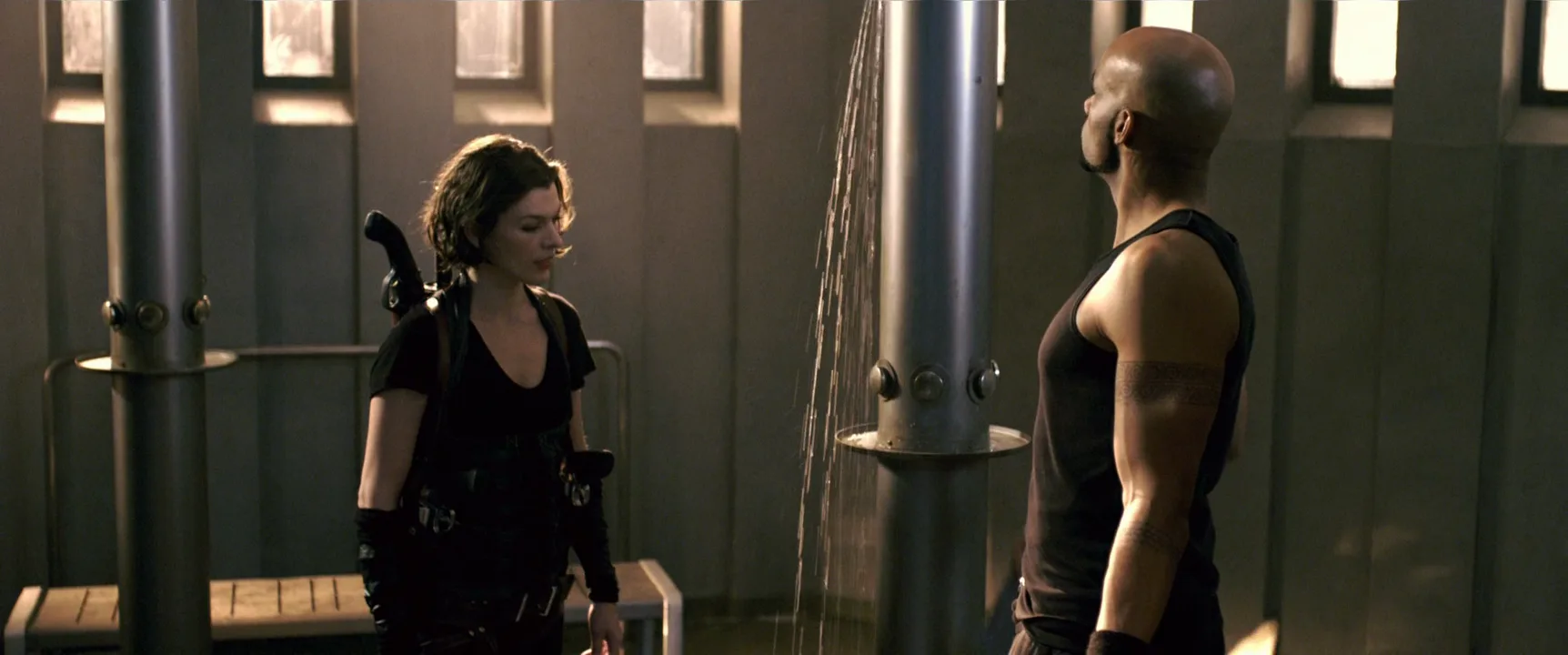
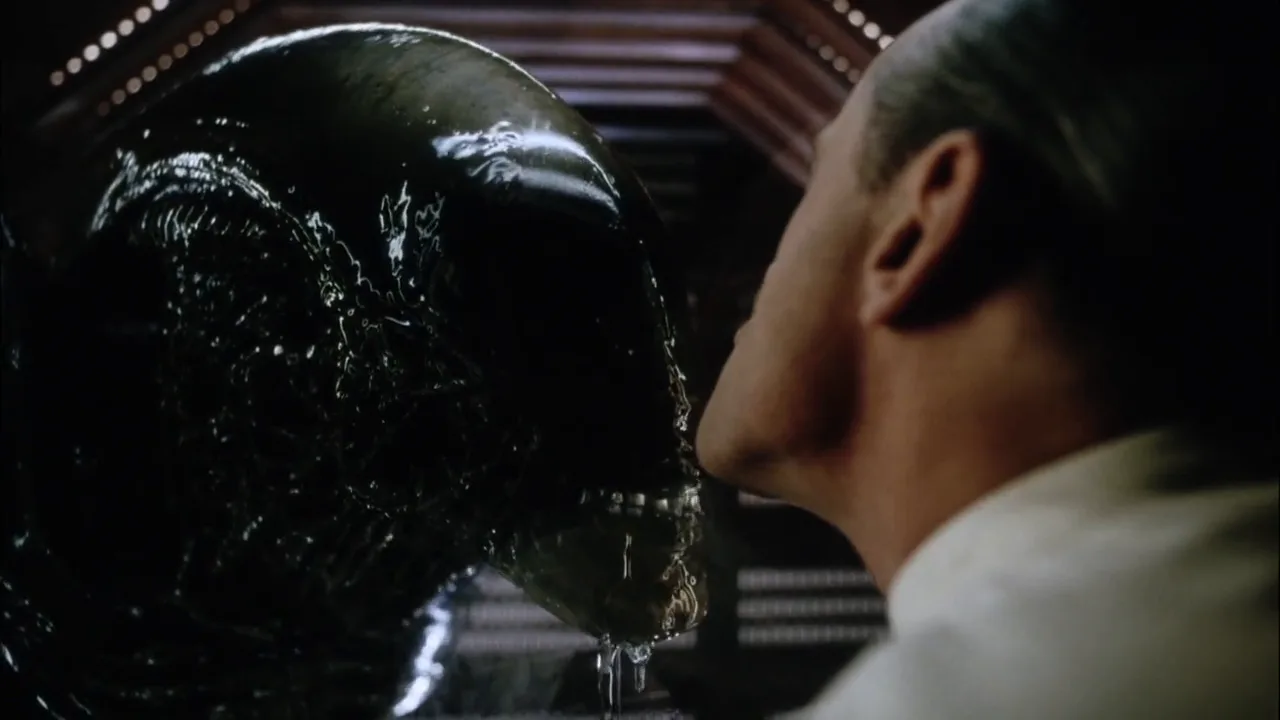
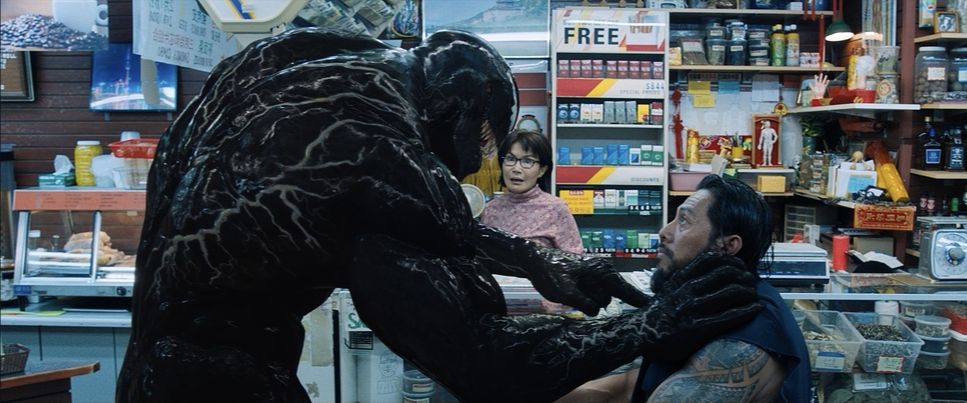
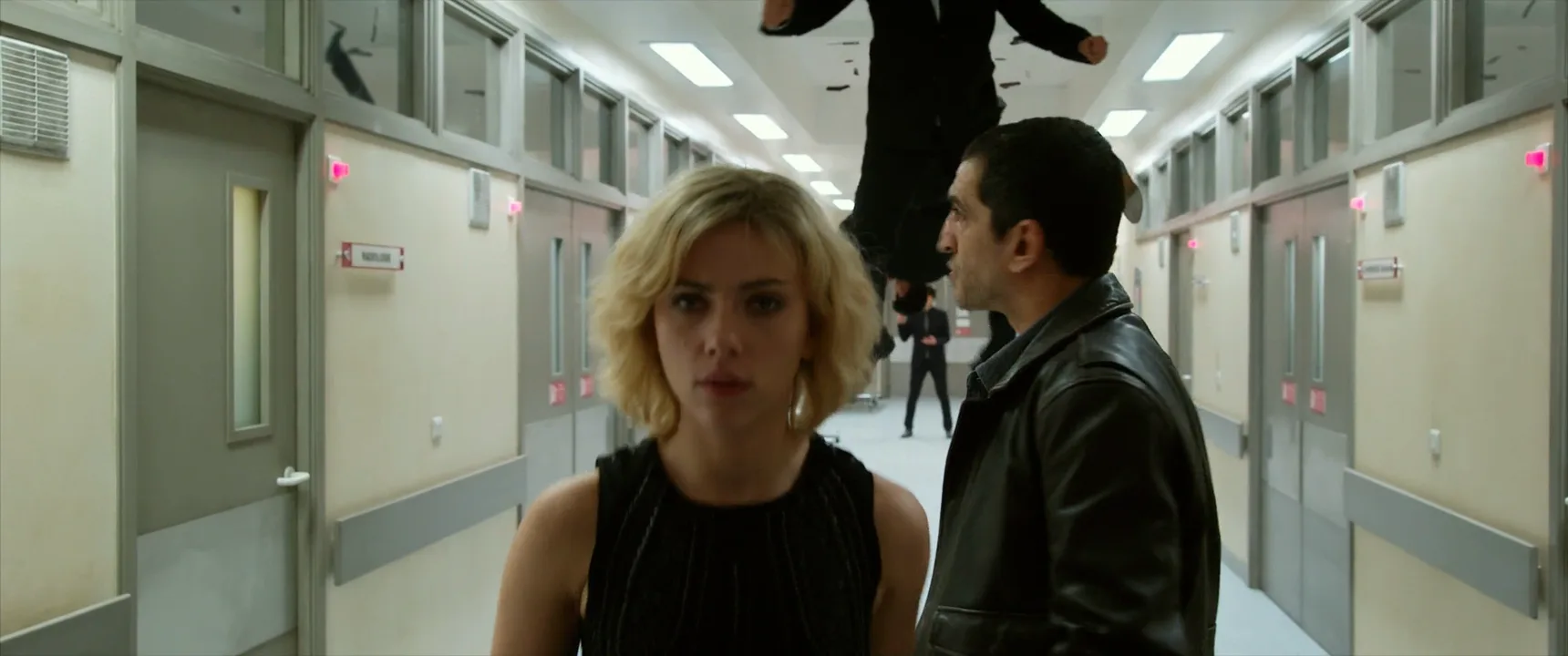
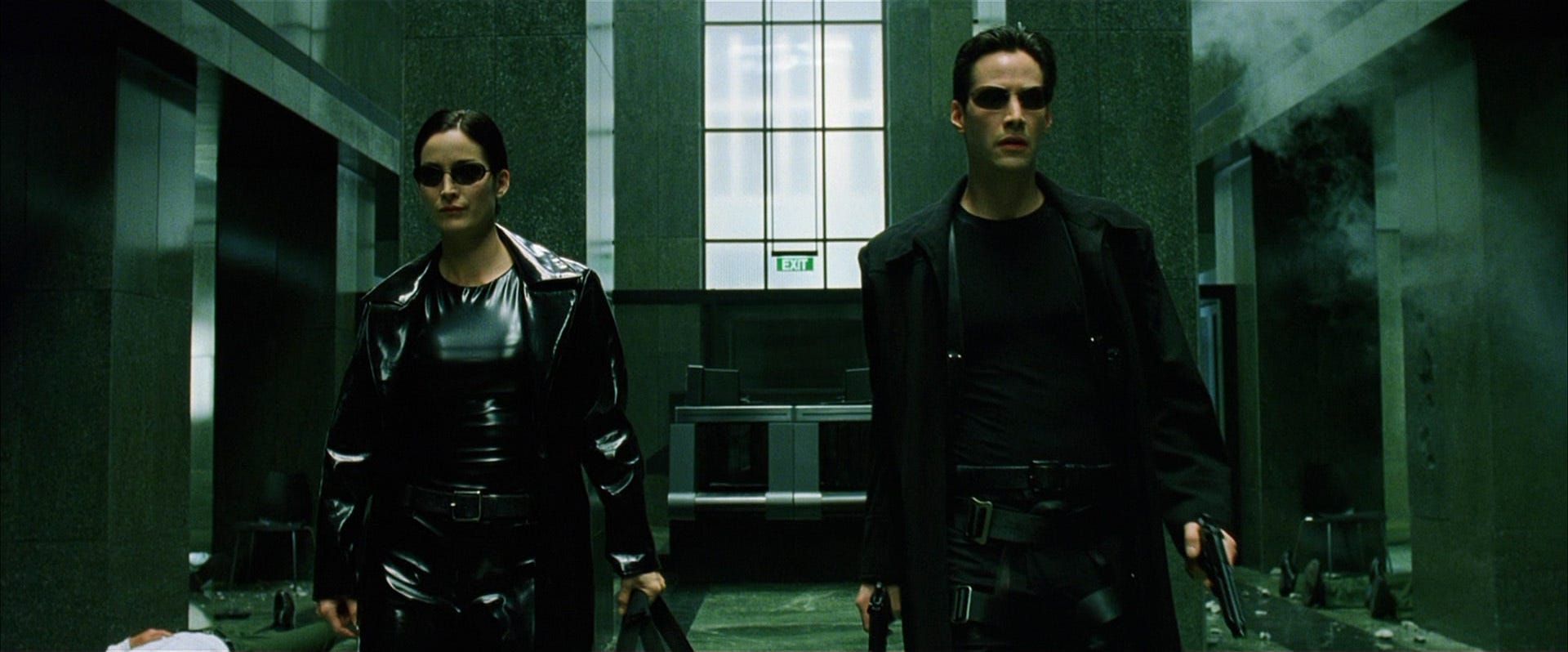
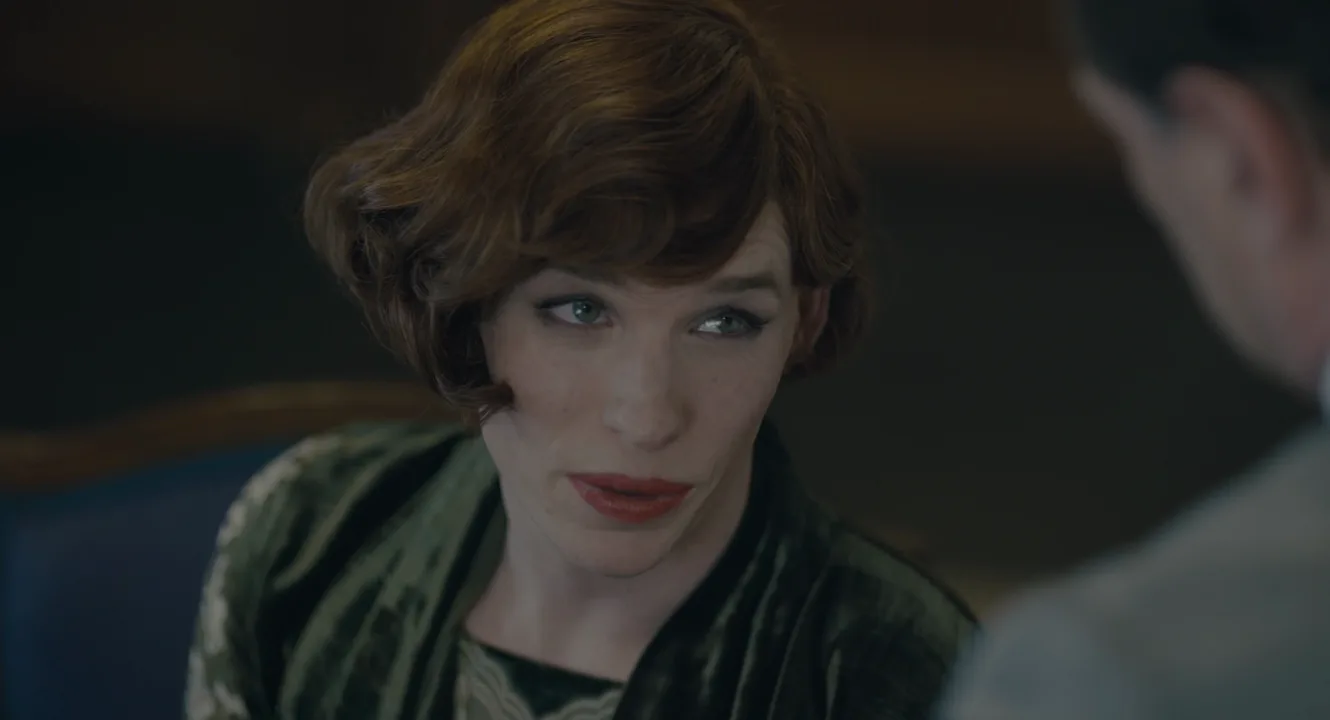
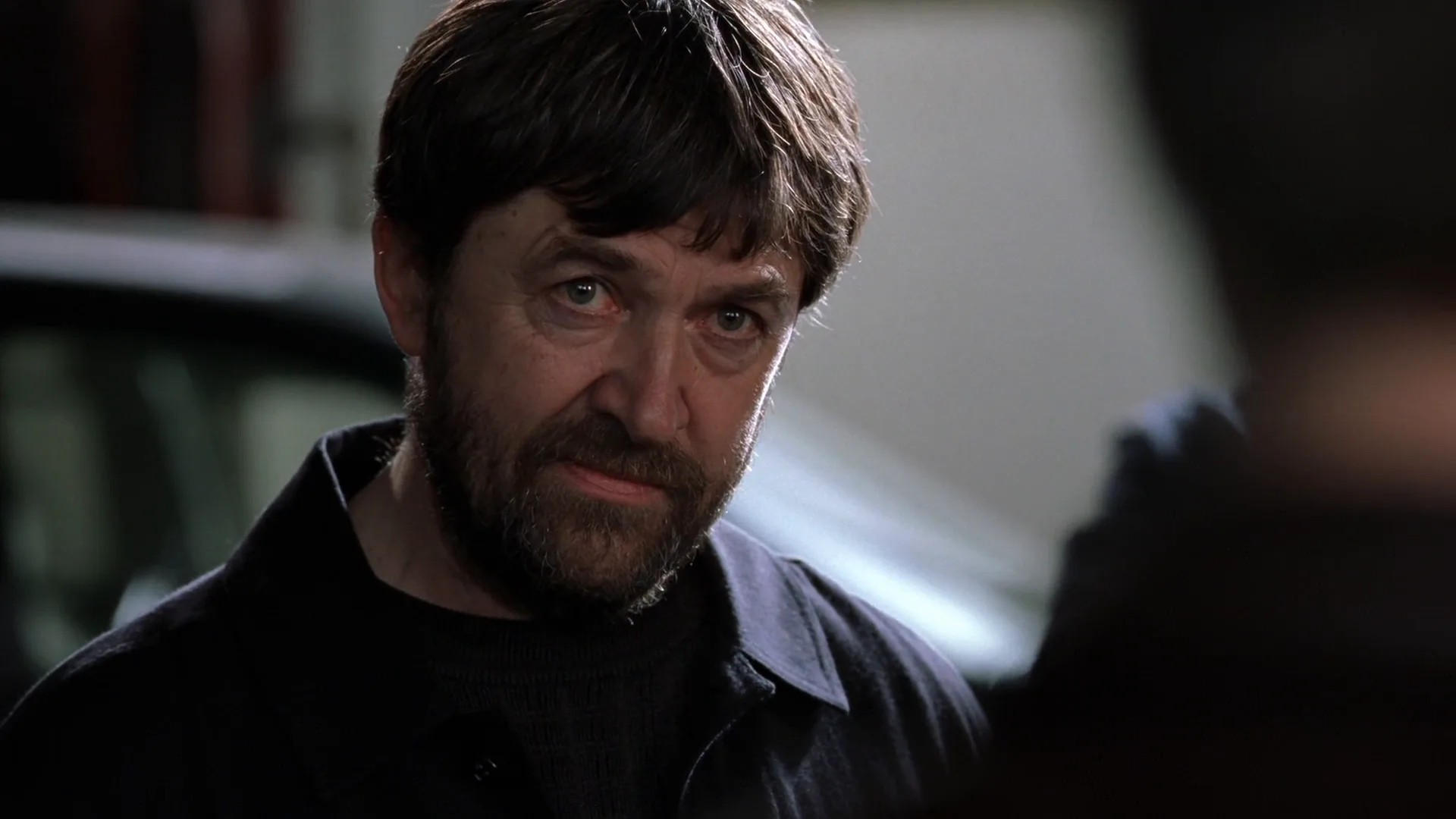
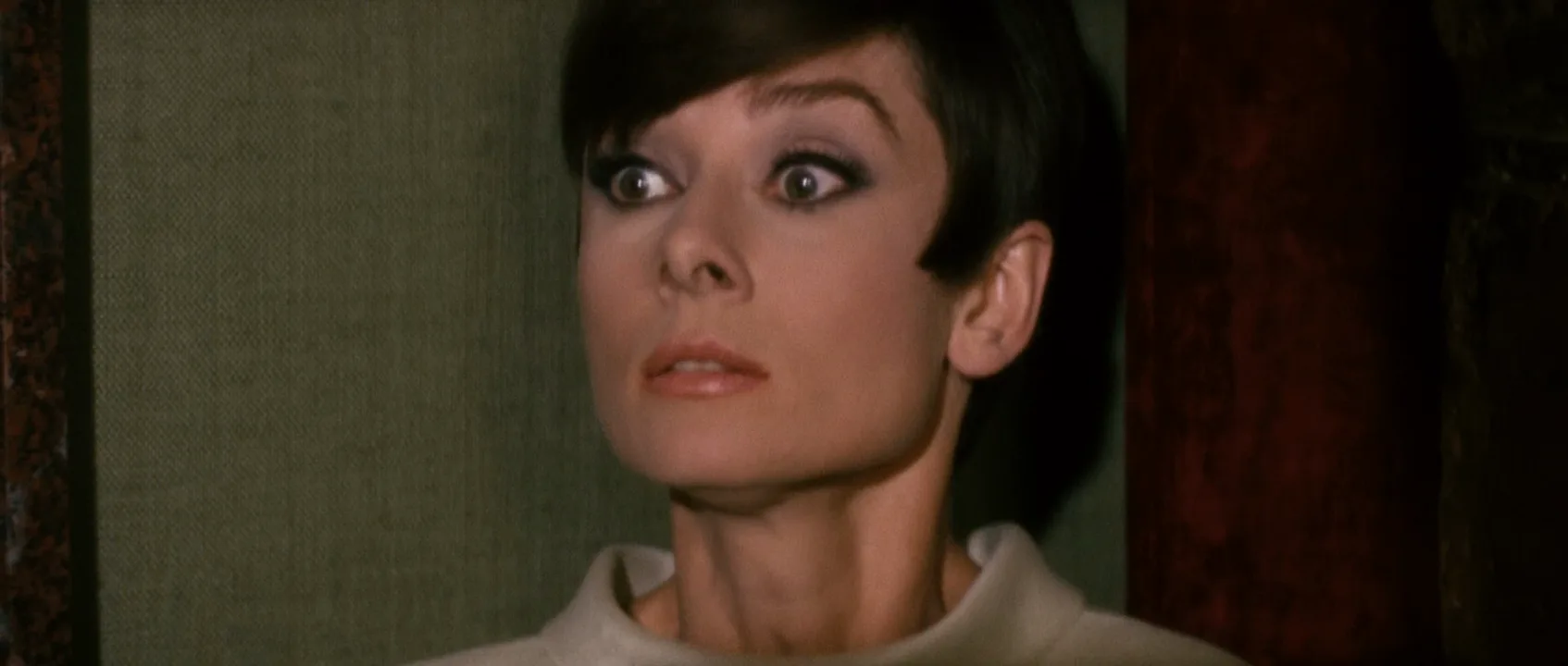
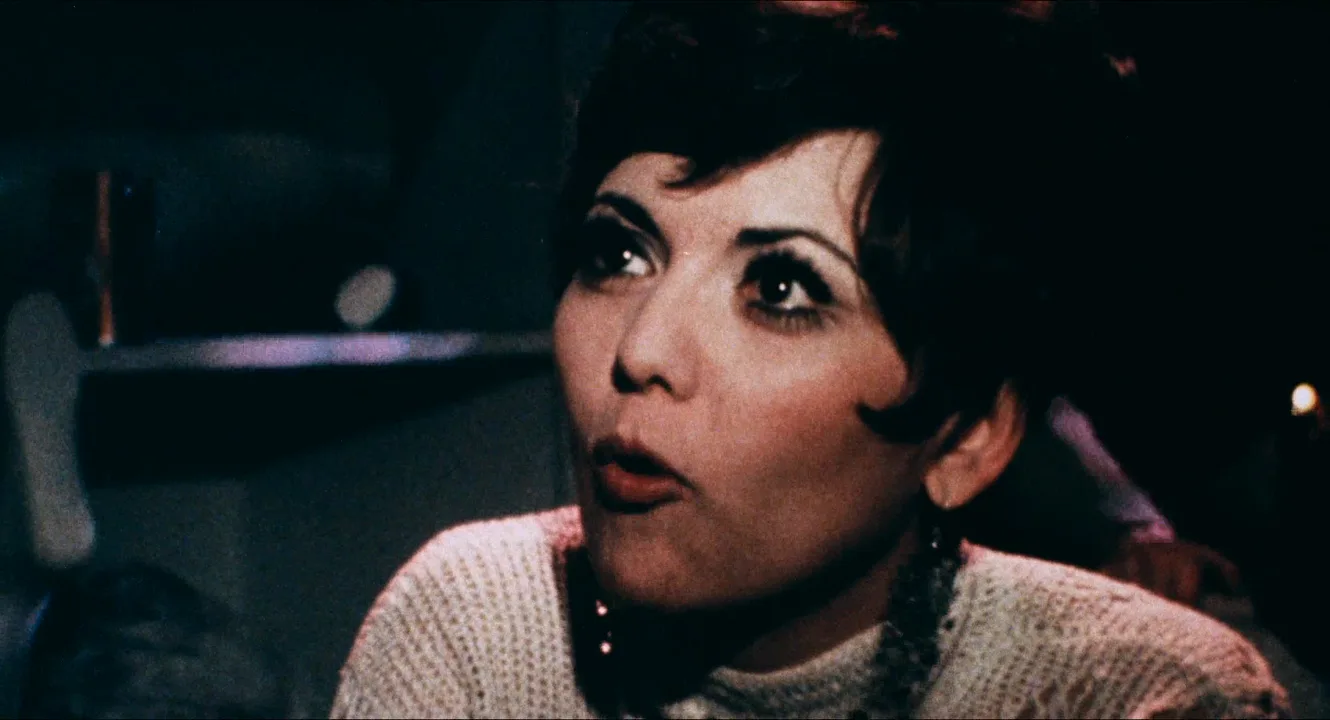
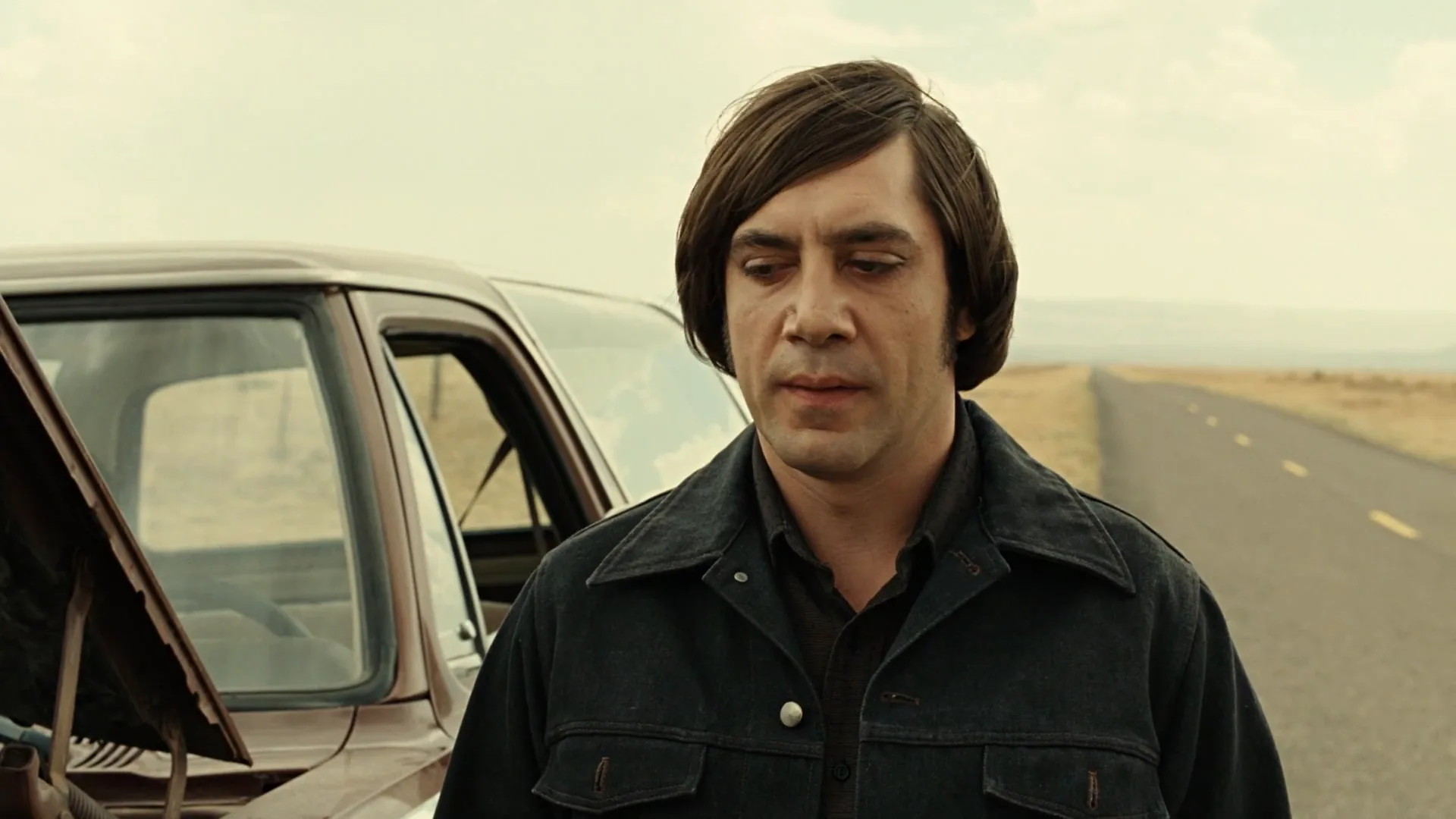
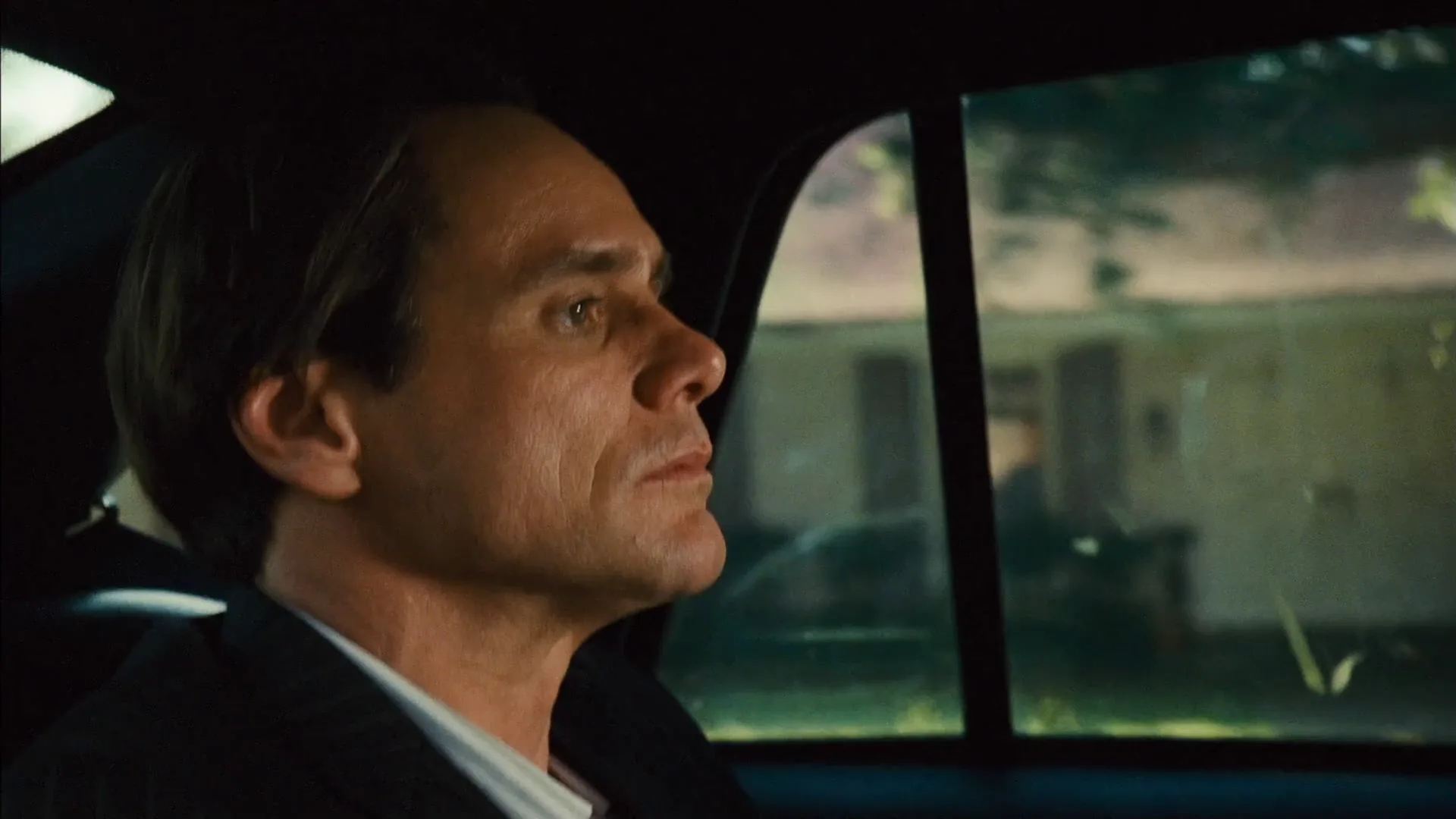
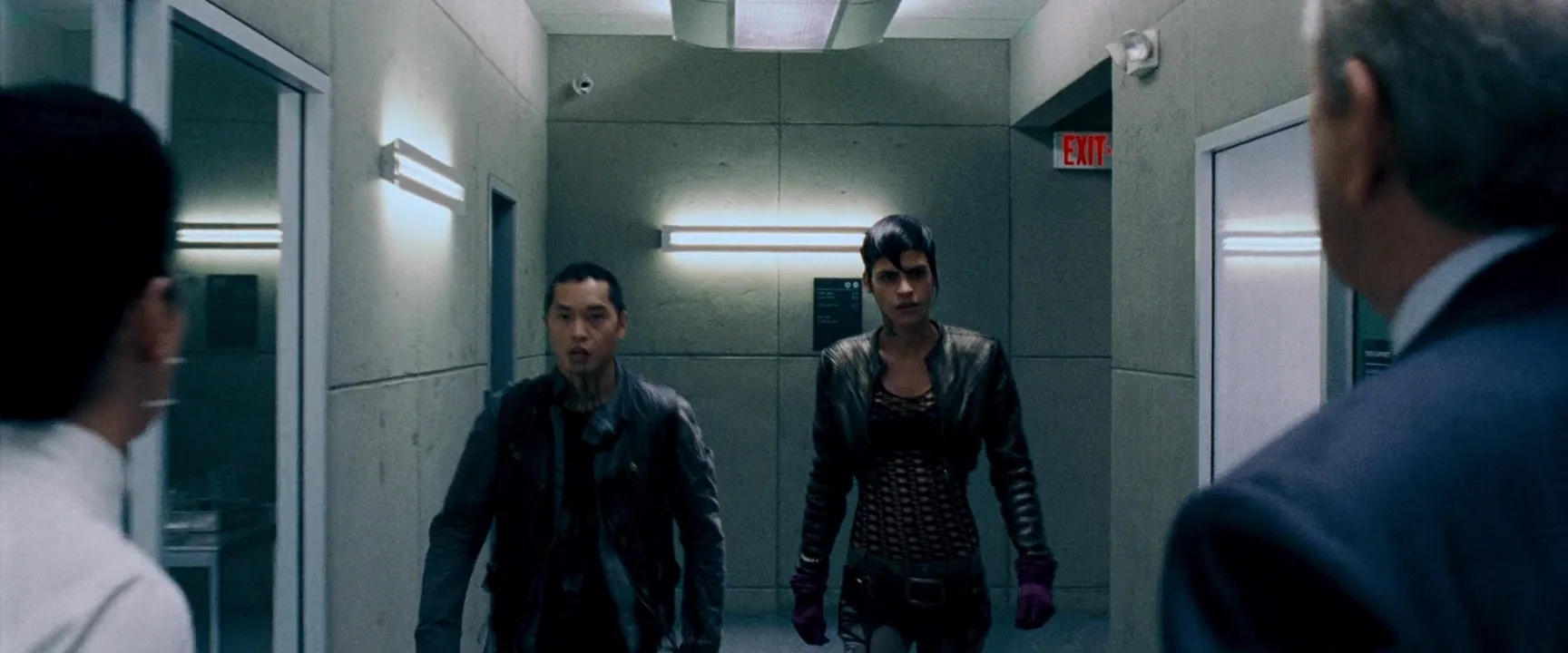
13 framesThirteen frames where the line is easy to read: two figures facing each other across the frame, over-the-shoulders that pin one person to each edge, and single looks that only make sense against a partner on the other side of the cut.
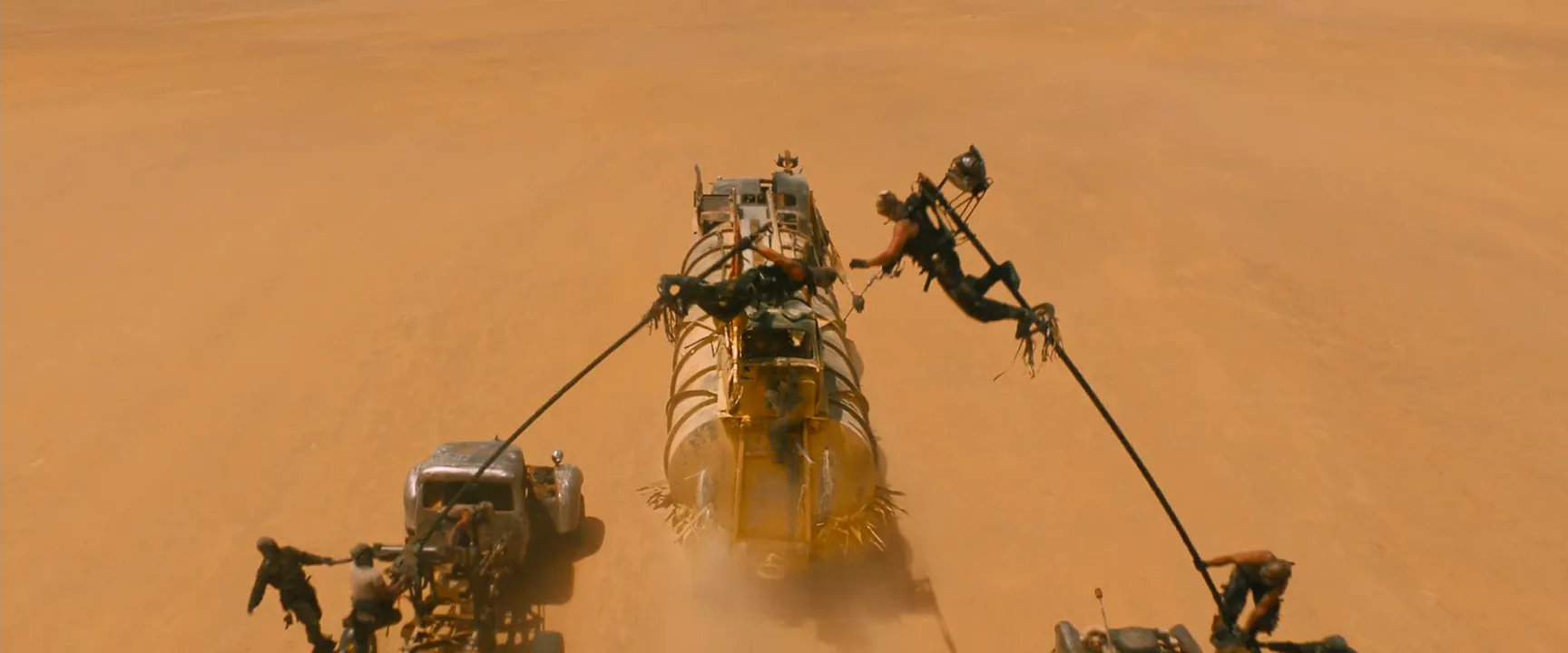
How to create a 180-degree rule with AI
4 promptsImage and video models don't know where the line is unless you tell them. Every prompt in a scene has to say who sits on which side of the frame and which way each person looks, in plain screen terms: frame left, facing right. The three recipes build one scene: Nano Banana 2 Lite makes the master two-shot, GPT Image 2.5 makes an over-the-shoulder from the same side of the line, and MiniMax H3 Max Turbo animates the master. On a FlashBoards board you can set the two stills next to a floor sketch and check that the eyelines meet before anything moves. The fourth prompt re-shoots a real film shot from a text description alone, and the original plays next to the result so you can compare.
Cinematic film still, medium-wide two-shot in clean profile, eye level, 35mm lens, camera square to the table. Frame left: a woman in her forties with a silver-streaked black bob and a mustard-yellow raincoat, seated, facing right. Frame right: a man in his sixties with a shaved head, a short grey beard and a burgundy cardigan, seated, facing left toward her. Between them a small white folding table with a brown paper envelope on it. Behind them a row of front-loading washing machines, two drums spinning with clothes, cold fluorescent light from above, green-tinted night laundromat, soft film grain.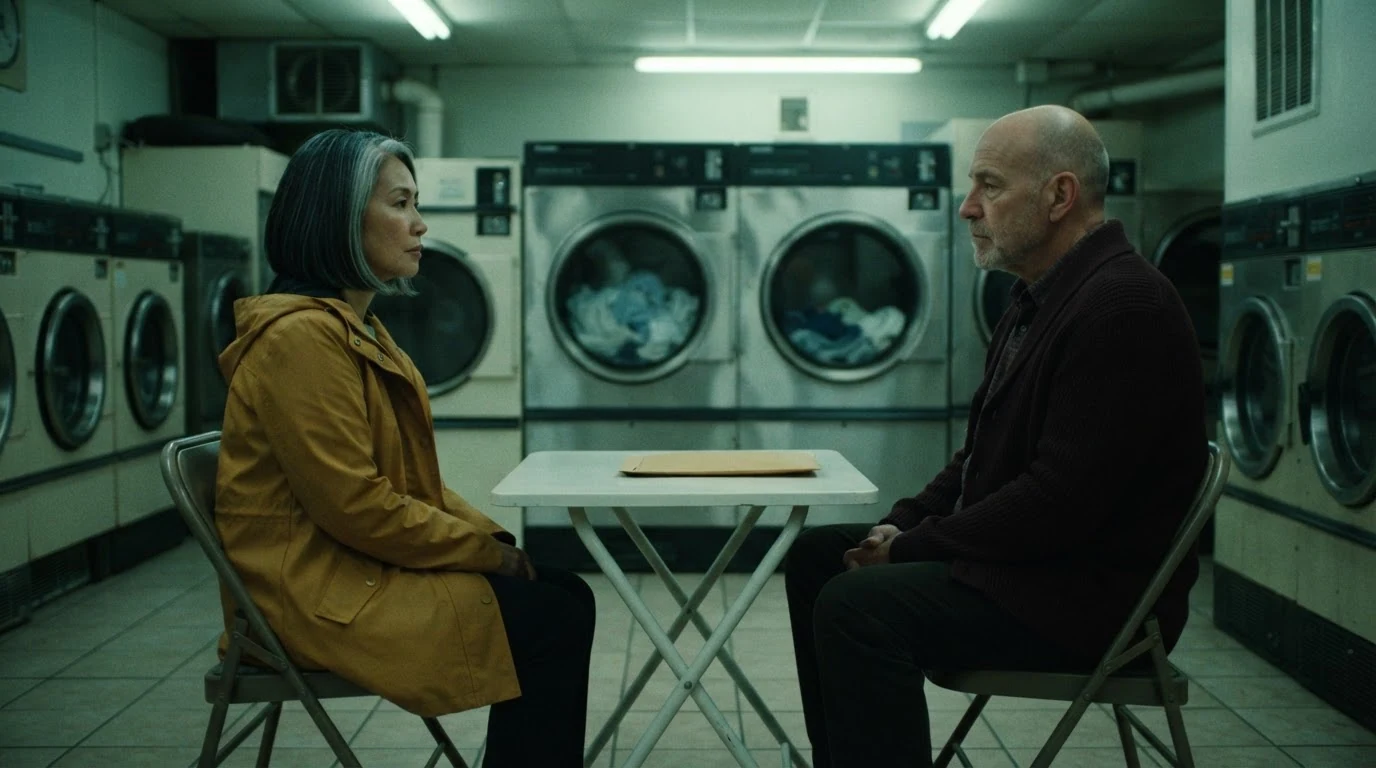
Frame left … facing right and frame right … facing left write the axis into the prompt; models don't infer it from 'two people talking'. Clean profile and camera square to the table put the lens at a right angle to the line, the clearest master for setting the map. The spinning drums and the envelope are there for the video recipe: motion and a prop the shot can use from its first frame.
Open FlashBoardsCinematic film still, over-the-shoulder shot, eye level, 75mm lens, shallow depth of field. Right edge of the frame: the back of a shaved head and the shoulder of a burgundy cardigan, a man in his sixties turned away from camera, soft and out of focus. Left of center, sharp: a woman in her forties with a silver-streaked black bob and a mustard-yellow raincoat, seated at a small white folding table, looking screen right just past the lens at him, one hand resting on a brown paper envelope. Behind her, front-loading washing machines under cold fluorescent light, green-tinted night laundromat, soft film grain.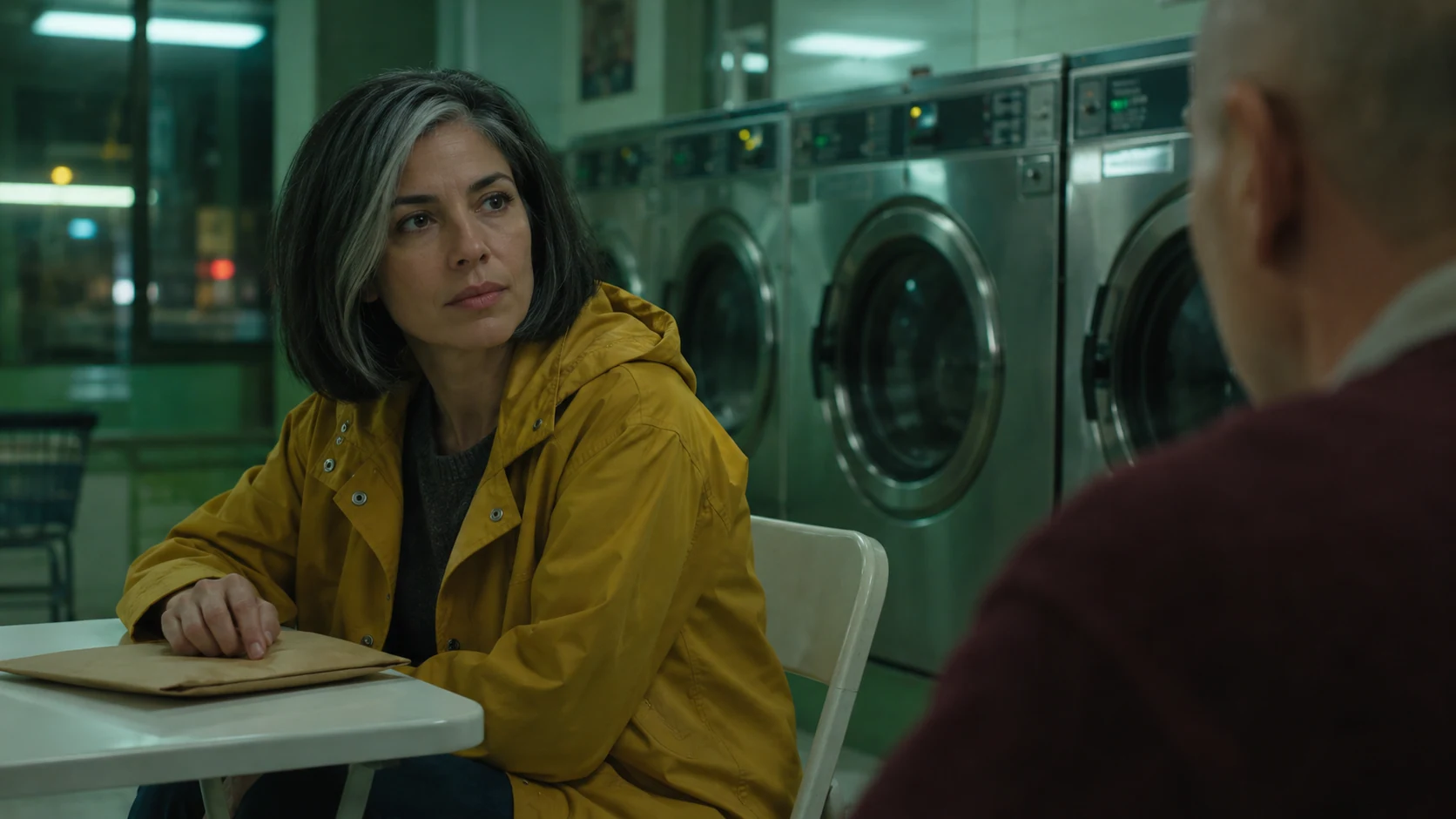
The same side of the line as the master, moved closer. She keeps her place on the left and her look to screen right; his shoulder sits on the right edge because he is on the right of the axis. Looking screen right just past the lens is the phrase that holds the geography; without it she tends to turn to the camera or away from it. Repeat wardrobe, prop and light word for word so the frames cut together. For his reverse, swap the edges: her shoulder on the left, his look to screen left.
Open FlashBoardsCamera: slow dolly push-in straight toward the table, staying on the same side and at eye level, moving from the medium-wide two-shot to a medium two-shot, steady for the whole shot. Action: the washing machine drums are already spinning and the man is already sliding the brown envelope across the table toward the woman on the left. She stops it with her fingertips and looks up at him. At the end he leans back in his chair and folds his arms while she keeps her eyes on him.Straight toward the table … staying on the same side keeps the lens in its half of the room; a vague cinematic move often turns into an orbit that swings the camera across the axis mid-shot and flips the characters. The envelope travels from right to left along the line between them, so the action itself confirms the geography. Already spinning and already sliding make the shot alive from the first frame instead of a slow creep toward a still.
Open FlashBoards{
"output": "Full-screen live-action scene from Resident Evil: Afterlife (2010), from its very first frame: one single continuous shot. Glossy 2010 digital-cinema look with fine grain, 2.39:1 scope frame, a disused prison shower block: thick brushed-steel shower columns, gray-green paneled walls, a slatted wooden bench along the back wall, a row of small high windows glowing warm amber behind the figures, cool gray shadows, soft haze.",
"characters": {
"S1": {
"name": "Alice, played by Milla Jovovich",
"look": "slim woman, shoulder-length dark brown wavy hair, black short-sleeved top and black tactical harness, two sword hilts rising behind her shoulders, black fingerless gloves",
"voice": "silent in this shot"
},
"S2": {
"name": "Luther, played by Boris Kodjoe",
"look": "tall, muscular, shaved head, black sleeveless undershirt, dark trousers, a black band on the wrist",
"voice": "silent in this shot"
}
},
"shots": [
{
"shot": 1,
"camera": "locked-off static camera, eye level, 40mm lens, medium-wide two-shot from the thighs up, camera square to the line between the two people; S1 stands left of center facing right, S2 stands at frame right facing left toward her, seen three-quarter from behind; a steel shower column stands between them right of center, another column in the left foreground; the framing stays exactly the same to the end",
"action": [
"BEGINNING: alive from the first frame, S1 looks across at S2; S2 holds a folded gray towel in the hand nearest the column and hangs it on the column's handle.",
"THEN: he turns the valve on the column; a thin sparkling stream of water starts falling from the top of the column into the gap between them, lit by the amber windows; S1 lowers her eyes to the water.",
"END: S1 reaches her open hand forward, palm up, toward the falling water to test it; S2 stays in place watching her; each keeps to their own side of the frame."
],
"voice": "silence: nobody speaks in this shot, no voice at all",
"dialogue": []
}
],
"sound": {
"ambience": "the water starts with a soft gush and patters on the concrete floor, faint hum of an empty building",
"speech": "no words in this video; the only human sounds are breaths and movement",
"never_spoken": "no narration and no voice-over: the descriptions, performance notes and step words of this prompt are never spoken aloud",
"music": "a film score under the scene, always below the voices: a low, hushed synth pad with a slow, weary pulse",
"subtitles": "none"
}
}Remakes the static two-shot of Alice and Luther from Resident Evil: Afterlife (2010), dir. Paul W. S. Anderson, DP Glen MacPherson: her place on the left and his on the right, the towel on the column, the water switching on and her hand reaching into it, played in silence as in the original.
The axis sits in the camera field: S1 left of center facing right, S2 at frame right facing left, with the camera square to the line. Locked-off keeps the lens on one side, and the towel, the water and her open hand all move inside the gap between them while nobody swaps sides.
Common mistakes
- Characters swap sides between takes. A model doesn't remember the layout of your last frame. State frame left / frame right and facing right / facing left in every prompt of the scene.
- Both people face the camera. 'Two people talking' often gives two faces turned to the lens, which has no axis at all. Ask for profile, facing each other or a look just past the lens.
- Mirrored reverse angles. Ask for 'the reverse shot' and some generations simply flip the previous image, so the man inherits the woman's look direction. Describe the reverse from scratch: whose shoulder, which edge, which way the face looks.
- The camera orbits across the line. In video, circles, arcs around or an unspecified move can swing the camera to the other side. Name a straight move and add staying on the same side; describe the layout positively, since don't cross the line gives the model nothing to draw.
Keep the reference frames, prompts and every generated take side by side — images and video in one canvas.
FAQ
5 questionsWhat is the 180-degree rule in film?
The 180-degree rule is a continuity guideline: draw an imaginary line through the two main characters, or along the direction of movement, and keep every camera setup on one side of it. Each character then holds their side of the frame, eyelines meet across cuts, and moving subjects keep traveling the same way. The 180 refers to the half circle of camera positions you may use.
What happens if you cross the line in film?
The characters swap sides of the frame. Two people talking suddenly seem to face the same way, or a runner appears to reverse direction. Viewers feel a jolt and lose a moment rebuilding the space. Done deliberately, the jolt can signal disorientation, a shift in power or a split mind; done by accident, it just looks like a mistake.
How do you cross the 180-degree line correctly?
Show the crossing or reset the map. Move the camera across the axis in one continuous shot, let the actors walk and redraw the line, cut through a neutral shot taken straight along the axis, or re-establish with a new wide from the other side. After any of these, the new side becomes the correct side for the rest of the scene.
Is the axis of action the same as the 180-degree rule?
They are two halves of one idea. The axis of action is the imaginary line itself, running through the characters' eyelines or along their path of movement. The 180-degree rule is the instruction built on it: keep the camera on one side of that line. On set people usually just call it the line, as in crossing the line.
Does the 180-degree rule apply to action and chase scenes?
Yes. In action the axis follows the direction of movement. If the hero runs screen right, the pursuers must run screen right as well, or the two sides seem to be running toward each other. Fights need the same care: keep each opponent on their side of the frame between cuts, or show the switch on screen.
Related terms
6- 180-Degree Shutter RuleCameras & Capture
The 180-degree shutter rule sets the shutter speed to roughly double the frame rate — 1/48 or 1/50 s at 24 fps — which gives the natural motion blur audiences associate with cinema; breaking it makes movement stuttery (narrow shutter) or smeary (wide shutter).
- Screen DirectionComposition & Framing
Screen direction is the left-to-right or right-to-left way characters move and look across the frame; keeping it consistent between shots tells the audience where people are heading and who is chasing whom.
- Shot Reverse ShotCamera Shots
Shot reverse shot alternates between two opposing camera setups — one on each character, typically over-the-shoulder shots or singles from the same side of the axis — so a conversation plays as a rhythmic back-and-forth.
- Eyeline MatchEditing
An eyeline match cuts from a character looking off-screen to what they are looking at, with the gaze direction matched so the audience instantly reads the second shot as their view.
- ContinuityFilmmaking Process & Crew
Continuity is the consistency of every visible and audible detail — props, costume, hair, eyelines, positions, light, weather — across shots that were filmed out of order, so the edited scene reads as one unbroken moment.
- Over-the-Shoulder ShotCamera Shots
An over-the-shoulder shot looks at one character past the back of another's shoulder and head, keeping both in frame so a conversation feels connected and spatially anchored.
Further reading
Daniel Arijon, Grammar of the Film Language (1976). Steven D. Katz, Film Directing Shot by Shot (1991). David Bordwell and Kristin Thompson, Film Art: An Introduction.